
Rhino 9 Features
No matches. Try fewer or different words.
Toolbars, Refined
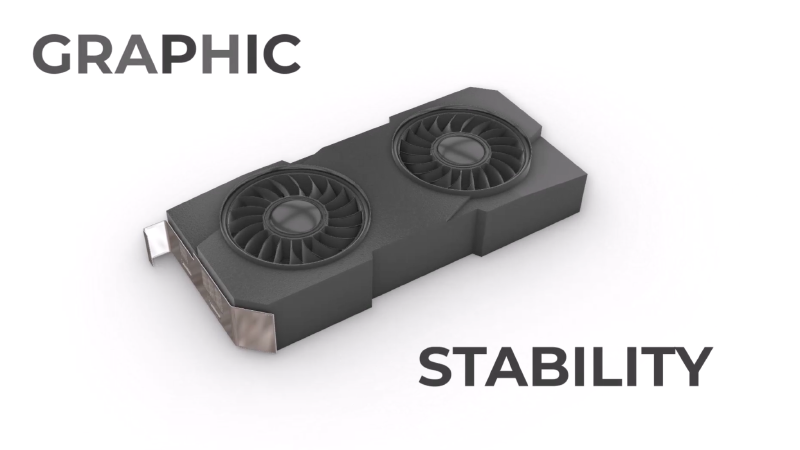
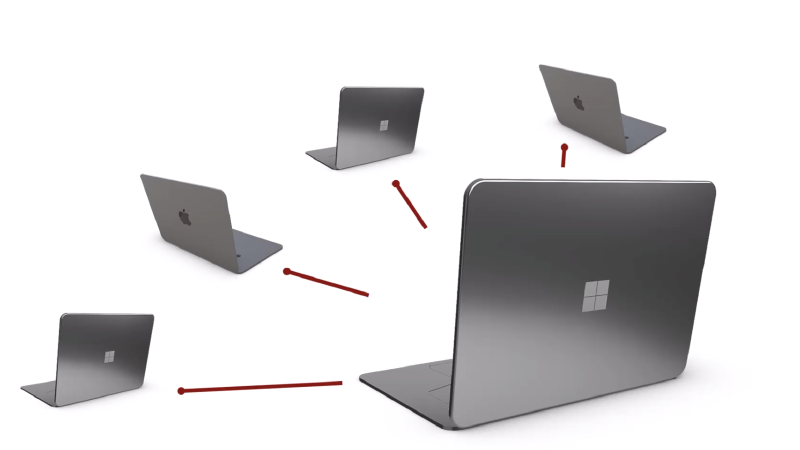
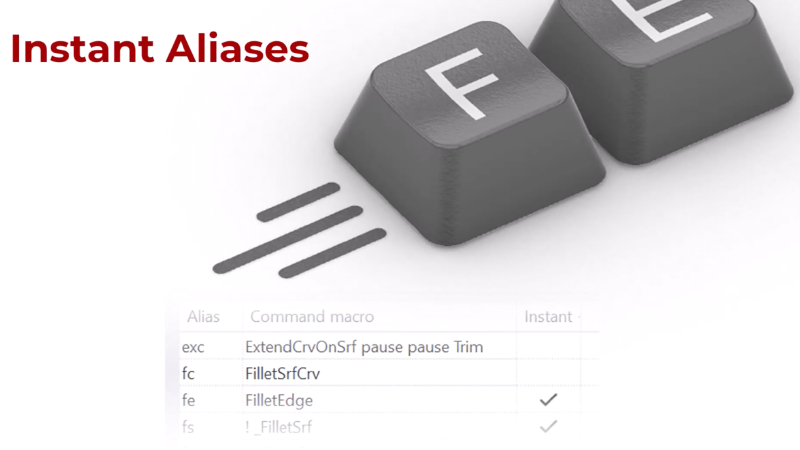
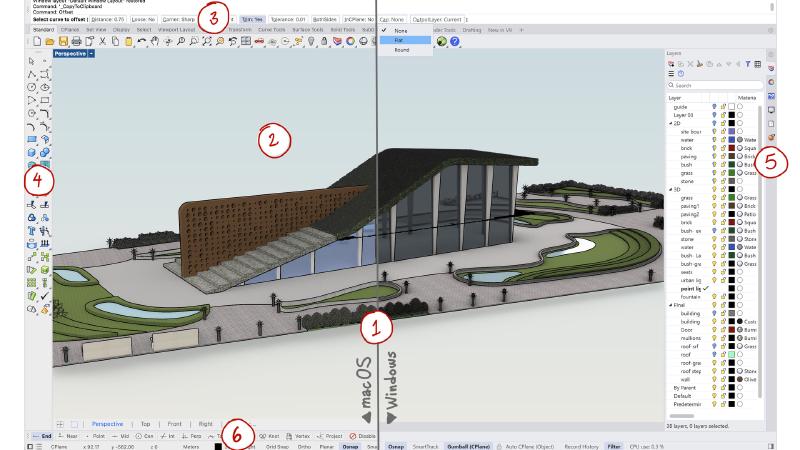
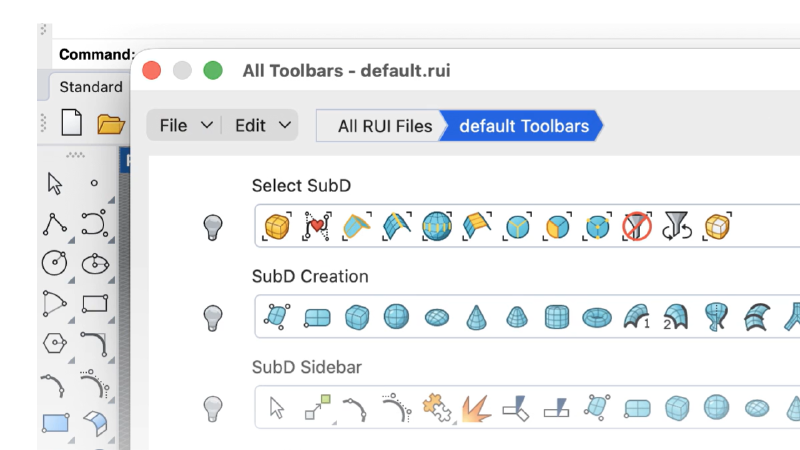
Rhino 9's toolbar and RUI system has been rebuilt from the ground up for stability, predictable editing, and easier sharing.
MatchSubD
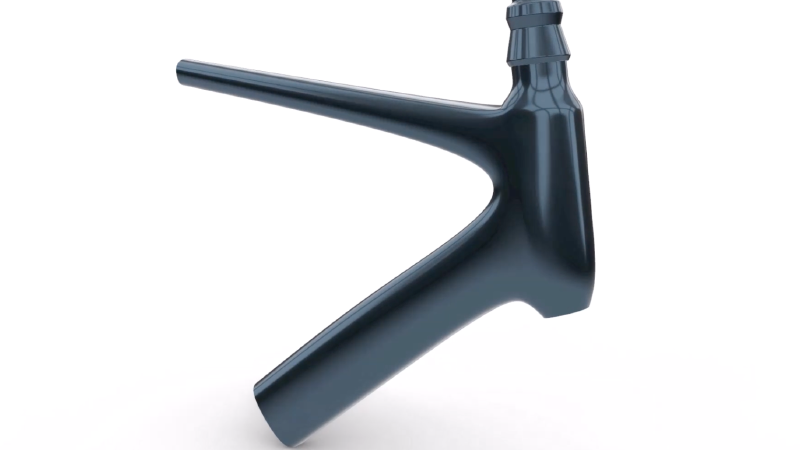
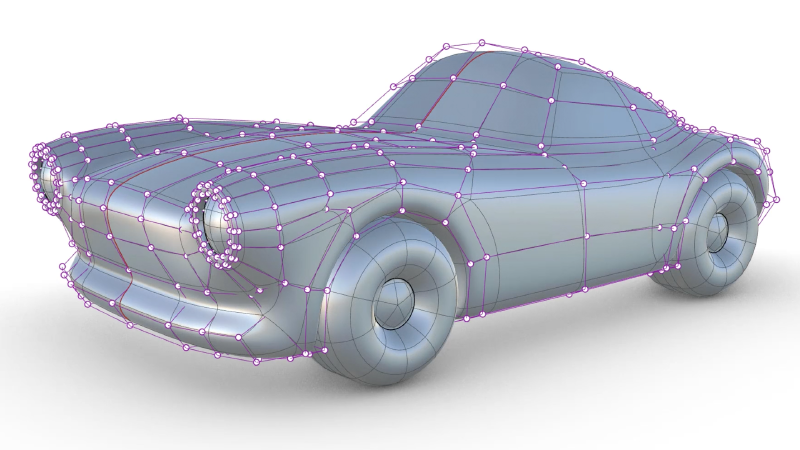
Hybrid modeling made easy! Connect SubD and surface edges to get the best of both worlds: easy form exploration while respecting manufacturing constraints.
SoftTransform
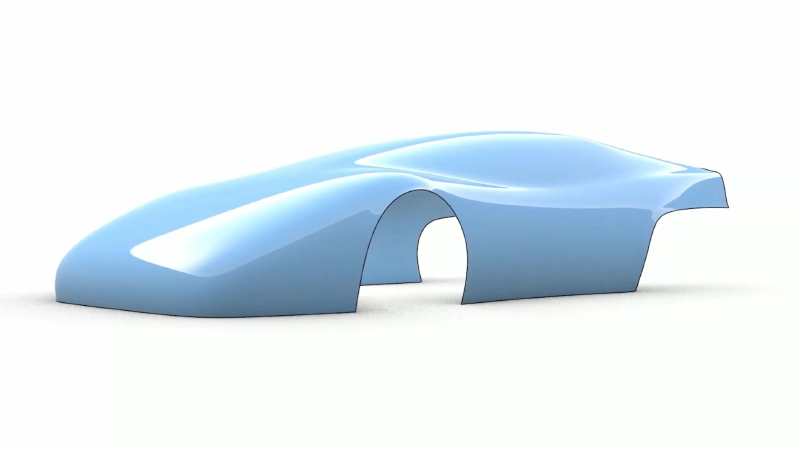
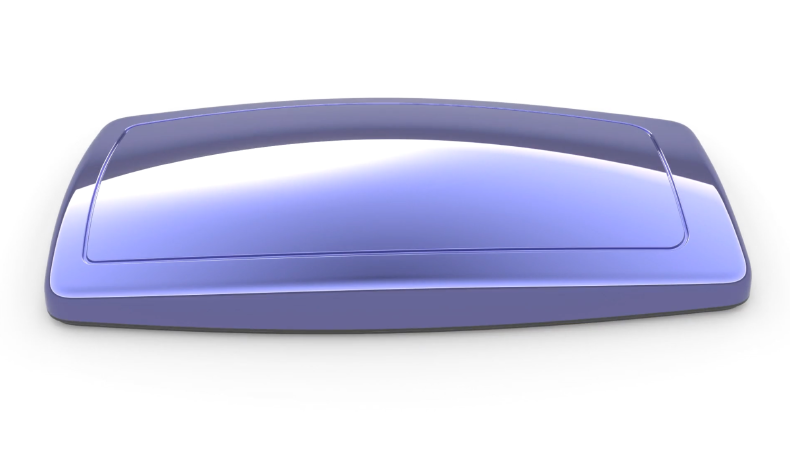
Adjust large numbers of control points by applying a falloff influence to surrounding points. Create more organic and natural changes to your shape rather than hard, mechanical ones.
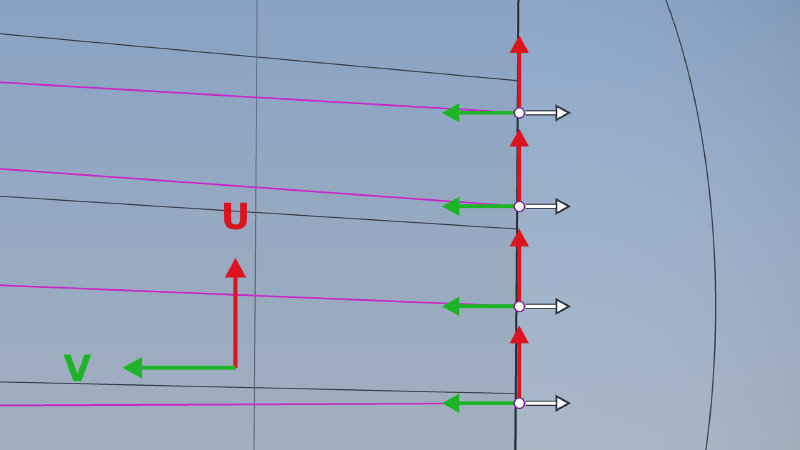
Gumball: Control Polygon
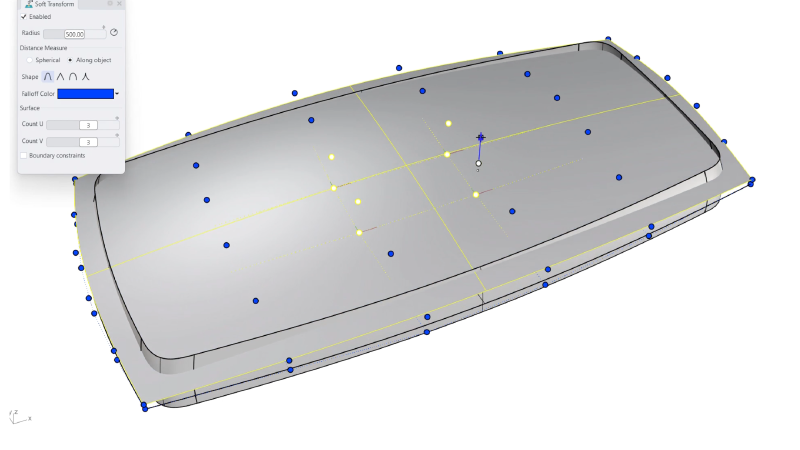
Massage single or multiple control points in their own U, V or N direction. Tune surfaces faster and more intuitively, directly in the viewport.
Patch
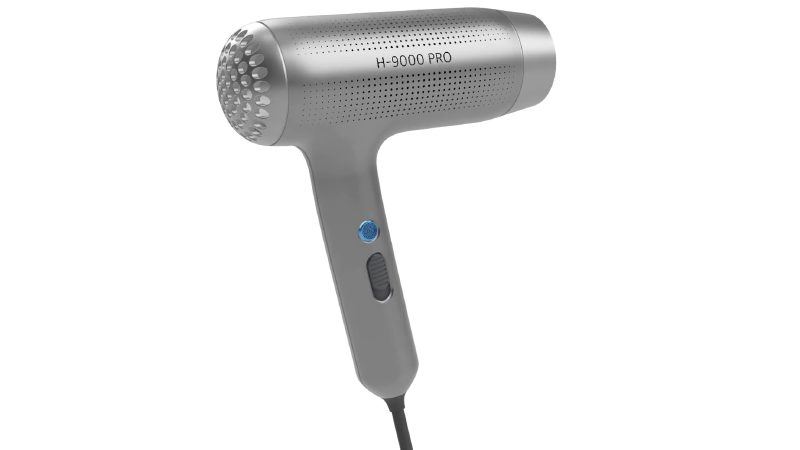
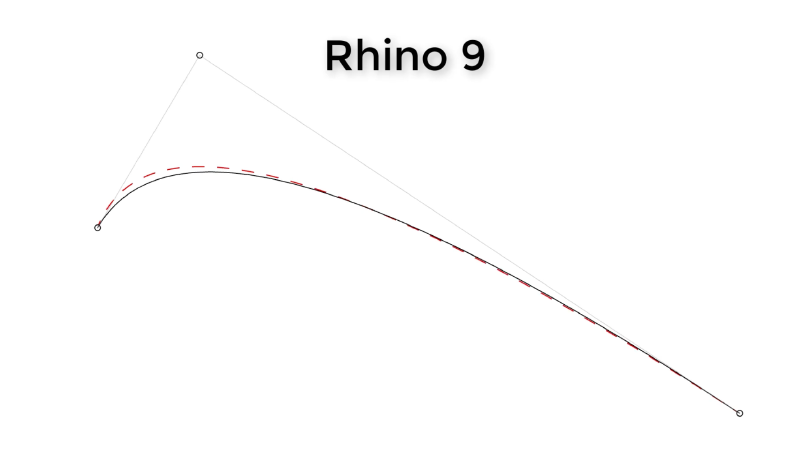
Create untrimmed and 5+ sided surfaces that reach up to curvature continuity to neighboring surfaces in a few clicks.
Fillet and Blend Edge
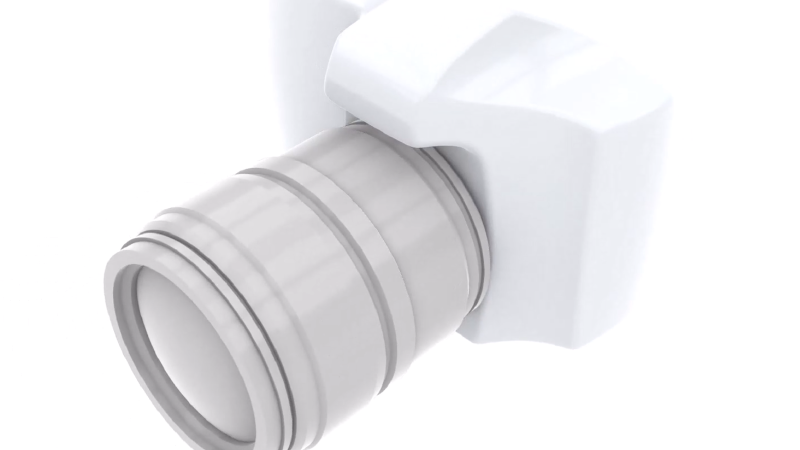
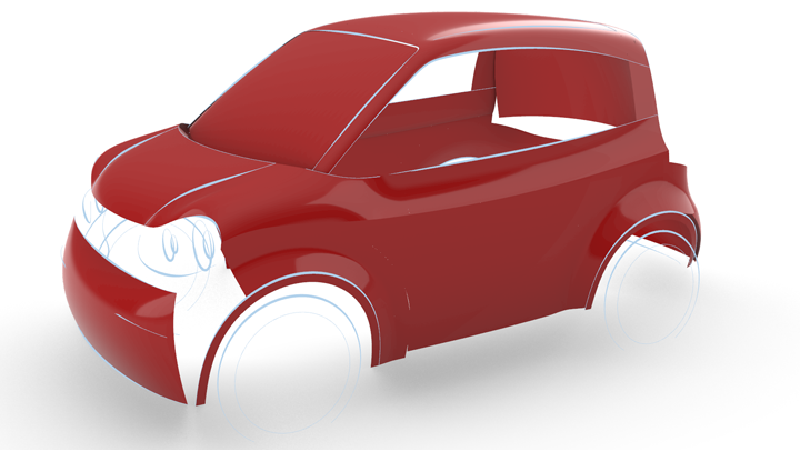
Soften sharp edges on solids or polysurfaces in one go. Create beautiful transitions for your high-end consumer products.
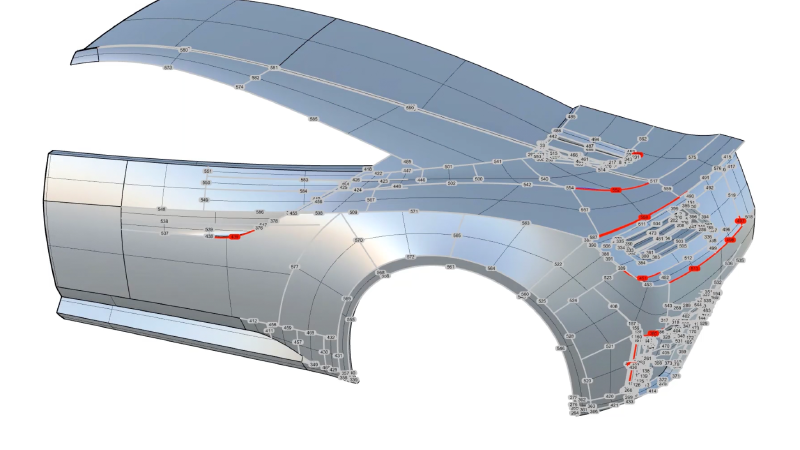
Zebra: Surface Analysis
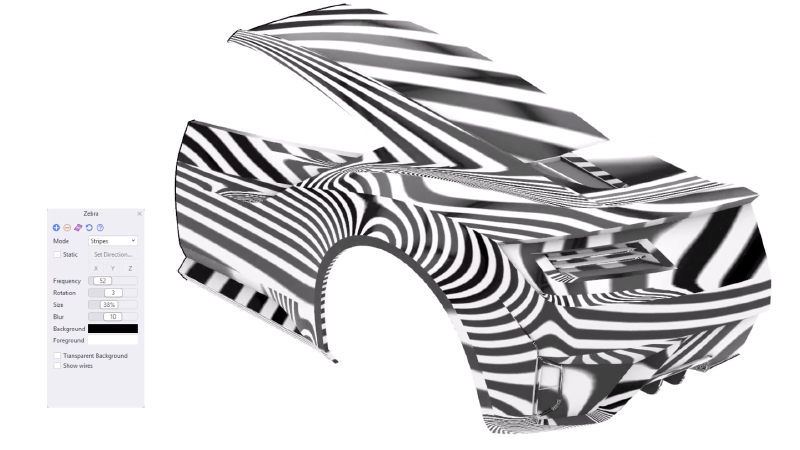
Analyze continuity between surfaces and visually display tangency and curvature conditions between surfaces.
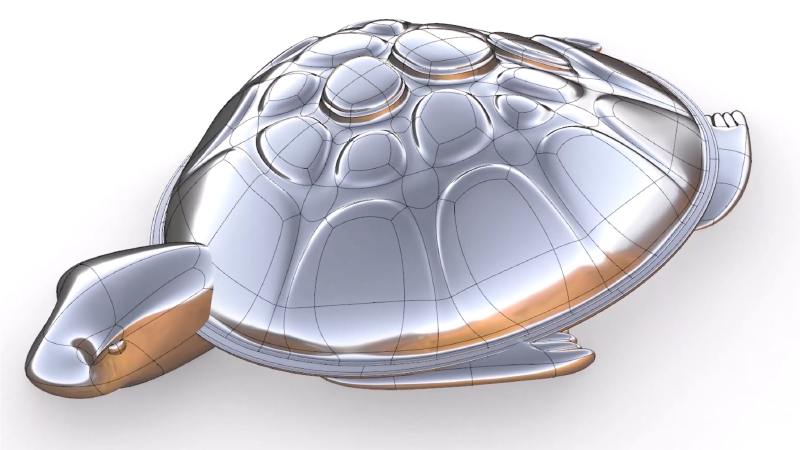
Inset: Shaping Detail
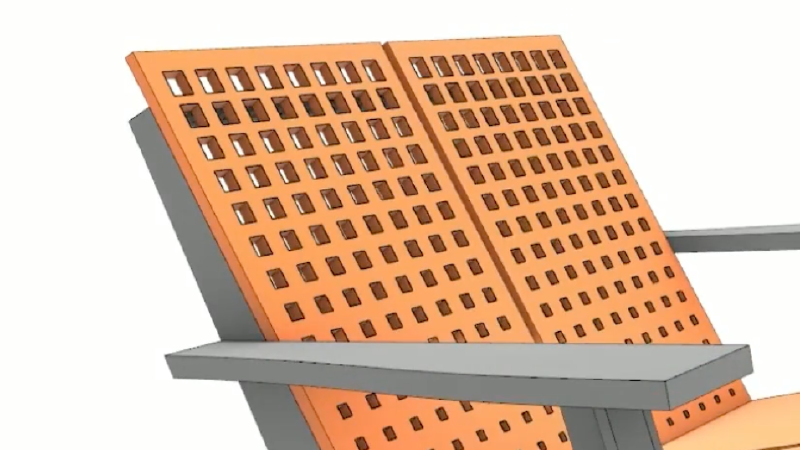
Easily add details to your designs. Create internal per-face boundaries or across multiple faces.
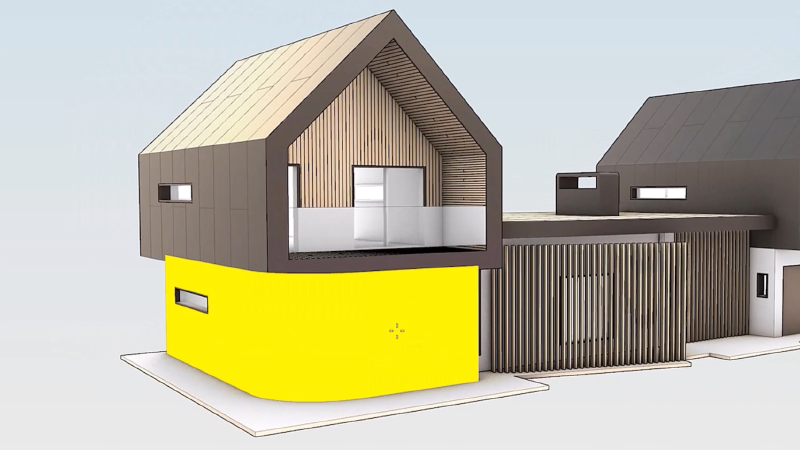
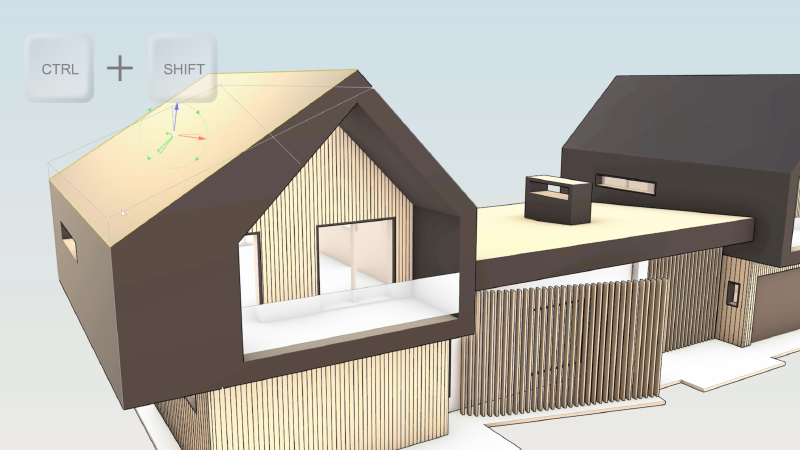
Gumball: Rotate-Extend
Quickly Move, Rotate, Scale, Copy, Cut, and Extrude geometry without typing commands or clicking a toolbar button making the Gumball a versatile direct modeling tool.
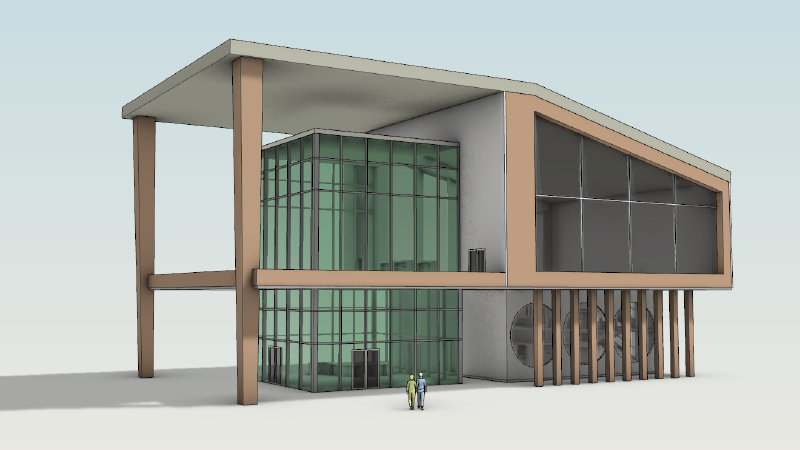
Concept Display Mode
Quickly communicate early-stage designs with a presentation-ready look straight from your 3D model.
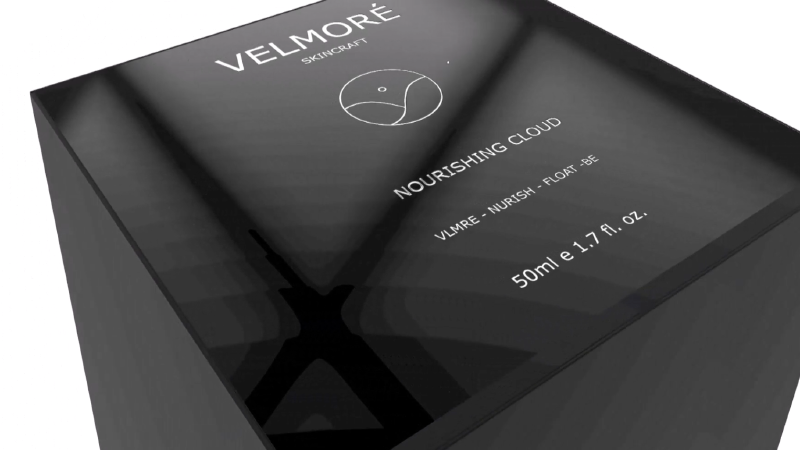
Decals
Decals are commonly used for representing labels and graphics on products, packaging, and signage. Add reflectiveness, textures, and bump maps.
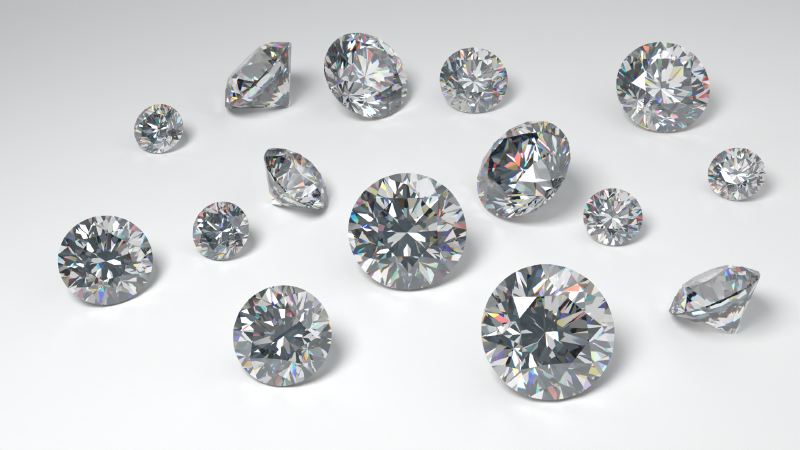
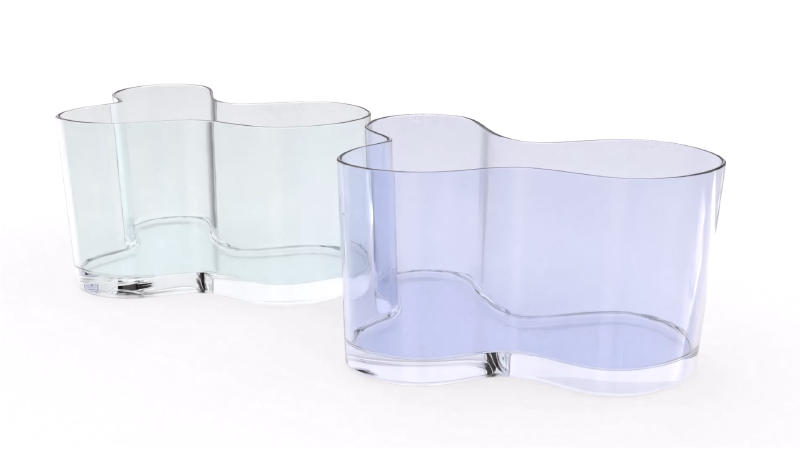
Caustics and Dispersion
Caustics and dispersion are useful for creating realistic images of jewelry or consumer products that contain reflective or transparent elements.
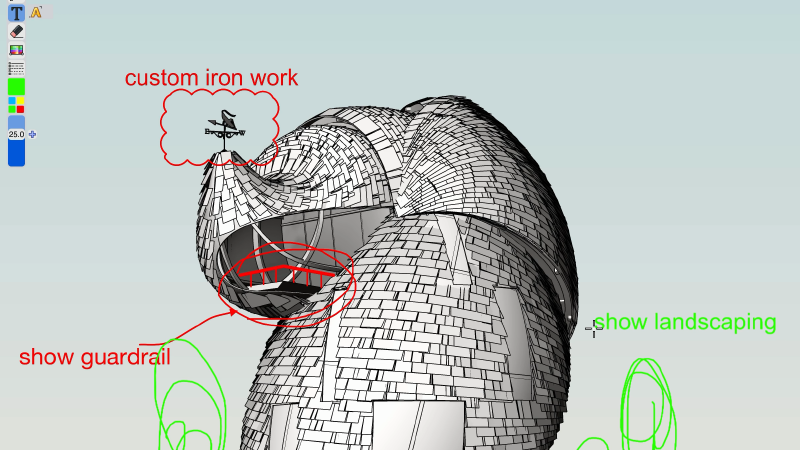
Markups
Markups are an easy way to communicate changes with your design team or client. Annotate or redline directly on your model or drawing.
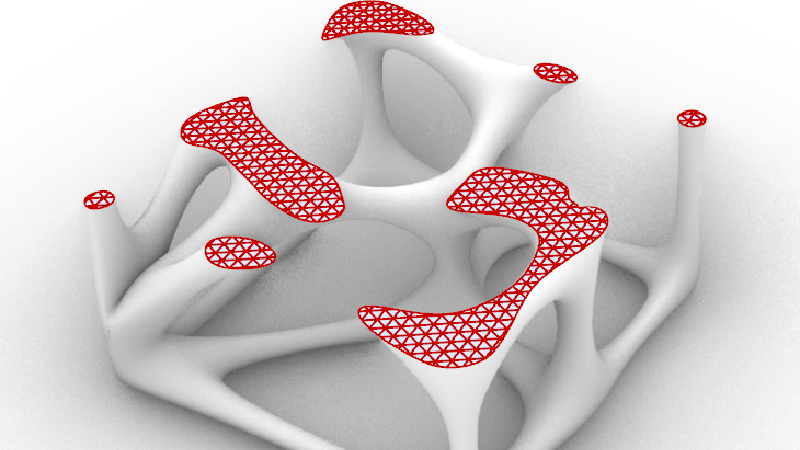
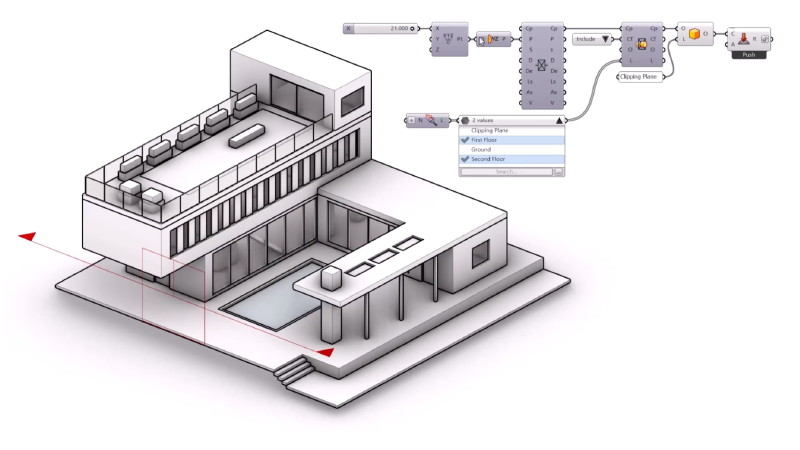
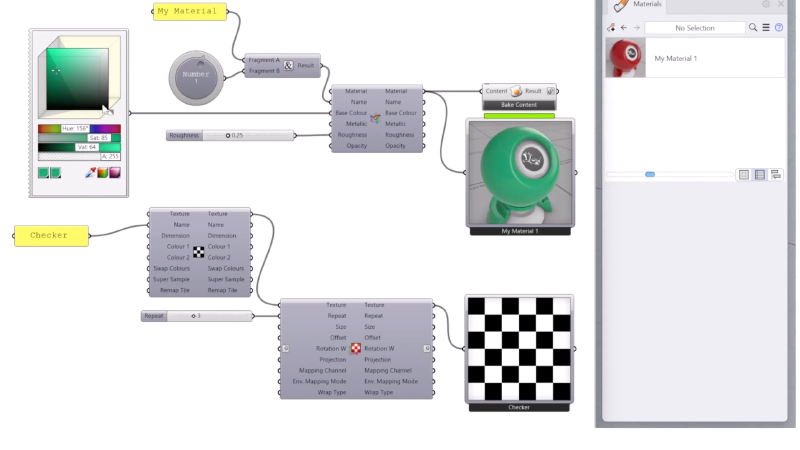
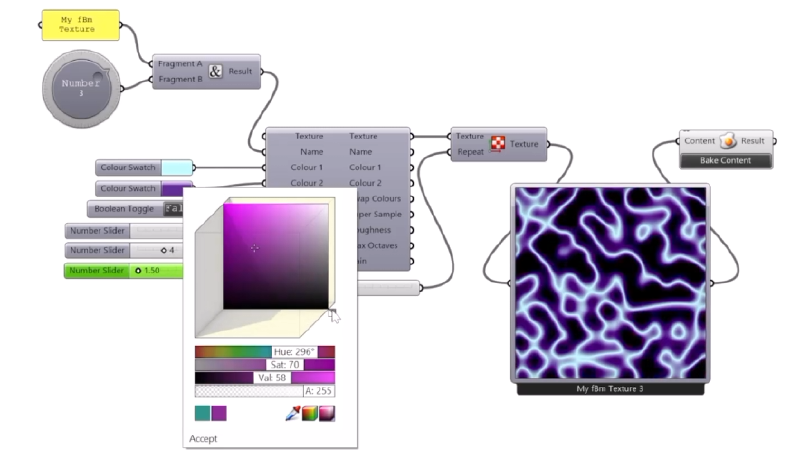
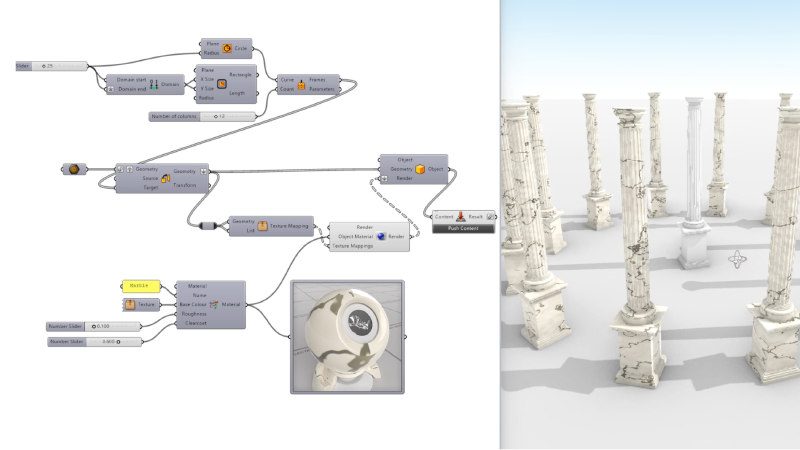
Grasshopper: Texture Mapping
Create, assign and edit the texture mapping of objects with Grasshopper.
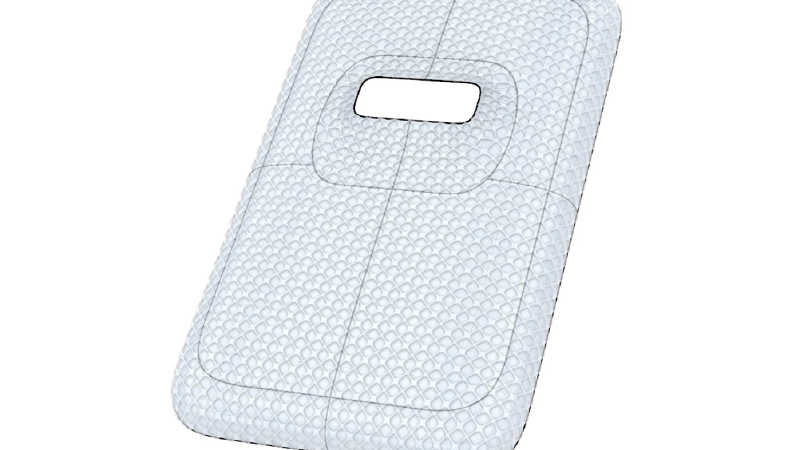
Grasshopper: ShapeMap
Grasshopper add-on that maps 2D curves or image-based textures onto a complex 3D shape with minimal distortion.
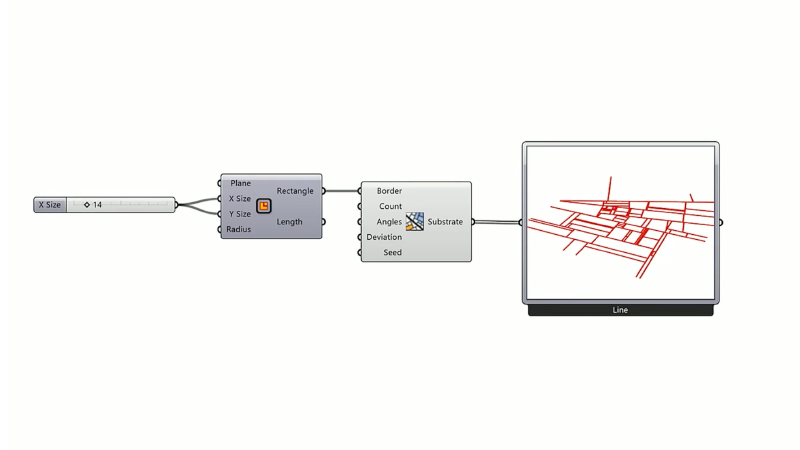
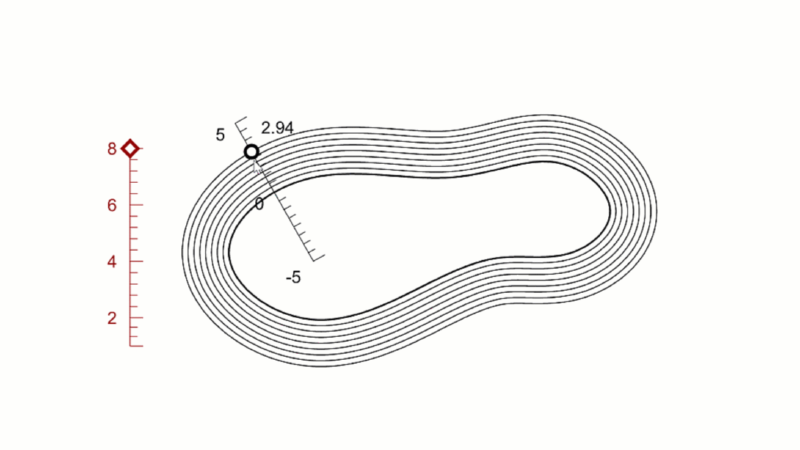
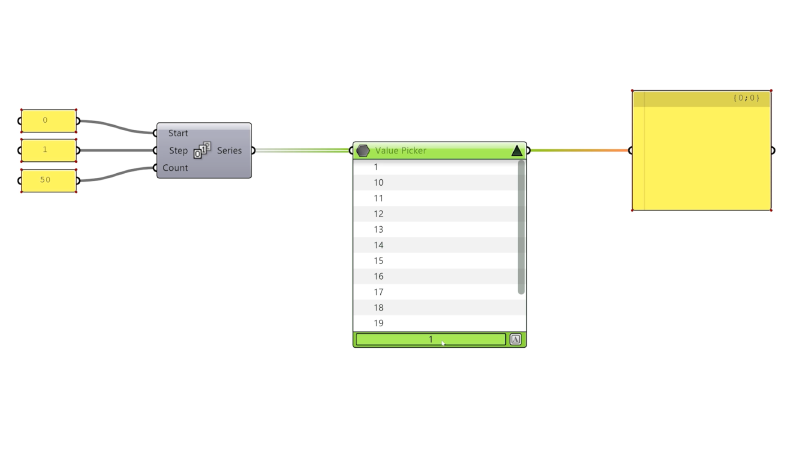
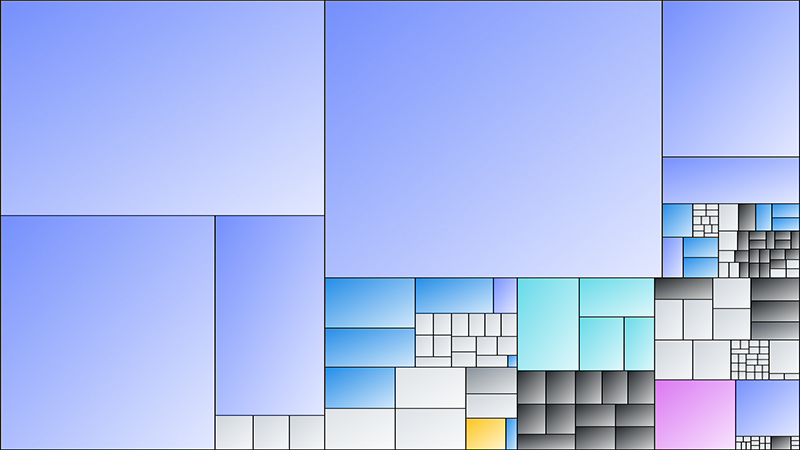
Audit 3dm Files
An interactive tool showing the relative size of objects in your 3dm file. Troubleshooting made visual.
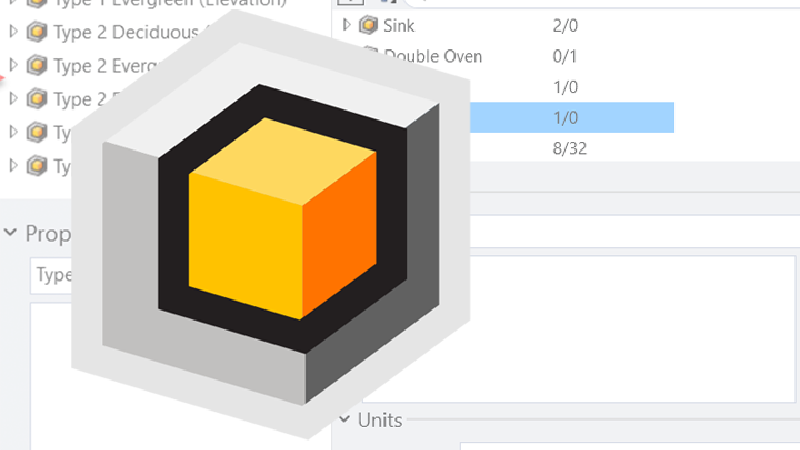
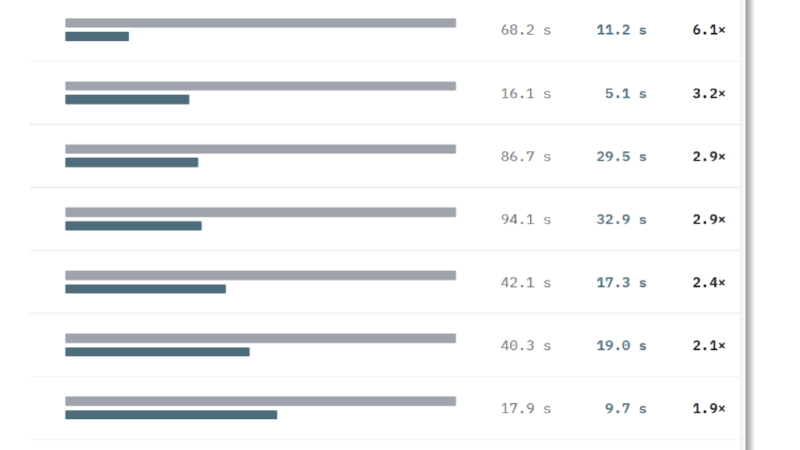
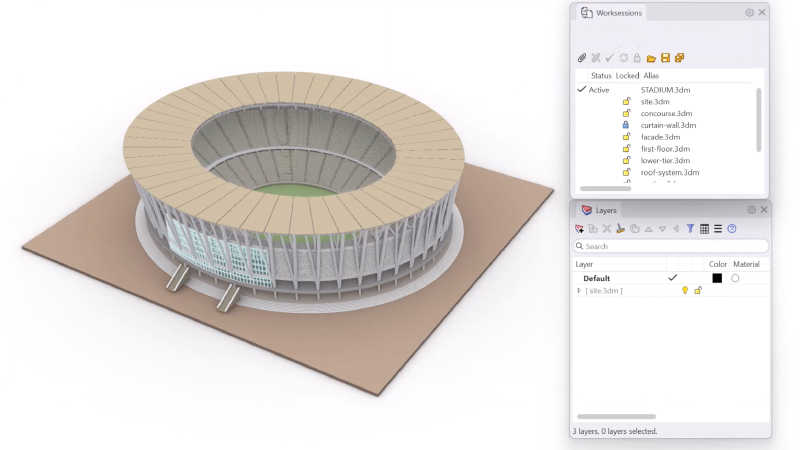
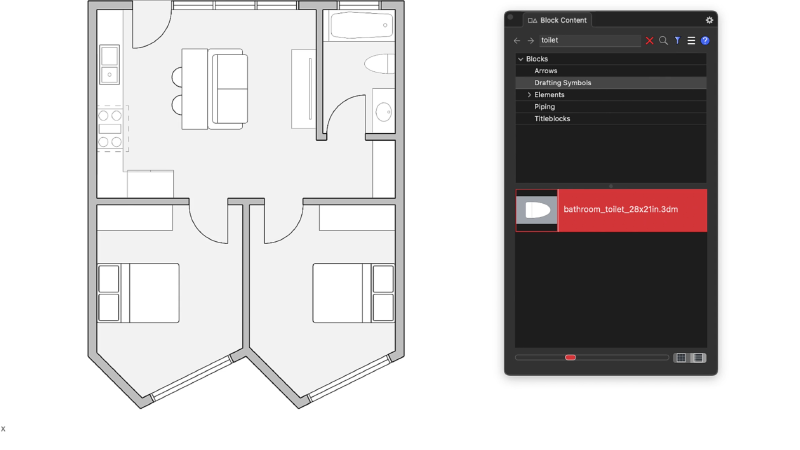
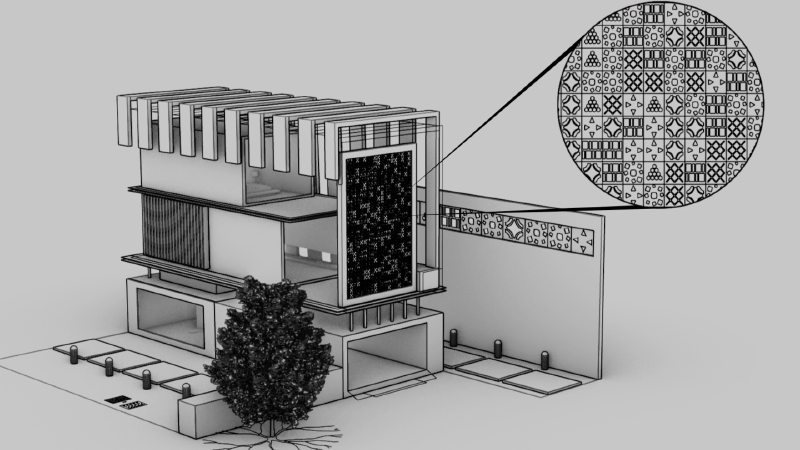
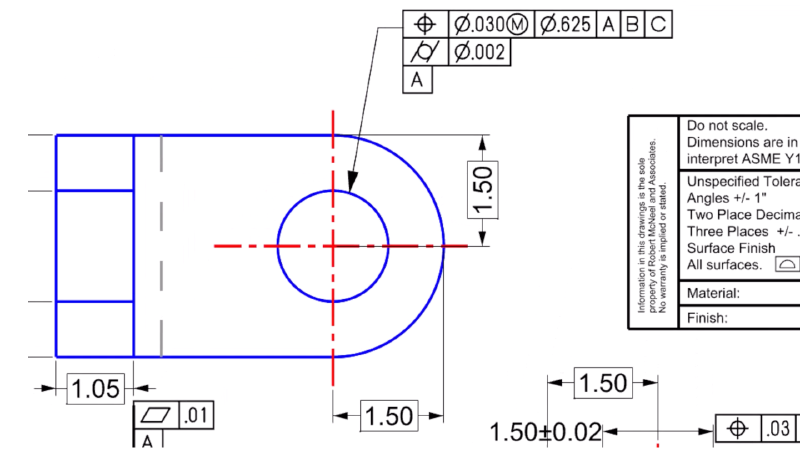
Non-Rectangular Details
Detail borders that adapt to the shape of your design. Non-Rectangular Details help create visually appealing technical drawings.
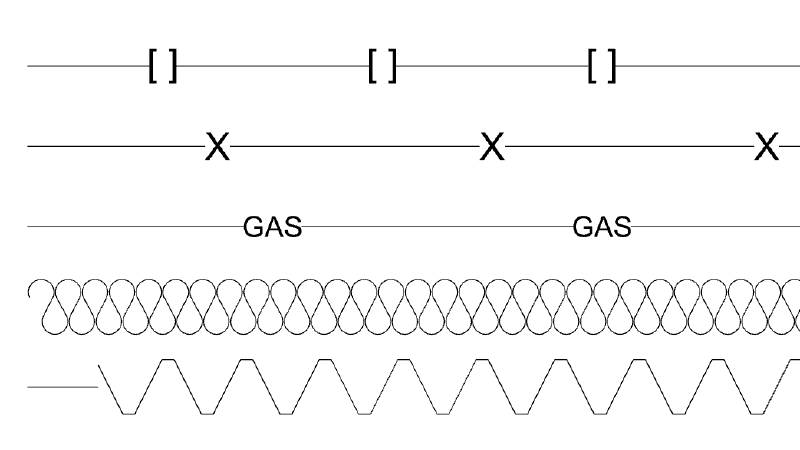
Linetypes
Linetypes draw stylized curves with pattern, width and taper to communicate design or artistic flair.
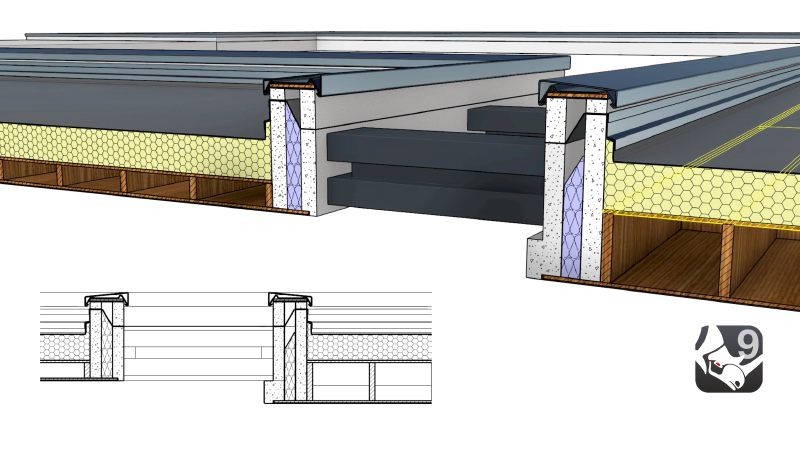
Text Formatting
A full-featured text editor, allowing for bulleted lists, kerning, and more for formatting text annotations.
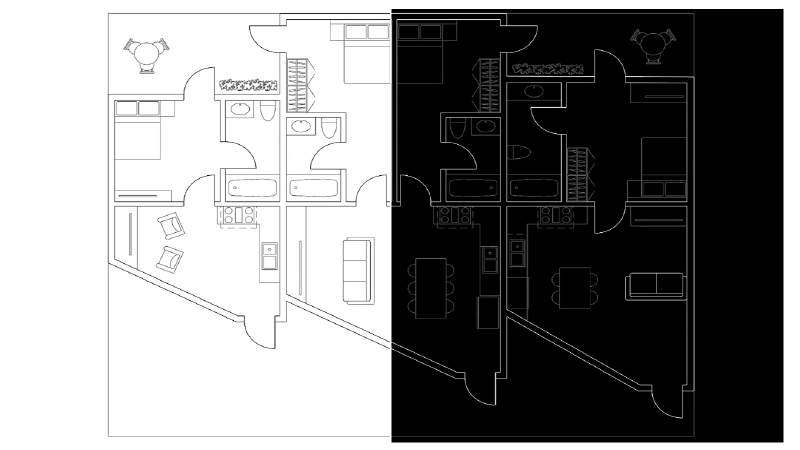
Black and White Switch
Automatically flip pure black or white curves and wires to the opposite color of the viewport background.
Rhino 9 | Grasshopper 2
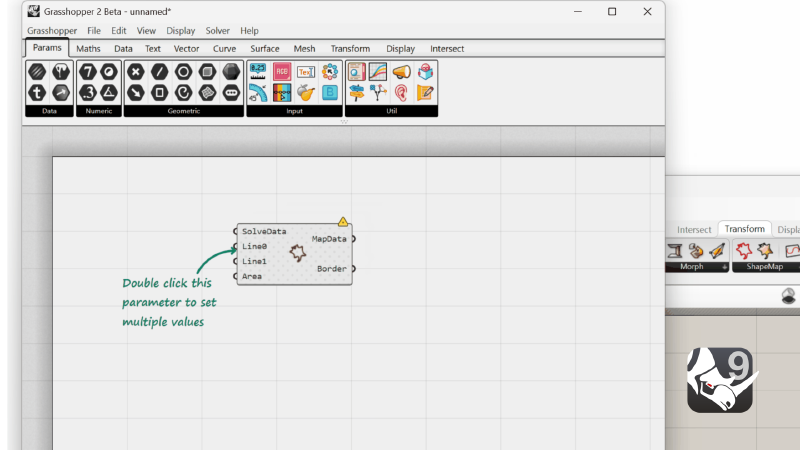
Hop onto the next level of Visual Programming: looping, metadata, multithreading / cancelling.

Rhino.Compute on Linux
Access the Rhino and Grasshopper SDKs through a stateless REST API. Now available on Linux Servers.

Python Updates
Write and publish Python 3 and C# scripts in Rhino and Grasshopper using the new unified ScriptEditor
RhinoCommon
RhinoCommon is the cross-platform .NET plugin SDK for Rhino and Grasshopper, allowing developers to write once and run on both Windows and Mac platforms without changes.
Rhino 9 Stories
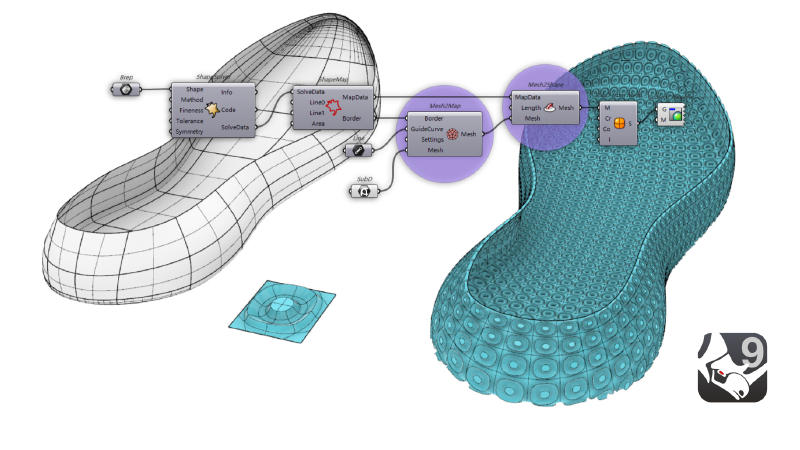
Rhino 9 | Patterning
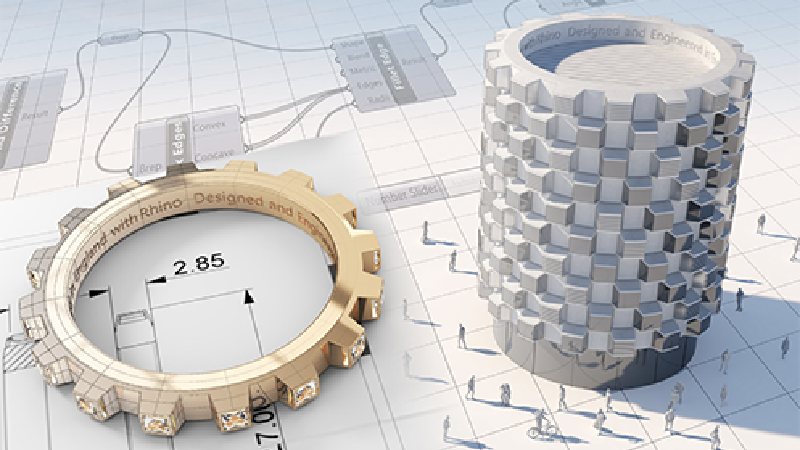
Rhino 9 includes a rich toolset for recreating uniform or gradient patterns in 2D or 3D.
Rhino 9 | Drafting
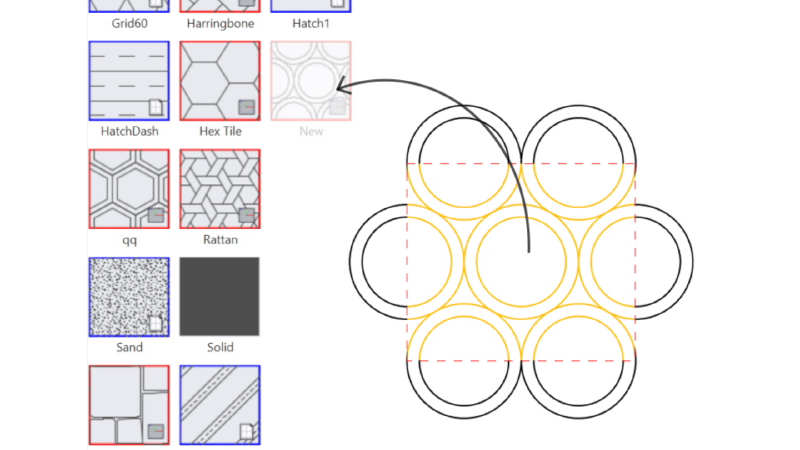
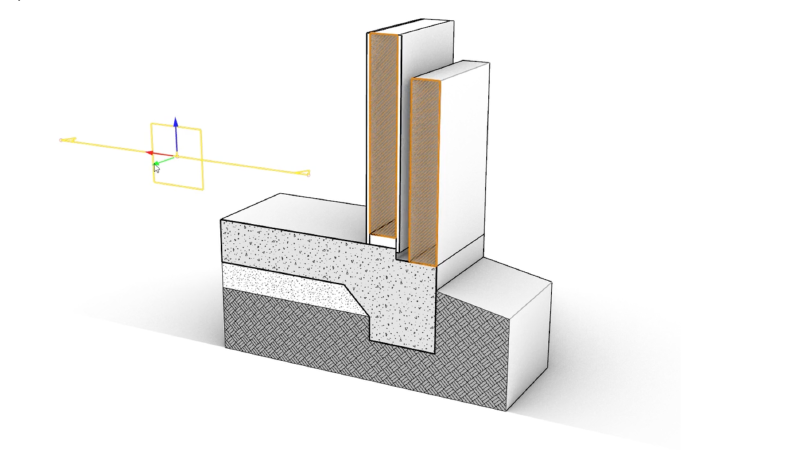
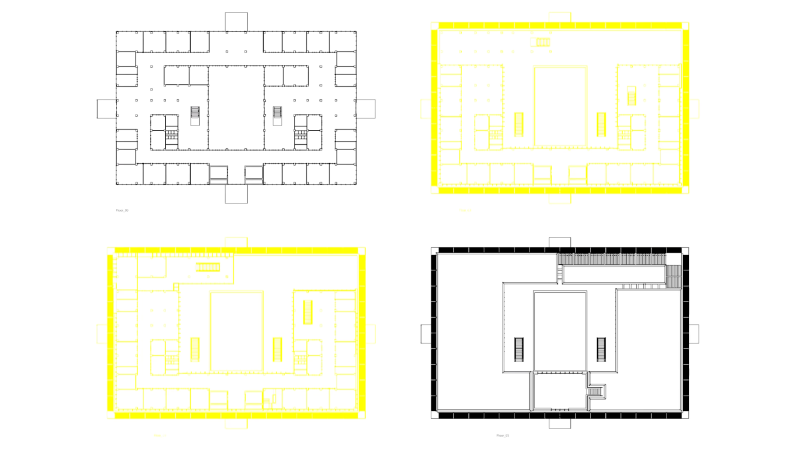
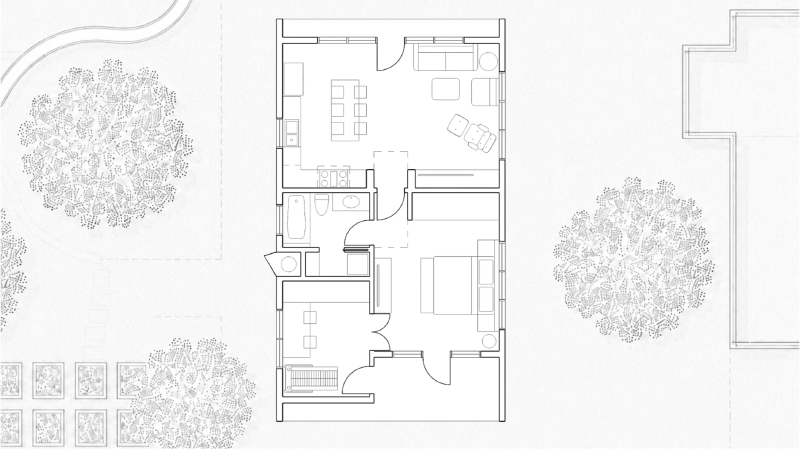
Get from 3D model to finished drawing faster, with a new Block Editor, section tools, custom hatch patterns and markups in Rhino 9.
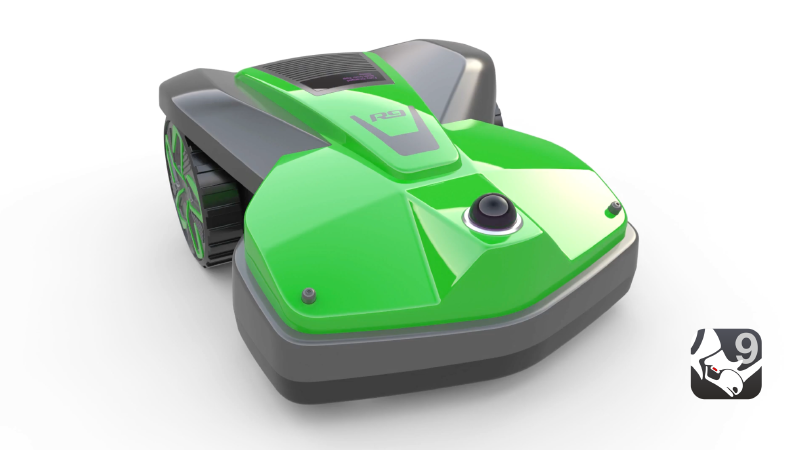
Rhino 9 | Freeform Modeling
Rhino's model creation tools make it flexible, accurate, open, and very popular.
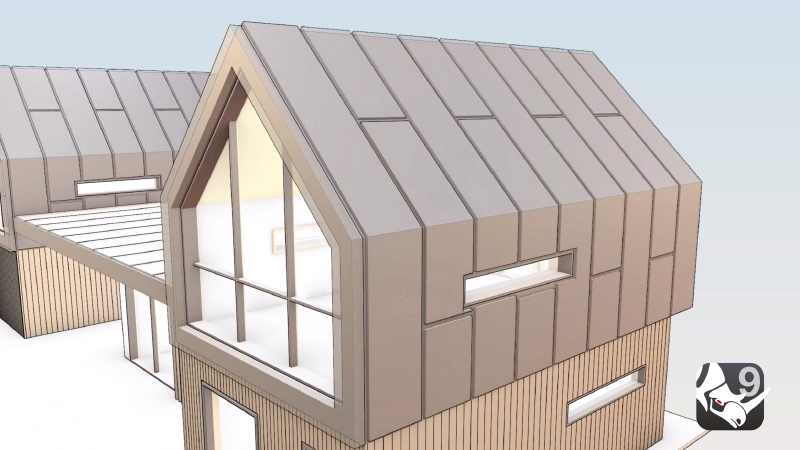
Rhino 9 | Direct Modeling
Directly interact with your geometry and see your ideas shape up in realtime.
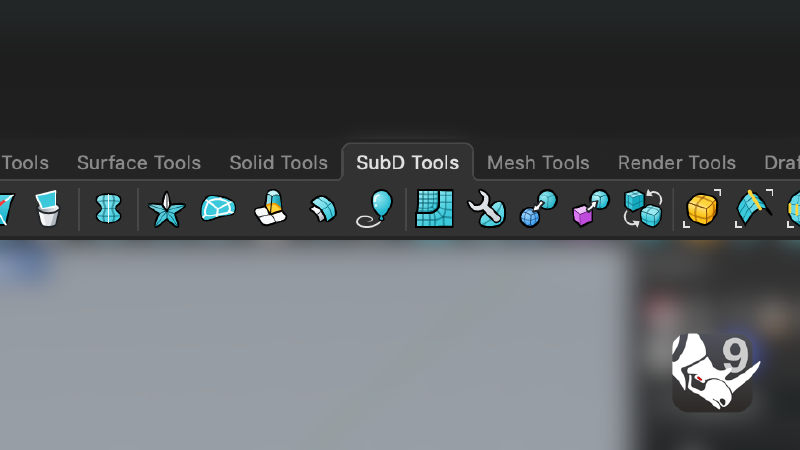
Rhino 9 | User Experience
Spend less time on commands and more time designing, with more direct, visual control over your models in Rhino 9.
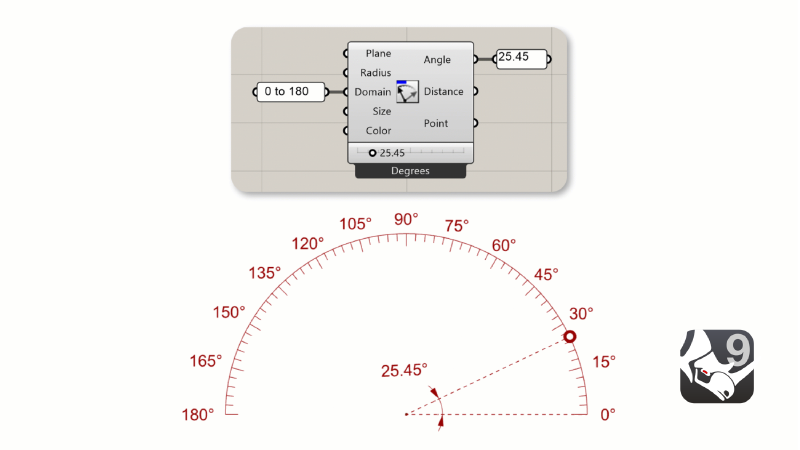
Rhino 9 | Grasshopper 1
Go beyond geometry without scripting: rendering, drafting and interactive viewport control.
Rhino 9 | Grasshopper 2
Hop onto the next level of Visual Programming: looping, metadata, multithreading / cancelling.
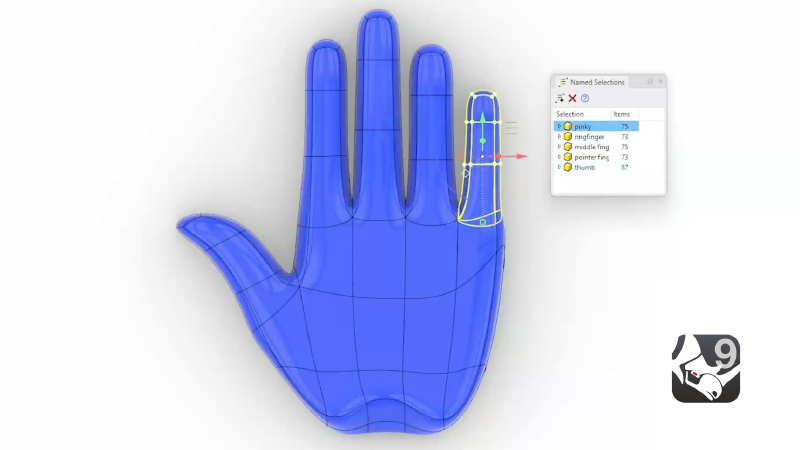
Rhino 9 | Organic Modeling
Rhino's model creation tools make it flexible, accurate, open, and very popular.
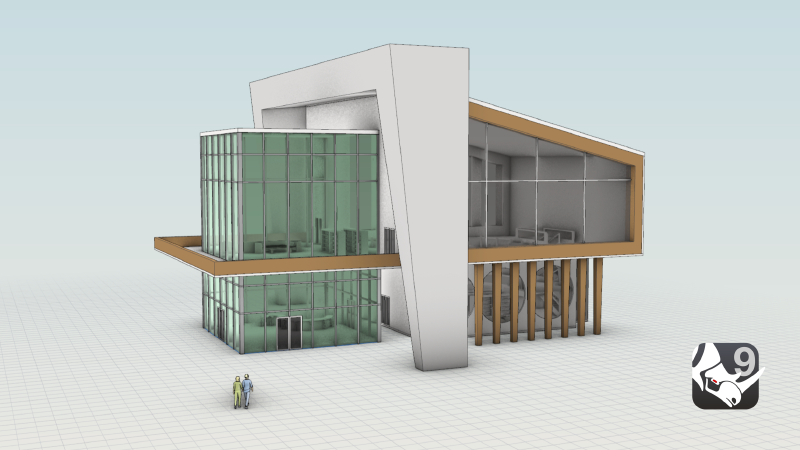
Rhino 9 | Presentation
Present more realistic and expressive designs, with new concept visuals, realistic glass and gems and richer materials in Rhino 9.
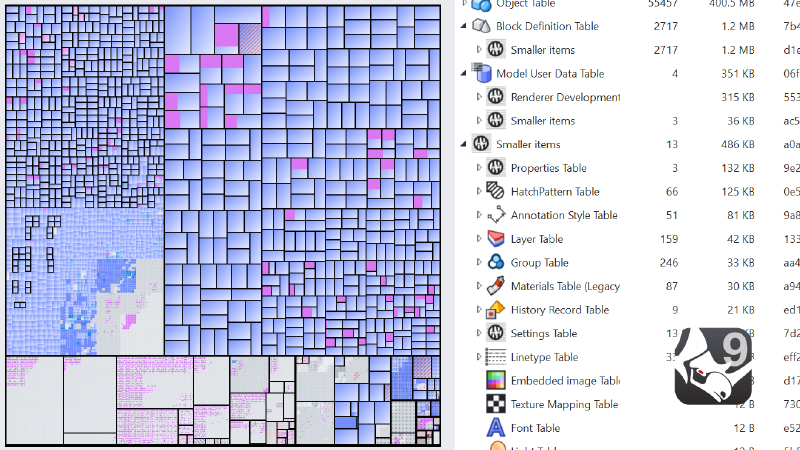
Rhino 9 | Large Projects
Keep big, complex projects under control with better collaboration, file management and performance in Rhino 9.
Rhino 9 Industries

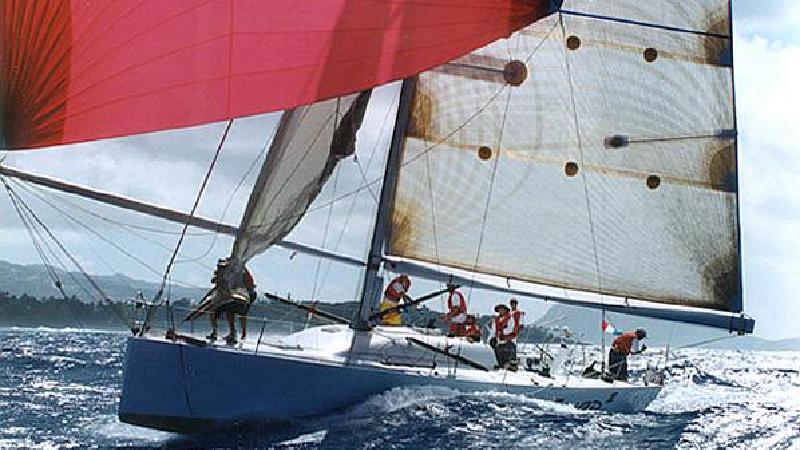
Rhino for the Marine Industry
Improved large-project tools, scan reverse-engineering, Patch and FilletSrf …
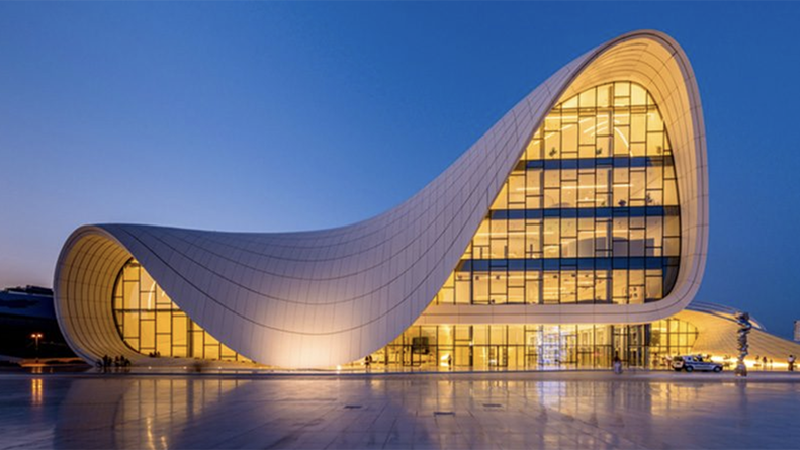
Rhino in Architecture, Engineering, and Construction
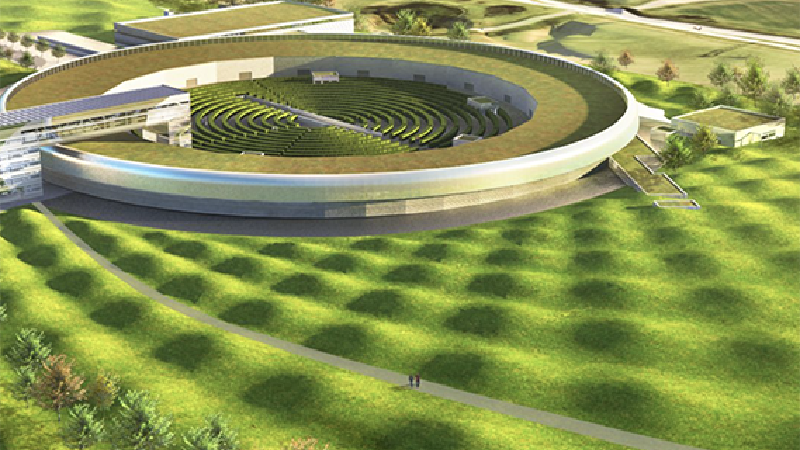
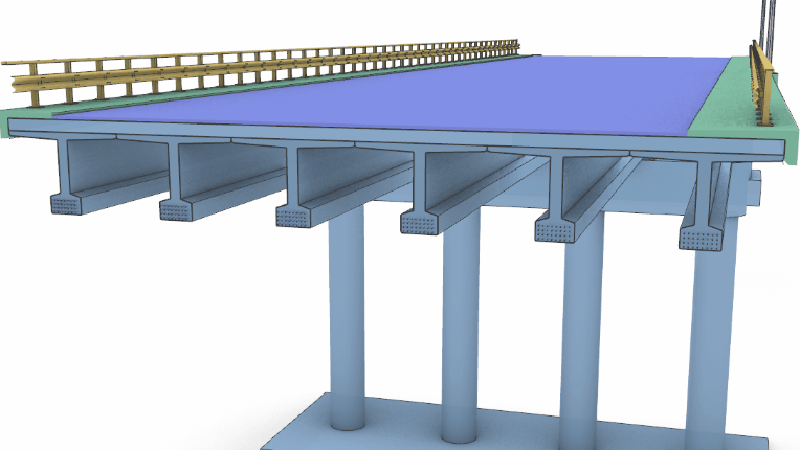
Concept modeling, automated section/elevation/RCP drawings, large-project …
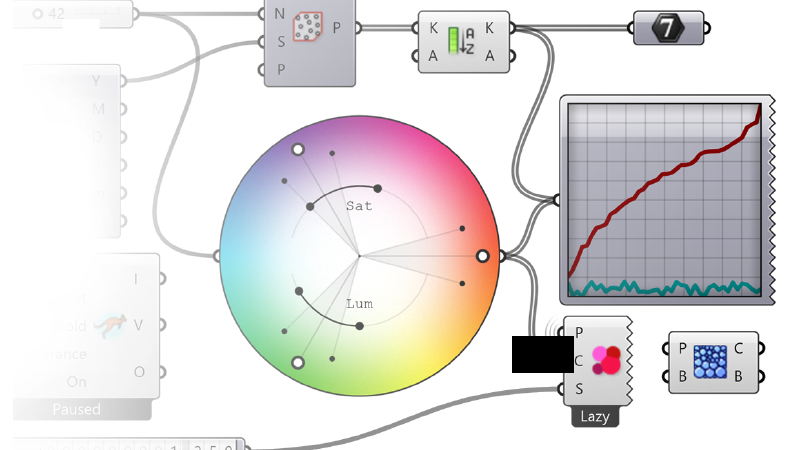
Grasshopper - Visual Programming for Designers
Grasshopper is the visual programming environment built into Rhino for …
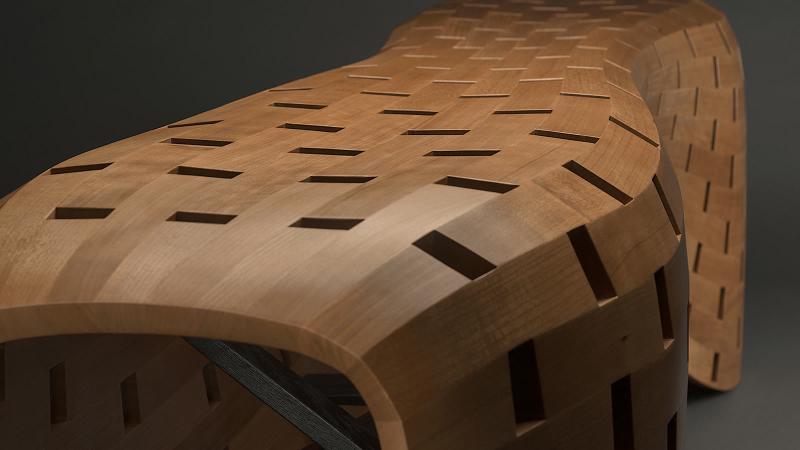
Rhino for Industrial Design
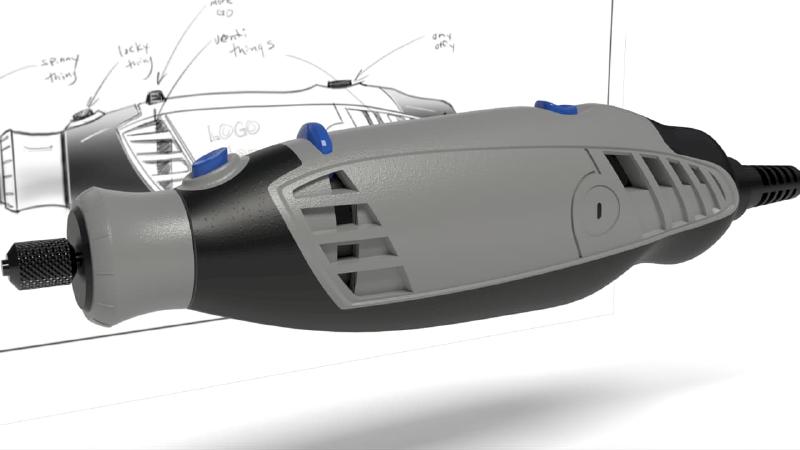
Direct modeling, solid/surface fillets, Patch, SoftTransform, SubD tools, …
Rhino 9 Tutorials
Concept Modeling for Architects
A workflow guide for Rhino 9 (direct modeling and solid tools).
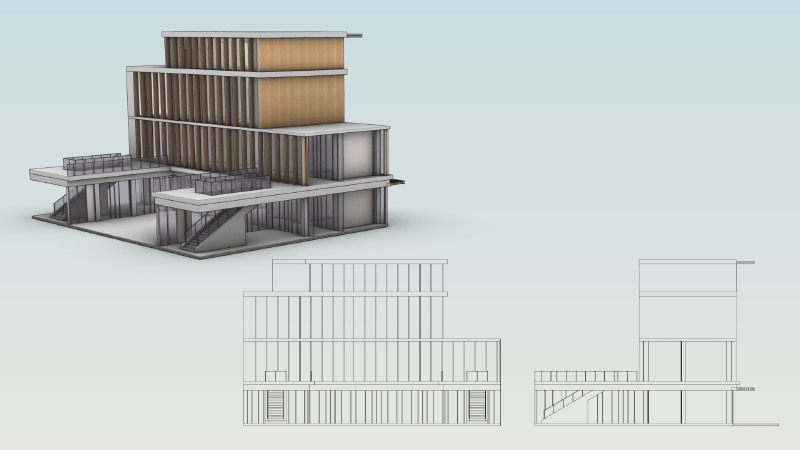
Streamline Elevation Drawings
Learn how to create Elevation drawings in Rhino 9 while keeping it in sync …

Add a Metallic Decal to a Water Bottle
Learn how to add a metallic full material decal onto a stainless steel …
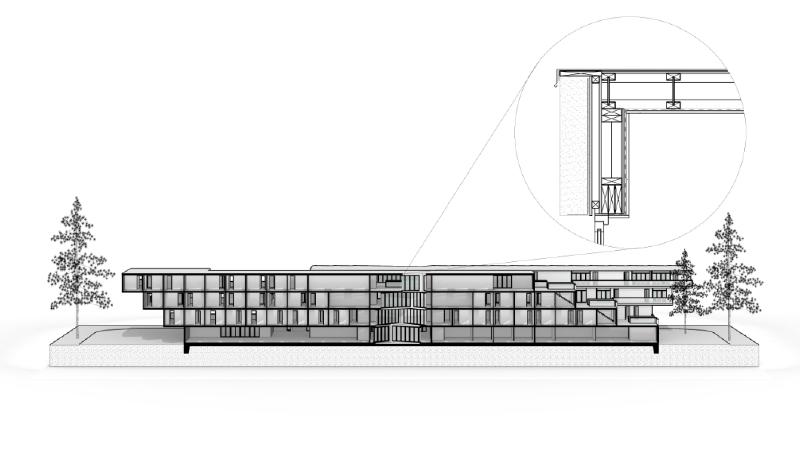
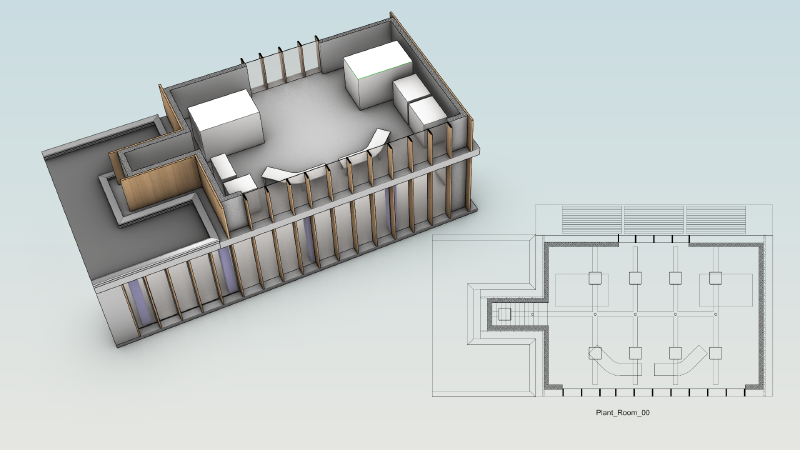
Create a Reflected Ceiling Drawing
Learn how to create a reflected-ceiling drawing (RCP) in Rhino 9 to …
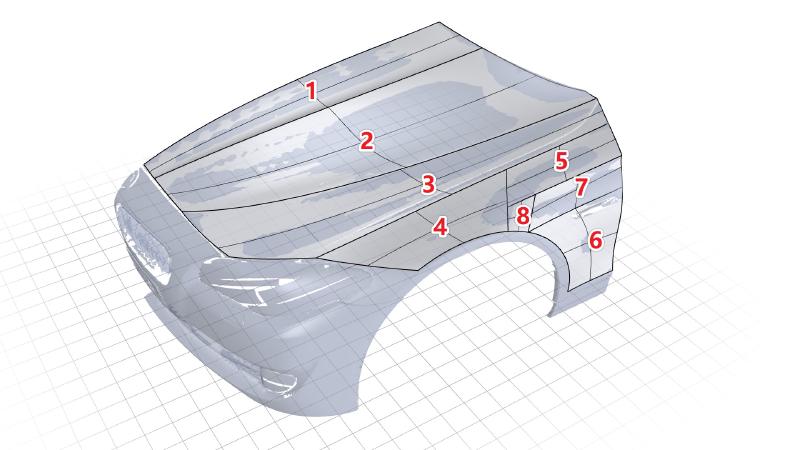
Reverse Engineer a Scanned Mesh
Learn how to reverse engineer a scanned mesh with Rebuild and Gumball UVN
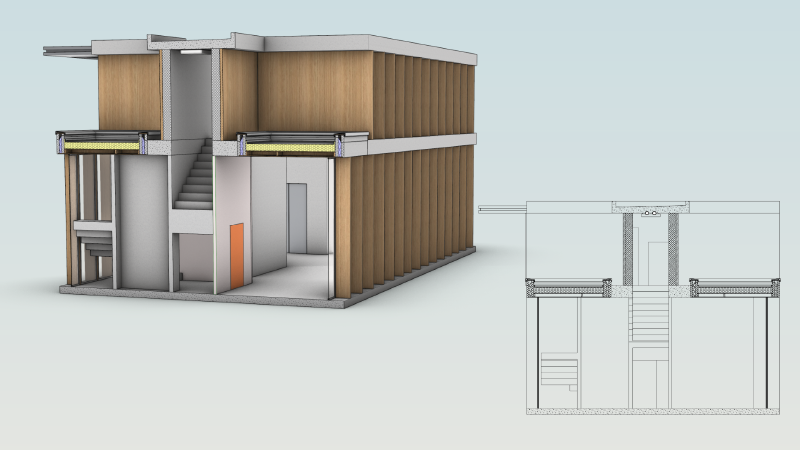
Create Architectural Section Drawings
Learn how to configure and create building sections in Rhino 9
Create Shareable Project Templates in Rhino 9
Learn how to create a 3DM file with project-specific settings to share …
Create a Graduated Stone Ring
Learn how to accurately scale and align sequential stones
Large Project Management for Architects in Rhino 9
Learn about some of the best practices in Rhino 9 to help share and …
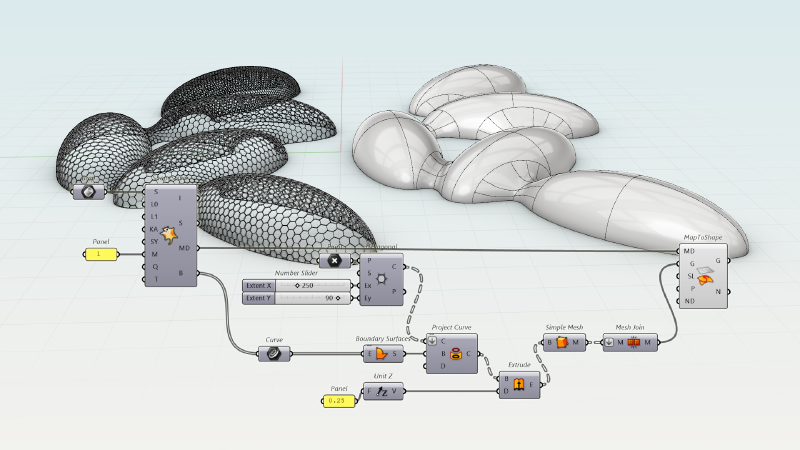
Create an hexagonal steel structure using ShapeMap
Learn how to create a parametric hexagonal steel grid based on a complex 3D …
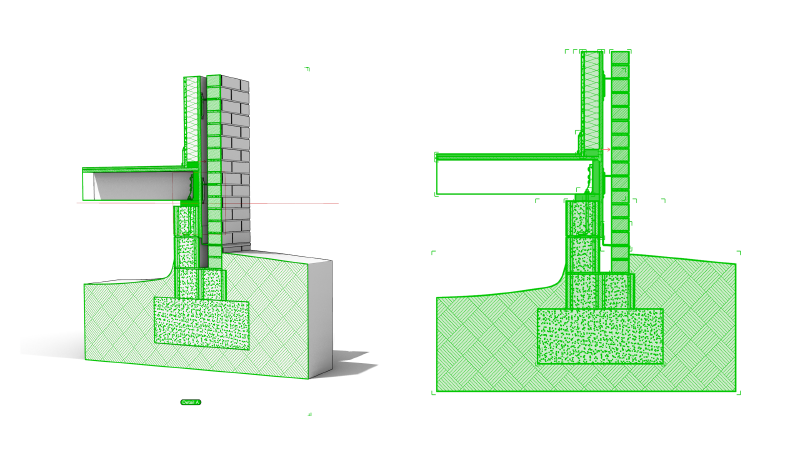
Create Parametric Sections and Hatches with Grasshopper
A workflow guide for Rhino 9 (Grasshopper 1 drafting components).
Create a Parametric Brick Wall Texture
Learn how to create a single Brick material that gets randomly mapped to a …
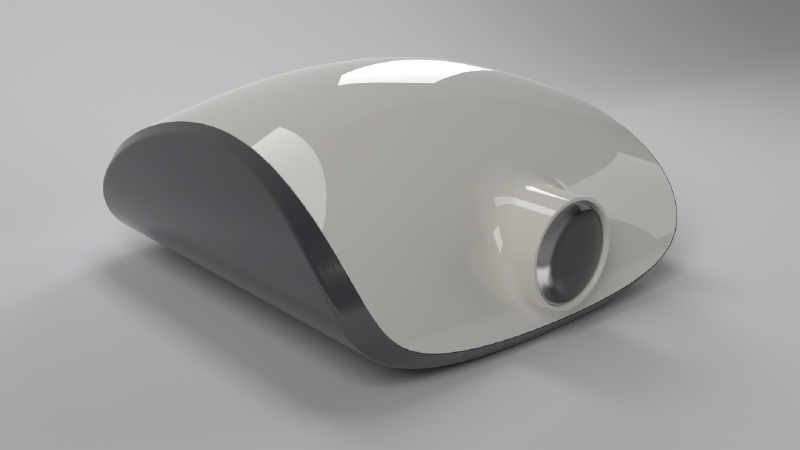
Model a Projector with Live Solid Features
Learn how to style, shell, and split a projector housing with …
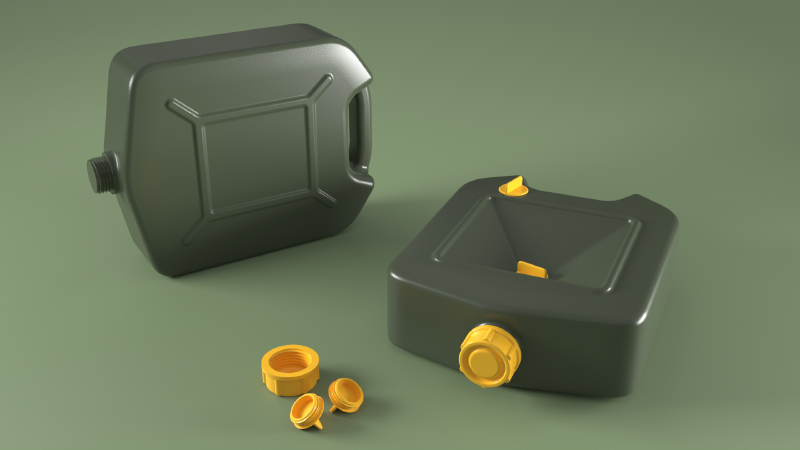
Add Fillet Transitions on a Jerrycan
Learn how to create clean tangent transition surfaces using the Surface …
Bike Frame: from sculpting to production
Learn how to create a stylized bike frame for production using Rhino's SubD …

Form and Volume Study for Furniture Designers
Learn about some of Rhino's Direct Modeling tools that can help you create …
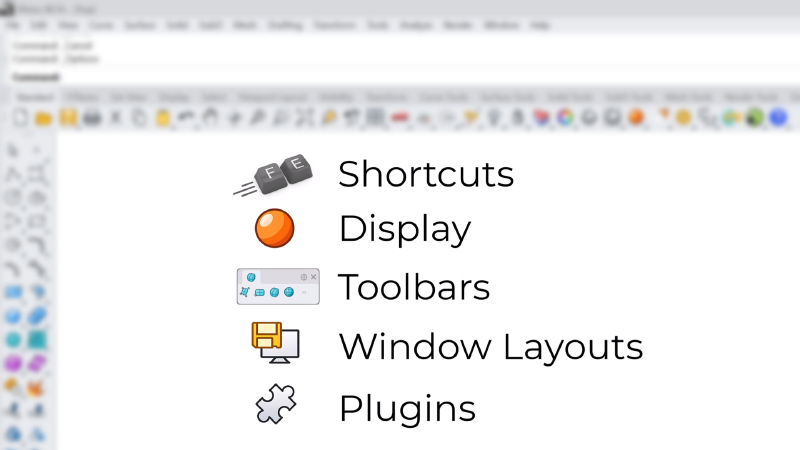
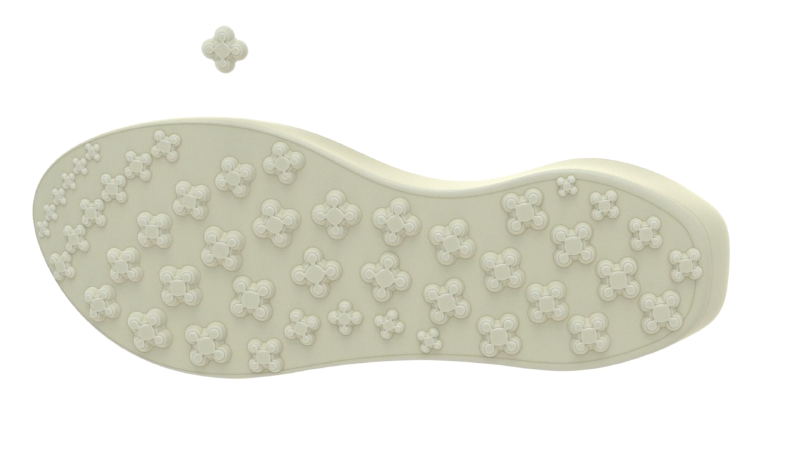
Create a Gradient Tread Pattern on an Outsole
Learn how to model an outsole and create a gradient tread pattern using …
Freeform: Control Point Editing
Learn how to use Rhino 9's Gumball UVN and SoftTransform tools for precise …
Vibe Coding your Tools in Rhino
Prototype a circular grid with an AI assistant connected through RhinoMCP, …
Vibe Coding a Rhino Plug-in
Build a real Rhino plug-in with an AI coding assistant, from prototype to …
Vibe Modeling an Industrial Design Concept
Vibe-model an industrial design concept in Rhino by describing the form you …
Vibe Modeling an Architectural Concept
Vibe-model an architectural concept in Rhino by describing the massing and …
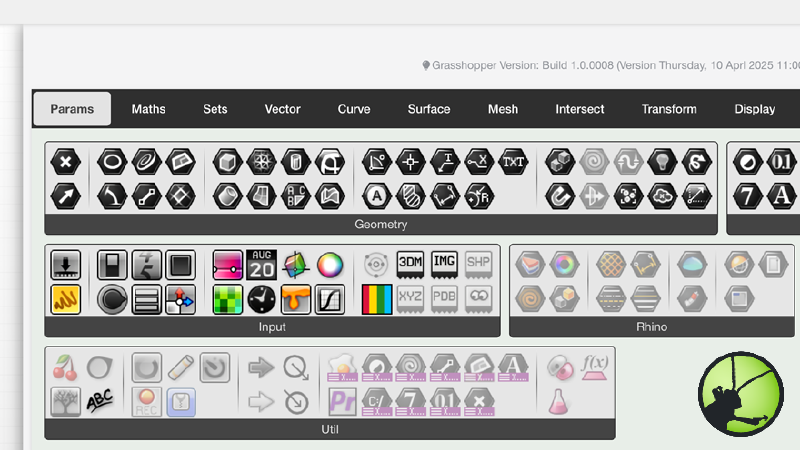
Grasshopper 1 Documentation
Access Grasshopper 1's online help. It includes a descriptioin of components and parameters with practical examples of applications.
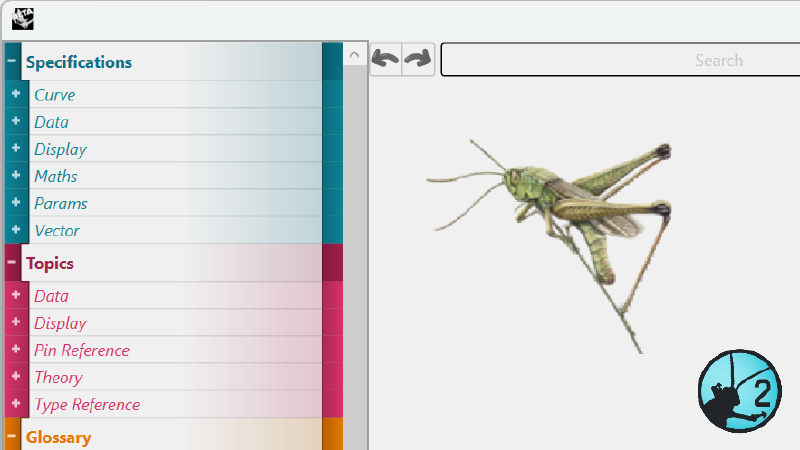
Grasshopper 2 Documentation
Access Grasshopper 2's online documentation. It includes a glossary of terms, in-depth topics and component specifications for Grasshopper 2.
Rhino 9 Meta
Rhino Homepage
Design, Model, Present, Analyze, Realize...
Rhino User's Guide | Windows
An introduction to Rhino: learn the fundamentals of 3D modeling its main …

