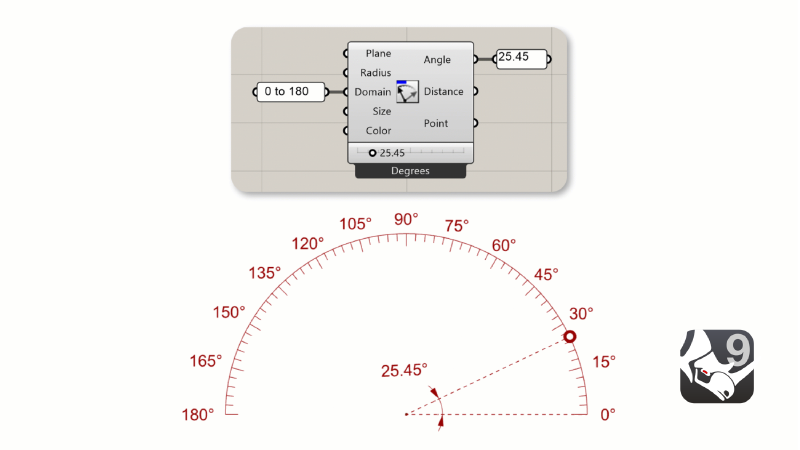
New in Rhino 9
Rhino 9 brings updates to modeling tools like Rebuild and Patch, a speed boost for users with complex models, enhanced analysis tools, PushPull workflows, more drafting tools, a more customizable User Interface, a faster Render engine, new Grasshopper data types and even a new Grasshopper.
Rhino’s extensive surfacing tools revamped to make the form-finding process interactive and give better geometrical results!

2D Drafting
Generating sets of drawings from a model is important and Rhino 9 has upped it’s game with respect to drafting. Non-rectangular details, section styles, section tools updates, SelOverlap, Offset polylines, save layout to dwg, GD&T support, new text formatting features…

Direct Modeling
Try
 PushPull
Multiface,
 Inset
Inset
Groups,
 Gumball
Shear and many other additions to facilitate the direct solid modeling approach. Modify and tweak your concepts without the burden of a parametric tree or assembly!
Organic Modeling
Take advantage of the new SubDMatch command to work seamlessly between SubDs and NURBS geometry. Match to tangency and prepare your SubD geometry to meet manufacturing constraints.
Direct3D Display
Rhino 9 for Windows has an entirely new display based on Direct3D. This allows Rhino for Windows to run anywhere Windows 11 runs including previously unsupported platforms like Windows ARM, Parallels, and VMWare. This also provides a boost in performance over previous versions of Rhino based on OpenGL.
User Experience
Rhino comes with new looks! Icons redesigned for better recognition, consistency between analysis panels and a unified Command Line between platforms.
Visualization & Presentation
Realistic transparency for Rendered mode for quick visualizations and full material support for Decals. Check out thew improved tools in Rhino 9.
Collaboration & Large Projects
Edit nested blocks via the Block Editor, use the Markup tool to give feedback to your team, audit large files for troubleshooting.
Workflows Improved
Icon redesign, redesigned analysis mode panels, toolbar customizations and a new command line
Two Grasshoppers - You Choose
Rhino 9 ships with both an enhanced Grasshopper 1 and a whole new Grasshopper 2.
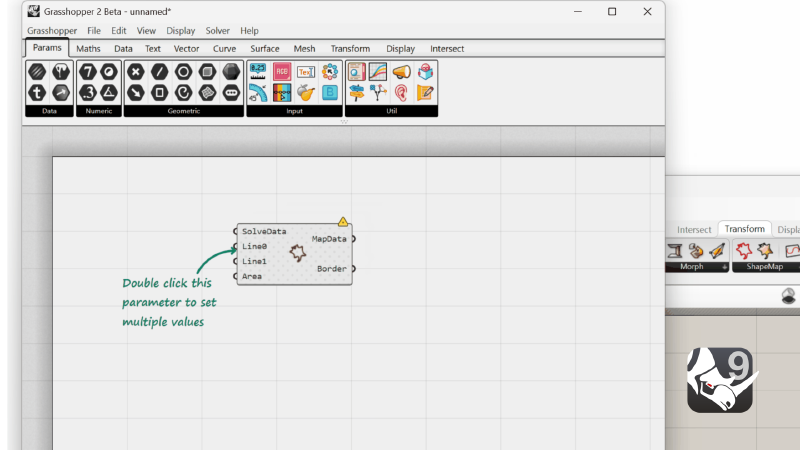
Hop onto the next level of Visual Programming: looping, metadata, …
Rhino Refined
Zebra, Global Edge Continuity, SplitPointCloud, USD and Navisworks File format…
Clean up scanned point cloud data
Rhino 9 brings a C++ SDK on Mac, Rhino.Compute on Linux, significant improvements to its
code editor, support for CPython 3.13 and
.NET 10, major improvements to
our free SDKs, with
API refinements, and the introduction of Grasshopper 2 as a development target…
Build with C++ for both Windows and Mac

Access the Rhino and Grasshopper SDKs through a stateless REST API. Now …
A beginners guide to creating your first Grasshopper 2 Component
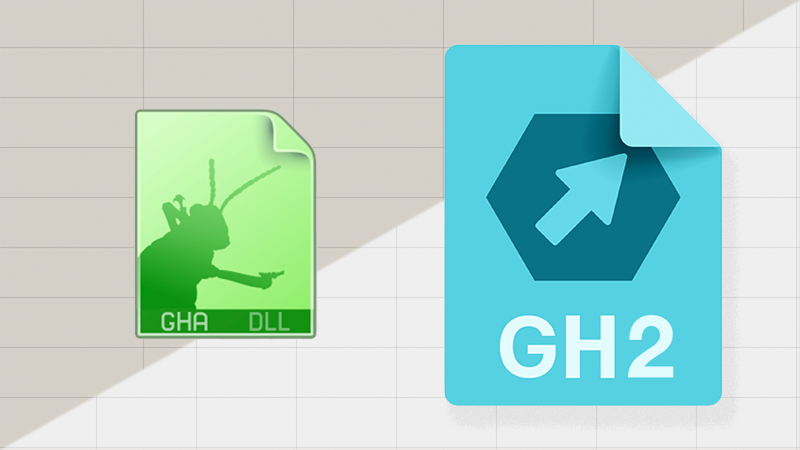
Migrate your Grasshopper 1 Components to Grasshopper 2
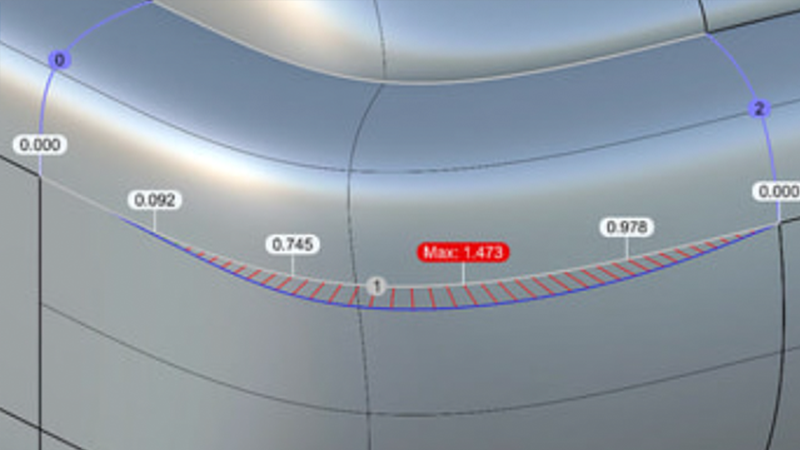
Controls and grips directly in the Rhino viewport
Named Callbacks in C++ for easier access to .NET functionality

.NET 10 framework running on both Windows and Mac.
Support for Python 3 in Rhino and Grasshopper.
Entirely new editor for Python 3 and C#, in Rhino and Grasshopper.
New APIs for Shrinkwrap, Flair, Code-Driven File IO, and more...
And More
Looking for a complete list of new commands? If you’re not seeing what you’re looking for above, please check out the documentation’s
New in Rhino 9 for a complete list…as well as new command options.