
Unified Script Editor
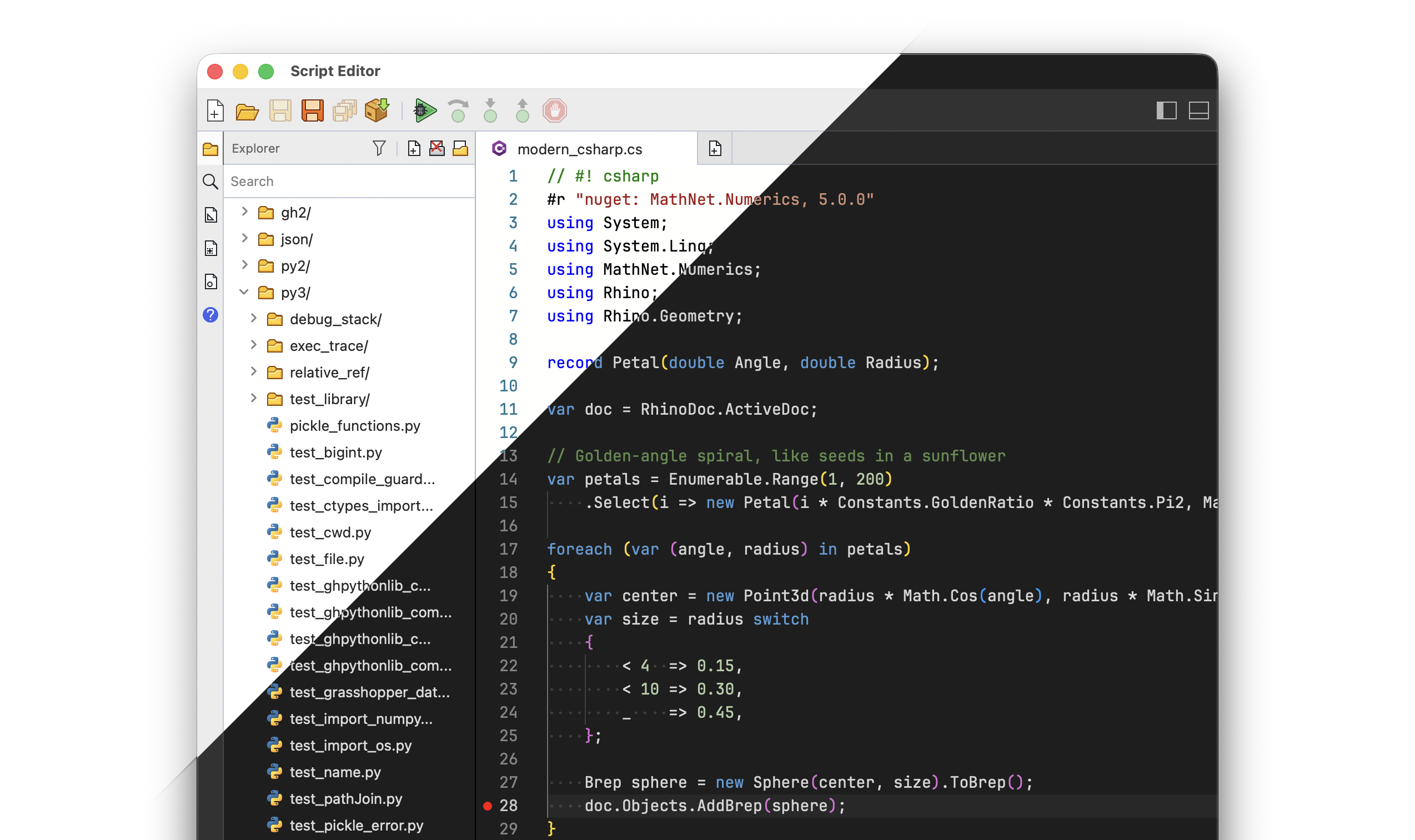
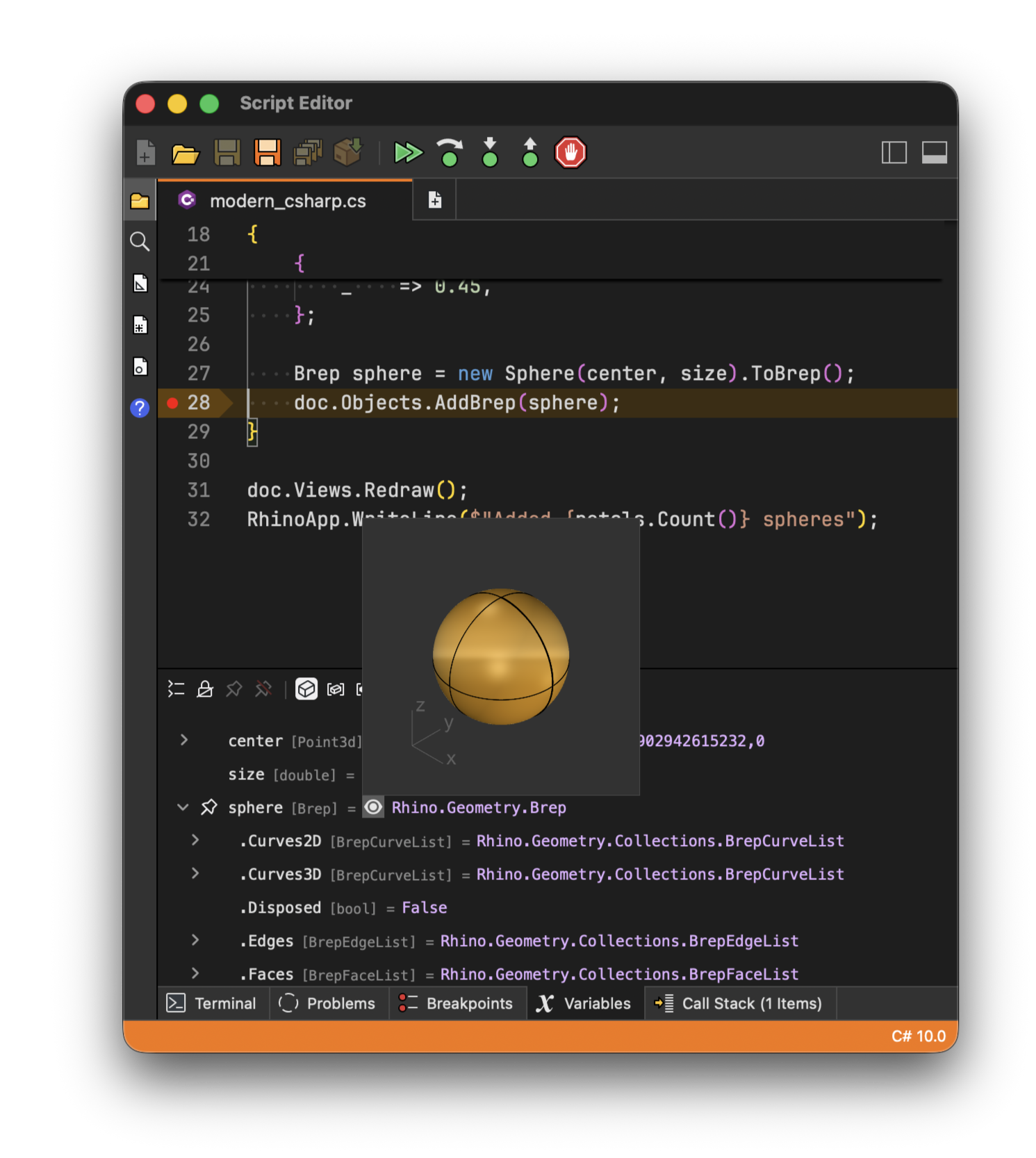
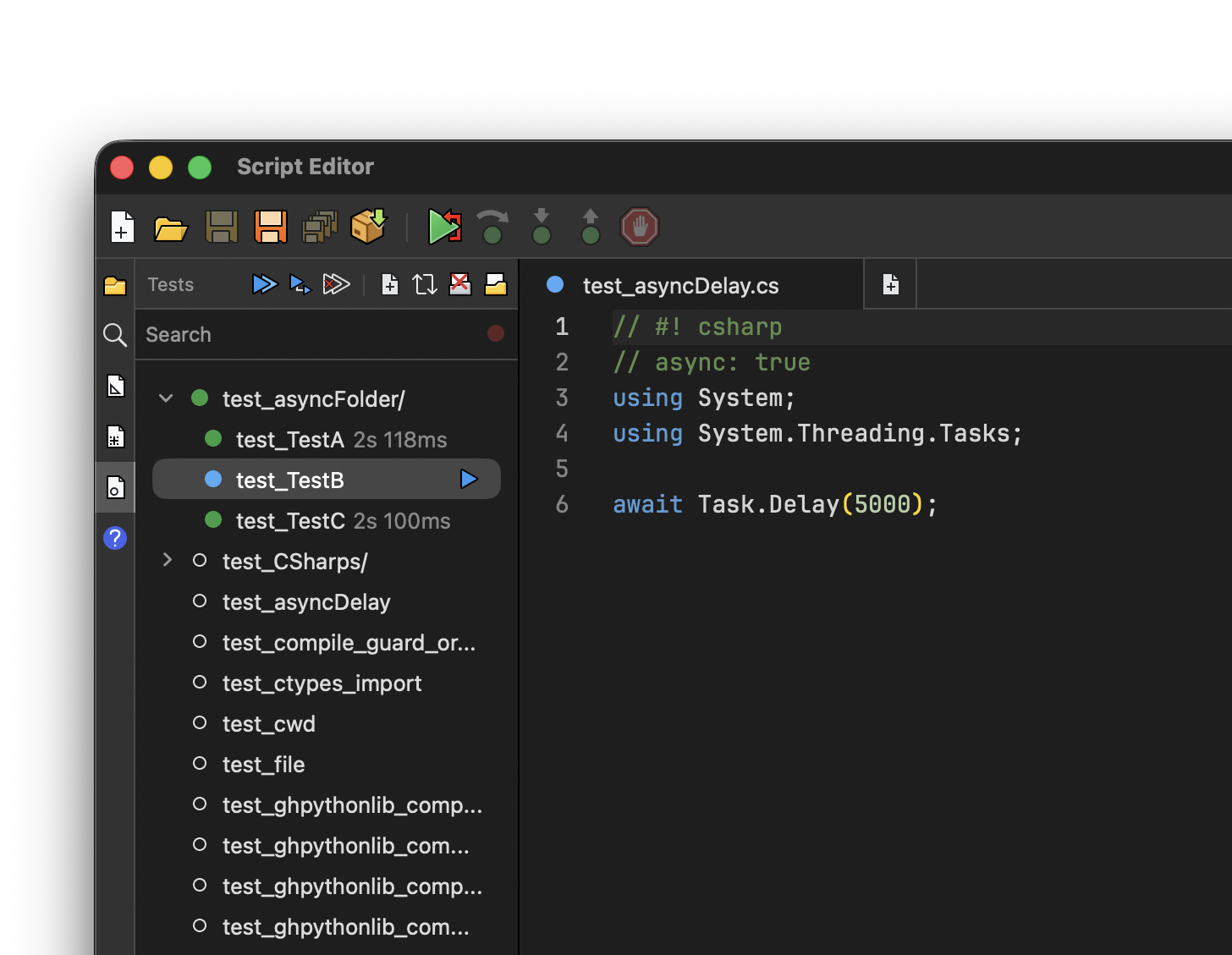
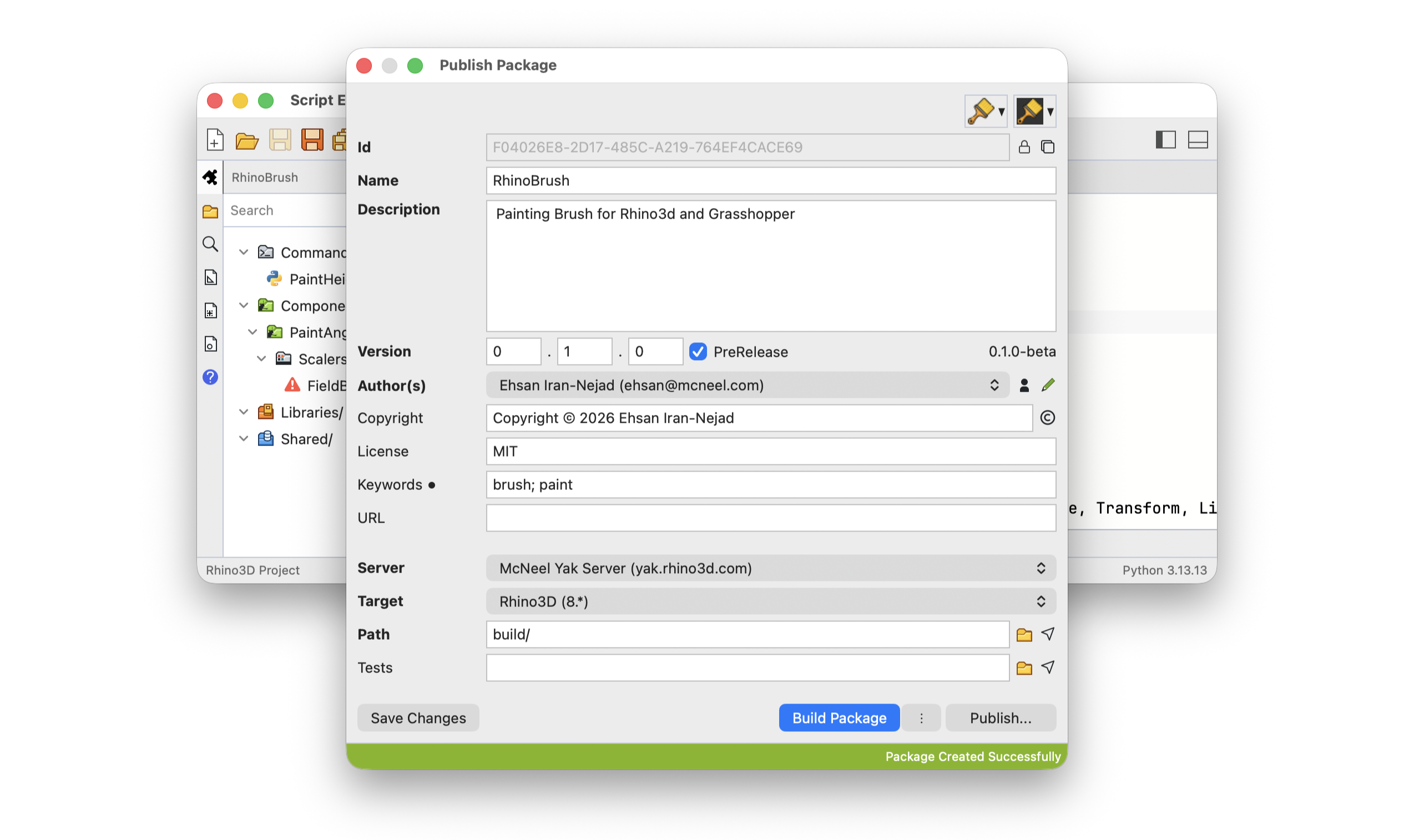
Customize and extend Rhino to suit your workflows using Python 3 and .NET, in a single editor that works the same in Rhino and Grasshopper (1 and 2), on Windows and macOS. Write, run, and debug your scripts: set breakpoints, step through your code, and inspect variables while your script runs, right inside Rhino.


Try It
In Rhino
- Type
ScriptEditorin the command prompt to open Script Editor. The Editor begins initializing Python 3 runtime (this only happens after a fresh install and can take a few moments to complete). - When ready, click the New button and create a new Python 3 or C# script from Examples.
- Click the Run (play) button to execute the script.
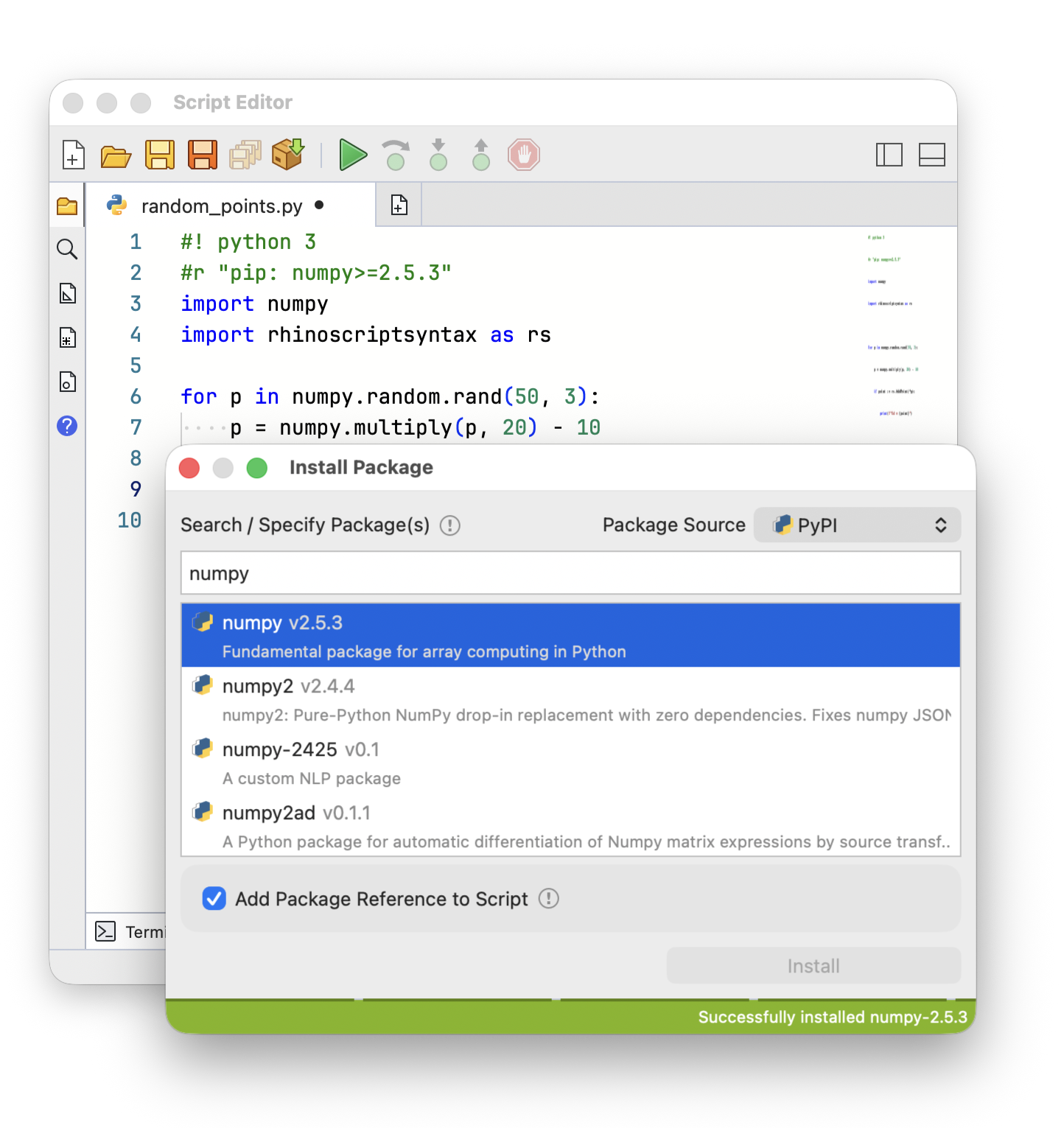
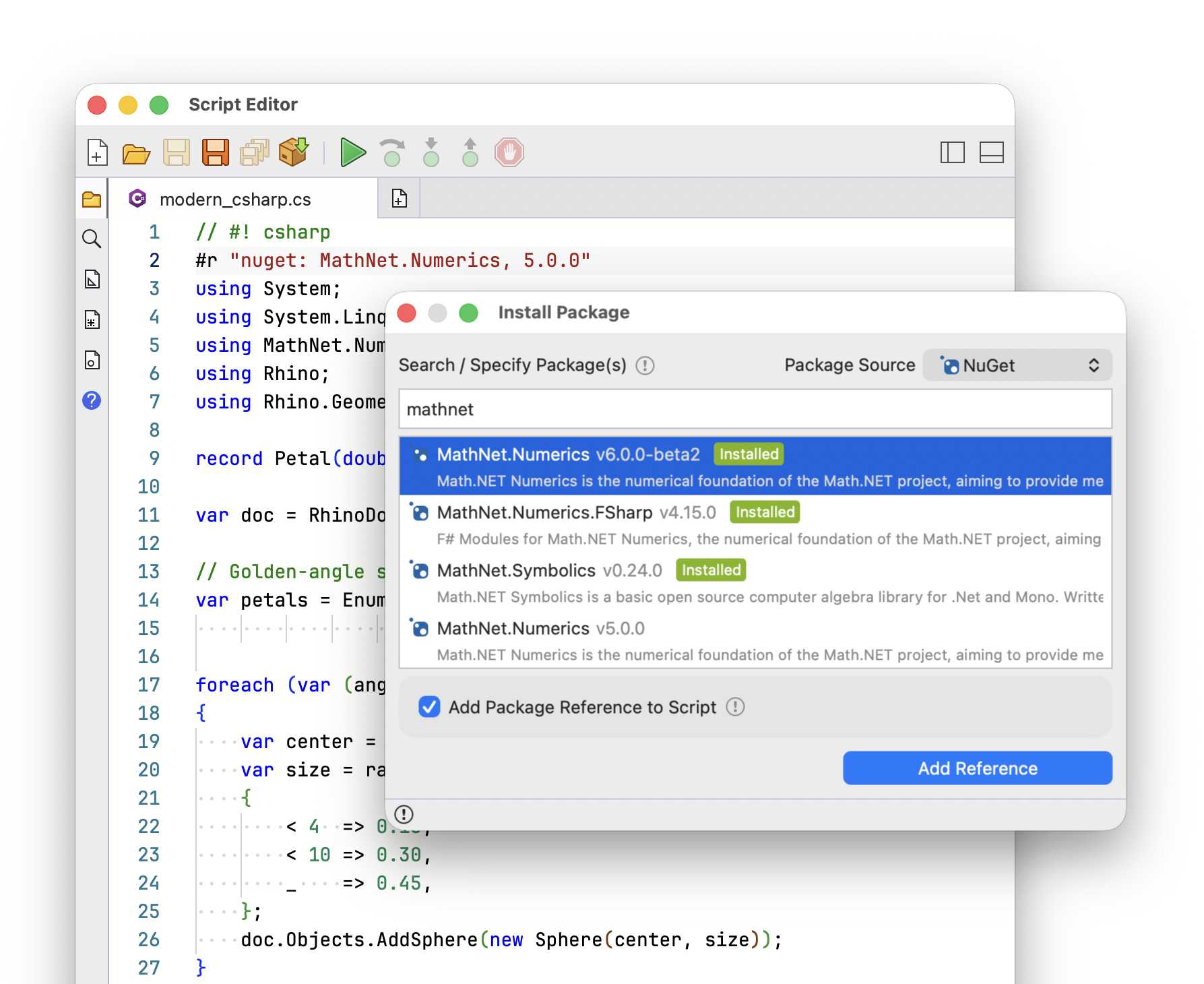
- Explore other examples to see how you can use third-party packages in your scripts.
- See how to use ScriptEditor command in macros
In Grasshopper 1
- Type
Grasshopperin the command prompt to open Grasshopper. - When ready, from the Maths panel, add a new Script component to the canvas. The Editor begins initializing Python 3 runtime (this only happens after a fresh install and can take a few moments to complete).
- On the script component, click on a language to start a new editor with a default script.
- Add a few inputs and outputs to the component. Pass data to the inputs.
- Now click the Solve button in Grasshopper.
In Grasshopper 2
- Type
GH2in the command prompt to open Grasshopper 2. - When ready, from the Maths panel, add a new Script component to the canvas. The Editor begins initializing Python 3 runtime (this only happens after a fresh install and can take a few moments to complete).
- On the script component, click on a language to start a new editor with a default script.
- Add a few inputs and outputs to the component. Pass data to the inputs.
- Now click the Solve button in Grasshopper menus.
For more extensive tutorials and documentation see the Scripting Guides.
Ask questions and give feedback on the Discourse Forum.

