

One UI: Both Platforms
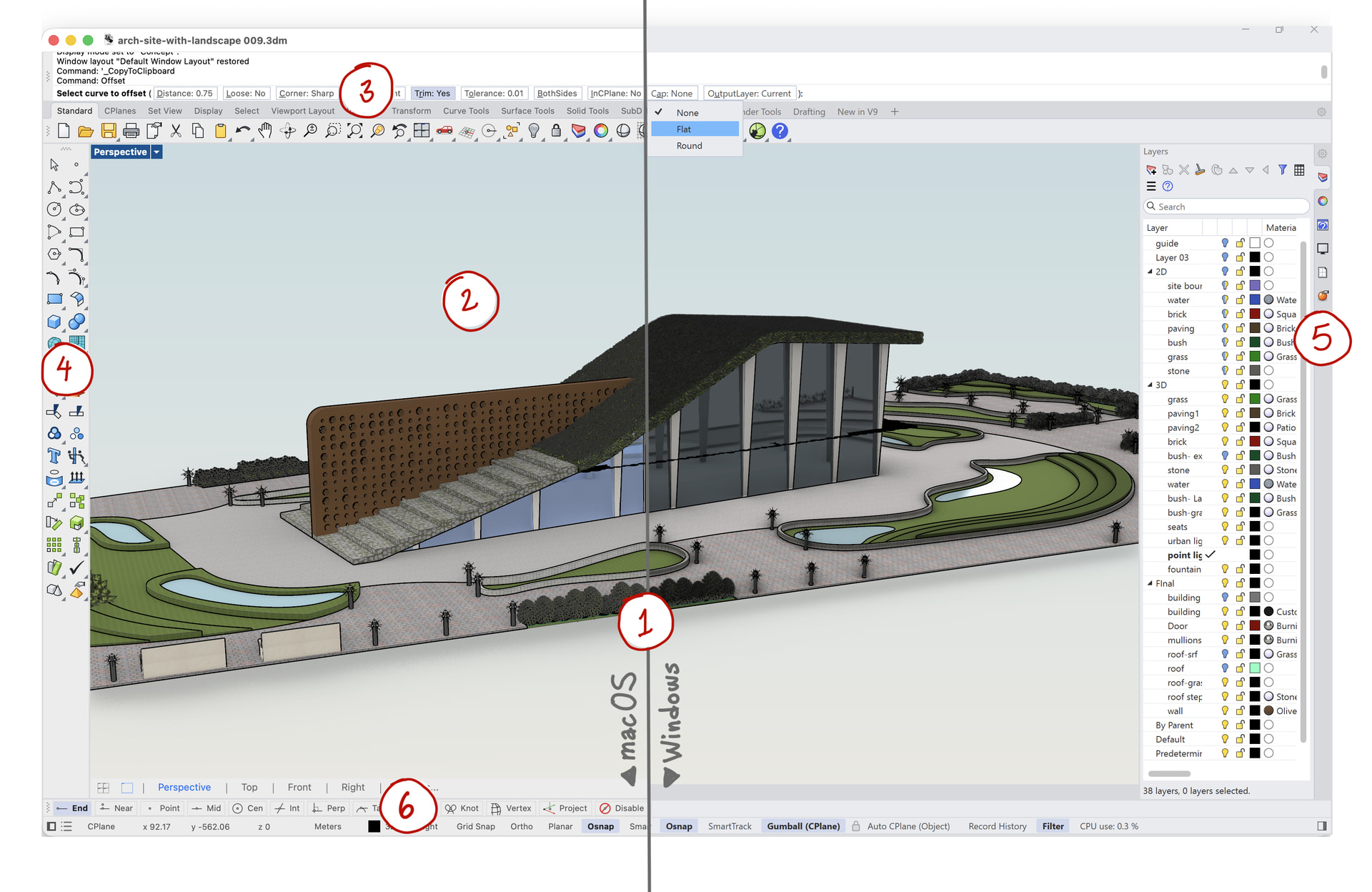
For designers and educators who work across Windows and macOS, Rhino 9 brings a unified interface that looks and behaves the same on both platforms. Unlike the separate Windows and Mac interfaces of earlier Rhino versions, you learn it once and know it everywhere.
Note: there are some special UI elements that remain different between Windows and Mac. Often these are OS specific.
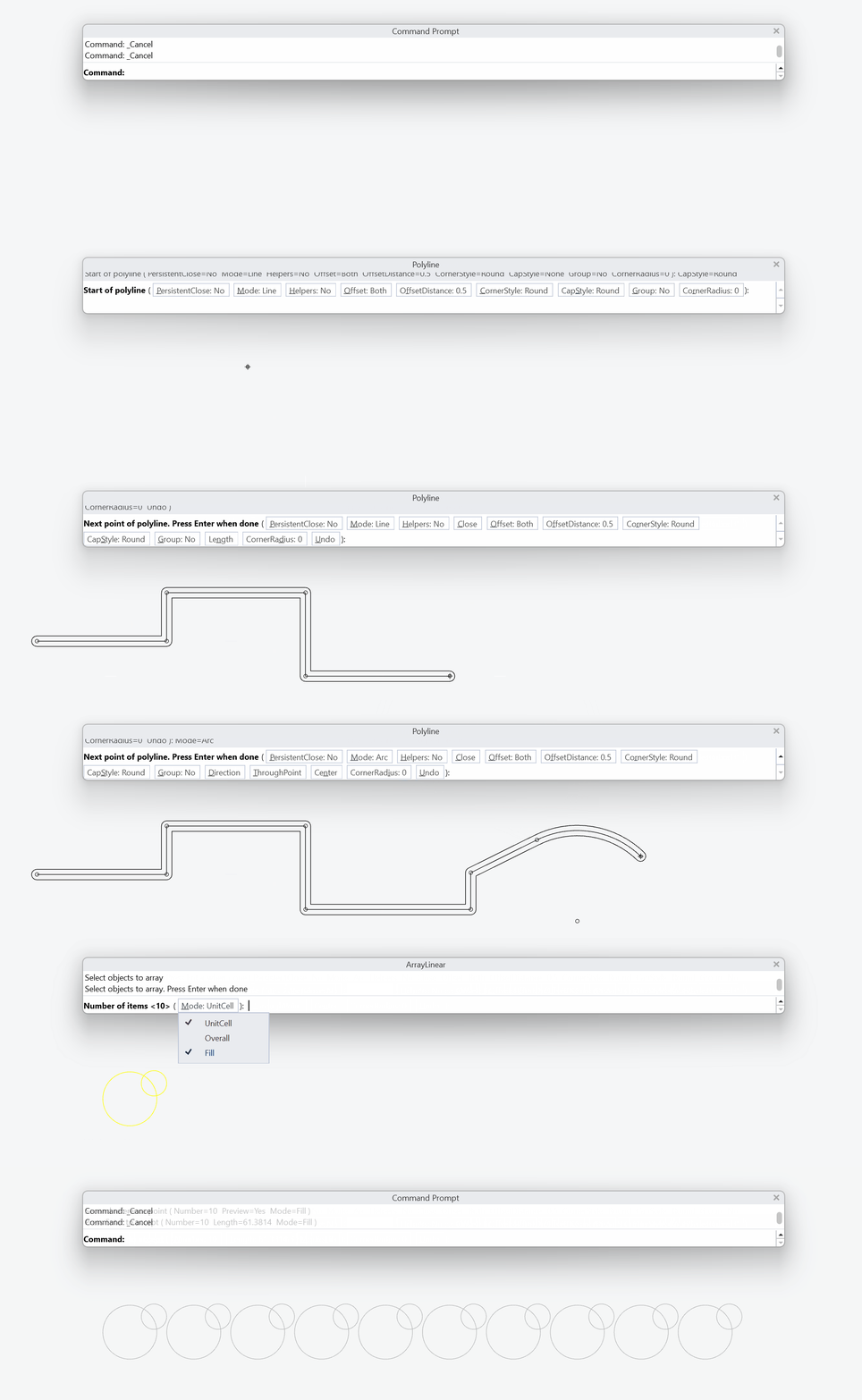
A Friendlier, Powerful Command Line
For Rhino users who live in the command line, who have to choose between typing speed and visible, clickable options, the redesigned command line offers both at once. Unlike the old platform-specific command lines, it combines the compact Windows layout with familiar clickable controls inspired by the Rhino for Mac command line.
Menus: Enriched with Icons
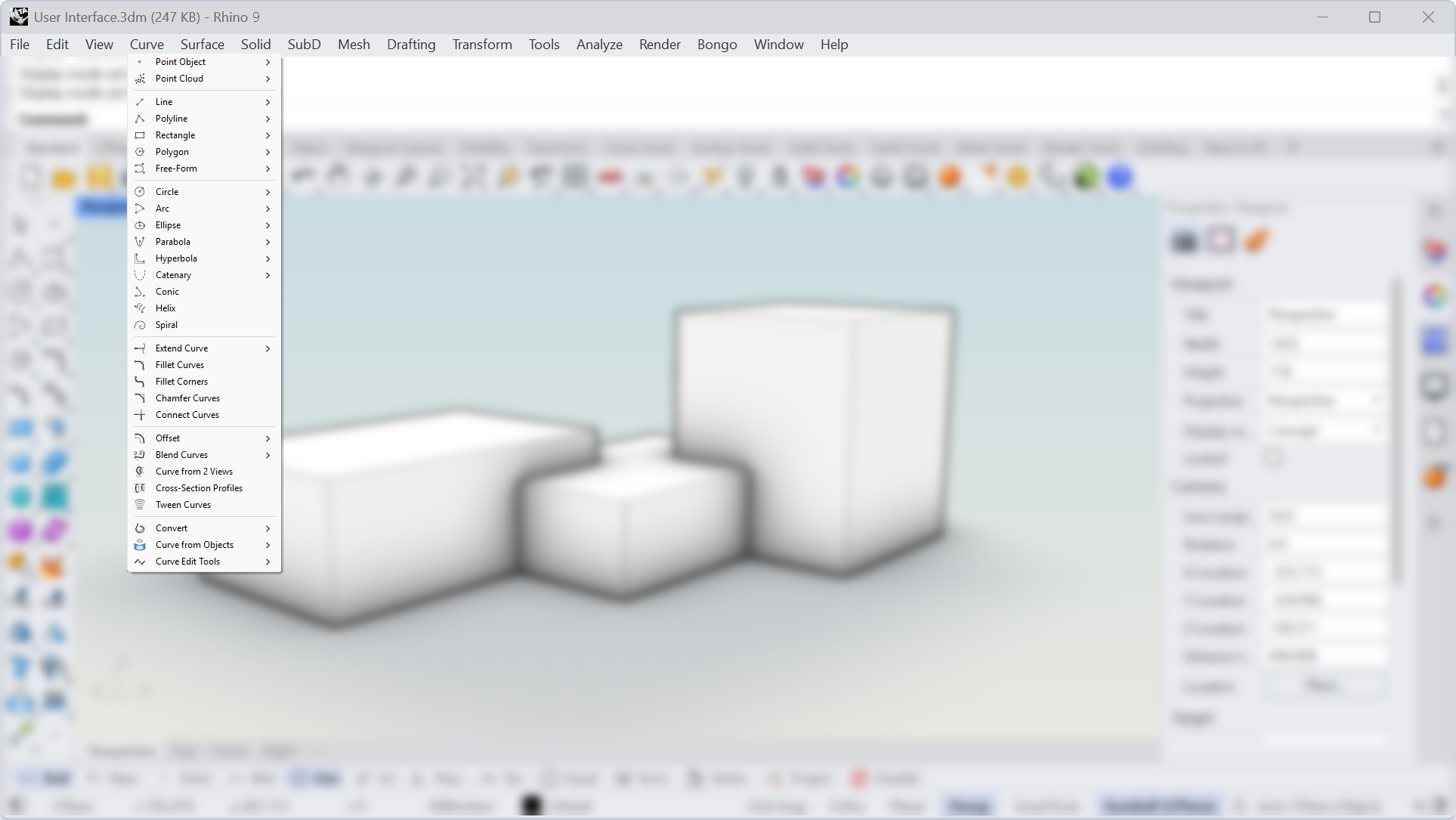
For Rhino users who move between toolbars and menus, who have to relearn each command in two different forms, the updated menus offer one shared visual language. Unlike the old text-only menus, they pair every command with the icon it already has elsewhere in the interface.
Refreshed OSnap Panel Icons
For modelers who set  OSnap
constantly while drawing, who have to squint at small, similar-looking text labels, the redesigned Object Snap panel is legible at a glance. Advanced right-click behavior remains to quickly set a single OSnap. Unlike the previous text-only checkbox labels, each Object Snap is distinct and space-saving.
OSnap
constantly while drawing, who have to squint at small, similar-looking text labels, the redesigned Object Snap panel is legible at a glance. Advanced right-click behavior remains to quickly set a single OSnap. Unlike the previous text-only checkbox labels, each Object Snap is distinct and space-saving.

