

A Digital Cutter
 Knife
is a tool for quickly adding topology to your
SubD
or
Mesh
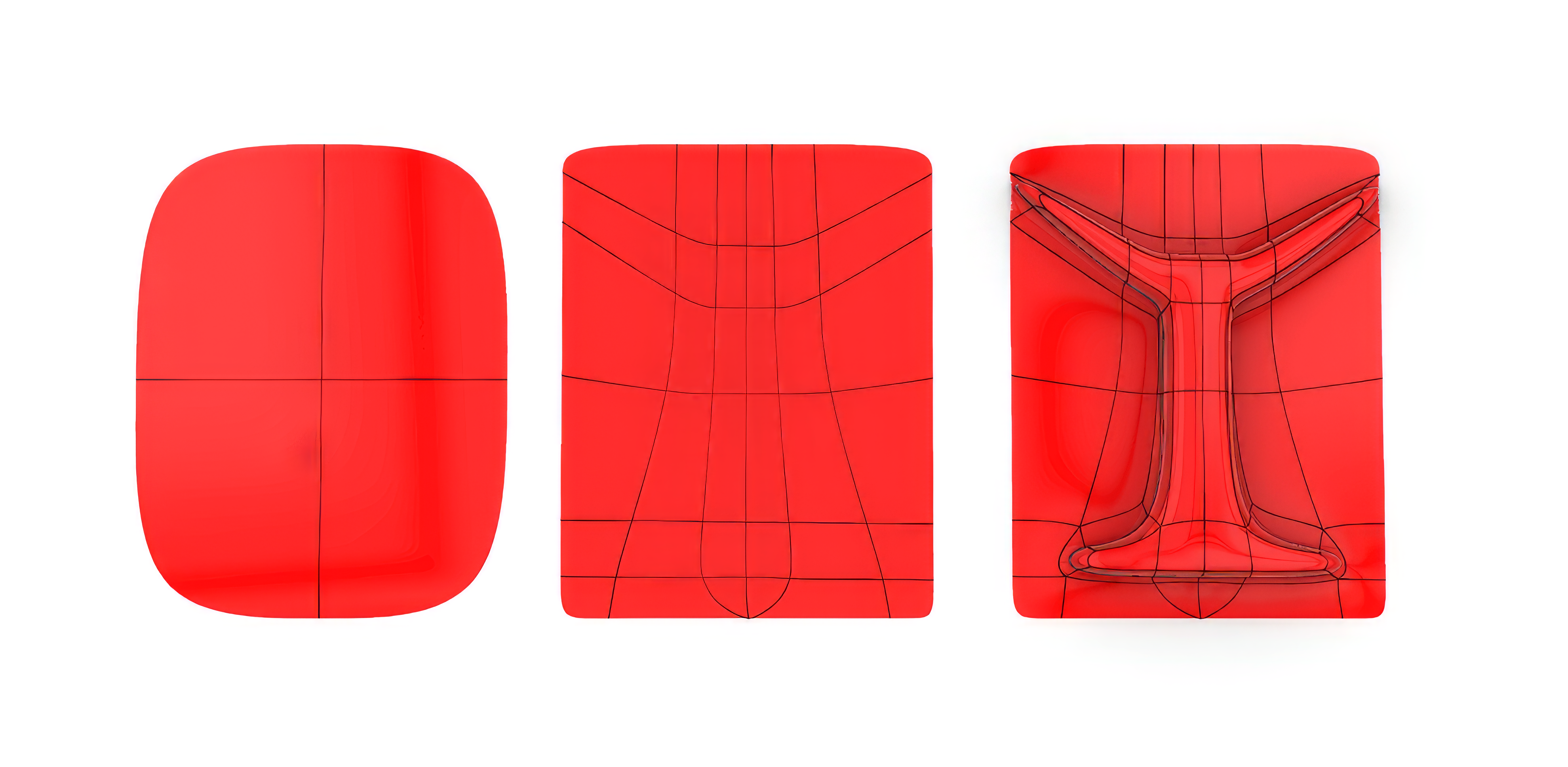
models by drawing polylines on it. It works like a cutter that allows you to create accurate face layouts in a few simple clicks. Yay!
Knife
is a tool for quickly adding topology to your
SubD
or
Mesh
models by drawing polylines on it. It works like a cutter that allows you to create accurate face layouts in a few simple clicks. Yay!
Control, Exactly Where You Need It
With Knife
, product designers, jewelers, or anyone needing to create complex freeform shapes can now add details to their designs where needed, while maintaining a clean face layout.
Try It
- Download Rhino 8 Evaluation for Windows or Mac.
- Download and open the SubDKnife-Example.3dm file.
- Run the Knife
command.
- At the
Select mesh or SubDprompt , select Subd 1. - At the
Select first knife pointprompt, select a few points on the left side faces. - Press Enter when done.
- Repeat steps 3. through 6. until you get all the desired “cuts”.
- Run the
 ExtrudeSubD
to extrude the new faces created.
ExtrudeSubD
to extrude the new faces created. - Try it on your own! Experiment with your own models.
- Share comments and feedback on the Rhino Forum.

