

Grasshopper is a visual programming language built into Rhino that lets designers, engineers, and architects create powerful parametric models without writing traditional code. By connecting components on a canvas, you build algorithms that respond dynamically to changes — unlocking a new dimension of design exploration and automation.
Visual Programming
Grasshopper’s node-based canvas makes algorithmic thinking visual and accessible. Components represent operations — from basic math and geometry transformations to advanced data structures — and wires connect them to form complete design logic.
- Intuitive Canvas - Drag and drop components, connect inputs to outputs, and watch your geometry update in Rhino in real time.
- No Syntax Required - Design algorithms visually without writing code — ideal for designers transitioning to computational workflows.
- Full Data Control - Manage lists, trees, and complex data structures to drive geometry generation at any scale.
- Live Feedback - Every change to a slider or parameter instantly propagates through the graph, giving you immediate visual results.
Parametric Design
Parametric design is at the heart of Grasshopper. Instead of modeling fixed geometry, you define relationships and rules that can be adjusted on the fly — enabling rapid exploration of thousands of design variations from a single definition.
- Sliders and Number Inputs - Drive dimensions, angles, counts, and any design variable interactively.
- Design Variants - Explore multiple configurations by simply adjusting parameters rather than remodeling from scratch.
- Associative Geometry - Every object in your model can be linked to parameters and constraints, so changes cascade automatically.
- Grasshopper Player - Share parametric definitions with collaborators who can run and adjust models without opening Grasshopper.
Generative and Algorithmic Design
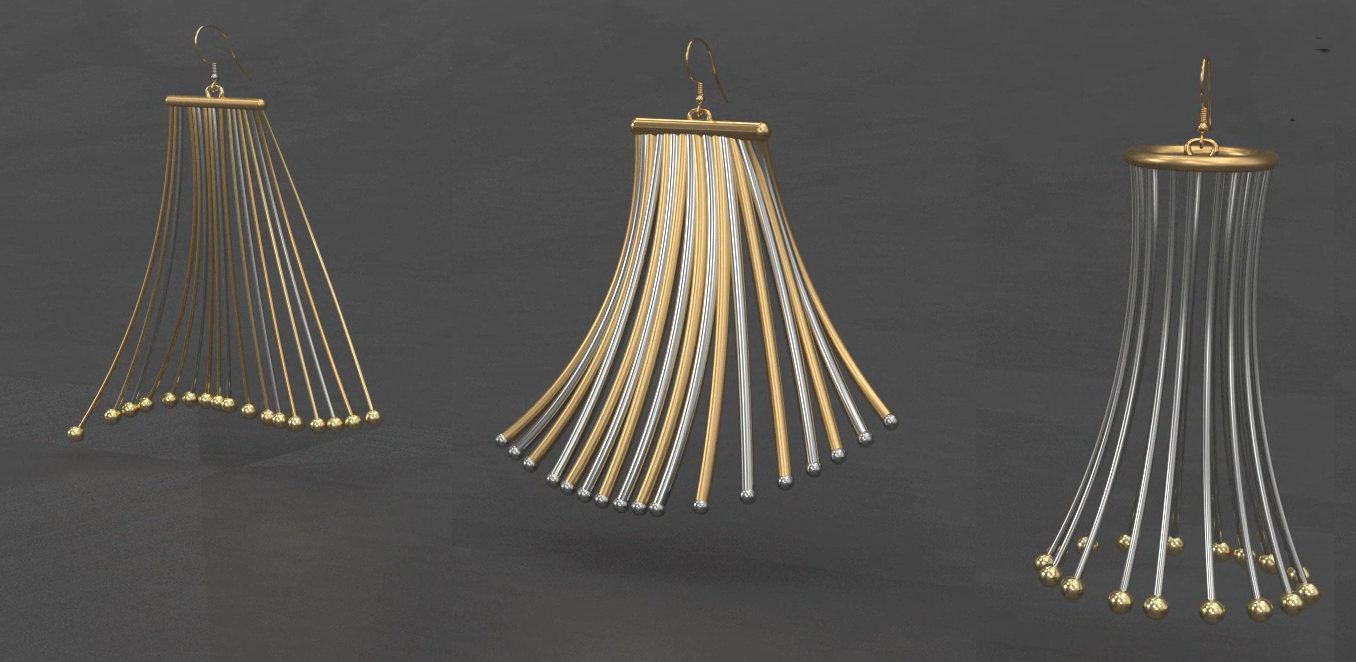
Grasshopper enables designers to work at a higher level of abstraction — writing rules that generate geometry, patterns, and structures that would be impractical or impossible to create manually.
- Pattern Generation - Create complex tiling, panelization, and repetition systems driven by mathematical rules or attractor points.
- Form Finding - Explore structural and aesthetic forms derived from physical simulations, data fields, or optimization algorithms.
- Data-Driven Design - Import external data (spreadsheets, environmental data, site surveys) and translate it directly into geometry.
- Evolutionary Solvers - Use Galapagos to automatically optimize designs against defined performance goals.

Analysis and Simulation
Grasshopper hosts a rich ecosystem of analytical plugins that connect parametric geometry to real-world performance simulation — enabling evidence-based design decisions early in the process.
- Structural Analysis - Tools like Karamba3D and SOFiSTiK provide finite element analysis directly inside Grasshopper.
- Environmental Performance - Plugins such as Ladybug Tools deliver daylighting, solar, wind, and energy analysis driven by parametric geometry.
- Fluid Dynamics - Aerodynamic and CFD analysis plugins allow form optimization for wind performance.
- Structural Optimization - Integrate topology optimization tools to find the most efficient use of material for a given set of loads.

Scripting and Extensibility
When you need capabilities beyond built-in components, Grasshopper is fully extensible through scripting and custom component development.
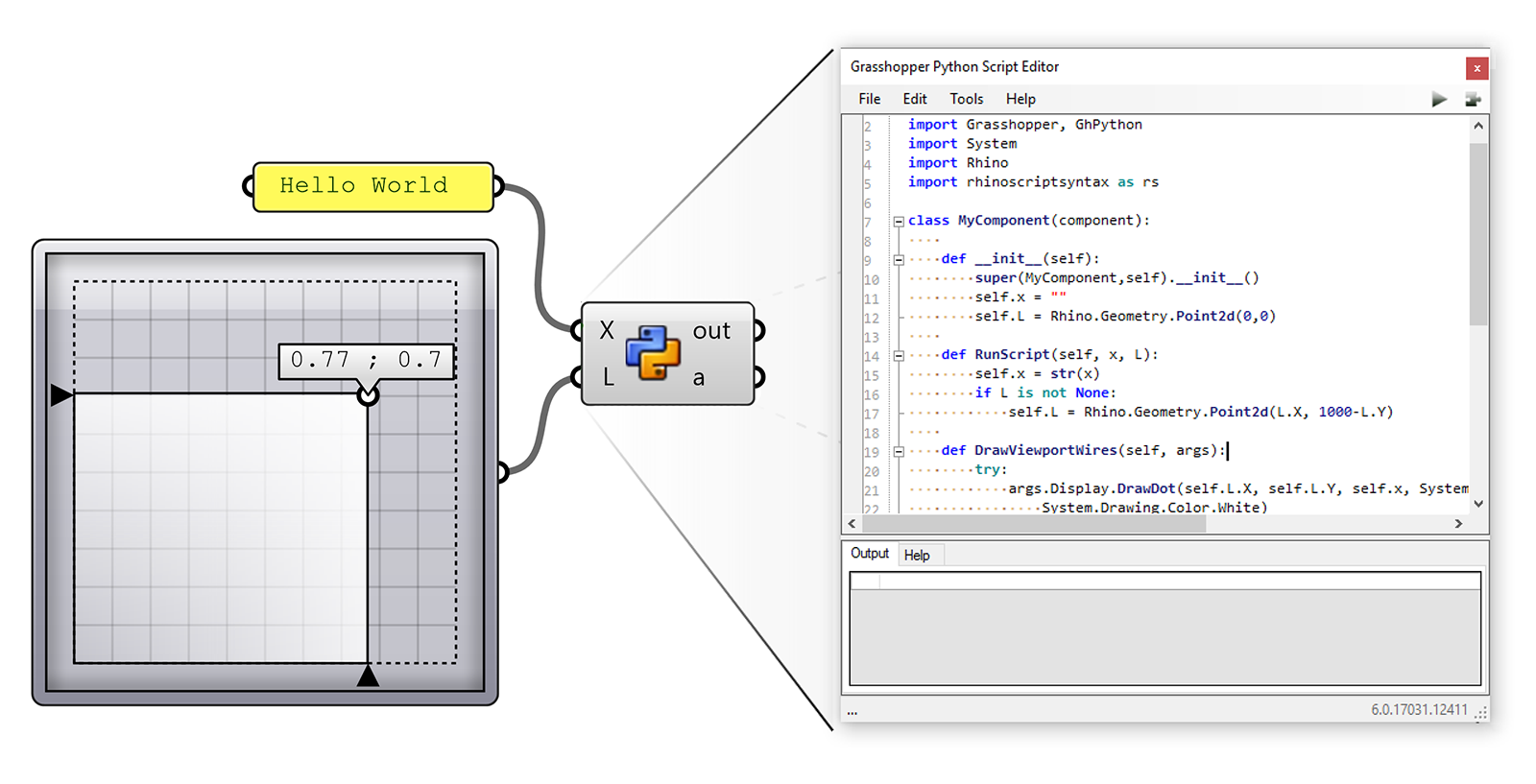
- Python Scripting - Write Python scripts directly in Grasshopper components using the GhPython component, with full access to the Rhino API.
- C# and VB.NET - Use the built-in Script components to write compiled .NET code with access to advanced Rhino and Grasshopper SDKs.
- Custom Components - Develop and distribute your own Grasshopper components using the Rhino Developer Tools.
- Hops - Use Hops to run Grasshopper definitions as external services, enabling cloud computation and parallel processing.

Fabrication and Production
Grasshopper closes the loop between design intent and physical production, generating the precise data needed for digital fabrication.
- Panelization and Rationalization - Break freeform surfaces into fabricable flat, planar, or ruled panels optimized for manufacturing.
- CNC and Laser Cutting - Export precise cutting paths and nesting layouts directly from parametric geometry.
- Robotic Fabrication - Tools like KUKA|prc and Robots translate Grasshopper paths into robot programs for advanced manufacturing.
- 3D Printing - Drive additive manufacturing workflows with geometry and support structures generated parametrically.

Plugin Ecosystem
Grasshopper has one of the largest plugin ecosystems in computational design. Thousands of free and commercial plugins are available on food4Rhino covering every discipline imaginable — from architecture, structural engineering, and environmental analysis to jewelry, fashion, and robotics.
Popular plugin categories include:
- Architecture and Urban Design - Form generation, urban data, and BIM integration tools.
- Structural Engineering - FEA, form-finding, and structural optimization.
- Environmental Analysis - Climate, energy, daylighting, and acoustic simulation.
- Fabrication - Robotic programming, CNC preparation, and panelization.
- Machine Learning - Integrate ML-driven optimization and prediction directly into design workflows.
Package Manager
Rhino includes a built-in Package Manager that makes discovering, installing, and managing Grasshopper plugins effortless — no browser required. Run the PackageManager command directly inside Rhino to browse hundreds of plugins and components, install them with a single click, and keep them up to date.
- Integrated discovery - Search and browse plugins from within Rhino without visiting external sites.
- One-click install - Install any plugin and restart Rhino to activate it immediately.
- Version management - Update or roll back plugin versions as your workflow evolves.
- Developer publishing - Plugin authors can package and publish directly to the server using a Rhino Account, making distribution seamless.
Gallery
Multipipe

Space Colonization Trees


Parametric Bricks


Learn Resources & More
Expand your Grasshopper skills with the following resources. Whether you’re just starting out or looking to master advanced techniques, there’s something here for every level.
Tutorials
Visit our Learn page to access tutorials, guides, and step-by-step exercises for Grasshopper at all skill levels.
Webinars
Watch recorded Grasshopper webinars covering parametric workflows across multiple industries.
Case Studies
Read user stories to see how Grasshopper is being applied in architecture, industrial design, fashion, fabrication, and more.
Community
Join the conversation on the Grasshopper forum — one of the most active communities in computational design.
Plugins
Visit food4Rhino to discover thousands of plugins that extend Grasshopper for every discipline and workflow.

