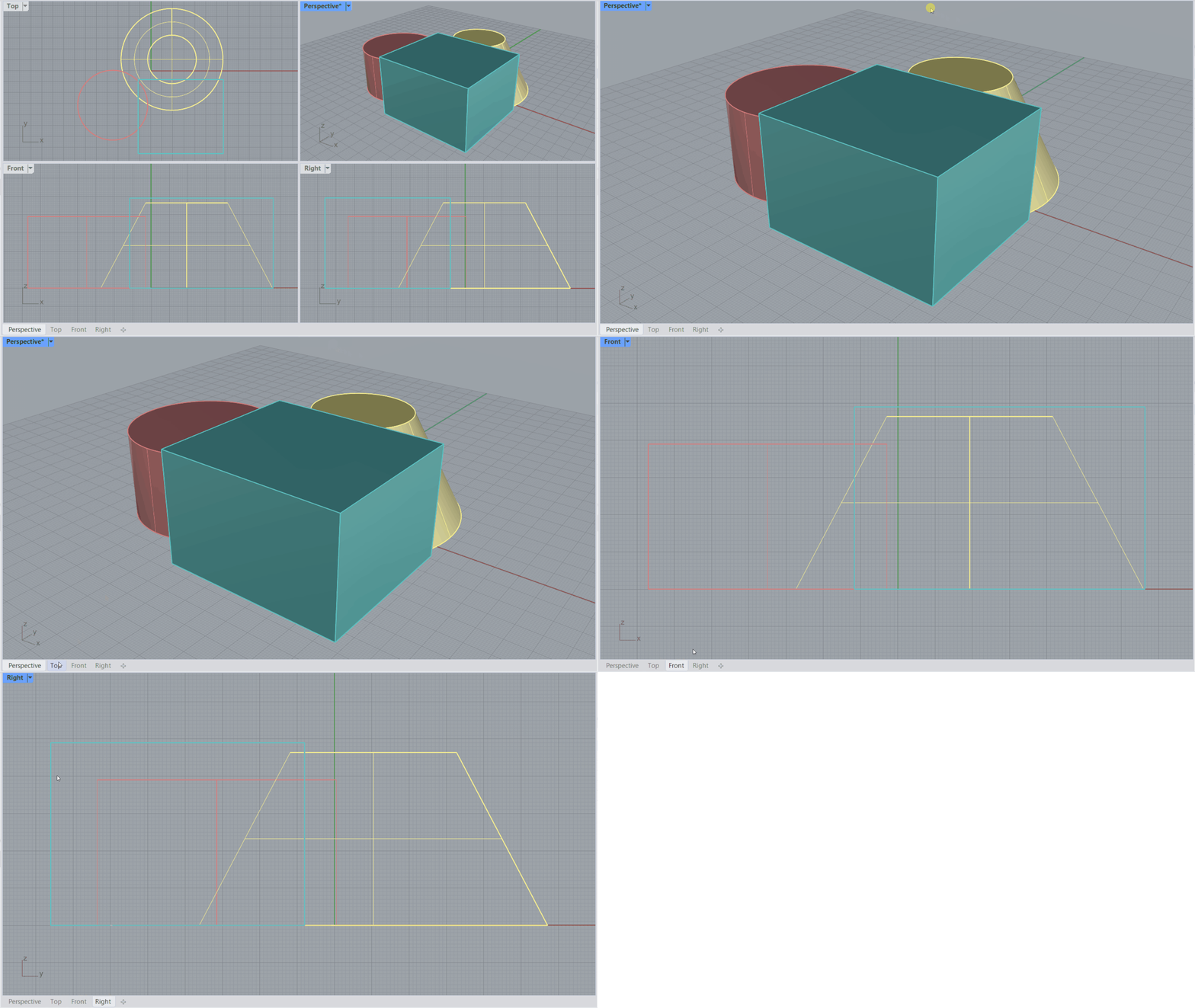
Rendered Mode is Rhino’s quick photorealistic display mode. It simulates a view of your scene that includes lighting and materials without the time-consuming calculations of the realtime render engine . Perfect for getting a sneak peek while continuing your modeling work!
Colors and Refractions
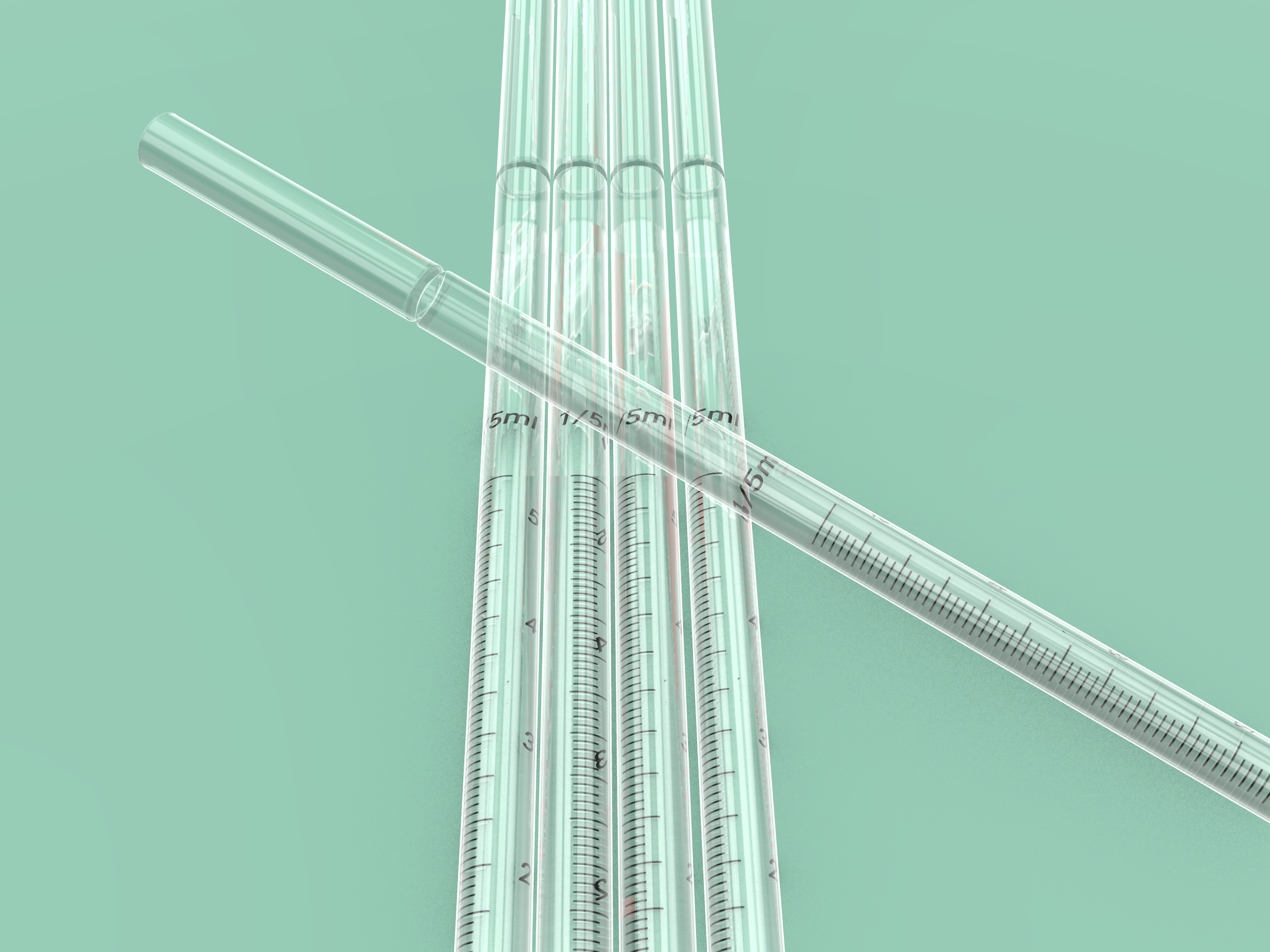
Rendered mode just got better! With color preview and refraction support for transparent materials, create fast and realistic visualizations in no time.
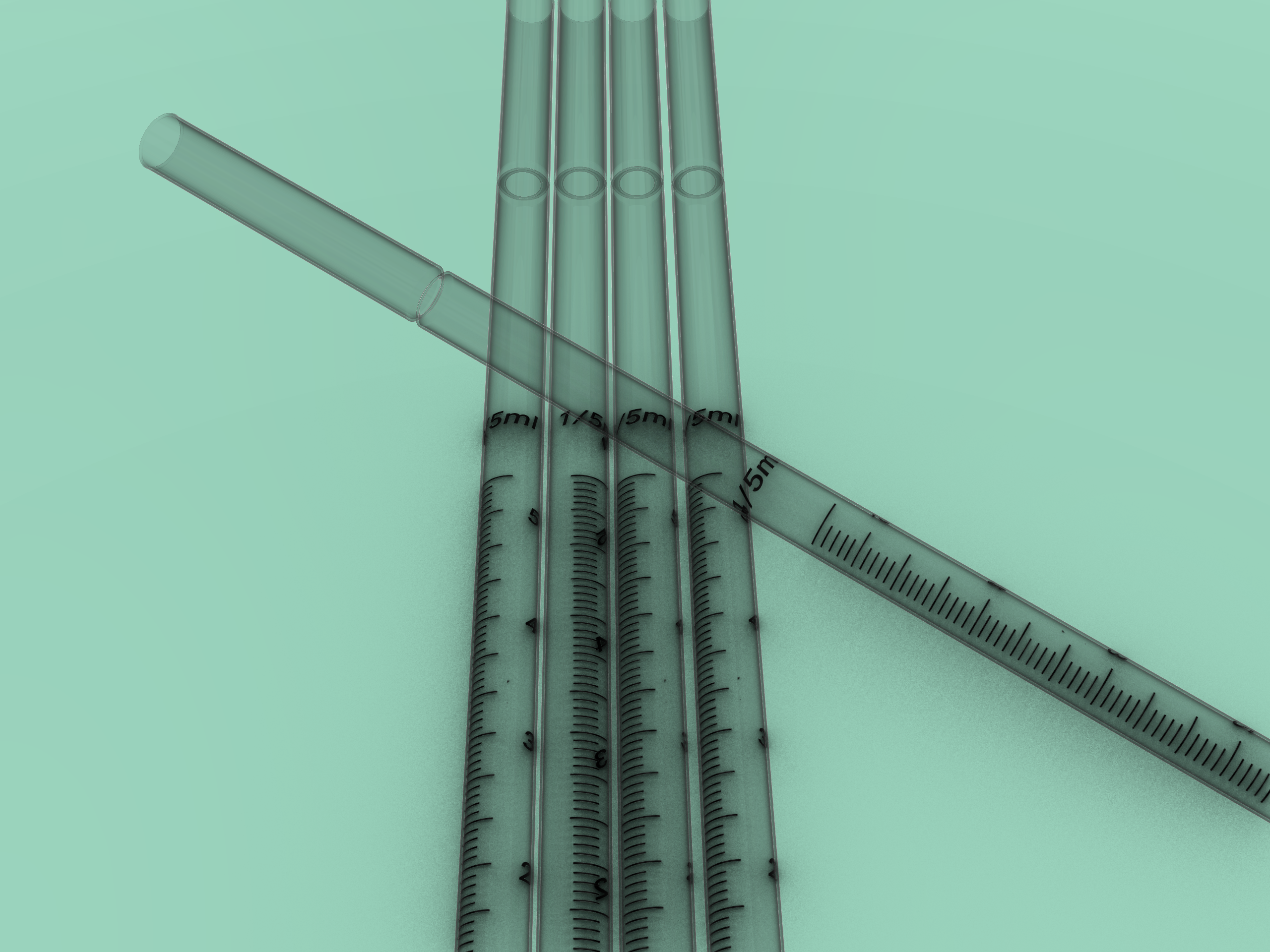
Rendered Mode in Rhino 8
Rendered Mode in Rhino 9
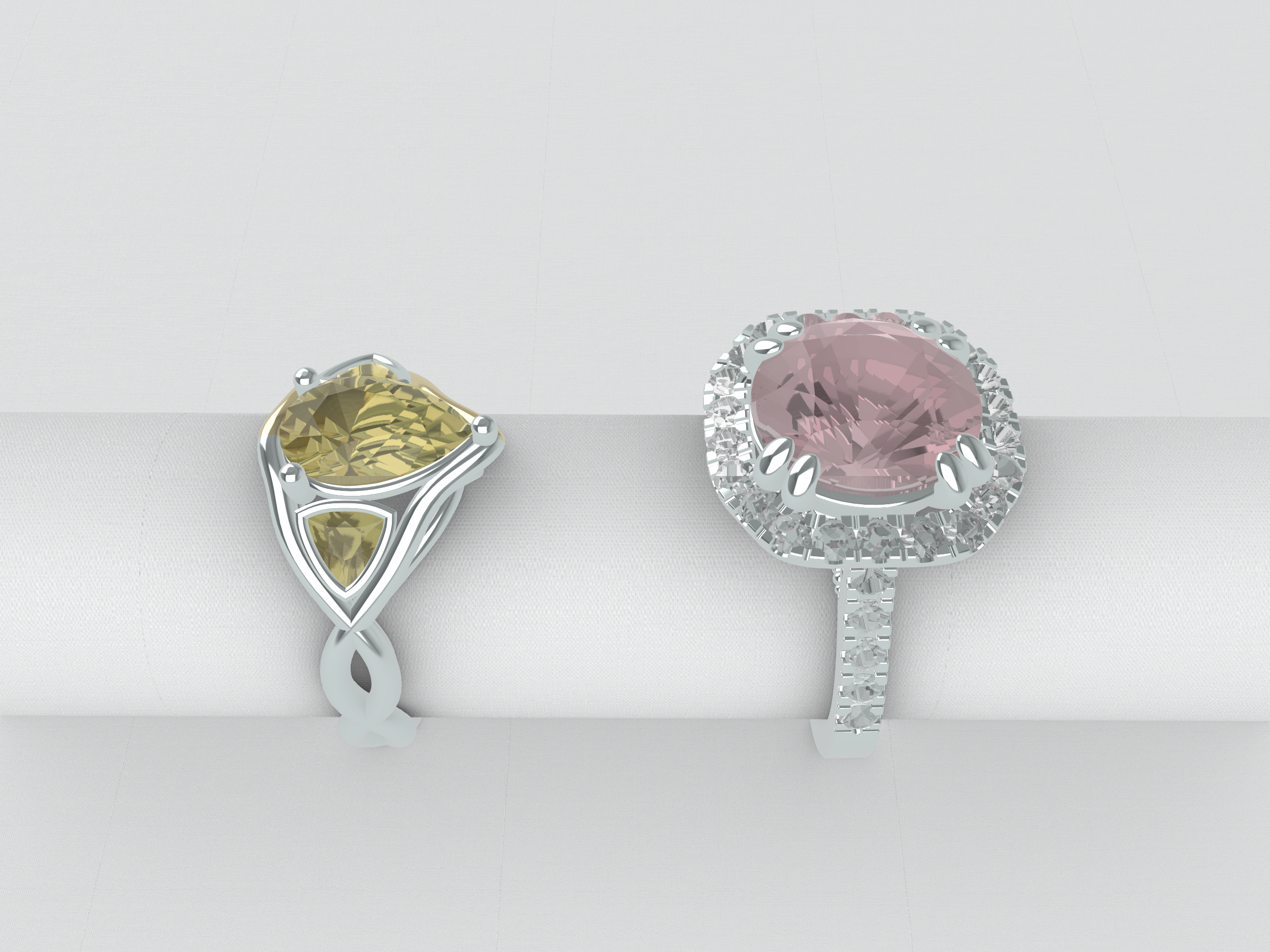
For Jewelry
With the new transparency improvements, materials respond more naturally to light—giving you a clearer, more accurate preview. The difference is especially striking when visualizing gemstones, where realism truly matters.
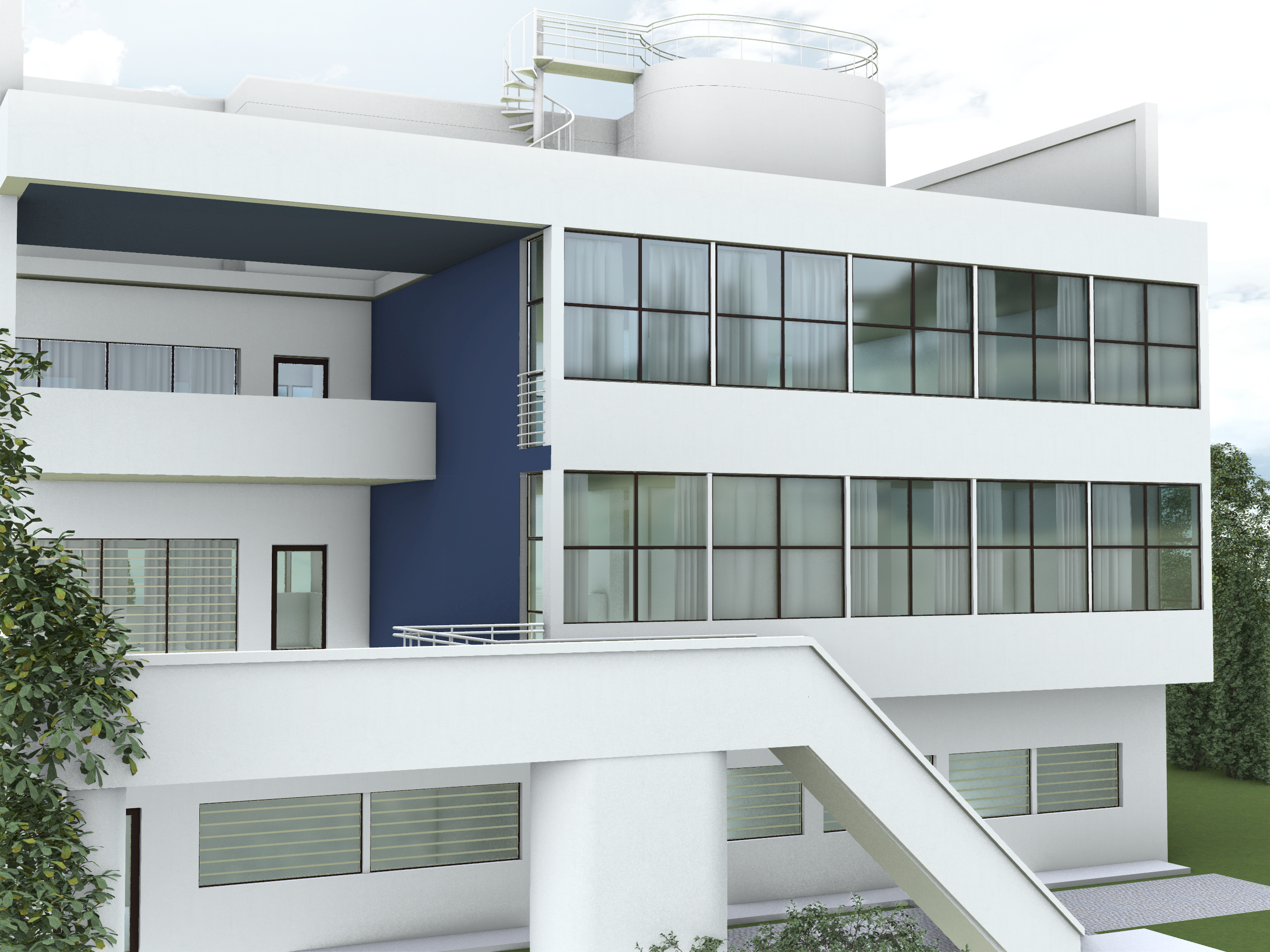
For Architecture
Get better, faster previews for architectural projects when rendering glass panels or water planes, without having the long waiting times of a render scene.
For Product Design
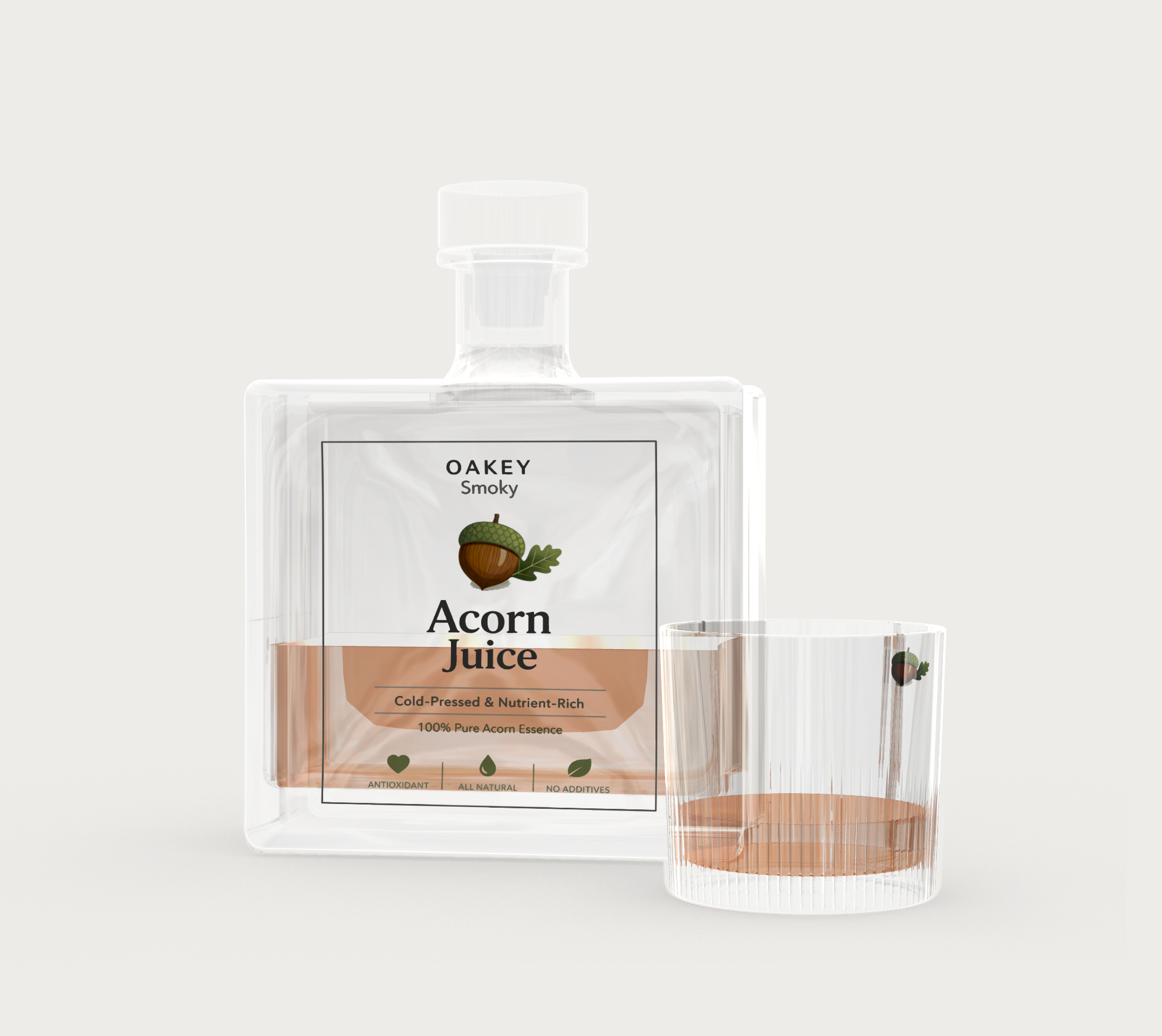
With the new transparency improvements: color previews and refraction simulation, get a better idea of how products made of glass or plastic will look. Make changes and adjust on the fly before switching to final rendering calculations.
Faster Iterations
In previous versions of Rhino, the results often looked flat and unrealistic, making it hard to anticipate the final result. Now, you can fiddle with material settings and preview in Rendered mode. Switch to the longer final render (Raytraced) calculation only at the end process.
Try It
- Download Rhino 8 Evaluation for Windows or Mac.
- Download and open the Pipes.3dm model.
- Maximize the Perspective viewport.
- Change Display Mode to Rendered. The glass objects will appear transparent and visualize color and simulate refraction.
- Ask questions and give feedback on Rhino’s Discourse Forum.