
Rhino 9 Features
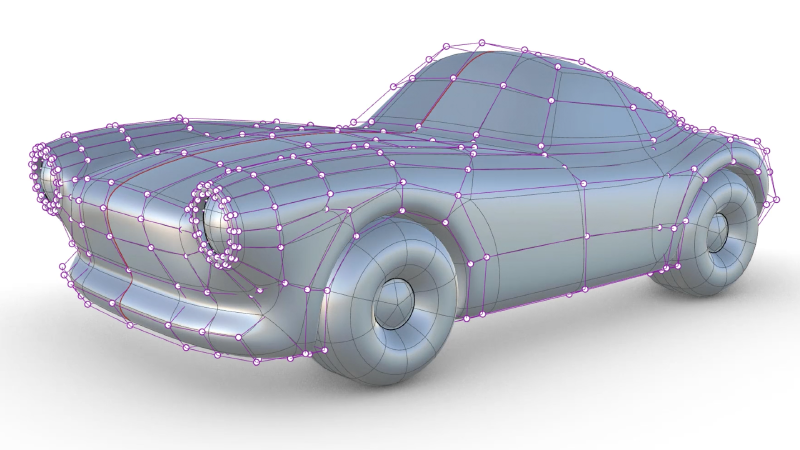
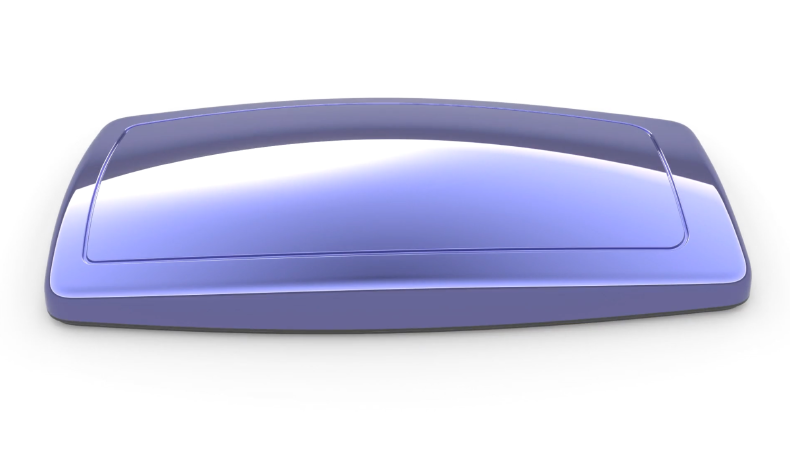
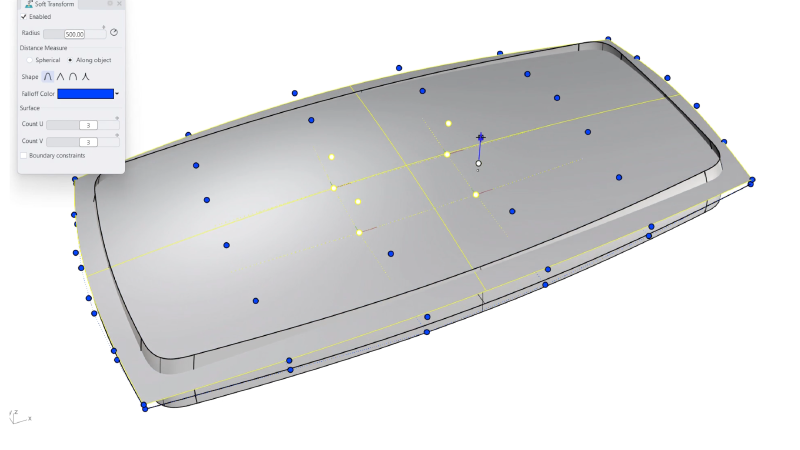
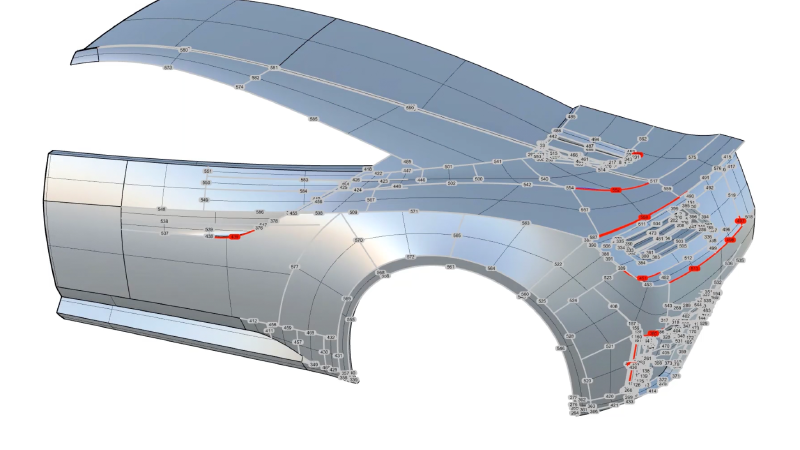
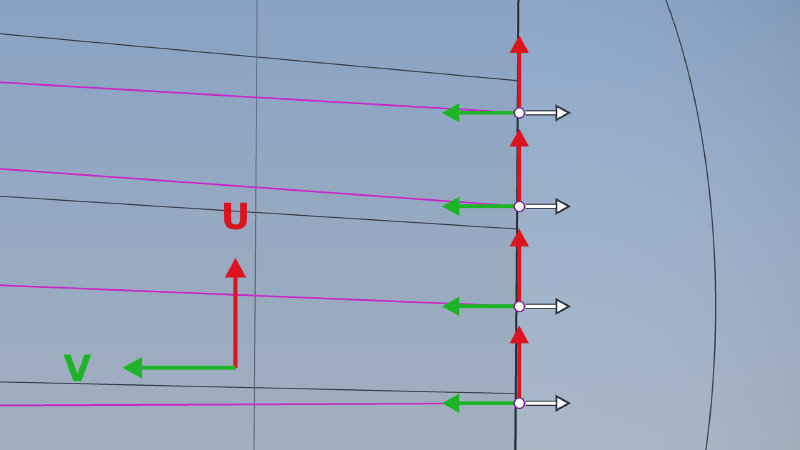
Gumball: Control Polygon
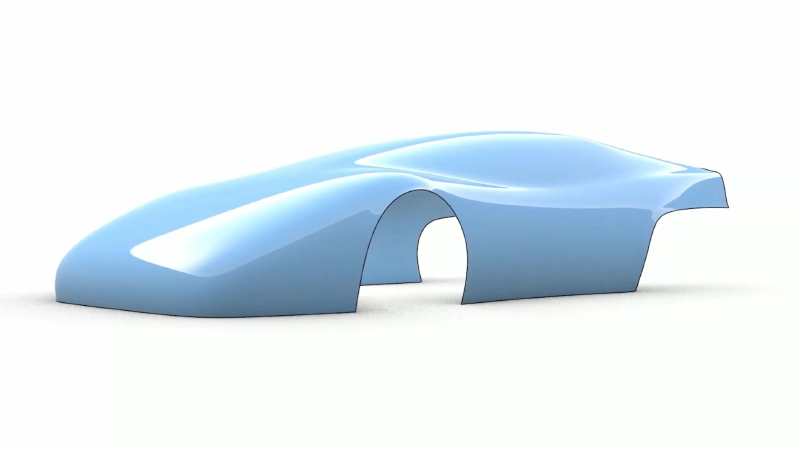
Massage single or multiple control points in their own U, V or N direction. …
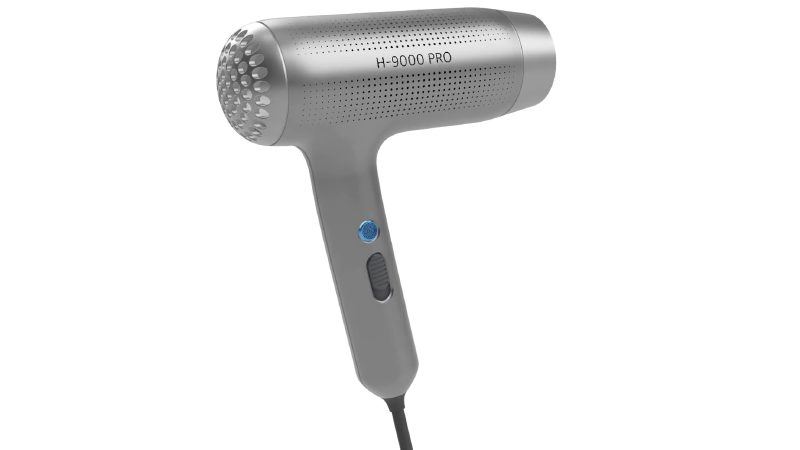
PushPull
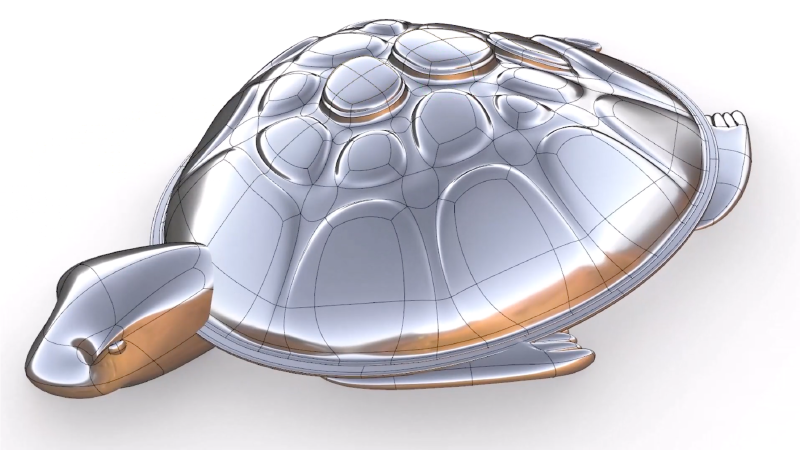
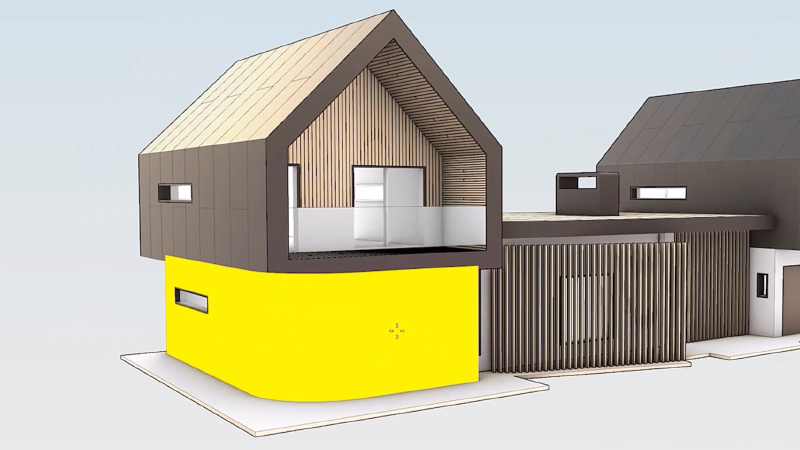
Grab faces and push or pull them. Speed up modeling by using curves to add or remove volumes from existing surfaces.
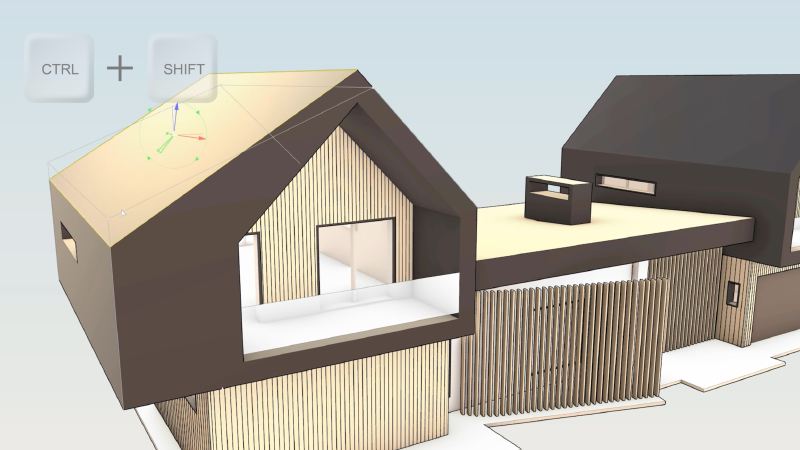
Gumball: Rotate-Extend
Quickly Move, Rotate, Scale, Copy, Cut, and Extrude geometry without typing commands or clicking a toolbar button making the Gumball a versatile direct modeling tool.
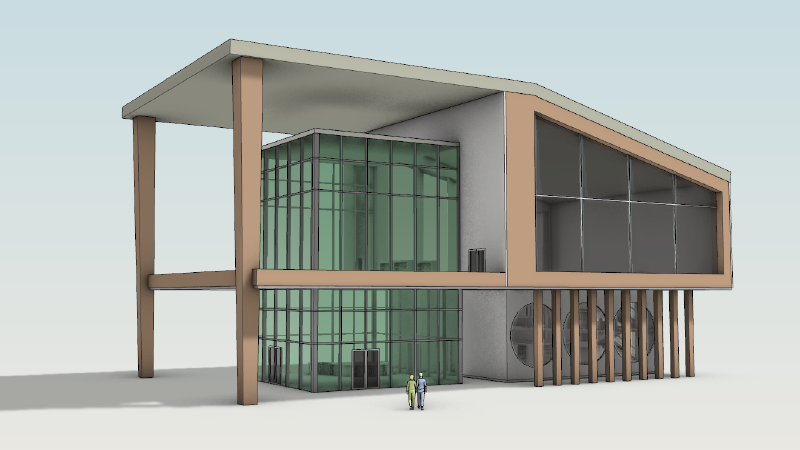
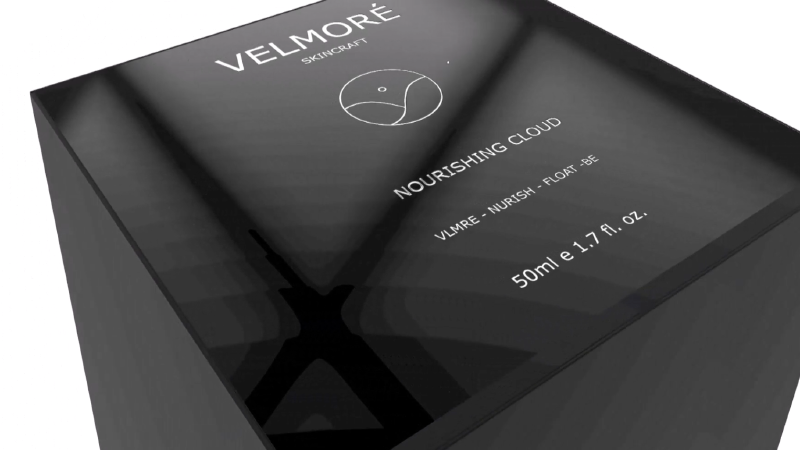
Concept Display Mode
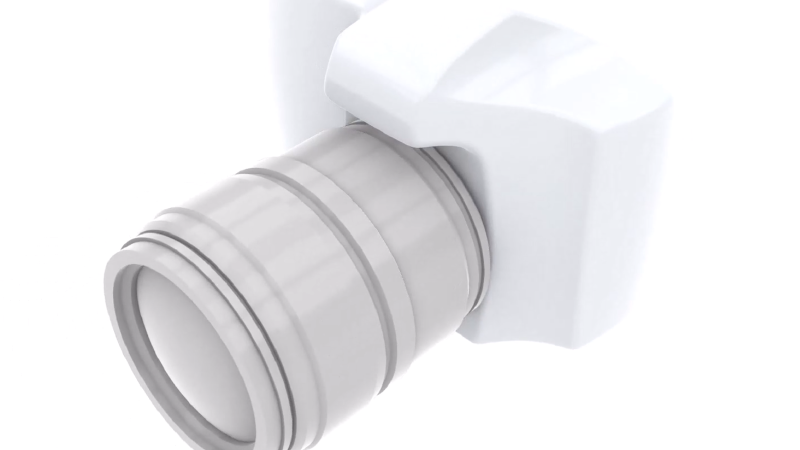
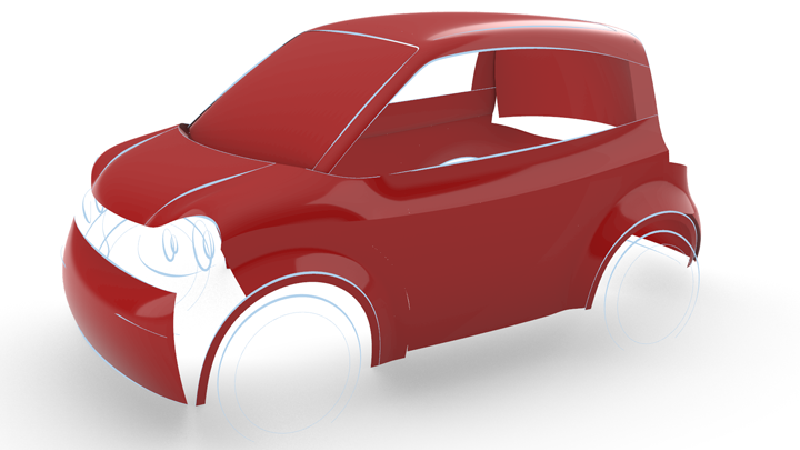
Quickly communicate early-stage designs with a presentation-ready look straight from your 3D model.
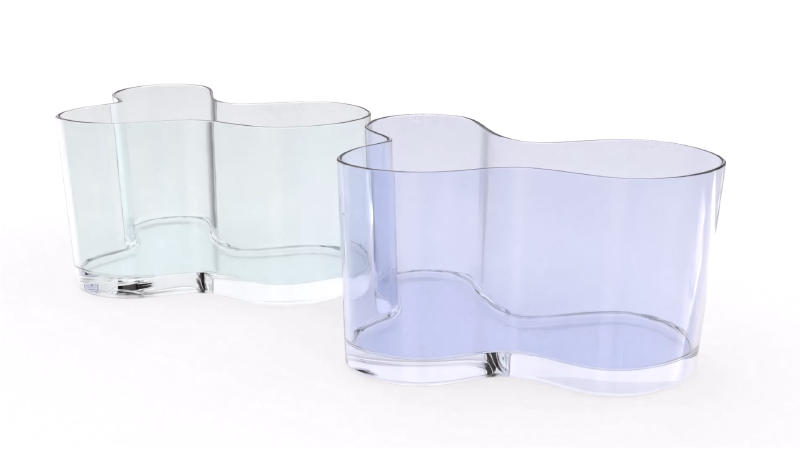
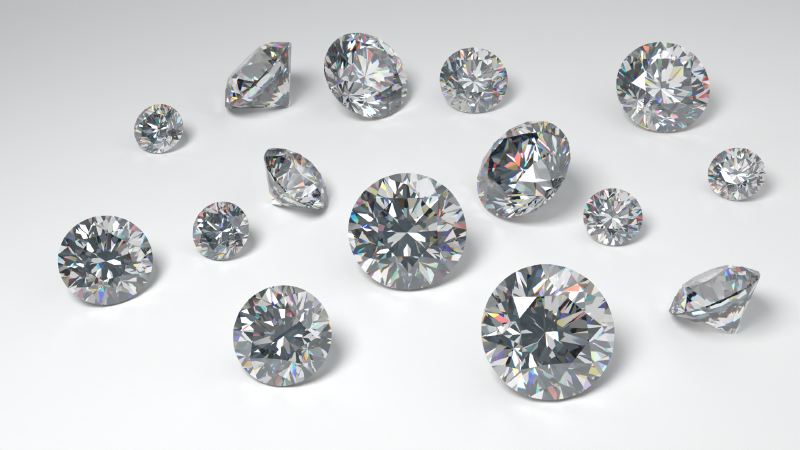
Caustics and Dispersion
Caustics and dispersion are useful for creating realistic images of jewelry …
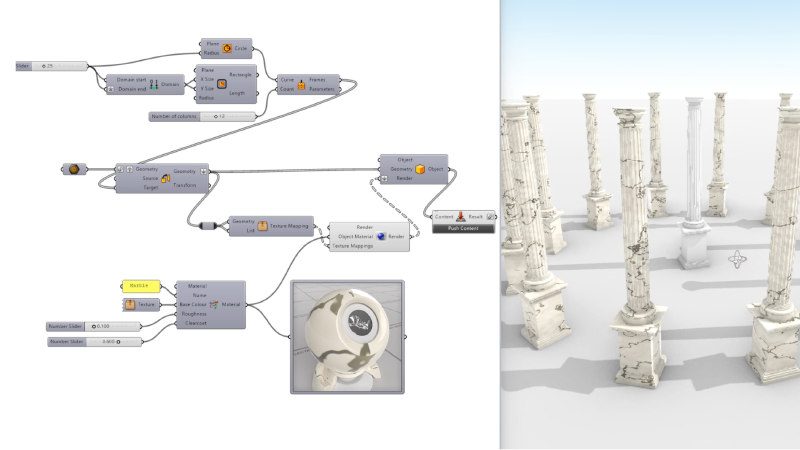
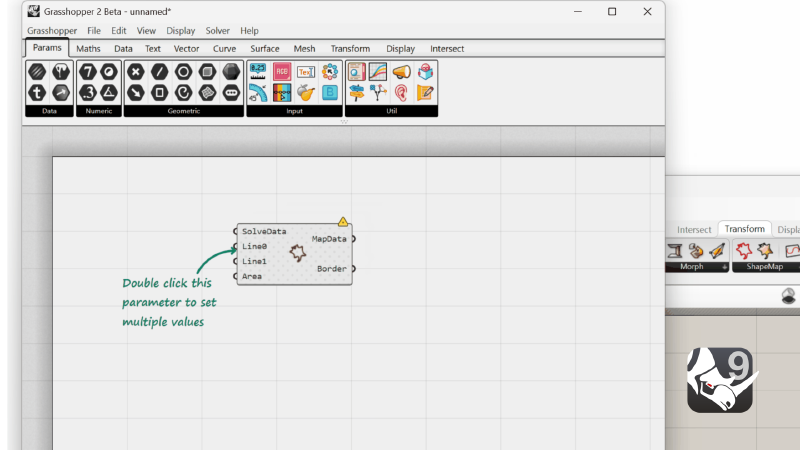
Grasshopper: Texture Mapping
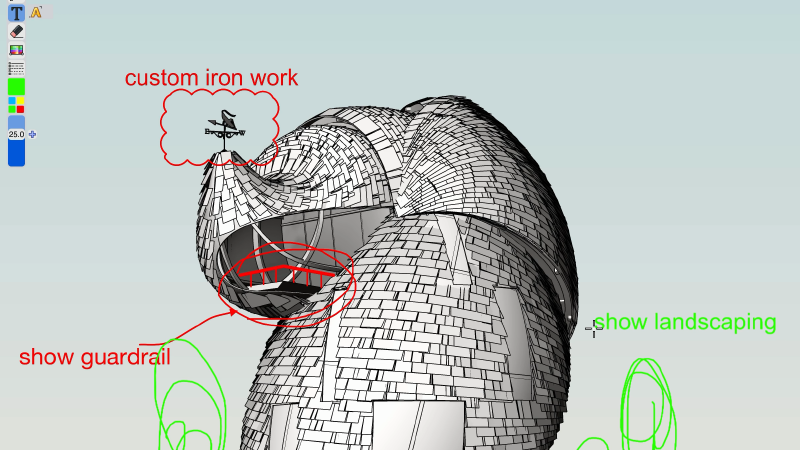
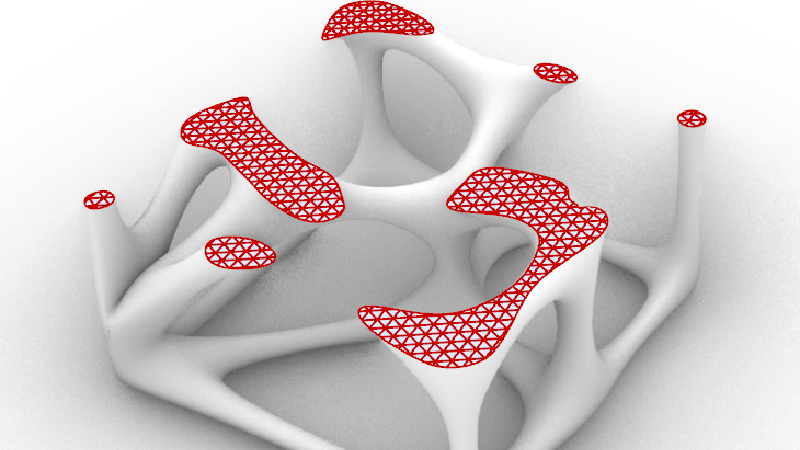
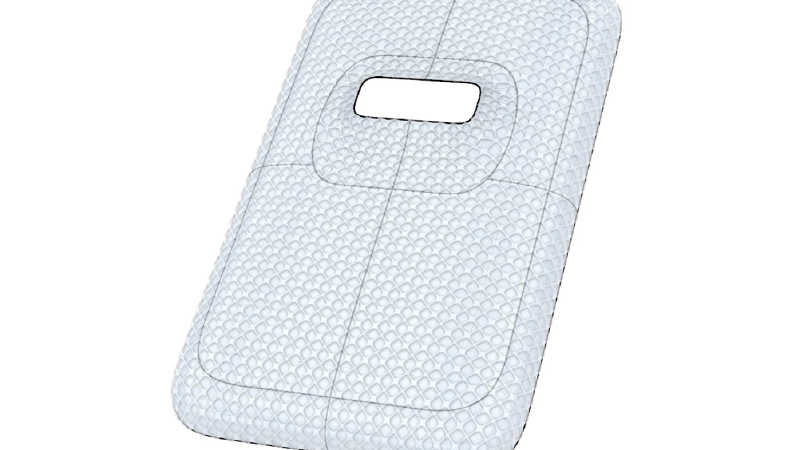
Create, assign and edit the texture mapping of objects with Grasshopper.
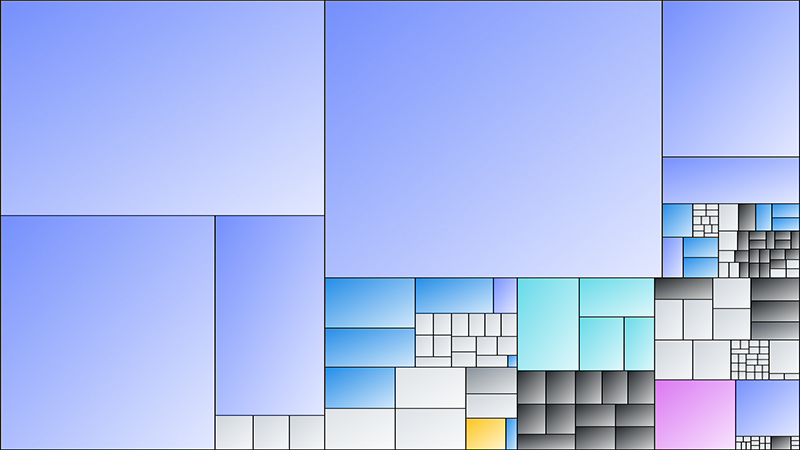
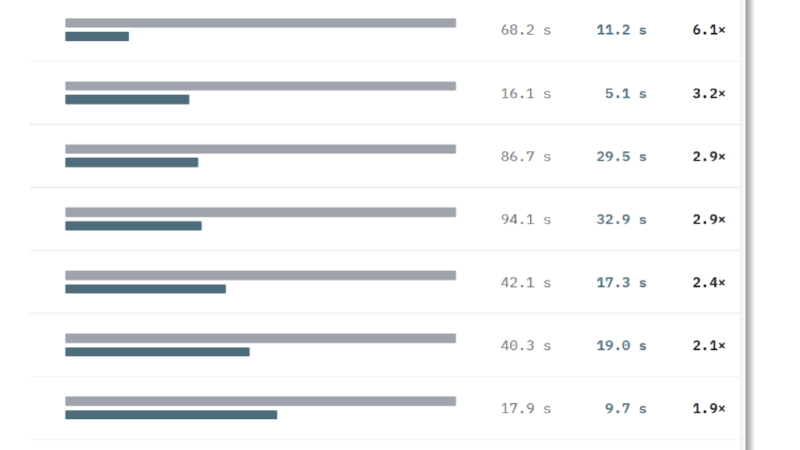
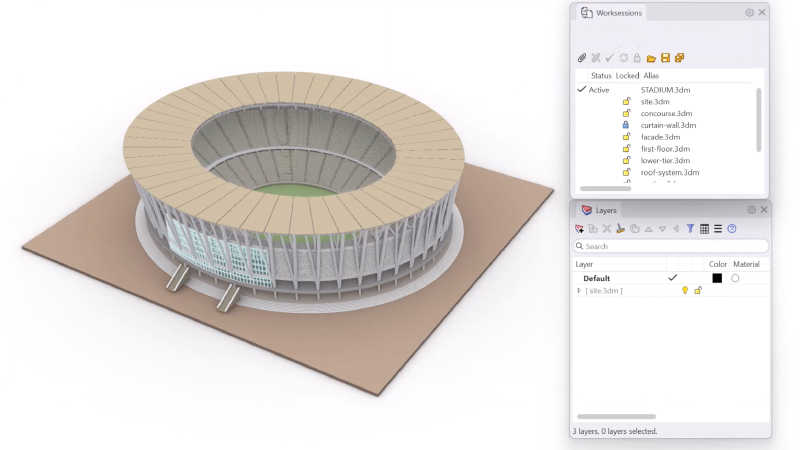
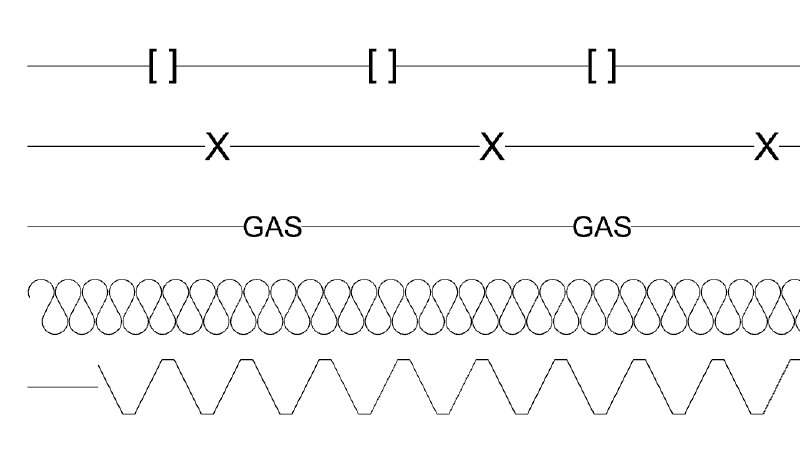
Linetypes
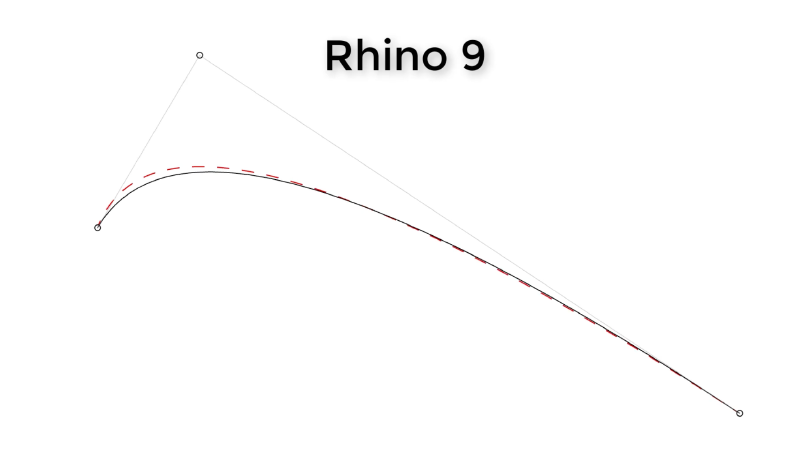
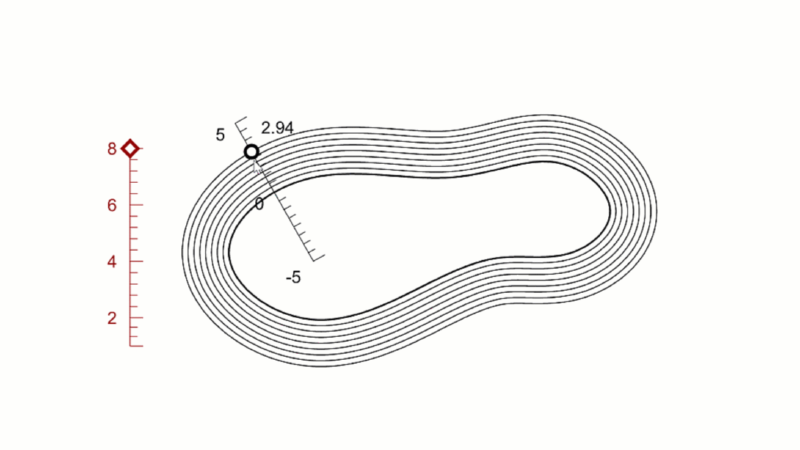
Linetypes draw stylized curves with pattern, width and taper to communicate design or artistic flair.
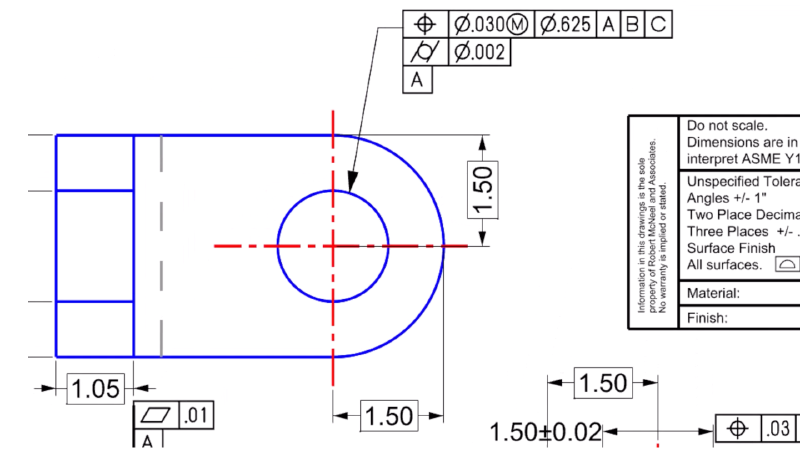
Text Formatting
A full-featured text editor, allowing for bulleted lists, kerning, and more for formatting text annotations.
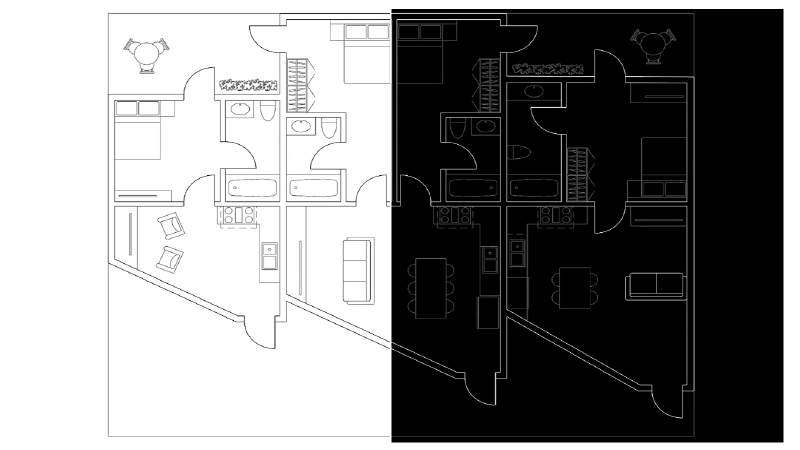
Black and White Switch
Automatically flip pure black or white curves and wires to the opposite color of the viewport background.
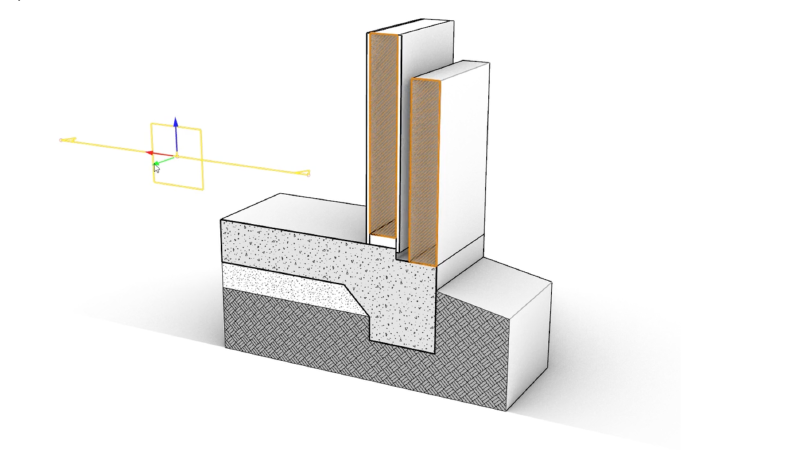
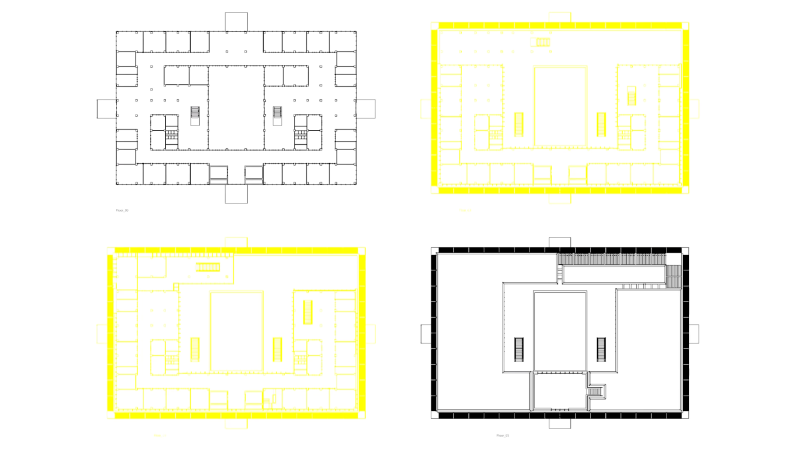
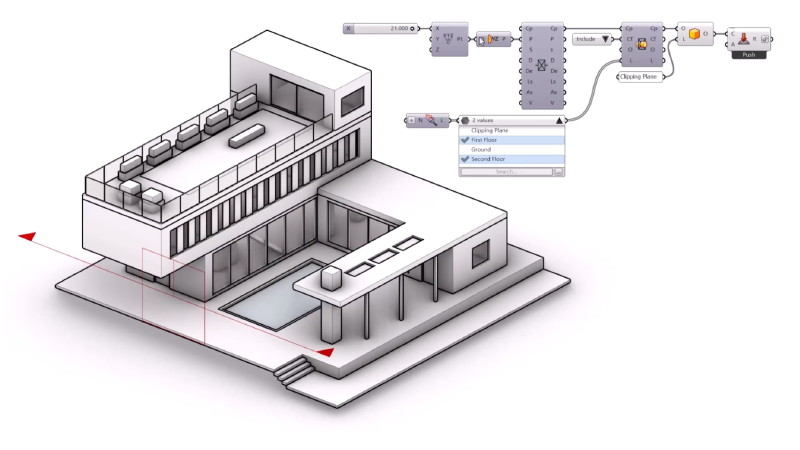
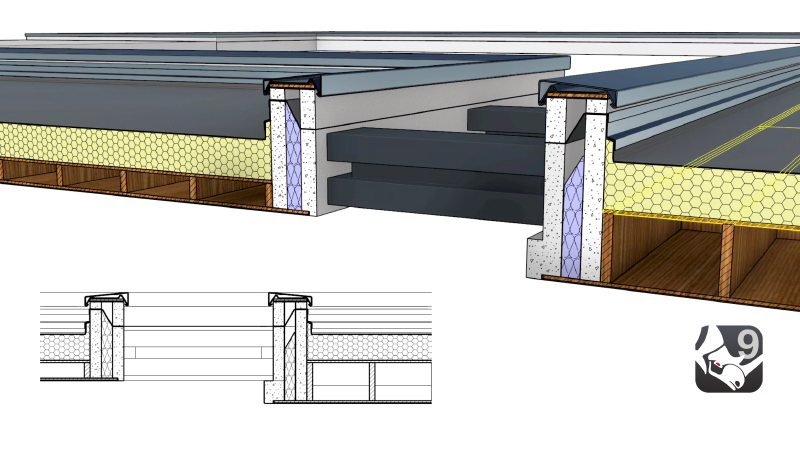
Clipping Drawings
Create 2D drawings from your 3D model in a few clicks and maintain the live connection.s
Rhino 9 | Grasshopper 2
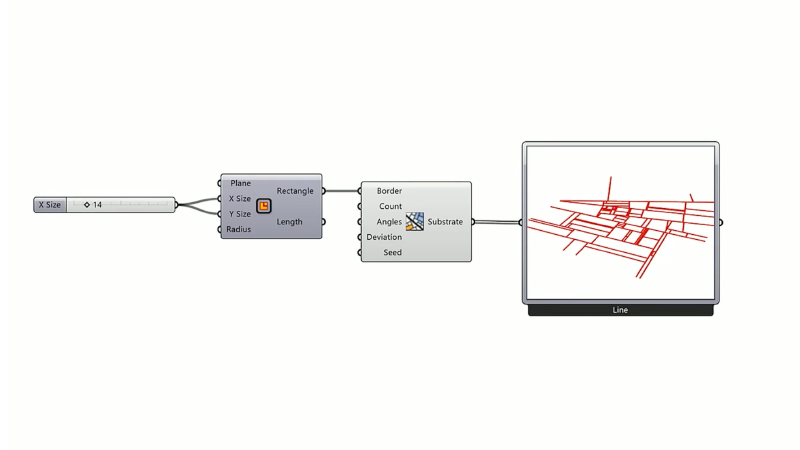
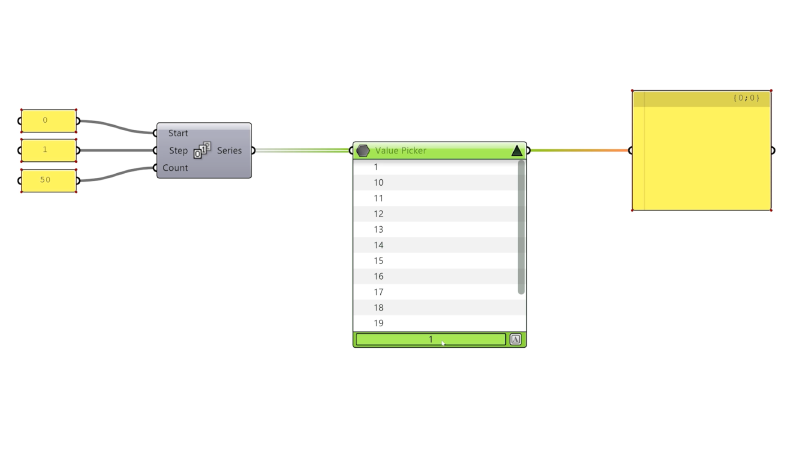
Hop onto the next level of Visual Programming: looping, metadata, multithreading / cancelling.


Rhino 9 Stories
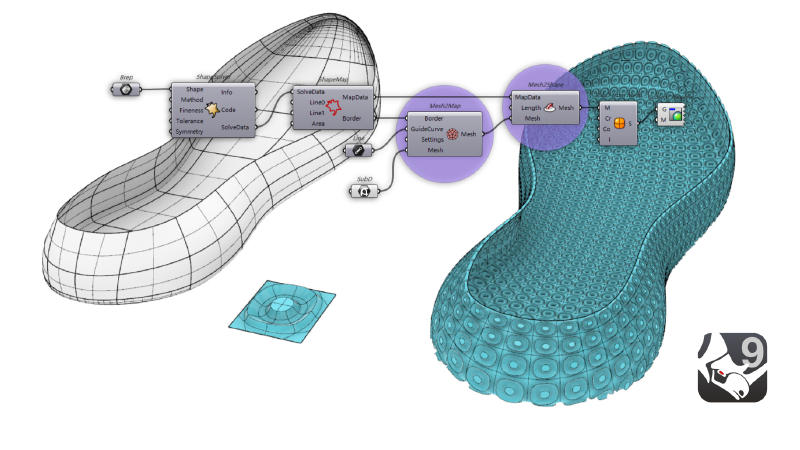
Rhino 9 | Patterning
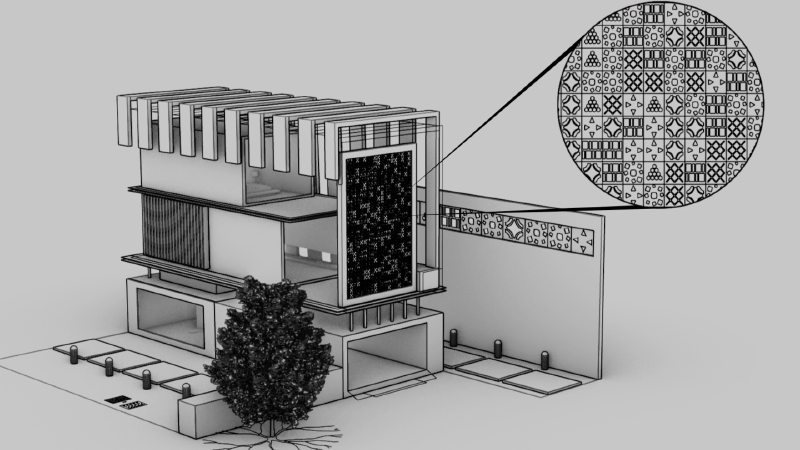
Rhino 9 includes a rich toolset for recreating uniform or gradient patterns in 2D or 3D.
Rhino 9 | Drafting
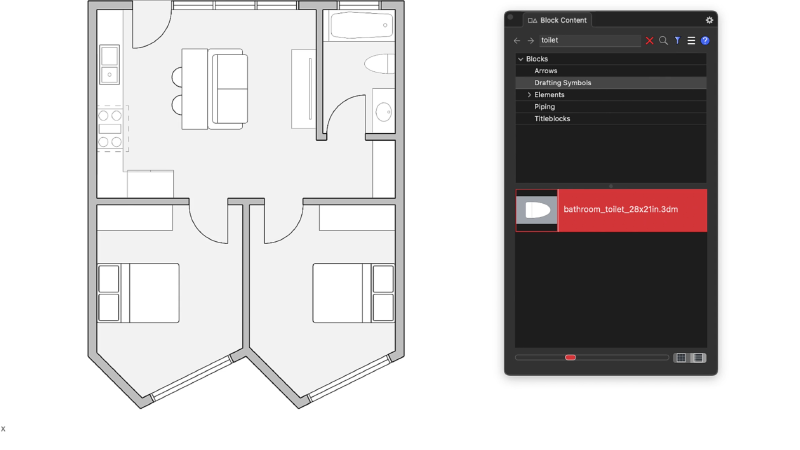
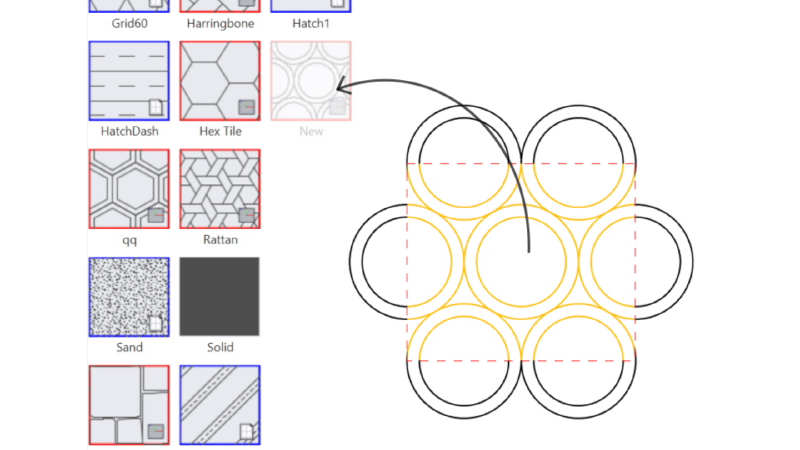
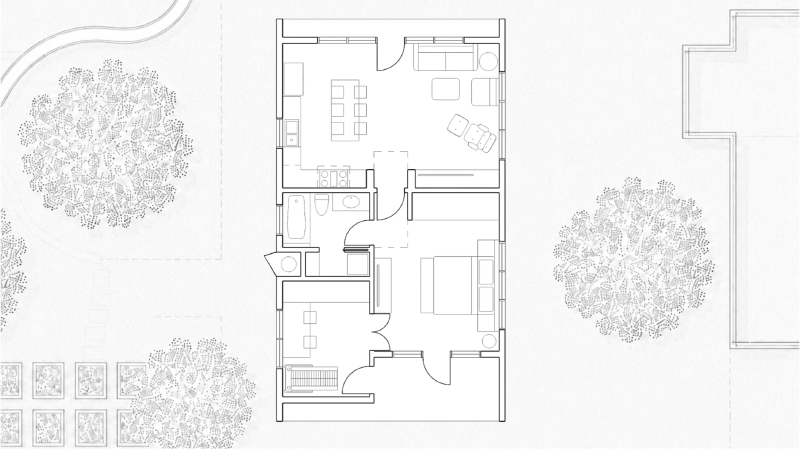
Get from 3D model to finished drawing faster, with a new Block Editor, section tools, custom hatch patterns and markups in Rhino 9.
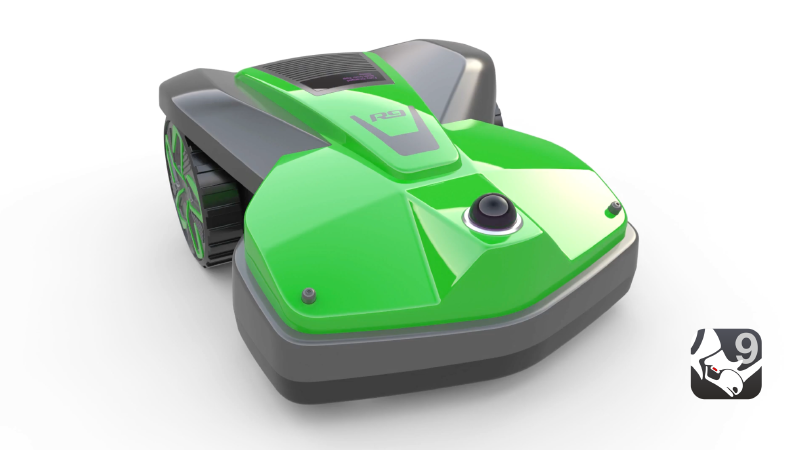
Rhino 9 | Freeform Modeling
Rhino's model creation tools make it flexible, accurate, open, and very popular.
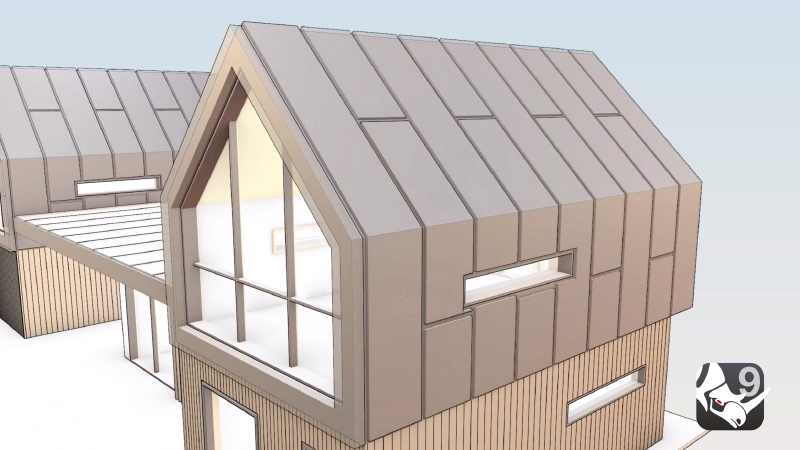
Rhino 9 | Direct Modeling
Directly interact with your geometry and see your ideas shape up in realtime.
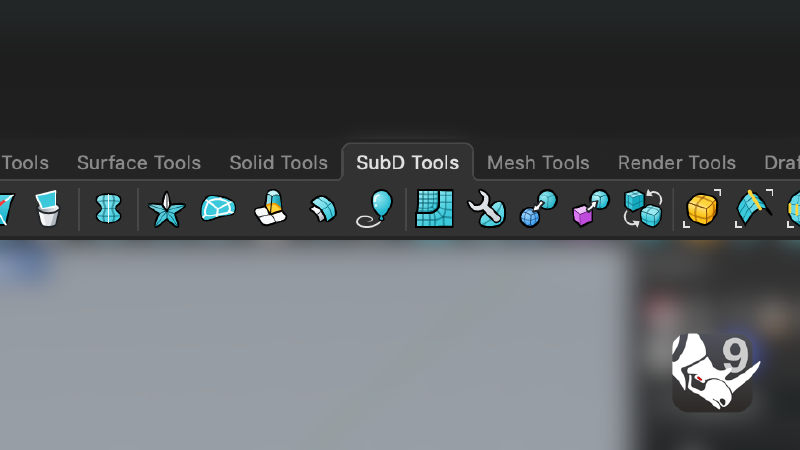
Rhino 9 | User Experience
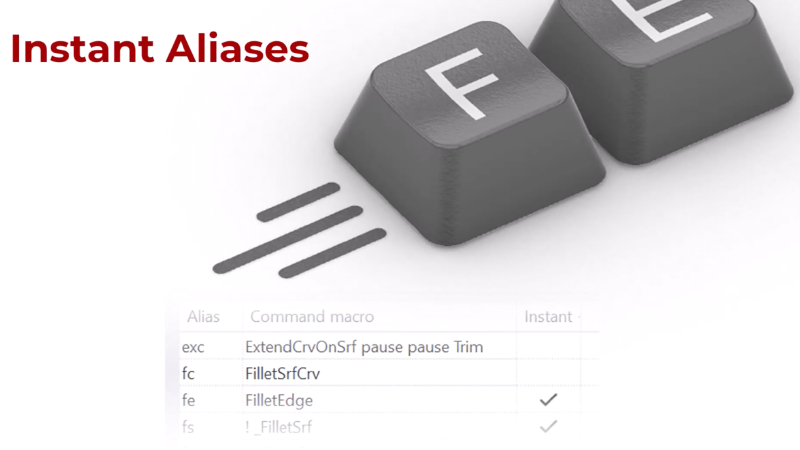
Spend less time on commands and more time designing, with more direct, visual control over your models in Rhino 9.
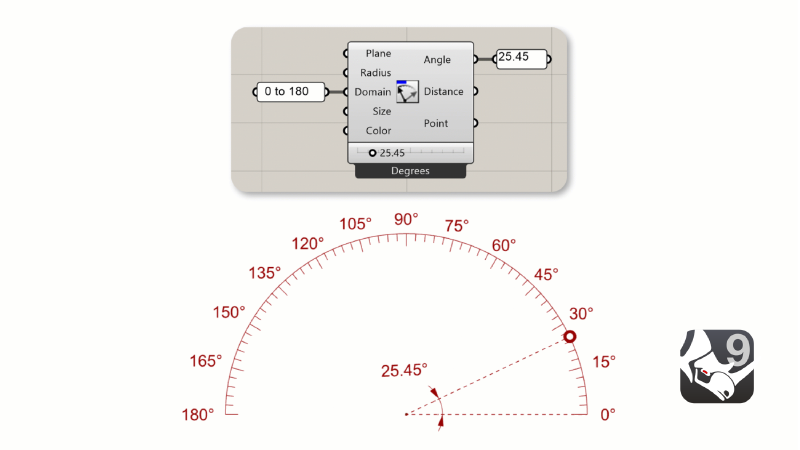
Rhino 9 | Grasshopper 1
Go beyond geometry without scripting: rendering, drafting and interactive viewport control.
Rhino 9 | Grasshopper 2
Hop onto the next level of Visual Programming: looping, metadata, multithreading / cancelling.
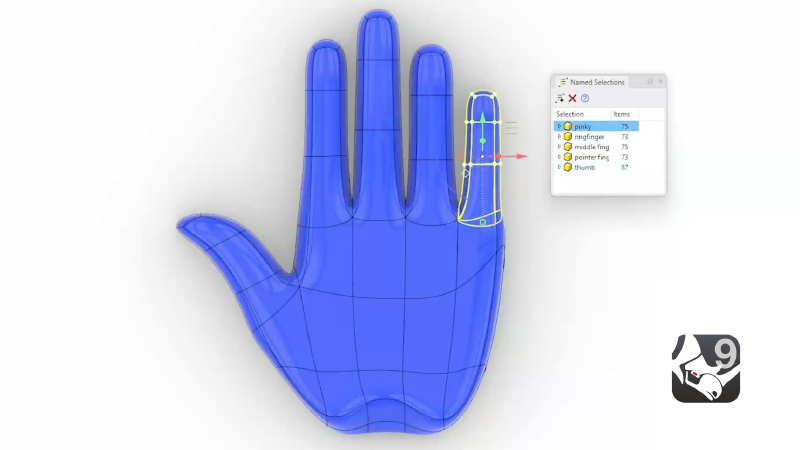
Rhino 9 | Organic Modeling
Rhino's model creation tools make it flexible, accurate, open, and very popular.
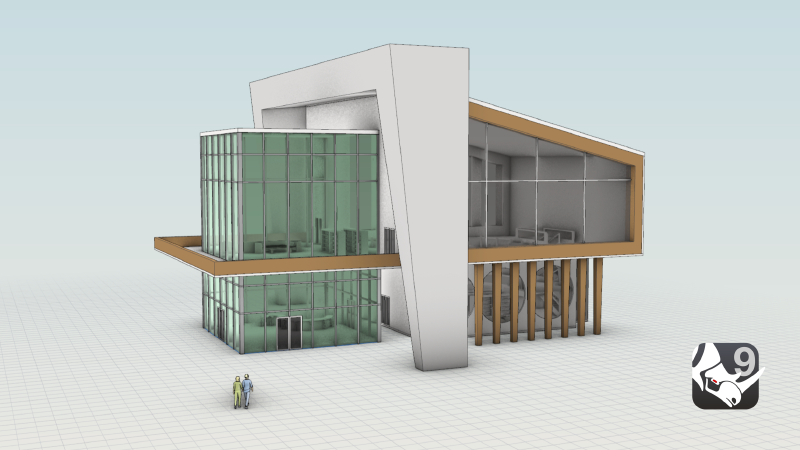
Rhino 9 | Presentation
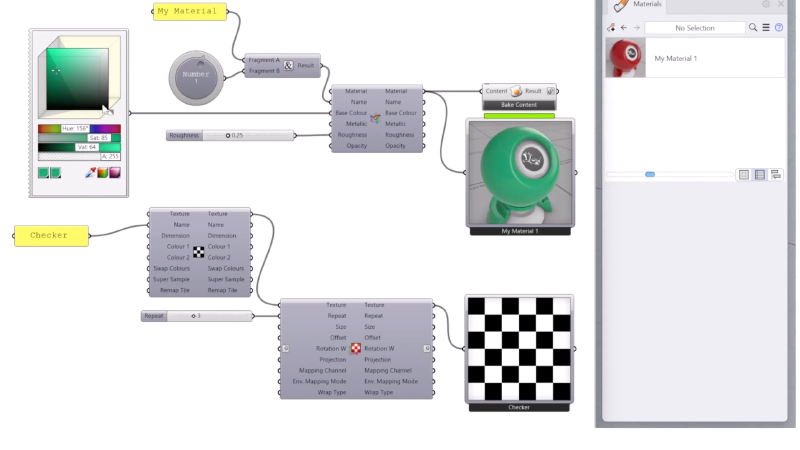
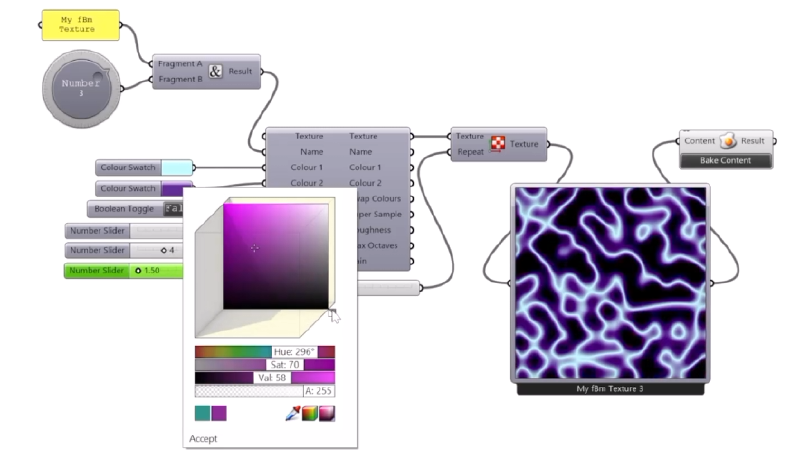
Present more realistic and expressive designs, with new concept visuals, realistic glass and gems and richer materials in Rhino 9.
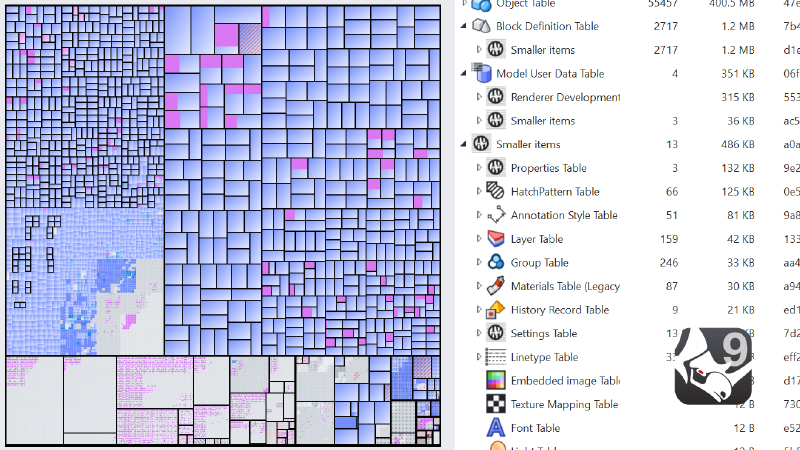
Rhino 9 | Large Projects
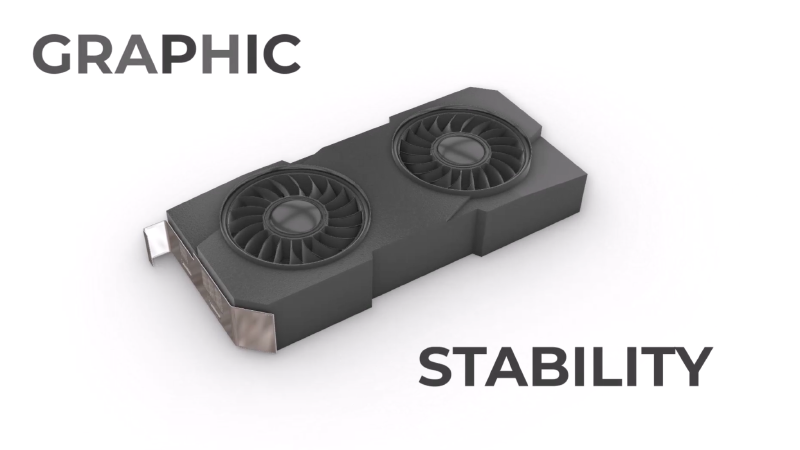
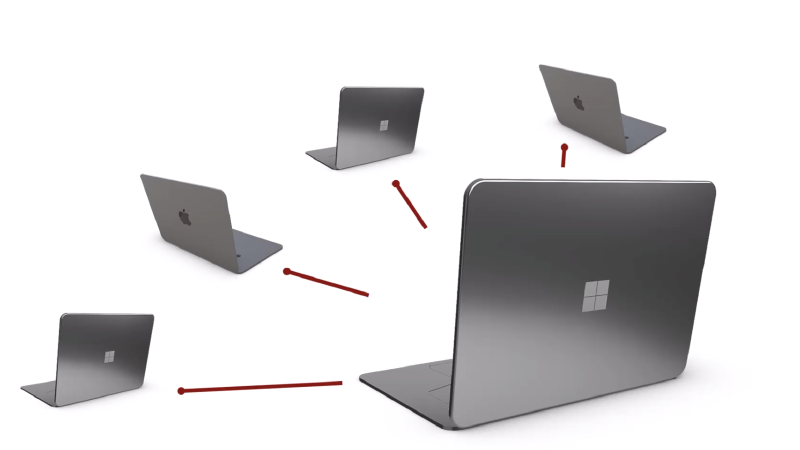
Keep big, complex projects under control with better collaboration, file management and performance in Rhino 9.
Rhino 9 Industries

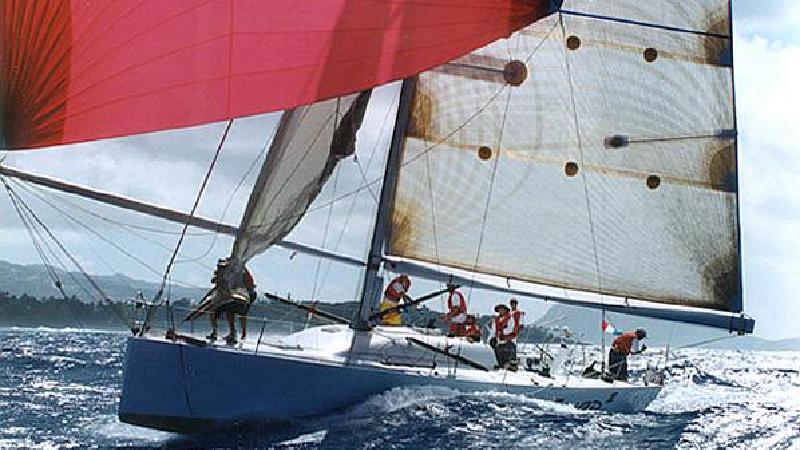
Rhino for the Marine Industry
Rhino uses accurate NURBS surfaces to help model any aspect of a vessel.
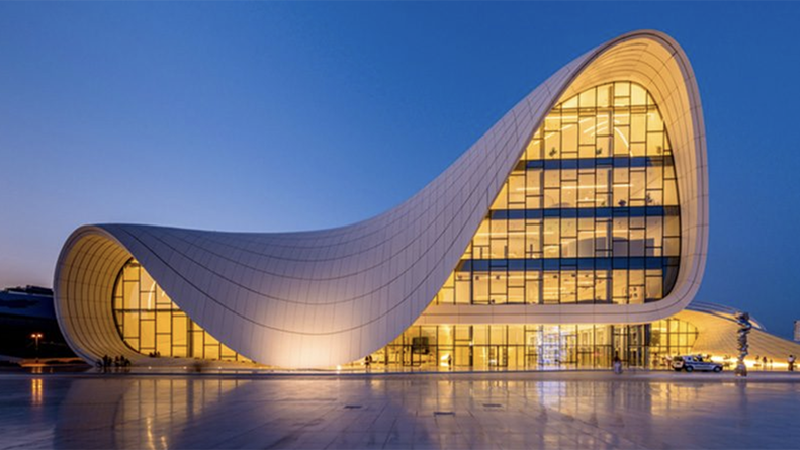
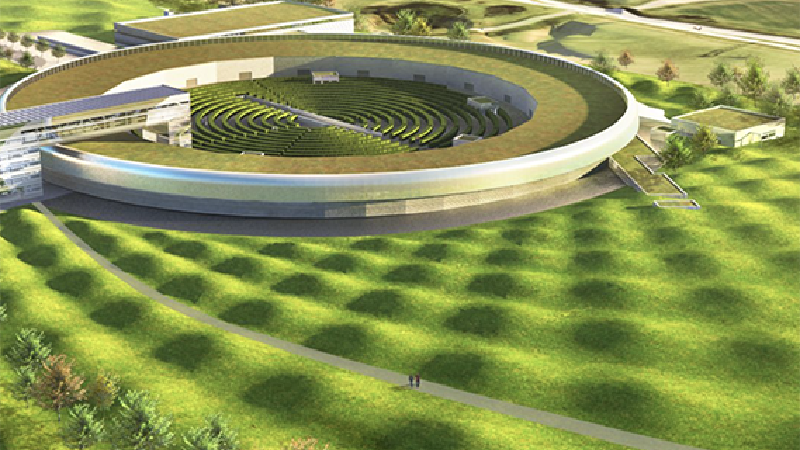
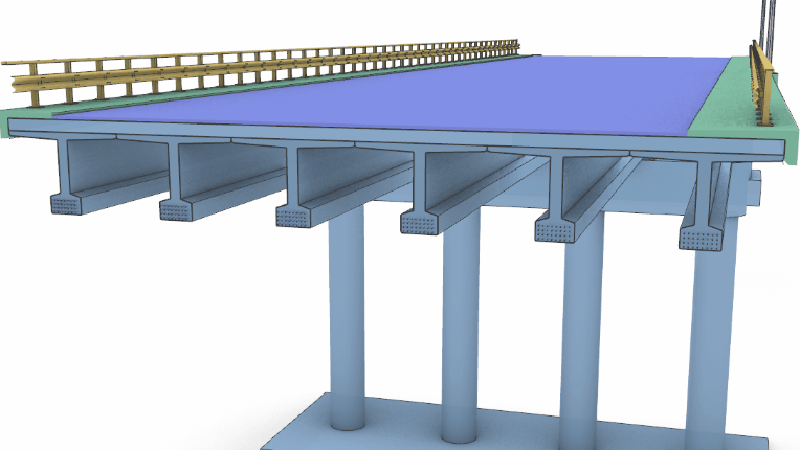
Rhino in Architecture, Engineering, and Construction
Rhino with Grasshopper is a robust 3D modeler for the AEC Industry.
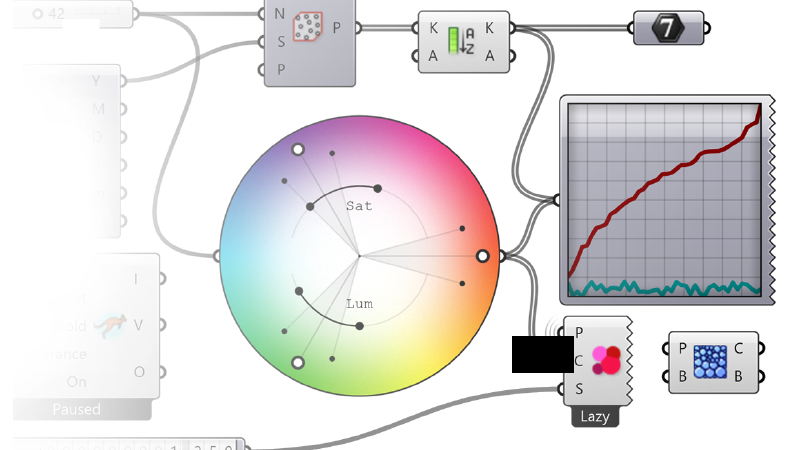
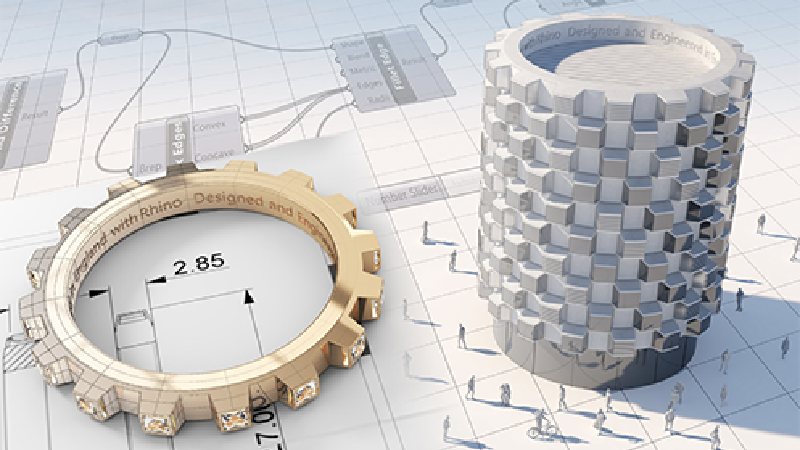
Grasshopper - Visual Programming for Designers
Grasshopper is the visual programming environment built into Rhino for …
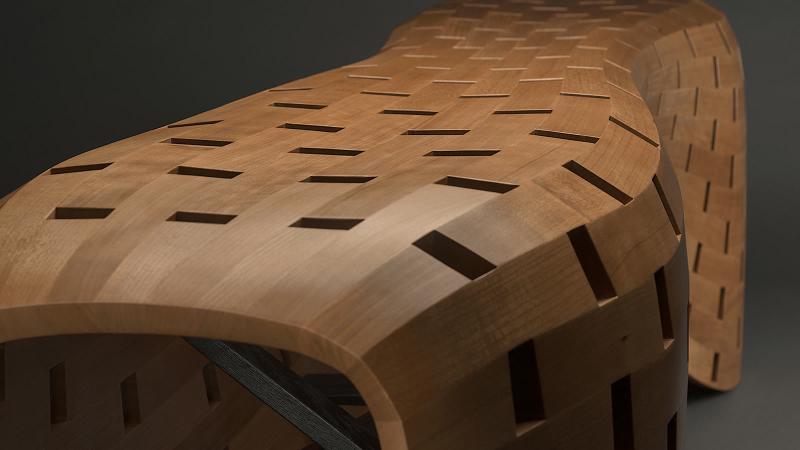
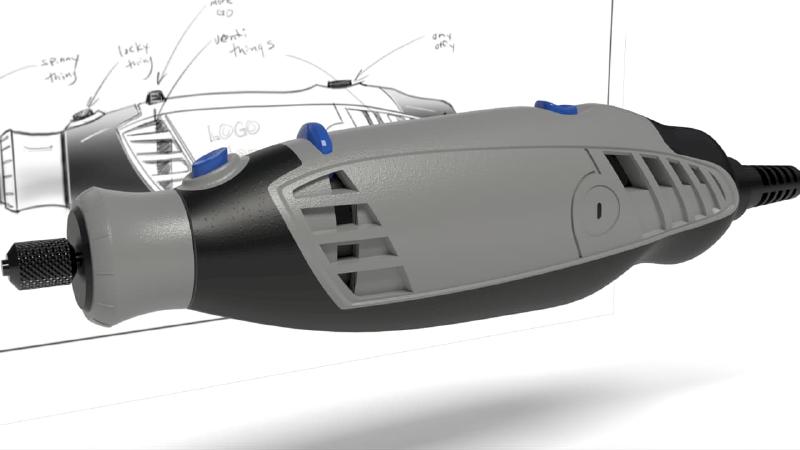
Rhino for Industrial Design
Rhino is a great freeform modeling tool that helps designers ideate simple …
Rhino 9 Tutorials
Concept Modeling for Architects
A workflow guide for Rhino 9 (direct modeling and solid tools).
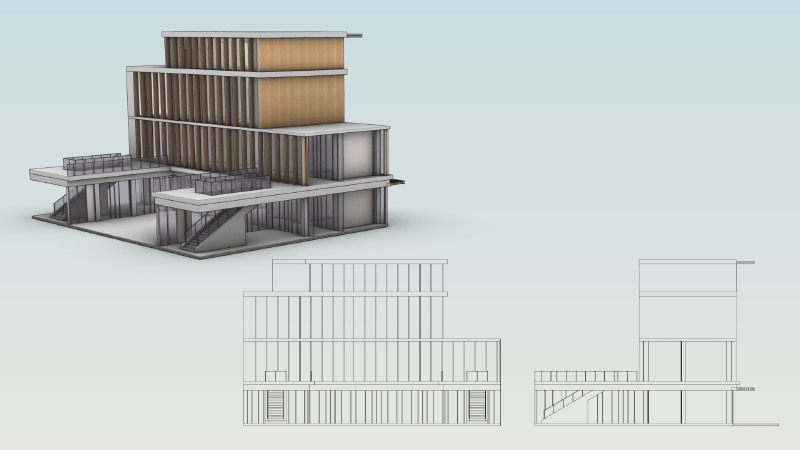
Streamline Elevation Drawings
Learn how to create Elevation drawings in Rhino 9 while keeping it in sync …

Add a Metallic Decal to a Water Bottle
Learn how to add a metallic full material decal onto a stainless steel …
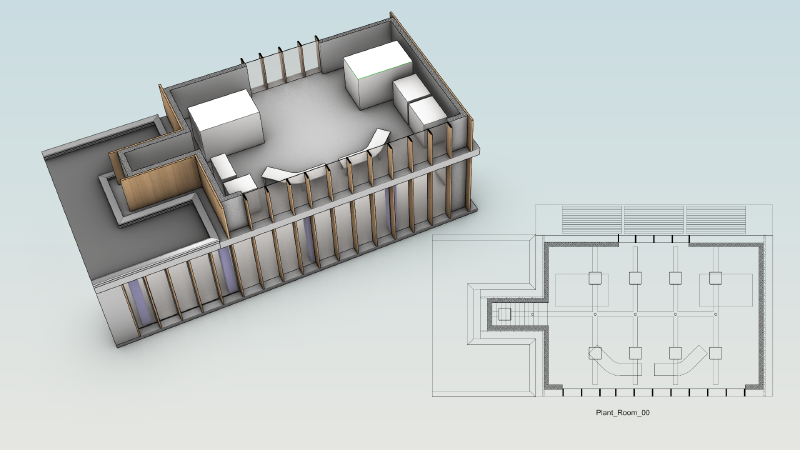
Create a Reflected Ceiling Drawing
Learn how to create a reflected-ceiling drawing (RCP) in Rhino 9 to …
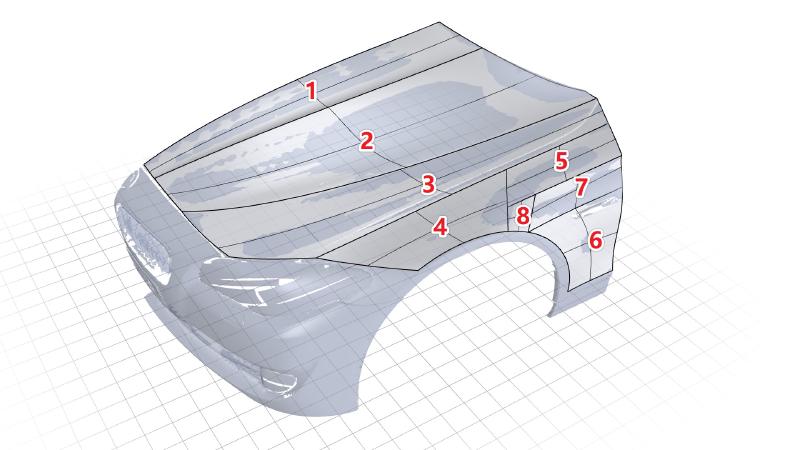
Reverse Engineer a Scanned Mesh
Learn how to reverse engineer a scanned mesh with Rebuild and Gumball UVN
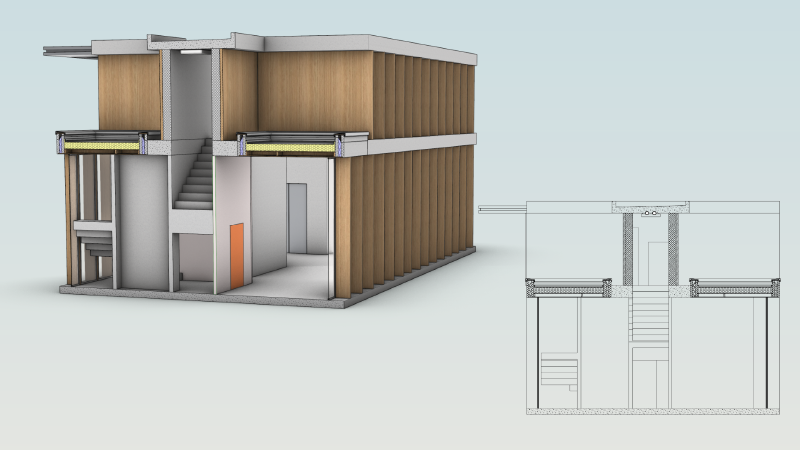
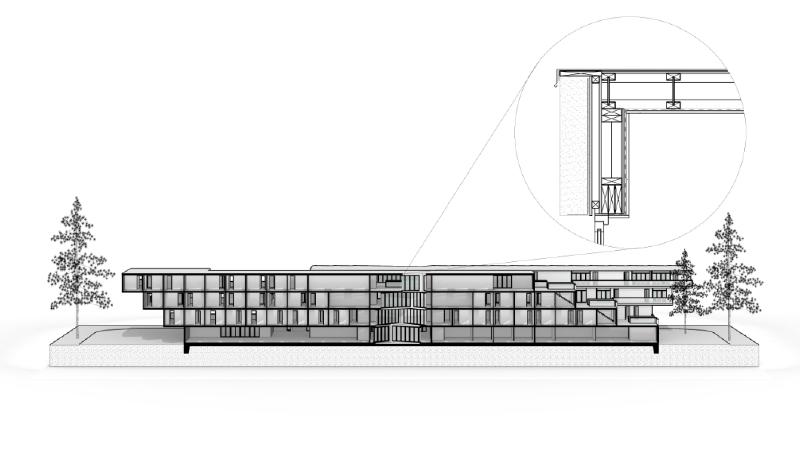
Create Architectural Section Drawings
Learn how to configure and create building sections in Rhino 9
Create Shareable Project Templates in Rhino 9
Learn how to create a 3DM file with project-specific settings to share …
Create a Graduated Stone Ring
Learn how to accurately scale and align sequential stones
Large Project Management for Architects in Rhino 9
Learn about some of the best practices in Rhino 9 to help share and …
ShapeMap: 3D Textures in Grasshopper
Apply a 3D texture and generate a gradient pattern using Grasshopper's …
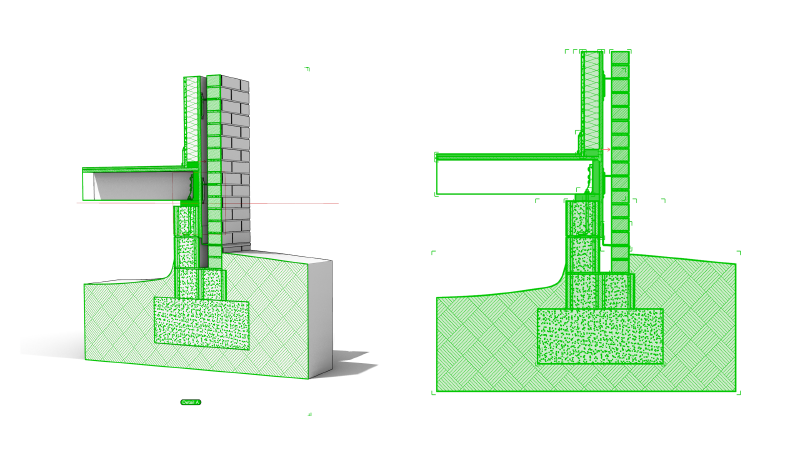
Create Parametric Sections and Hatches with Grasshopper
A workflow guide for Rhino 9 (Grasshopper 1 drafting components).
Create a Parametric Brick Wall Texture
Learn how to create a single Brick material that gets randomly mapped to a …
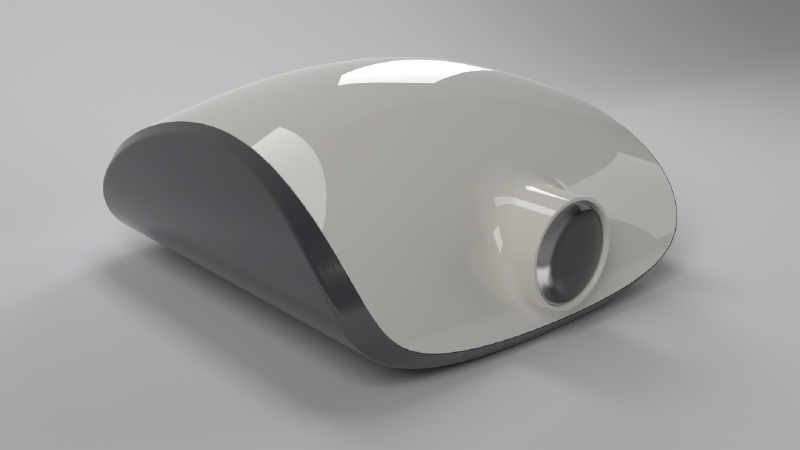
Model a Projector with Live Solid Features
Learn how to style, shell, and split a projector housing with …
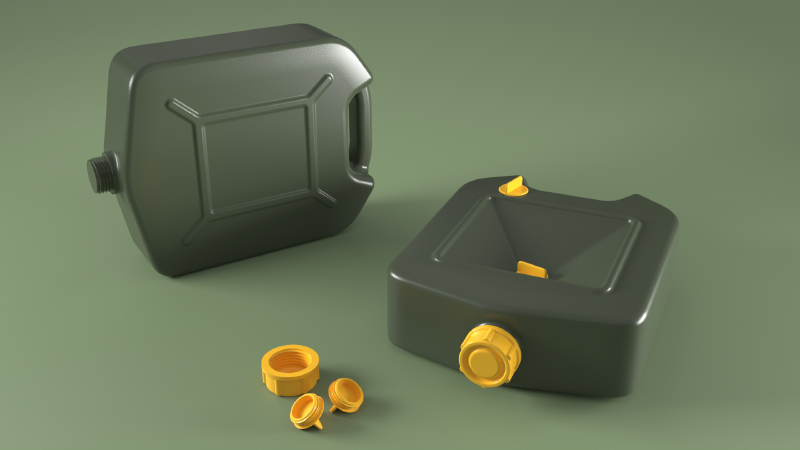
Add Fillet Transitions on a Jerrycan
Learn how to create clean tangent transition surfaces using the Surface …
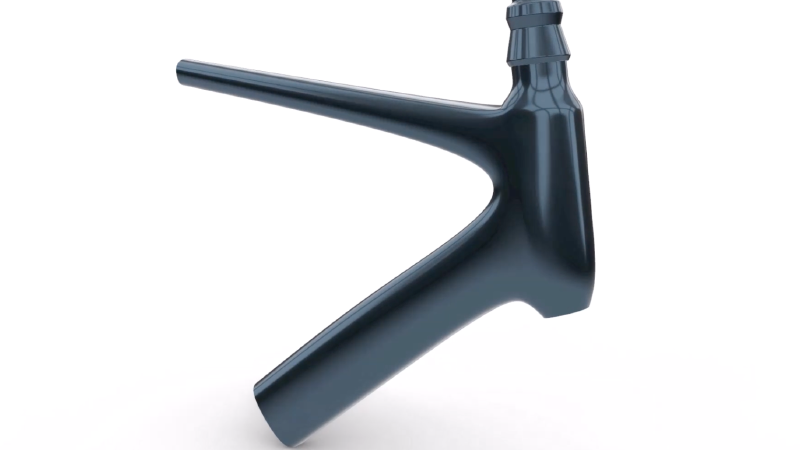
Bike Frame: from sculpting to production
Learn how to create a stylized bike frame for production using Rhino's SubD …
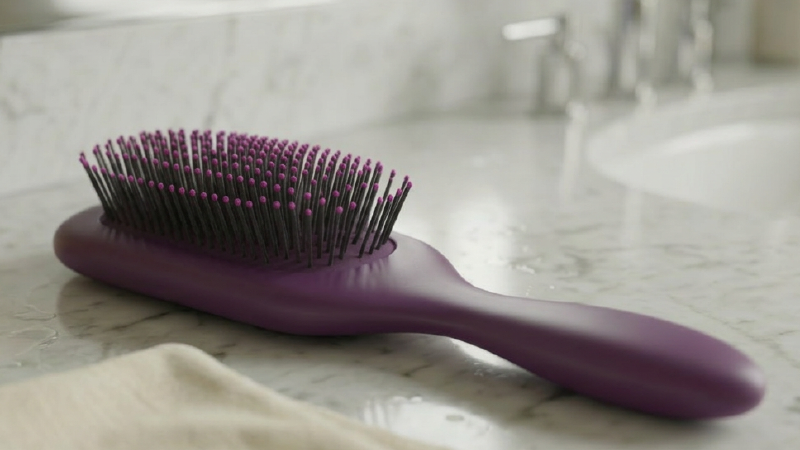
Form and Volume Study for Furniture Designers
Learn about some of Rhino's Direct Modeling tools that can help you create …
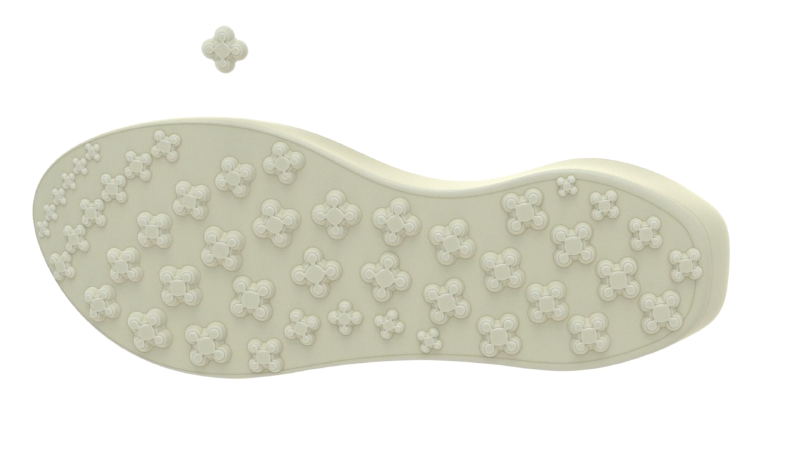
Create a Gradient Tread Pattern on an Outsole
Learn how to model an outsole and create a gradient tread pattern using …
Freeform: Control Point Editing
Learn how to use Rhino 9's Gumball UVN and SoftTransform tools for precise …
Vibe Coding your Tools in Rhino
Prototype a circular grid with an AI assistant connected through RhinoMCP, …
Vibe Coding a Rhino Plug-in
Build a real Rhino plug-in with an AI coding assistant, from prototype to …
Vibe Modeling an Industrial Design Concept
Vibe-model an industrial design concept in Rhino by describing the form you …
Vibe Modeling an Architectural Concept
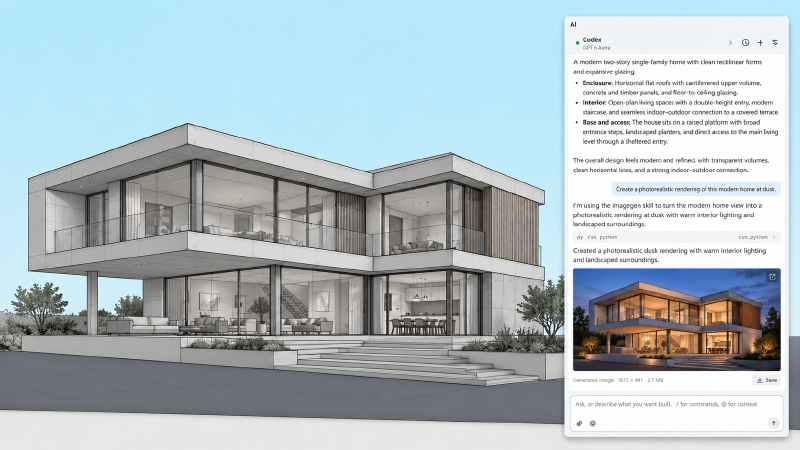
Vibe-model an architectural concept in Rhino by describing the massing and …
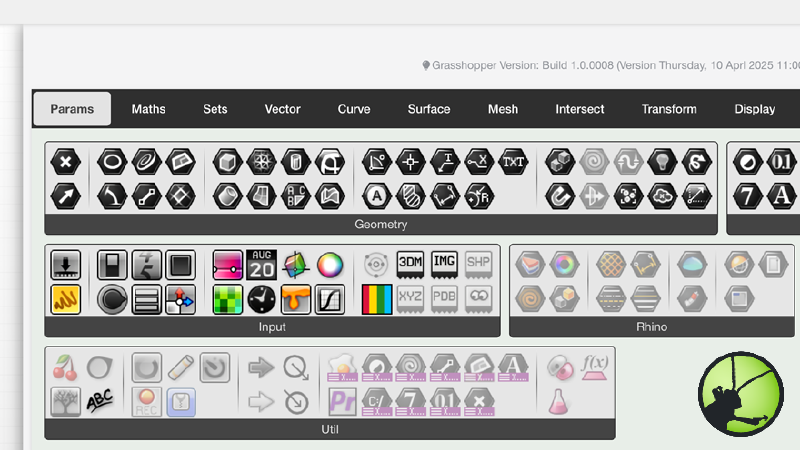
Grasshopper 1 Documentation
Access Grasshopper 1's online help. It includes a descriptioin of components and parameters with practical examples of applications.
Grasshopper 2 Documentation
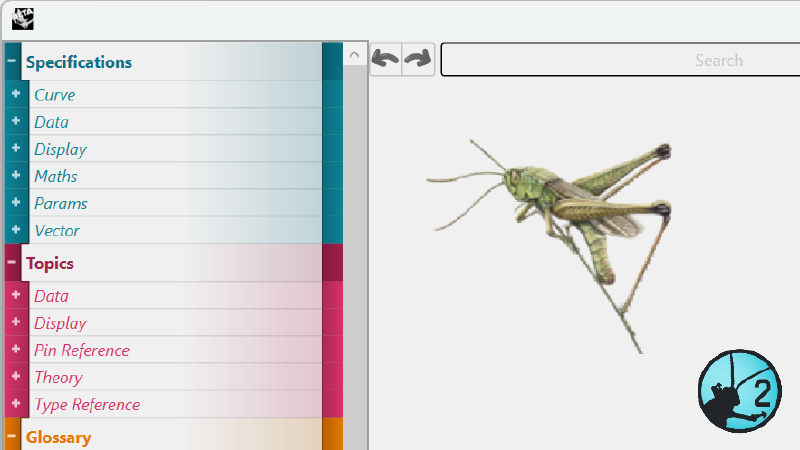
Access Grasshopper 2's online documentation. It includes a glossary of terms, in-depth topics and component specifications for Grasshopper 2.
Rhino 9 Meta
Rhino Homepage
Design, Model, Present, Analyze, Realize...
Rhino User's Guide | Windows
An introduction to Rhino: learn the fundamentals of 3D modeling its main …

