Multiface Support
 PushPull
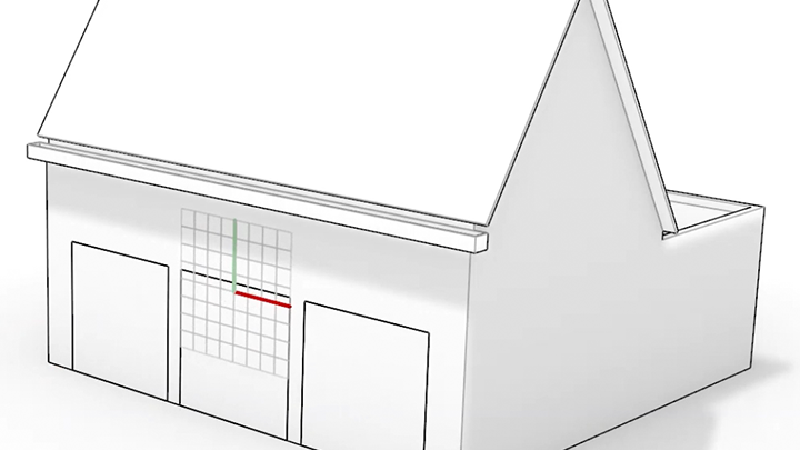
enables direct manipulation of multiple faces by pushing or pulling. For architects, extend roofs and walls, add sharp or rounded corners, and modify wall thicknesses in a single step! Supports flat and rounded faces. Great for early-stage design, concept modeling, or making final design edits.
PushPull
enables direct manipulation of multiple faces by pushing or pulling. For architects, extend roofs and walls, add sharp or rounded corners, and modify wall thicknesses in a single step! Supports flat and rounded faces. Great for early-stage design, concept modeling, or making final design edits.
Direct Modeling Meets Parametric Design
Combine PushPull
’s direct modeling approach with Grasshopper’s parametric power to have the best of both worlds.
Faster Concept Exploration
PushPull
shines in early-stage design, allowing users to directly manipulate geometry without the hassles of reconstructing features and details. Quickly test proportions and volumes and iterate between multiple variations.
Intuitive Modeling / Rapid Editing
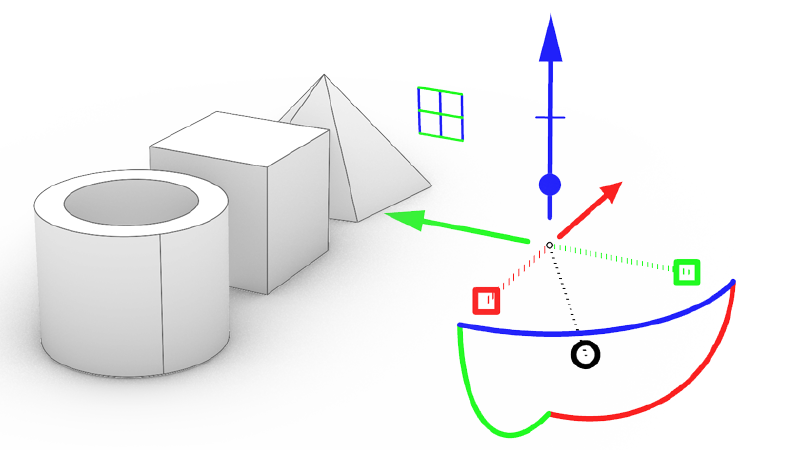
For Industrial Designers, directly manipulate geometry without the need to think about constraints. Modify your geometry without breaking your model. Adjust holes, ribs, add recesses, and modify wall thicknesses.
PushPull is Ideal…
For architects to:
- Create architectural massings
- Modify wall thicknesses
- Create building extensions
- Move and edit windows, openings, or other elements
For designers to:
- Modify features on consumer products (ribs, holes, lips)
- Modify shell thicknesses
- Quick concept iterations
- Final stage design changes
Try It
- Download Rhino 9 WIP for Windows or Mac.
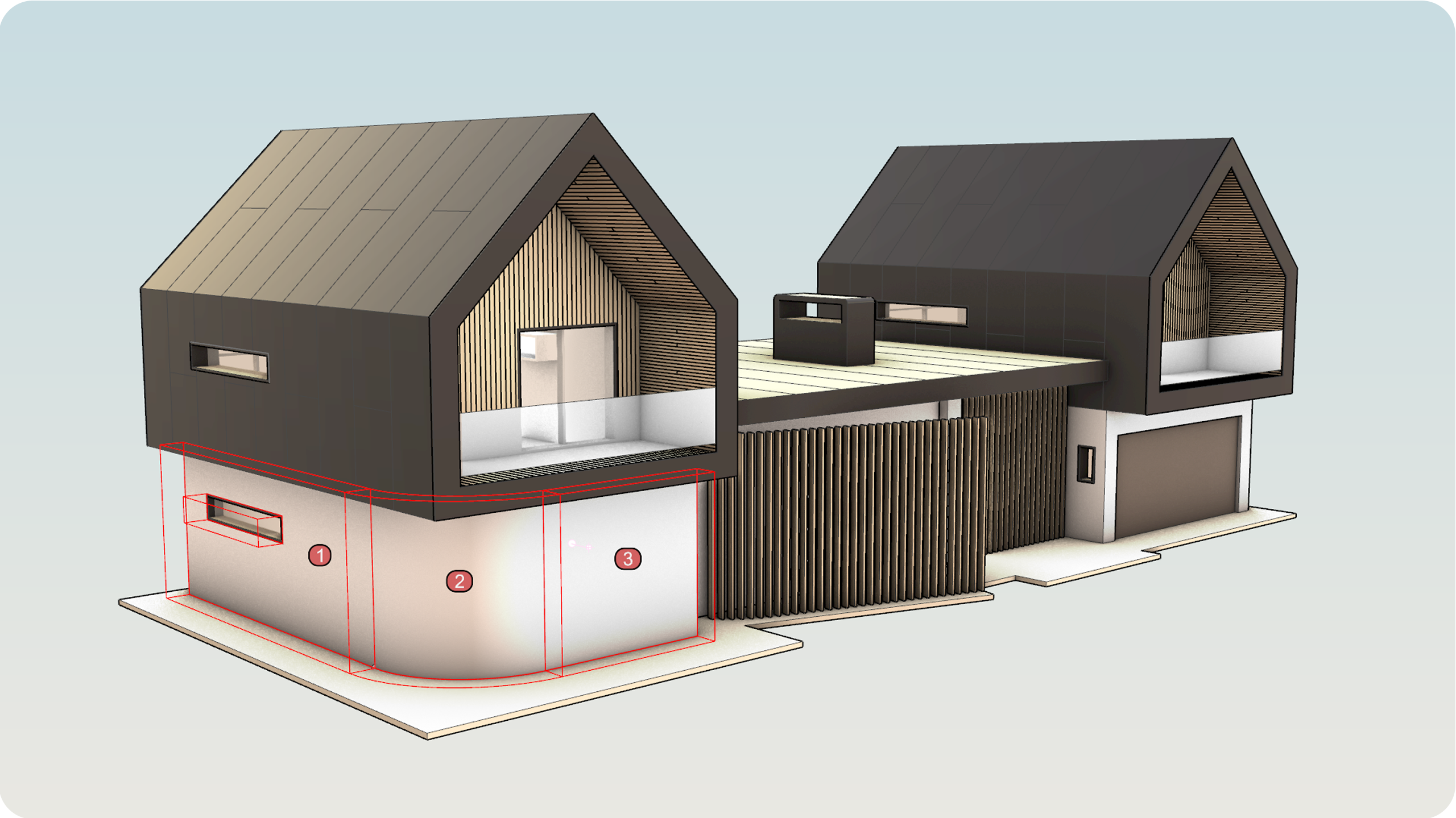
- Download and open the MultiSrf_PushPull_Arch_TryIt.3dm model.
- Run the PushPull
command.
- At the
Select surfaces to PushPullprompt , select the walls marked 1, 2 and 3. Press Enter to confirm. - At the
PushPull distanceprompt, drag your mouse outward to define the direction. Type 500 for the distance. - You have now modified multiple connected surfaces without rebuilding the model!
- Try it on your own! Experiment with your own models.
- Please ask questions or give feedback on the Rhino Forum.
Works In Concert With Well-Known Tools
PushPull works in concert with improved, yet well-known, tools to simplify the modeling process: