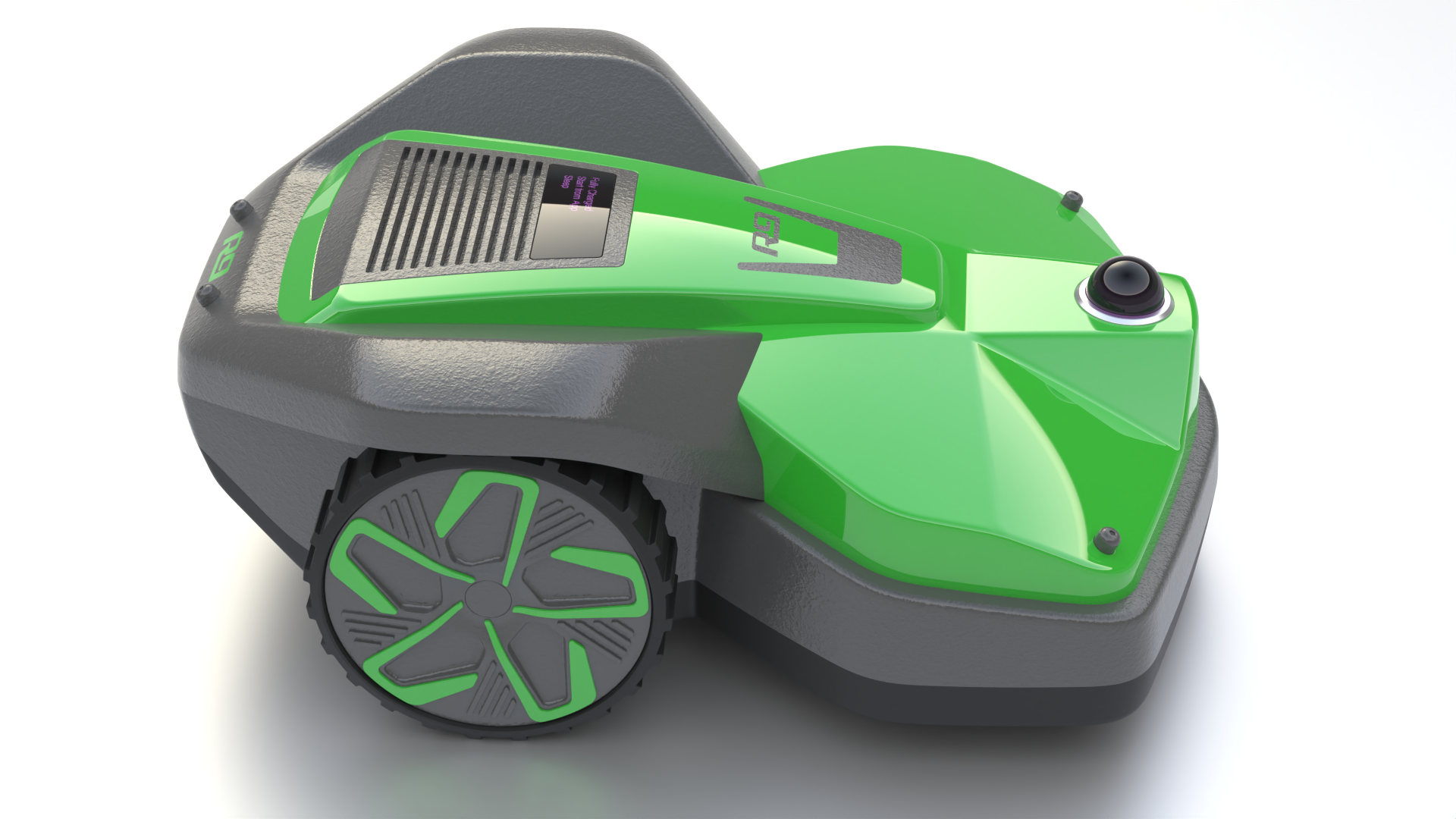
Powerful new modeling tools for Nurbs and SubD
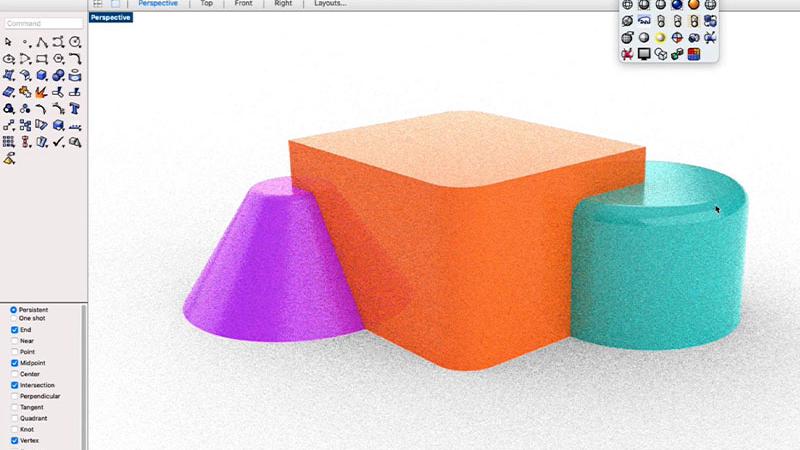
Patch now builds untrimmed surfaces that match their neighbors up to curvature continuity, and fills 5+ sided holes with a MultiBlend made of several untrimmed patches.
We added new tools to SubD: Knife for quick geometry changes, and MatchSubD to match SubD surfaces to Nurbs or another SubD surfaces.
Rebuild uses a new adaptive method that stays closer to the original curve with fewer points.
Also new: SoftTransform for moving control points with a falloff, UVN editing on the Gumball, and Global Edge Continuity to check a whole model’s edges at once.
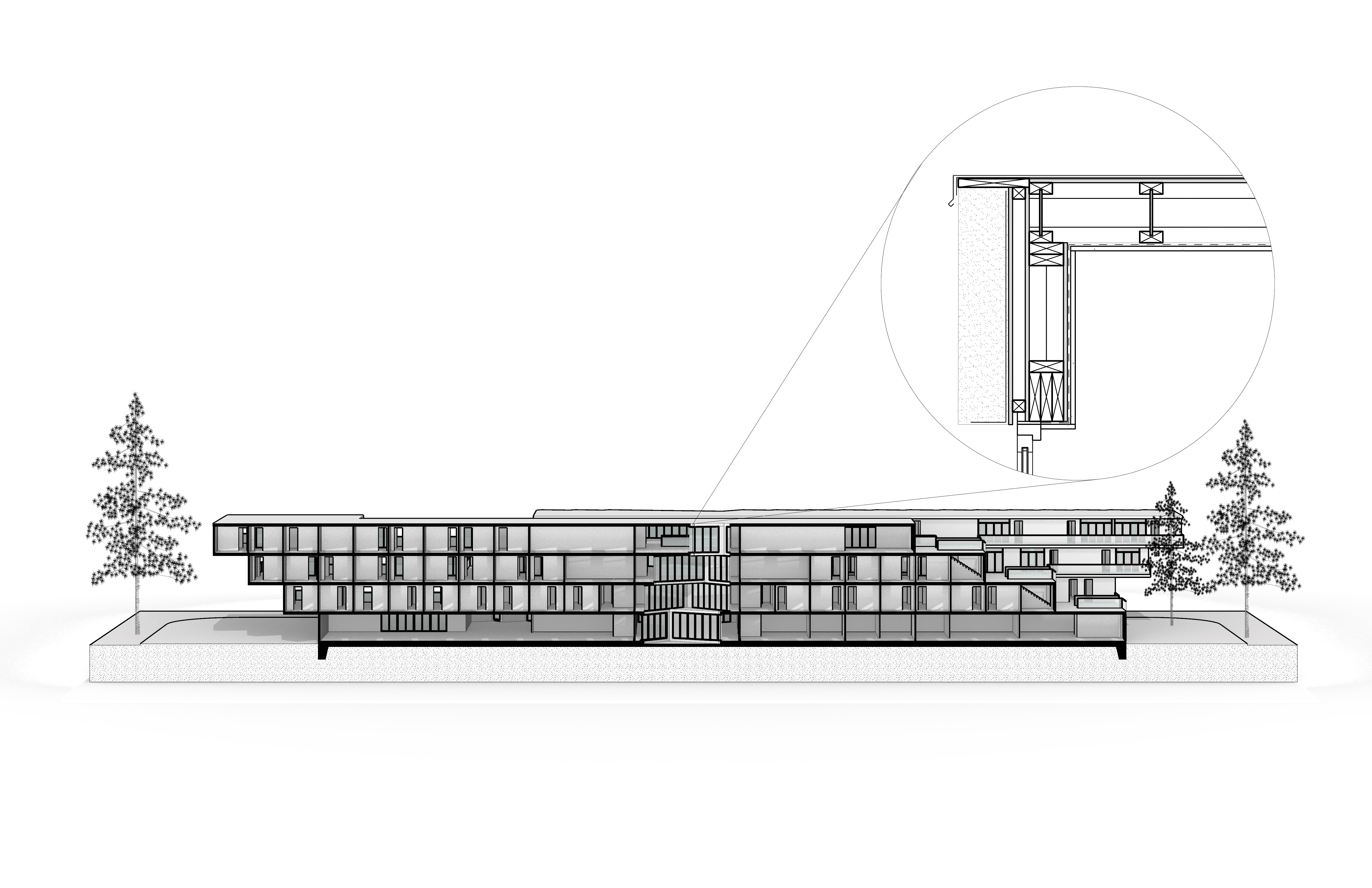
Drawings that stay linked to the model
Clipping Drawings make sections and elevations from a clipping plane. When the model changes, the drawings update with it.
Rhino 9 also adds GD&T control frames, custom hatch patterns, linetypes with custom shapes, and Navisworks export.
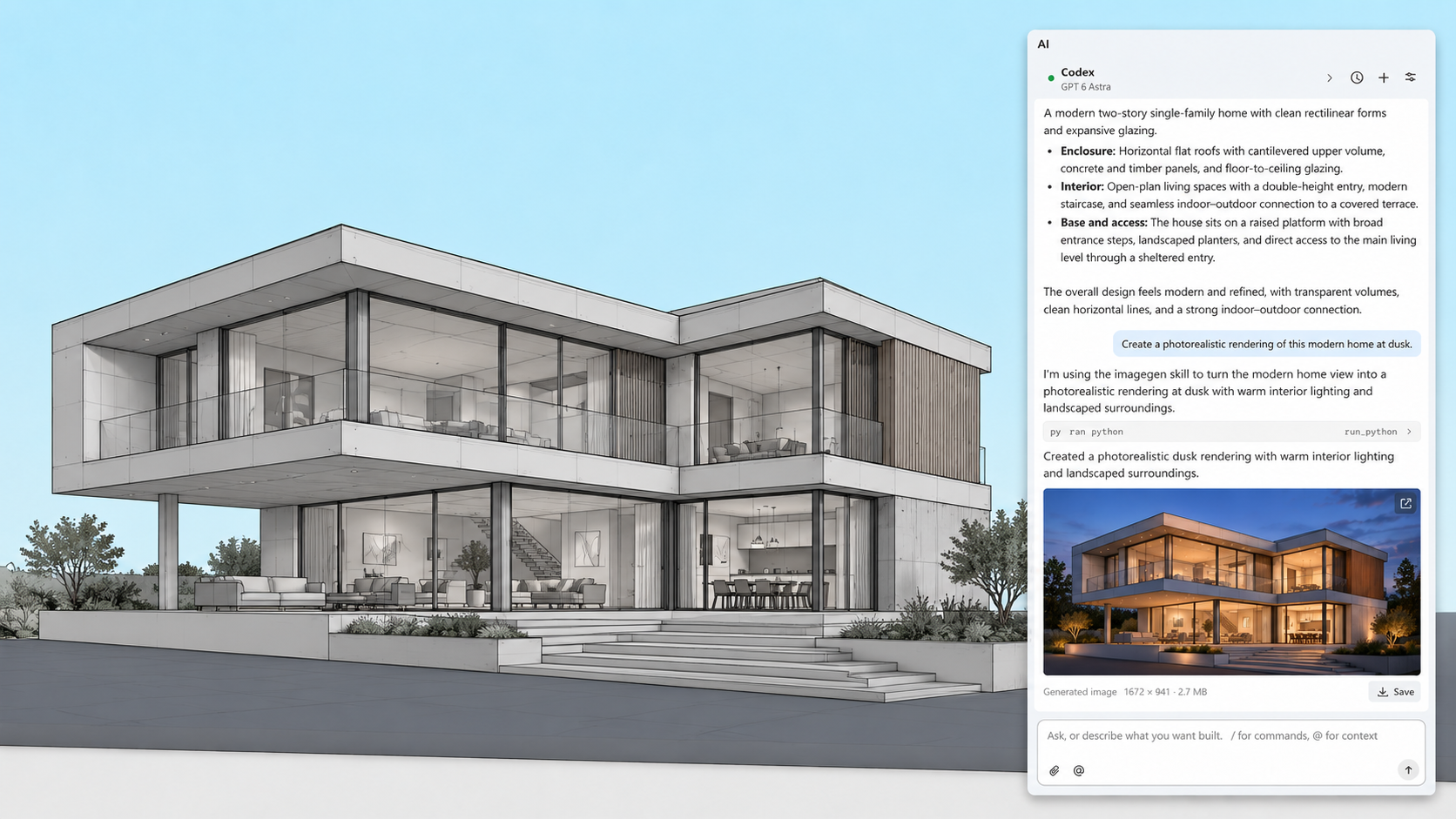
RhinoAI
RhinoAI connects an AI assistant to your open Rhino and Grasshopper document. That can be Claude, Codex, another assistant you already pay for, or a model running on your own machine. Ask it to build geometry from a sketch or reference image, or describe a tool and save the result as a command.
The vibe modeling and vibe coding guides are a good place to start.
 Photo courtesy of: Sheroy Firdosh Balsara
Direct3D replaces OpenGL on Windows
Most display problems in Rhino come down to OpenGL drivers. Direct3D is what Windows itself uses, so driver support is far better. It also means Rhino now runs on Windows on ARM, Parallels, VMware and Remote Desktop.
The interface is now the same on Windows and Mac, with a new command line and rebuilt toolbars.
Instant Aliases run a command from a single key without pressing Enter, and Transfer Settings makes it easier than ever to move your settings to a different computer.
Pricing
Rhino is a one-time purchase. No subscription, no maintenance fee. Support and service releases for Rhino 9 are included.
Student
$195
One time purchase
Perpetual license
Support included
Service releases included
Use for commercial work
Evaluation
$0
No credit card required
90 day trial license
Support included
All features included
Use for commercial work
Commercial
$995
One time purchase
Perpetual license
Support included
Service releases included
Floating license
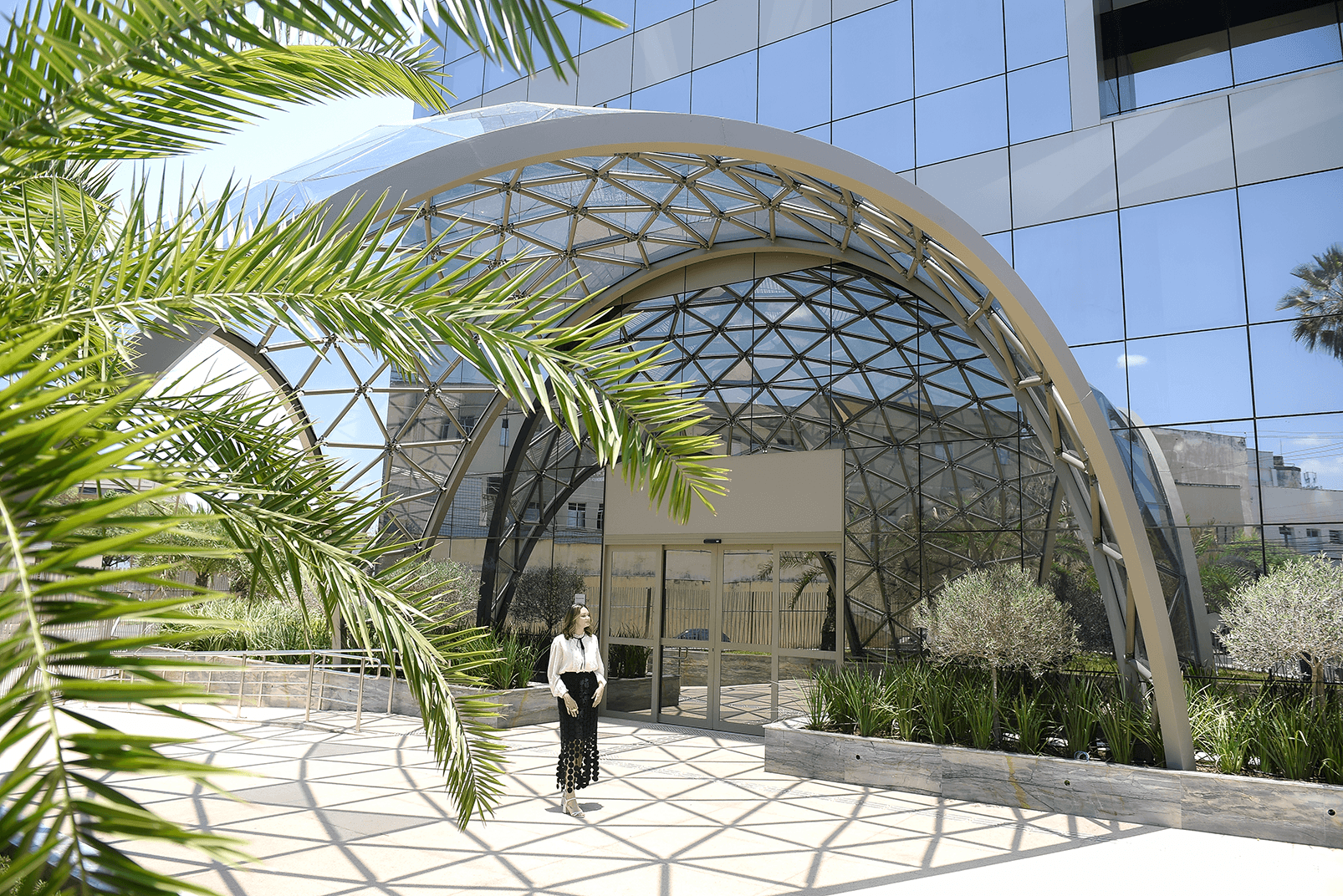 Photo courtesy of: SELVAGEN + Sérvulo Arquitetura
Architecture
Clipping Drawings now produce sections, elevations and reflected ceiling plans that update when the model changes. You can also make them from Grasshopper, hatches included.
Large files are much quicker to work with: they open sooner, selecting and isolating are faster, and switching models in a worksession no longer reloads every file. BlockEdit now lets you edit nested blocks in place.
Layout Groups sort a drawing set by discipline, status, location or whatever you need, so you’re not scrolling through dozens of layouts to print or export.
For early massing there’s direct solid modeling with PushPull and the Gumball.
 Photo courtesy of: Ica & Kostika
Product Design
- Patch Untrimmed fills matched up to curvature, and a MultiBlend for 5+ sided holes
- Improved filleting Complex corners can now be solved. Surface fillets have improved significantly.
- Knife and MatchSubD Add topology and align edges on SubD models
- Gumball UVN Push control points along the surface or its normal
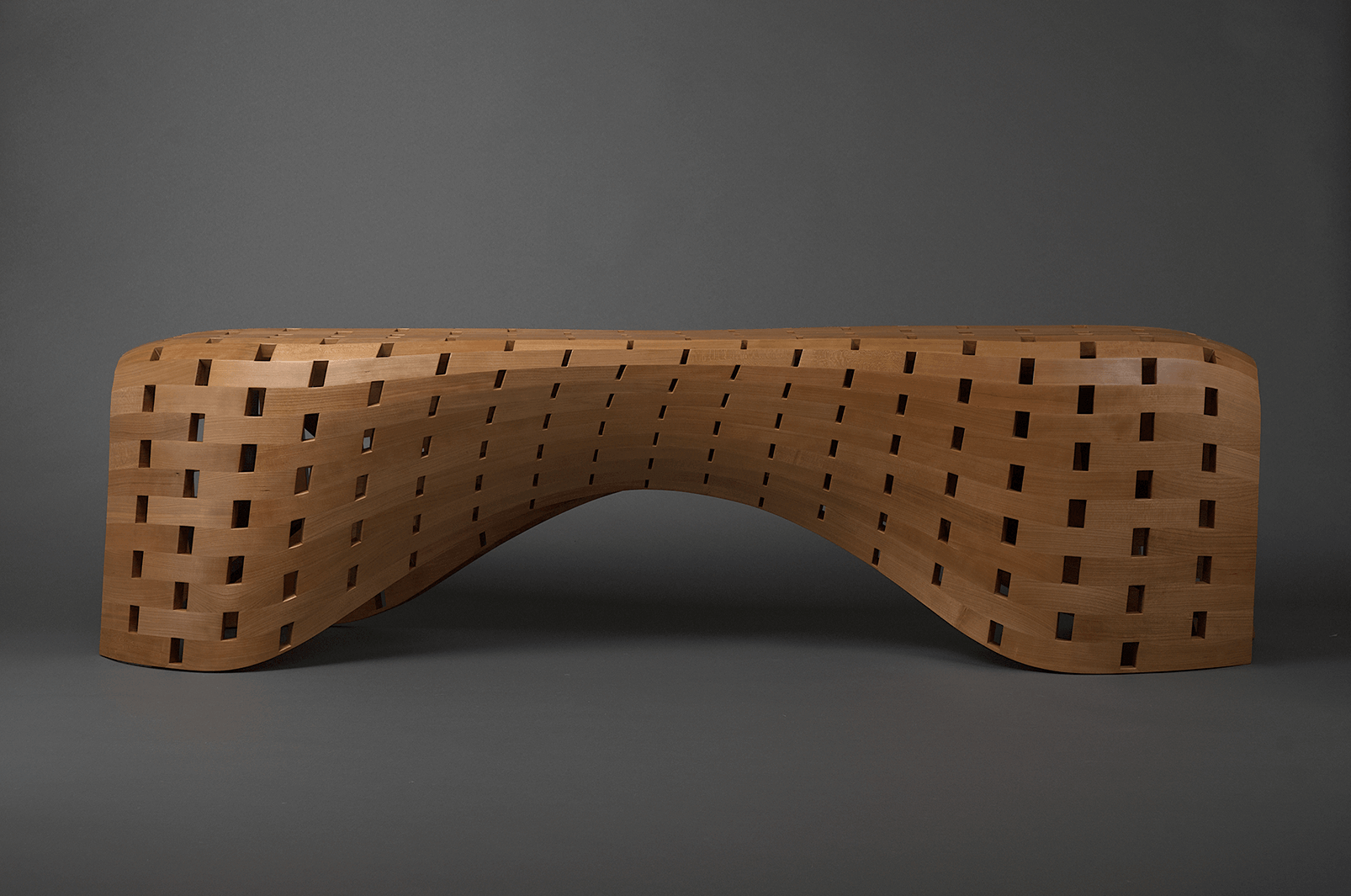 Photo courtesy of: Stephen Thrasher
Furniture
- Direct modeling Make quick edits with PushPull and the Gumball
- SoftTransform Shape seats, shells and other organic parts with a smooth falloff
- Clipping Drawings Create sections and shop drawings that update with the model
- ShapeMap Map a pattern or texture onto a curved part in Grasshopper
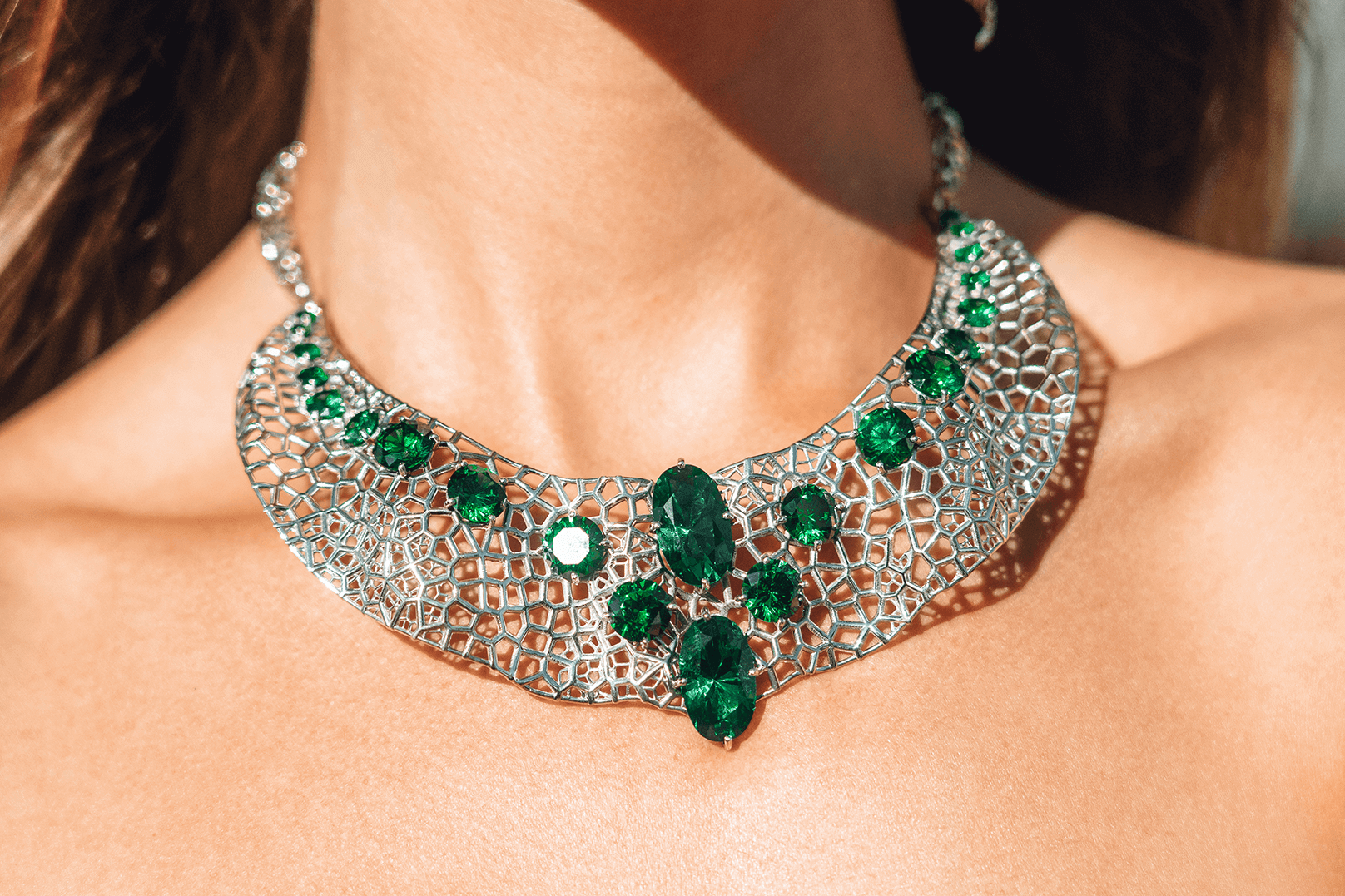 Photo courtesy of: Naman Choudhary
Jewelry
ArrayCrv places stones along any curve, with in-viewport handles for spacing and scale.
Use ScaleEach to size elements individually, randomly or as a gradient, for graduated settings.
We added caustics and dispersion to render jewelry more lifelike, and added more stock gem materials.
InflateCrv turns a closed curve into a soft, inflated form.
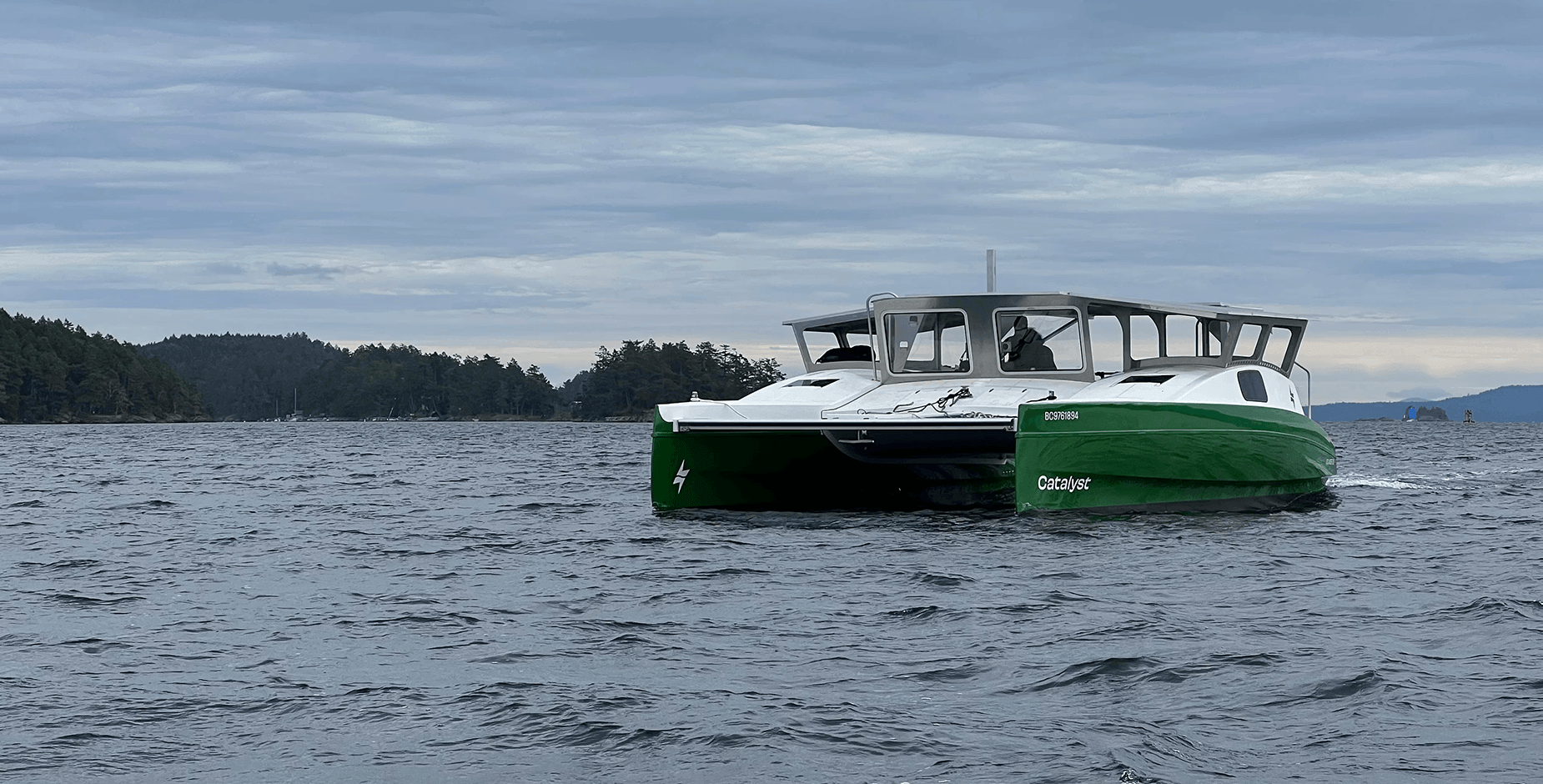 Photo courtesy of: Rising Tide Research Foundation
Marine
- Large-project tools Worksessions, Audit3dmFile and faster loading for shared models
- Rebuild and Gumball UVN Turn a scanned hull into clean, fair surfaces
- MatchSubD Match SubD edges to surface edges for hybrid hull and deck modeling
- BlockEdit Edit nested blocks in place, for repeated fittings and assemblies
 Photo courtesy of: Sofia Michopoulou
Landscape
- Direct modeling Quick massing studies with PushPull and the Gumball
- SplitPointCloud Cut a large site scan into pieces you can work with
- Large-file performance Big site models open, select and isolate faster
- Drafting in Grasshopper Sections and hatches straight from your definition
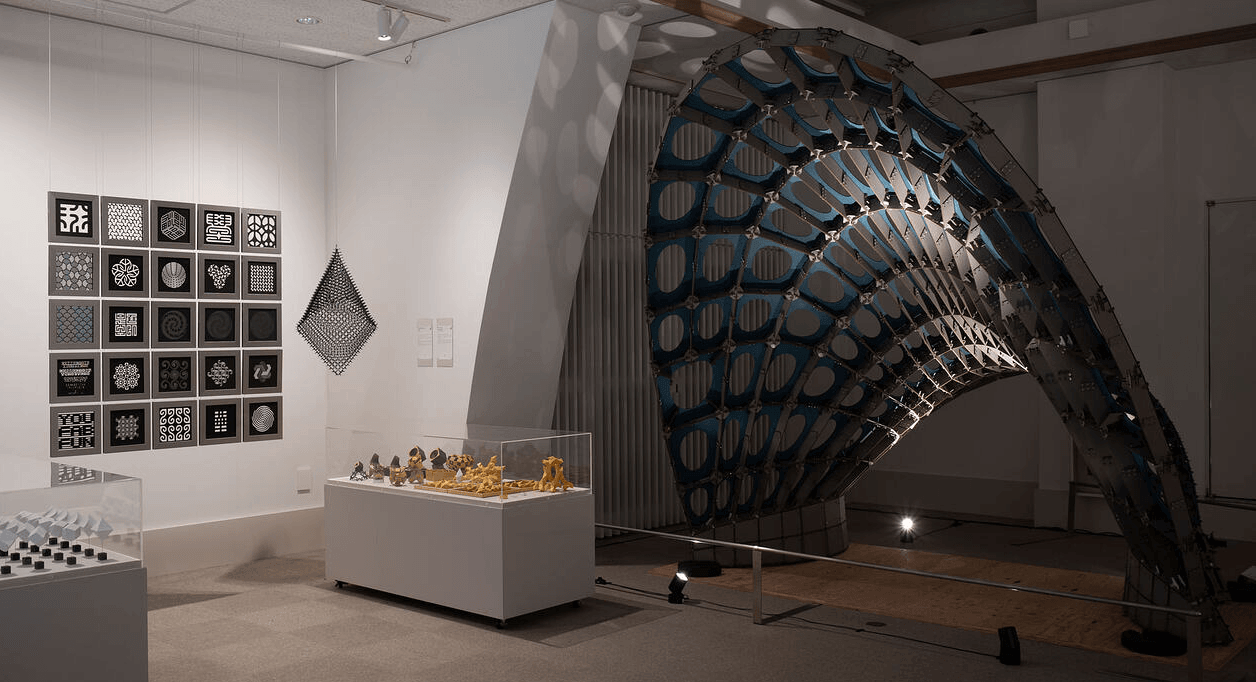 Photo courtesy of: Masaaki Miki
Computational Design
Grasshopper 2 ships with Rhino 9, next to Grasshopper 1.
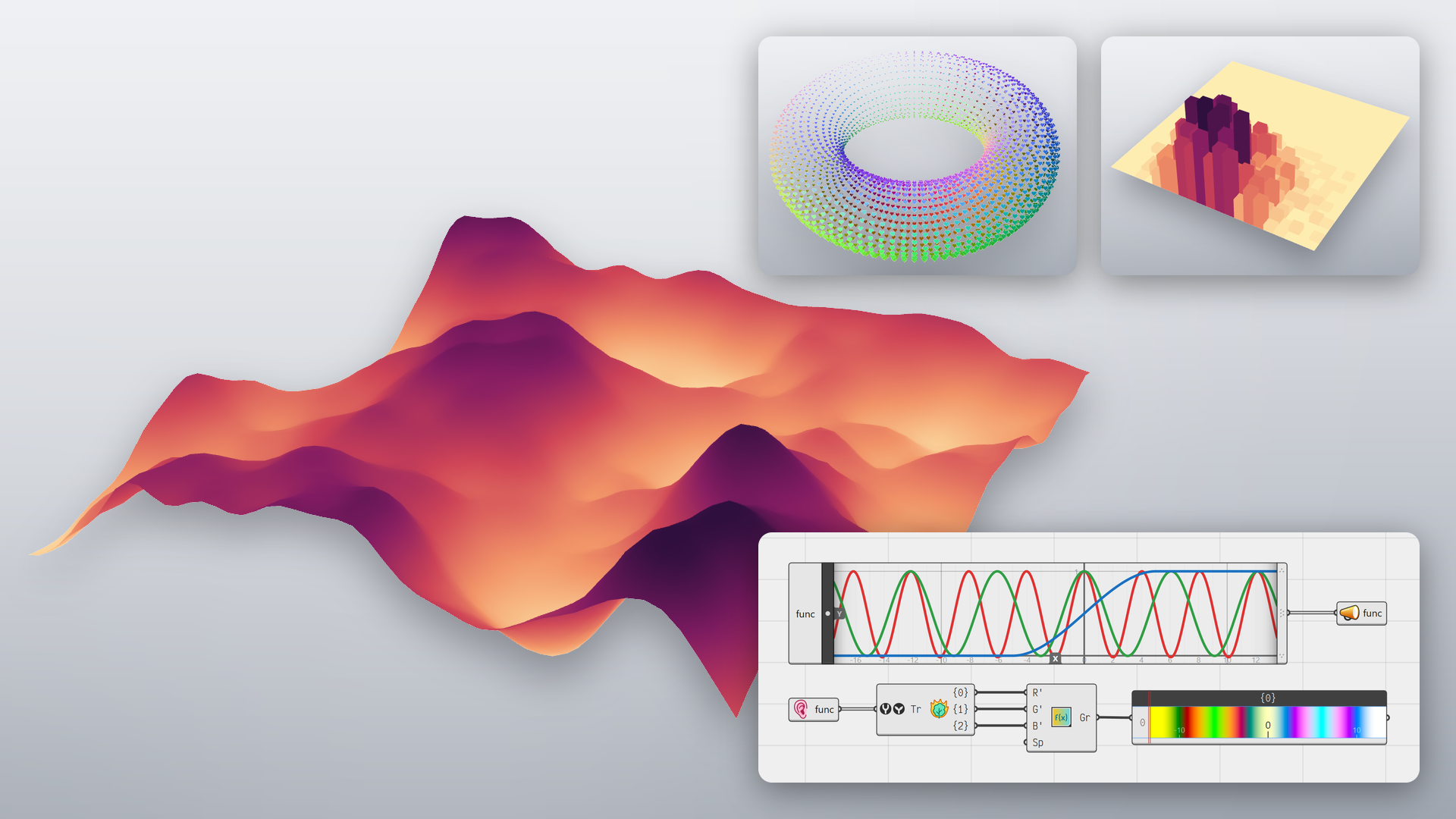
Grasshopper 1 got updates of its own: viewport widgets to drag and rotate parameters in the Rhino viewport, render materials driven by your definition, and ShapeMap for mapping 2D patterns onto 3D shapes with little distortion. Sections and hatches can now come straight from a definition.
RhinoAI works with Grasshopper too: an assistant can read and build definitions in your open document.
 Photo courtesy of: Malvina Stamatiadi
Developers
- Rhino.Compute on Linux Run Rhino geometry services on Linux servers
- RhinoMCP Connect AI assistants to Rhino through MCP
- Python 3.13 With Matplotlib included
- Package manager Find and install packages from inside Rhino
“I’ve been using Rhino for 20 years. It’s the backbone of my work. Many art departments use Rhino on the bigger films requiring complex designs.”
“Grasshopper for Rhino is one of the best platforms for computational design. It’s easy to use for beginners, and the depth of possibilities make it an incredibly customizable framework for advanced users.”
“For last 10 years, Rhino has been my development tool for designing kitesurfing equipment: boards, bindings, control systems.”
“…designing and manufacturing all manner of products at every stage from CGI, 3D printing, tooling… Rhino has been my competitive edge and go-to tool.”
“Beyond software, a community, a family… Where others only do marketing and business, with Rhino we go further.”
“Rhino is a far more stable platform… If I had known Rhino was so stable and fast, I would have switched years ago.”
“Still, to this day, Rhino is my weapon of choice. Fantastic tool to do 99% of all my 3D work… no other software comes close.”
“We decided to move to Rhino because it is easier to customize and use.”
“For me, the most magical part of design is transforming an idea into both matter and functionality. Rhino’s tools significantly enhance this journey, making it possible to move fluidly from concept to digital model to built reality…”
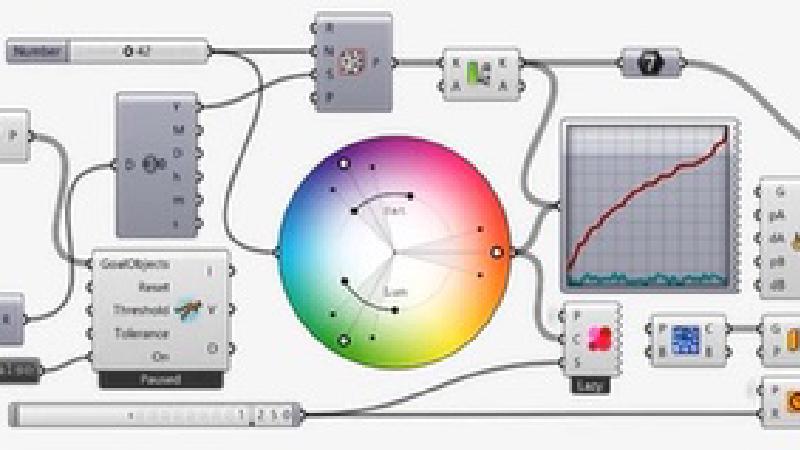
Grasshopper is a visual programming environment tightly integrated with Rhino’s 3D modeling tools. It requires no knowledge of programming or scripting, but still allows designers to build generative forms from the simple to the awe-inspiring.
Fair Pricing
Prices include support and service releases for the current version. Perpetual licenses. No maintenance fees. Upgrades are optional.
Flexible Licensing
Float your license. Licenses can be configured by you for your needs, and never expire.
Great Deals for Education
Commercial versions of our products for students, faculty, and schools at a substantial discount.
Future Friendly
Rhino owners can download and test Work-In-Progress versions of Rhino in development.
Learn Rhino
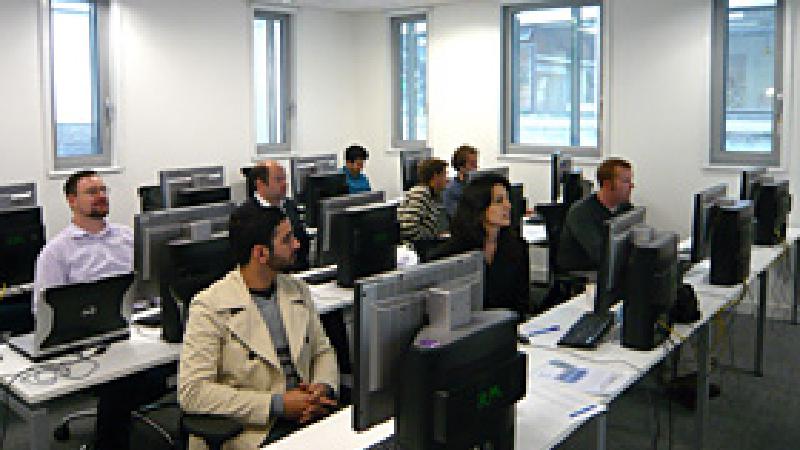
Hundreds of videos, guides, tutorials, manuals, and classes. All the learning resources…