
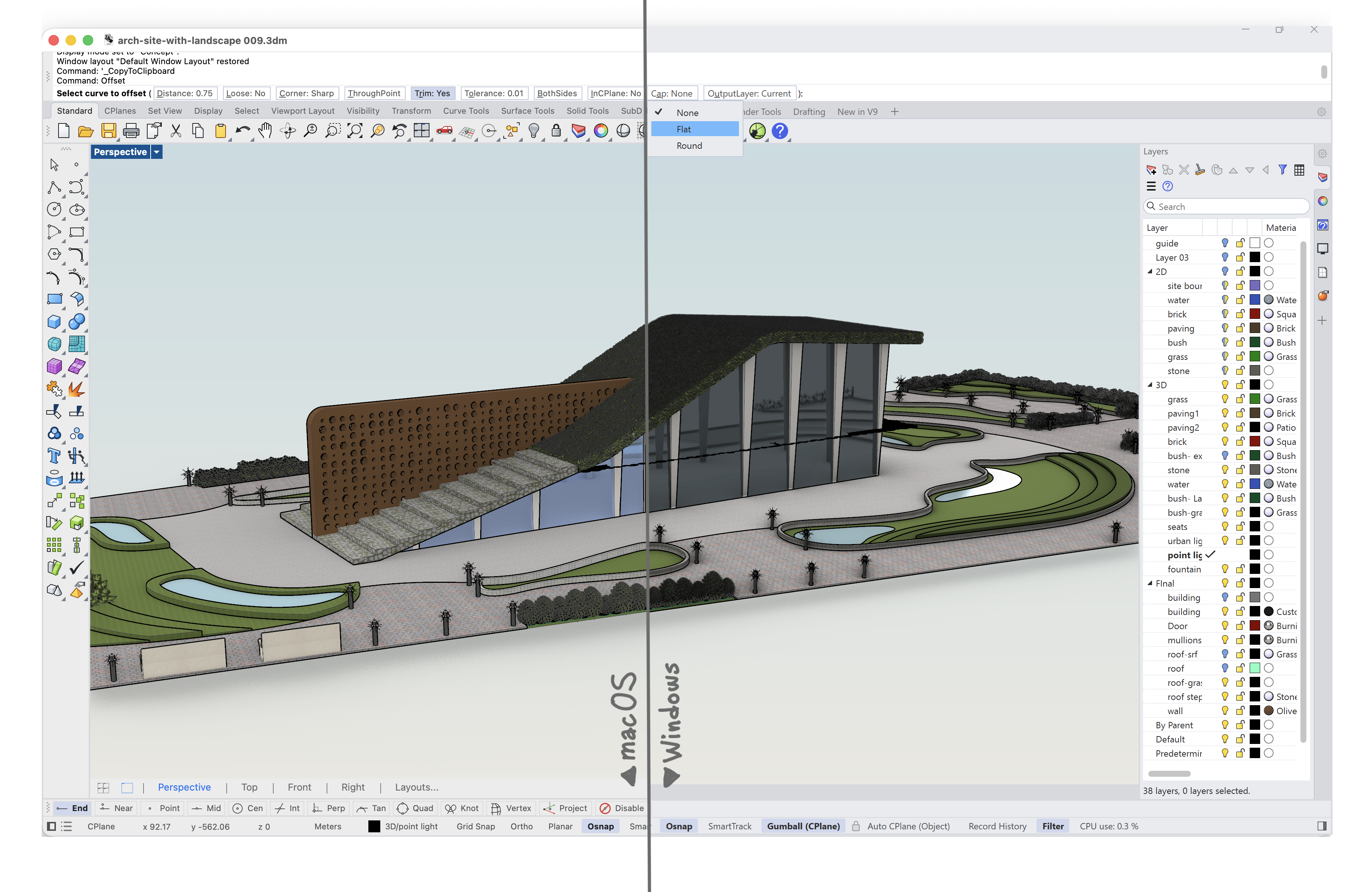
It takes a lot of thought process to granularly improve the look and feel of an existing interface, without disturbing users’ experience of a software. Rhino 9 takes a stab at it! With a series of small and big improvements that integrate ergonomics, provide flexibility and customization options to cater for existing and new users.
Icon Redesign
Open Rhino 9 and you’ll immediately notice a clearer, smarter, and more intuitive interface, led by redesigned toolbar icons that improve usability. While Rhino’s versatility puts hundreds of commands at your fingertips, this update helps make them easier to navigate and learn.
UI: Global Changes
Reaching cross-platform parity should be the main headline here, yet there is so much more. Learn about the new command line, the menu with icons and many other goodies sprinkled around the UI to make your life easier.
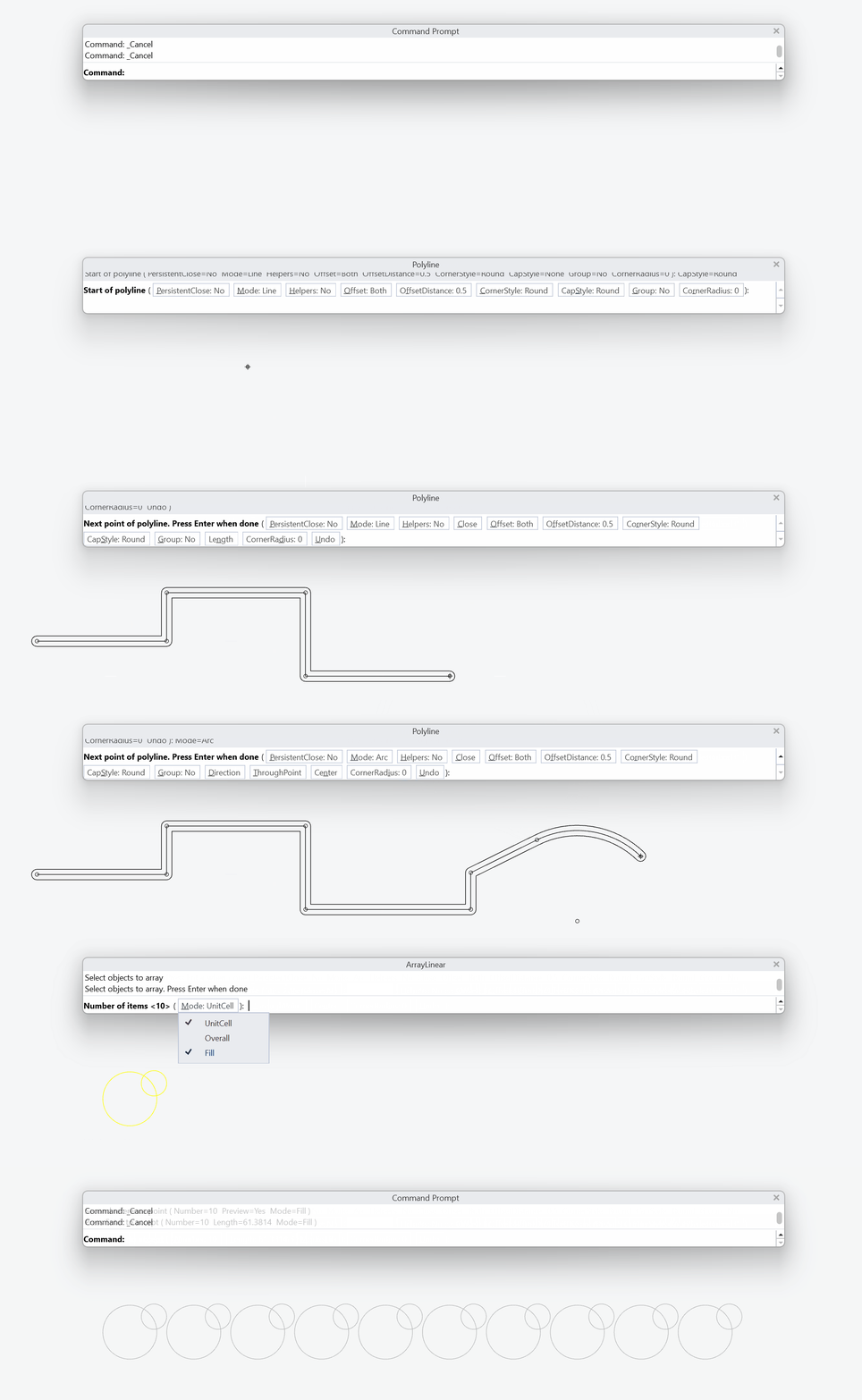
Instant Aliases
Instant aliases enable users to run Rhino shortcuts as a single keystroke without pressing Enter. Try Instant aliases for your most common commands and streamline your modeling process!
Toolbars
For workspace perfectionists, toolbars are how you customize the buttons and commands in your interface. In Rhino 9, editing, saving, and sharing that setup is faster and far more reliable.
Options Migrate
 OptionsMigrate
makes transferring Rhino Settings a piece of cake! Share custom workspaces between computers, across teams, or in a classroom environment in a few clicks. Import your settings from a previous version to Rhino 9 or between your Rhino 9 installs.
OptionsMigrate
makes transferring Rhino Settings a piece of cake! Share custom workspaces between computers, across teams, or in a classroom environment in a few clicks. Import your settings from a previous version to Rhino 9 or between your Rhino 9 installs.

