
Section:
- 经销商订购、价格与折扣
- 我们能帮您什么?
- Stories
- 8s
- Rhino 5
- Rhino 6
- Rhino 7
- 功能
- For
- Mcneels
- 下载
- 学习使用 Rhino
- 我的账户
- 授权
- 隐私策略
- Accounts
- Discontinued Products
- E-News
- Rhino 9
- Sales-Prototypes
Categories:
Levels:
Platforms:
Tags:
- 2d presentations
- 3d print
- 3d representation
- algorithmic design
- architecture
- arctic
- array
- arraycrv
- artistic
- background
- block
- book
- bridge
- chamferedge
- clipboard
- clipping
- cnc
- color gradients
- copy
- copyat
- creasesubdedge
- createsolid
- custom display mode
- dental
- diagrams
- digital fabrication
- display
- display mode
- documentation
- drafting
- edges
- engraving
- explode
- file-size
- filletedge
- filletsrf
- filter
- fonts
- footwear
- geometry
- gradient
- gradient hatch
- gradient hatch pattern
- gradienthatch
- grasshopper
- grasshopper
- group
- guide
- hatch
- hatch command
- hatch patterns
- hatching
- history
- illustrations
- ios
- irhino3d
- lasercut
- matchsubd
- milling
- offsetsubd
- parametric
- paste
- pasteat
- patch
- pattern
- patternhatch
- pen
- plugin
- project-management
- rendered
- rendering
- repair
- rhino
- rhino7
- rhinoceros
- scaleeach
- shaded
- shading
- stitch
- subd
- technical
- templates
- text
- version 6
- version 7
- version 8
- version 9
- visual programming
- visualization
Tasks:

了解如何在不锈钢水瓶上添加金属完整材质印花,并使用 Rhino 9 的演示工具查看效果
学习如何在 Grasshopper 中使用物件属性

Rhino 内置的可视化编程环境。
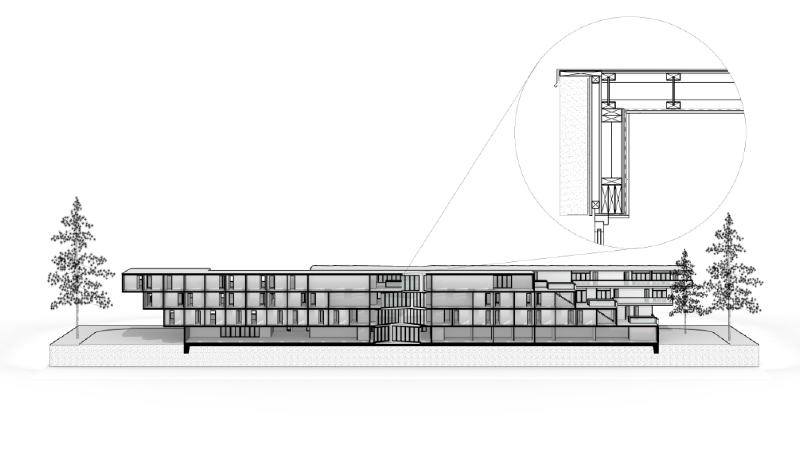
了解如何在 Rhino 9 中使用截平面剖面、剖面样式、两点透视、显示模式、自定义子视图边框和可重复使用的符号库来创建并呈现剖透视图。
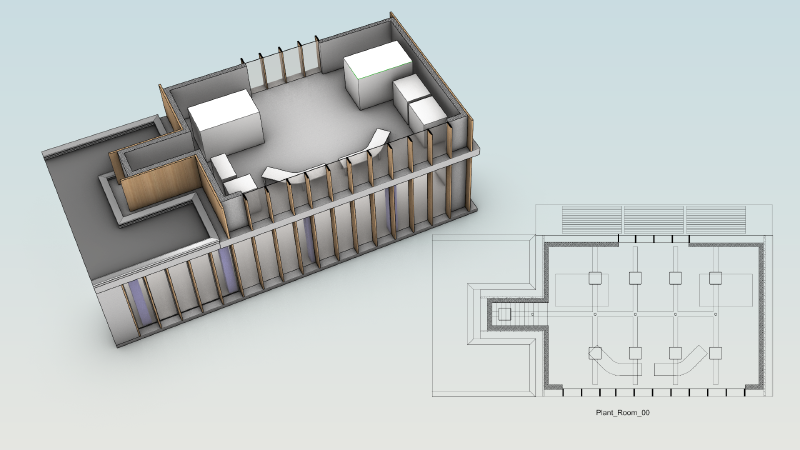
了解如何创建反射天花平面图(RCP),以表达灯光设计的细节。
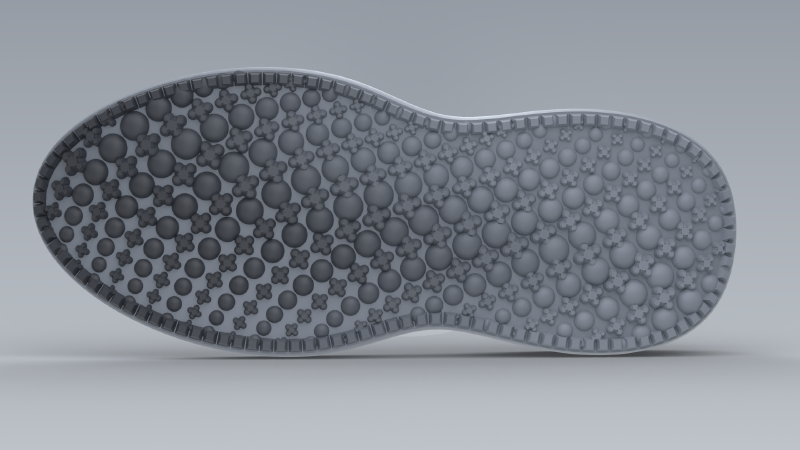
了解如何使用 Rhino 9 的 ArrayCrv 沿外底布置胎面细节图案,再用 ScaleEach 为图案添加渐变。

学习如何在 Grasshopper 中使用注解
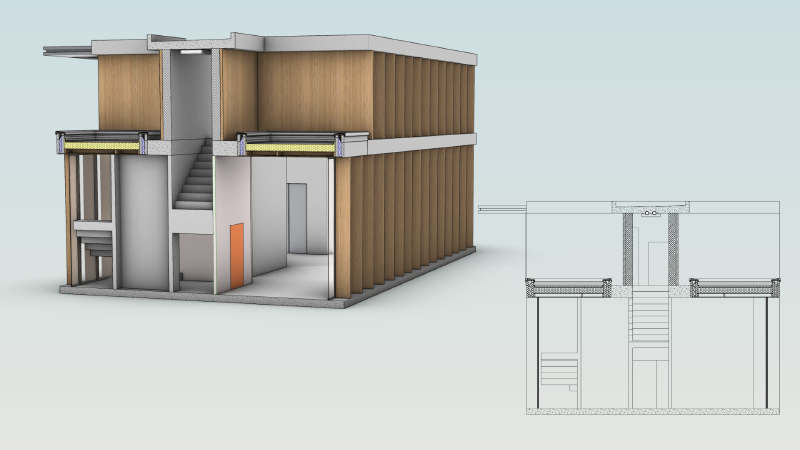
了解如何在 Rhino 9 中配置并创建建筑剖面
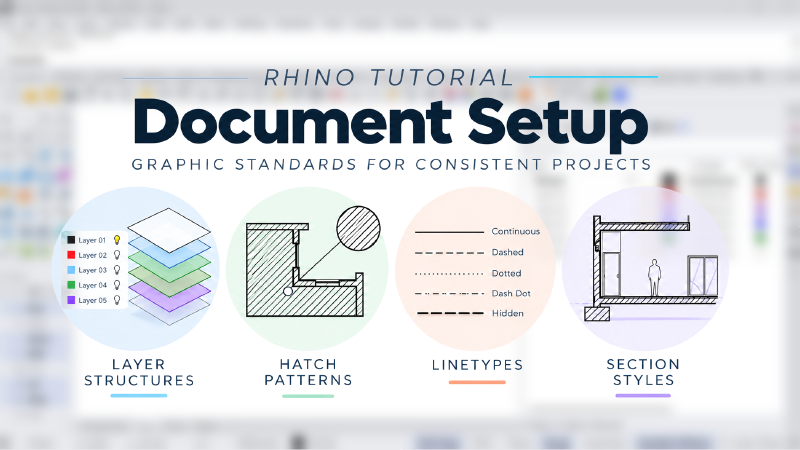
了解如何创建包含项目专属设置、可在团队中共享的 3DM 文件。在大型建筑项目中保持一致。
学习如何通过一系列实体建模技术来创建一个房屋模型
学习如何通过操作轴编辑您的几何图形
学习如何使用操作轴进行几何图形的基础变动。
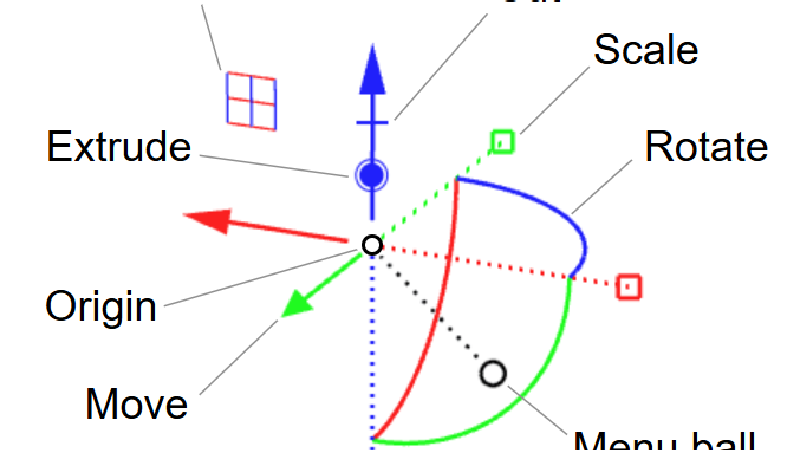
学习如何使用操作轴进行几何图形的基础变动。
了解如何使用 ShrinkWrap 封闭、清理和修复网格
学习如何在 Grasshopper 中使用 Group 和 Filter Content 组件
了解如何使用线型的锥度和宽度设置来创建漂亮的视觉效果
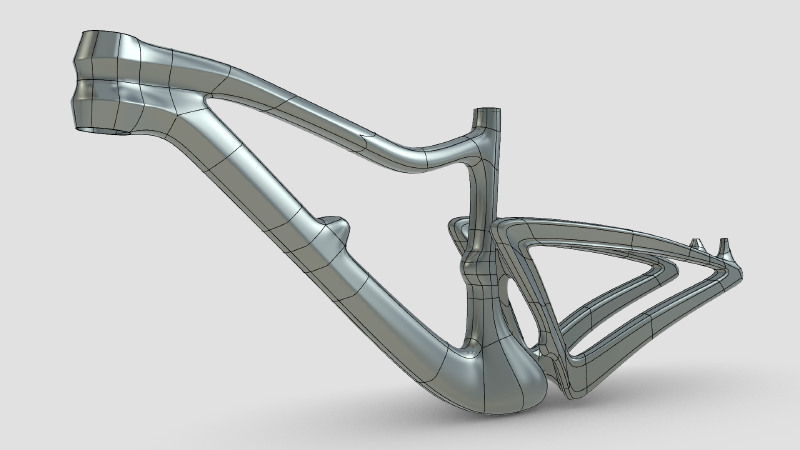
了解如何使用 Rhino 9 的细分工具,通过条带建模从草图做出一个风格化的自行车车架,得到细节丰富的闭合细分物件。
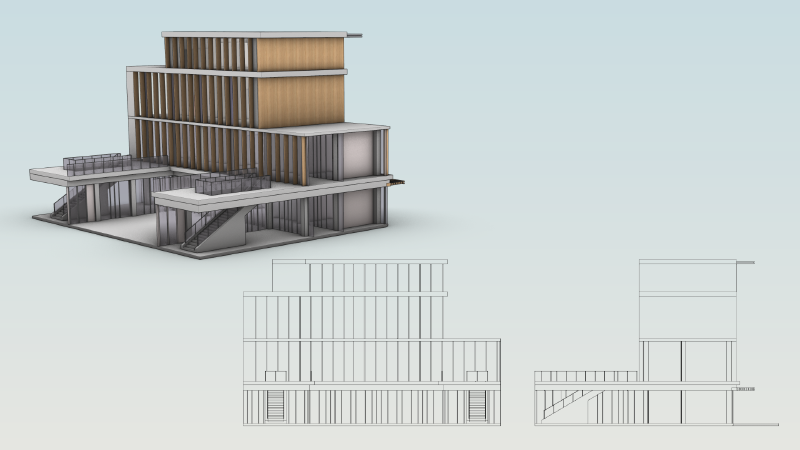
了解如何在 Rhino 9 中创建立面图,并使其与 3D 模型保持同步。
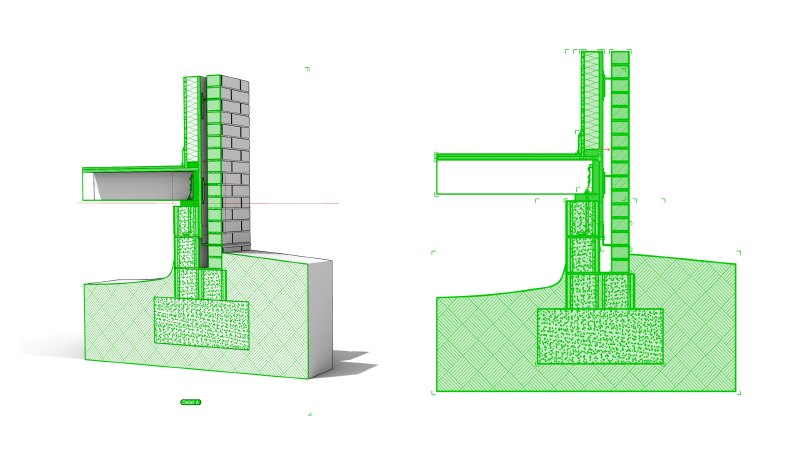
Rhino 9 工作流程指南(Grasshopper 1 制图运算器)。
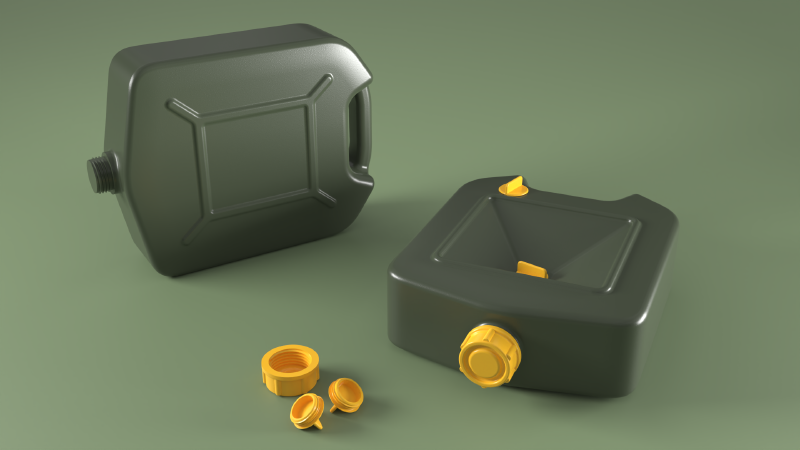
了解如何使用曲面圆角指令创建干净的相切过渡曲面。
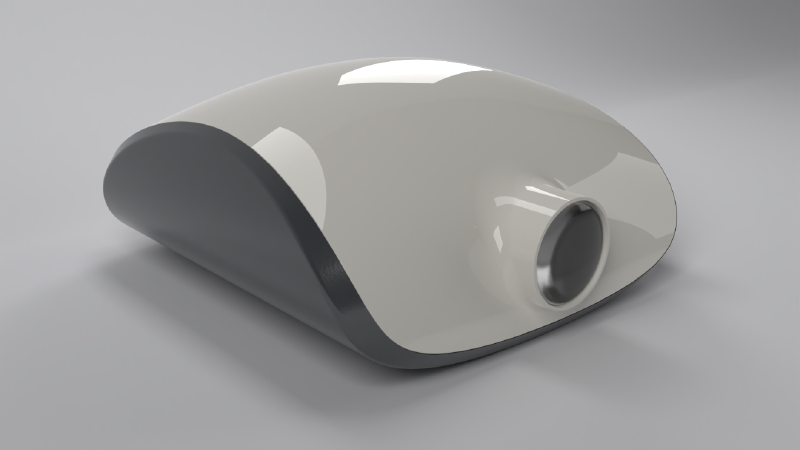
了解如何在 Rhino 9 中使用支持建构历史的实体工具塑造投影仪外壳,然后为其添加壁厚并分割为多个零件

了解如何使用嵌面解决五边曲面的难题
了解如何使用曲面圆角指令创建漂亮的过渡曲面。
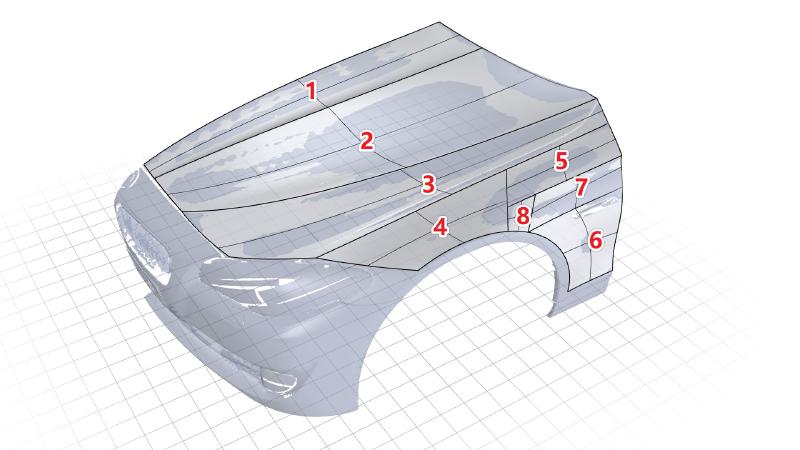
了解如何使用 Rhino 9 的工具对扫描网格进行逆向工程。

