Section:
- Reseller Ordering, Prices, and Discounts
- How can we help?
- Rhinoceros 3D
- Rhinoceros 3D
- 8s
- Features
- Rhino 5
- Rhino 6
- Rhino 7
- Authorized
- Docs
- Downloads
- For
- Learn to use Rhino
- Mcneels
- My Account
- Privacy Policy
- Stories
- Accounts
- Buy
- Discontinued Products
- E-News
- Rhino 9
Categories:
Levels:
Platforms:
Tags:
- 2d presentations
- 3d print
- 3d representation
- advanced
- ai
- algorithmic design
- architecture
- arctic
- arraycrvadvanced
- artistic
- background
- bake
- basic
- beginner
- bim
- block
- book
- bridge
- chamferedge
- clipboard
- clipping
- clippings
- cnc
- color gradients
- copy
- copyat
- createsolid
- custom display mode
- customization
- dental
- diagrams
- digital fabrication
- direct modeling
- display
- display mode
- documentation
- drafting
- drawings
- edges
- engraving
- explode
- file-size
- fillet
- filletedge
- filletsrf
- filter
- fonts
- form-finding
- fundamentals
- fundametals
- geometry
- gradient
- gradient hatch
- gradient hatch pattern
- gradienthatch
- grasshopper
- grasshopper
- group
- guide
- hatch
- hatch command
- hatch patterns
- hatching
- history
- icon
- illustrations
- industrial design
- ios
- irhino3d
- kangaroo
- lasercut
- macros
- milling
- modeling
- parametric
- paste
- pasteat
- patch
- patternhatch
- pen
- physics
- plugin
- plugins
- project-management
- python
- render
- rendered
- rendering
- repair
- rhino
- rhino7
- rhinoceros
- rhinomcp
- scripting
- scripts
- shaded
- shading
- simulation
- structural
- subd
- surfacing
- technical
- text
- texture-mapping
- toolbar
- tools
- version 6
- version 7
- version 8
- version 9
- visual programming
- visualization
- zoo4
Tasks:
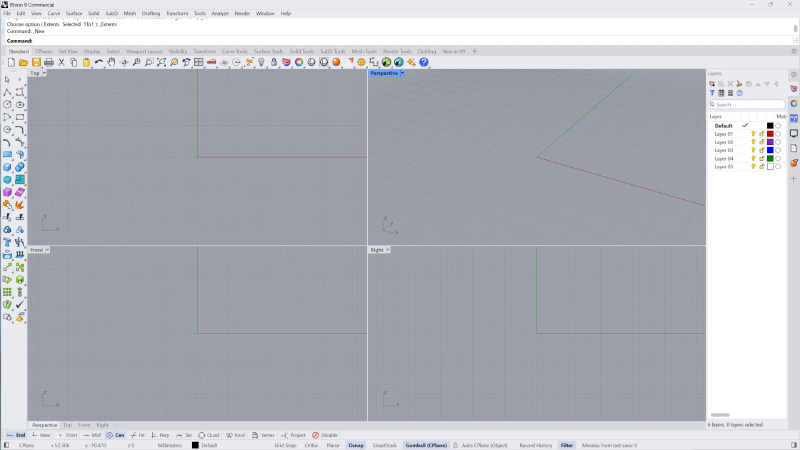
An overview of the Rhino interface
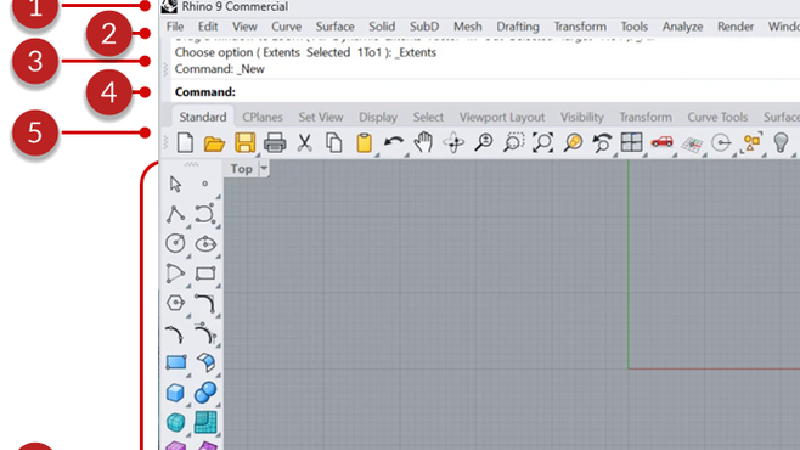
A schematic view of the Rhino user interface components
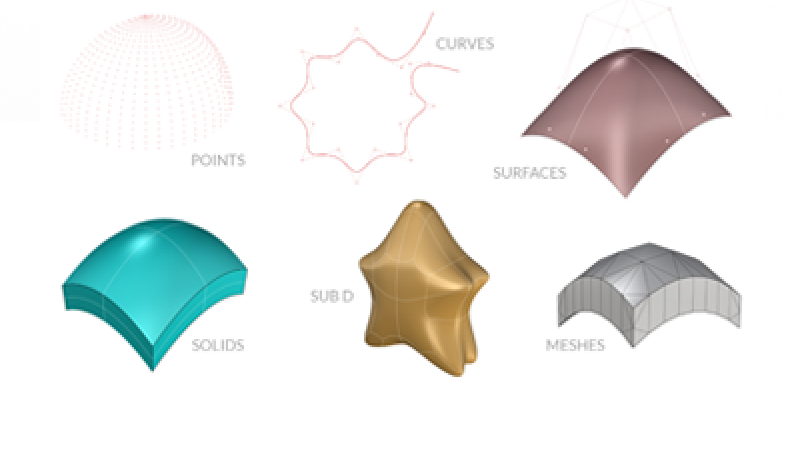
An introduction to geometry types supported in Rhino
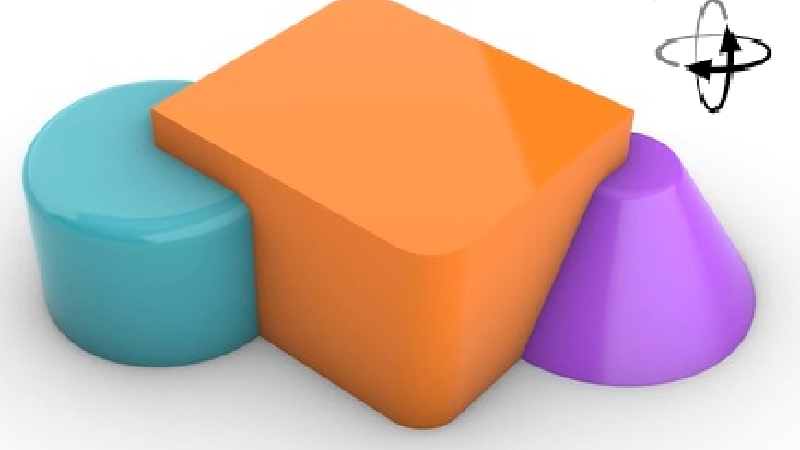
Learn how to navigate and view your 3D model
Analyzing continuity of multiple edge pairs
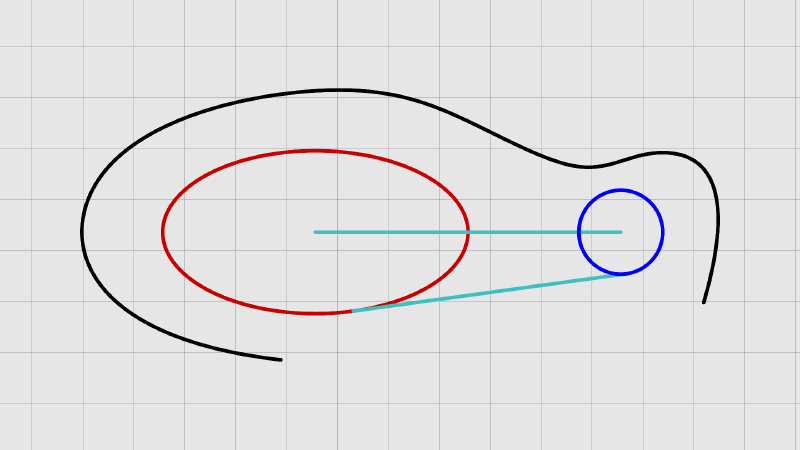
Learn to use curve creation commands

Essential editing commands for curves and surfaces
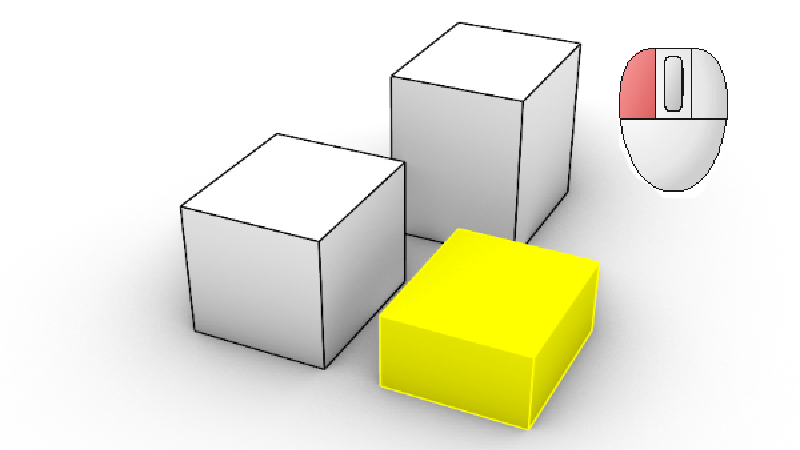
Learn about the different selection methods in Rhino

Learn how to add a metallic full material decal onto a stainless steel …
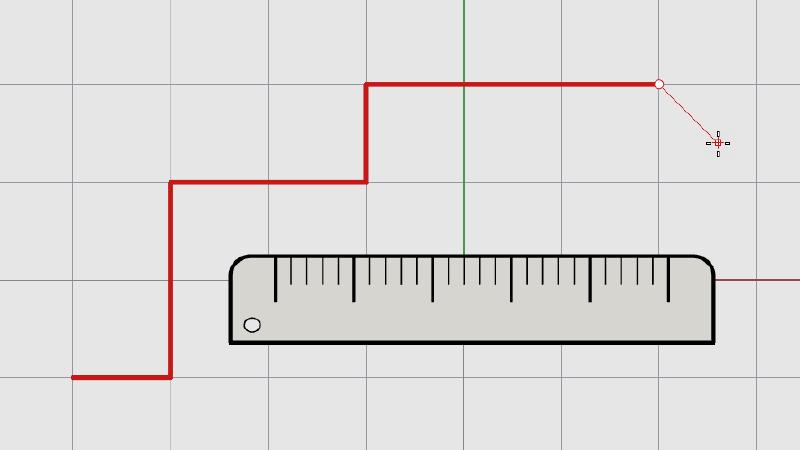
Learn how to use modeling aids to draw with precision
A workflow guide for Rhino 9 (direct modeling and solid tools).
Learn how to model an outsole and create a gradient tread pattern using …
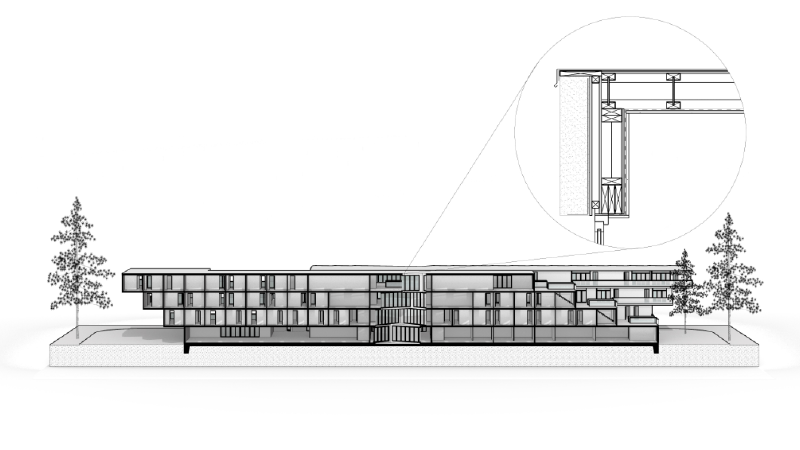
Learn how to create and present a section perspective in Rhino 9 using …
Create high-quality corner blends using the Rhino's Patch Multi-Blend
Learn how to create a 3DM file with project-specific settings to share …
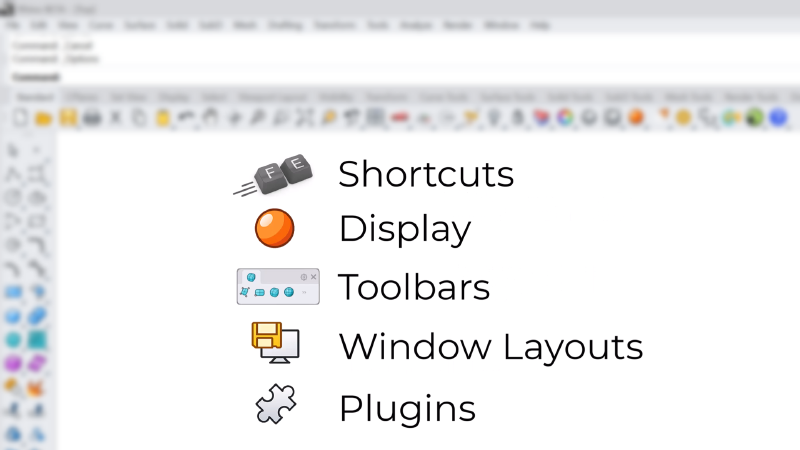
Learn how to customize the Rhino UI
Learn about some of Rhino's Direct Modeling tools that can help you create …
Learn how to use Rhino 9's Gumball UVN and SoftTransform tools for precise …
Rhino's built-in visual programming environment.
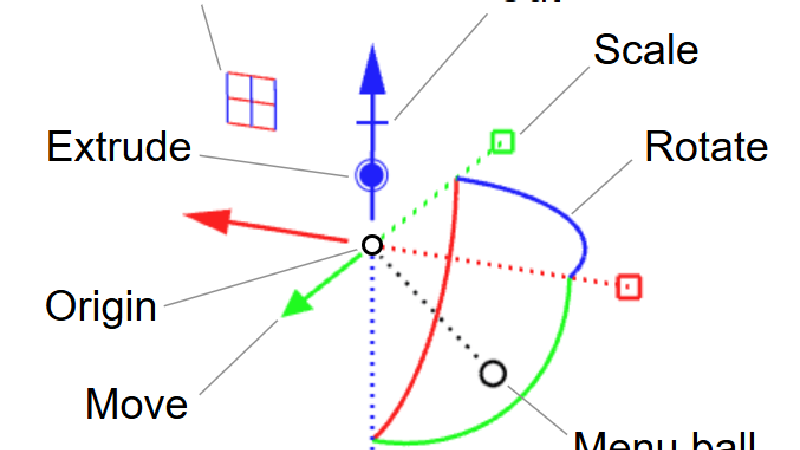
Learn how to use the Gumball to make basic transforms to your geometry
Kangaroo, the interactive physics and form-finding solver built into …
Learn about some of the best practices in Rhino 9 to help share and …
Use the AI Panel to transform a Grasshopper 1 script to Grasshopper 2 and …
Use Claude Desktop to transform a Grasshopper 1 plugin to Grasshopper 2.
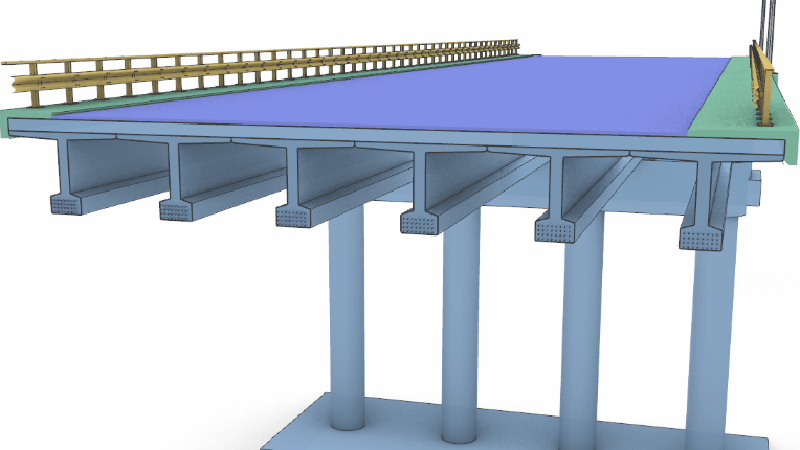
Design, analyze and document bridges with Rhino and Grasshopper, from …
A workflow guide for Rhino 9 (direct modeling and solid tools).
Use RhinoMCP to prototype a circular speaker-grid pattern by chatting with …
Use an AI assistant connected to Rhino to vibe-model an industrial design …
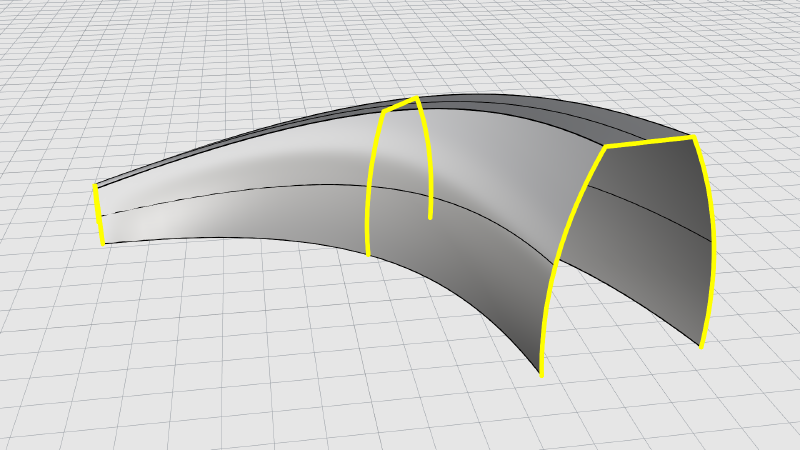
Learn to create surfaces from curves
Use an AI coding assistant and RhinoMCP to build a real Rhino plug-in from …
Use an AI assistant connected to Rhino to vibe-model an architectural …
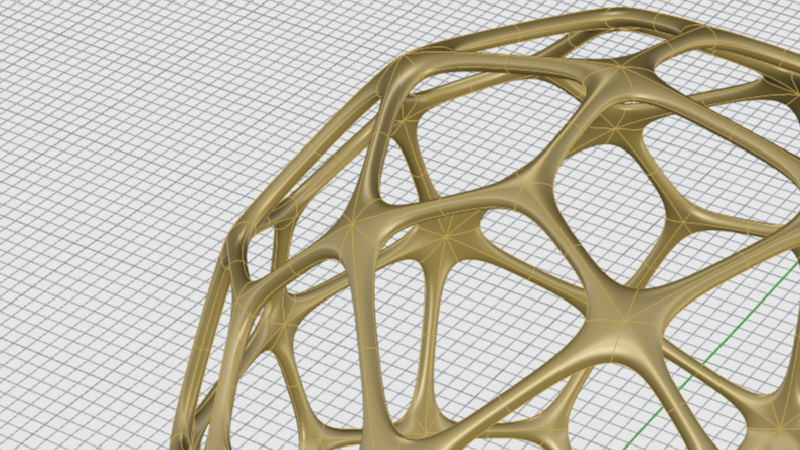
Learn to create SubD objects
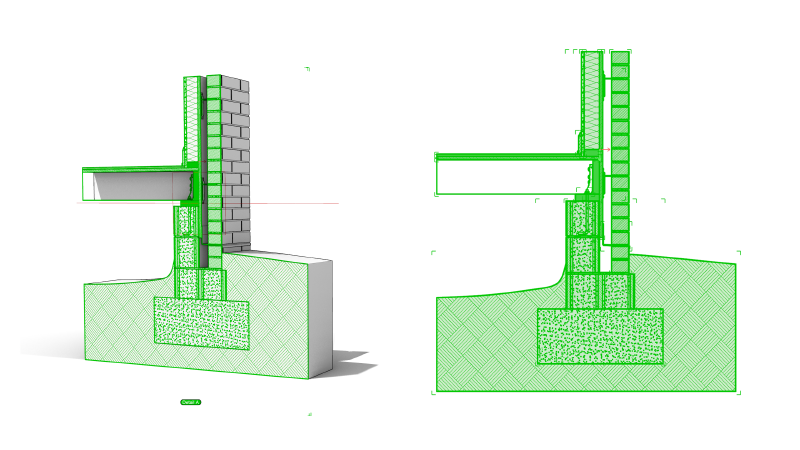
A workflow guide for Rhino 9 (Grasshopper 1 drafting components).

Learn about move, copy, rotate and scale commands

