 Grasshopper
is a visual programming editor built into Rhino that enables designers, engineers, and architects to create powerful parametric models without writing traditional code. By connecting components on a visual canvas, you build algorithms that respond dynamically to change, making it easy to explore design alternatives, automate repetitive workflows, and solve complex geometric problems.

Visual Programming
Grasshopper
’s node-based canvas makes algorithmic thinking visual and accessible. Components represent operations, from basic math and geometry transformations to advanced data structures, while wires connect them into complete design workflows. As you build, your geometry updates in Rhino in real time, so you can explore ideas, iterate quickly, and always see the logic behind your design.
- Intuitive Canvas: Drag and drop components, connect inputs to outputs, and watch your geometry update in Rhino as you work.
- No Syntax Required: Build algorithms visually instead of writing code, making computational design accessible to designers and creative professionals.
- Full Data Control: Work with lists, data trees, and complex data structures to drive geometry generation at any scale.
- Live Feedback: Every change to a slider or parameter instantly propagates through the graph, giving you immediate visual results and rapid iteration.
Parametric Design
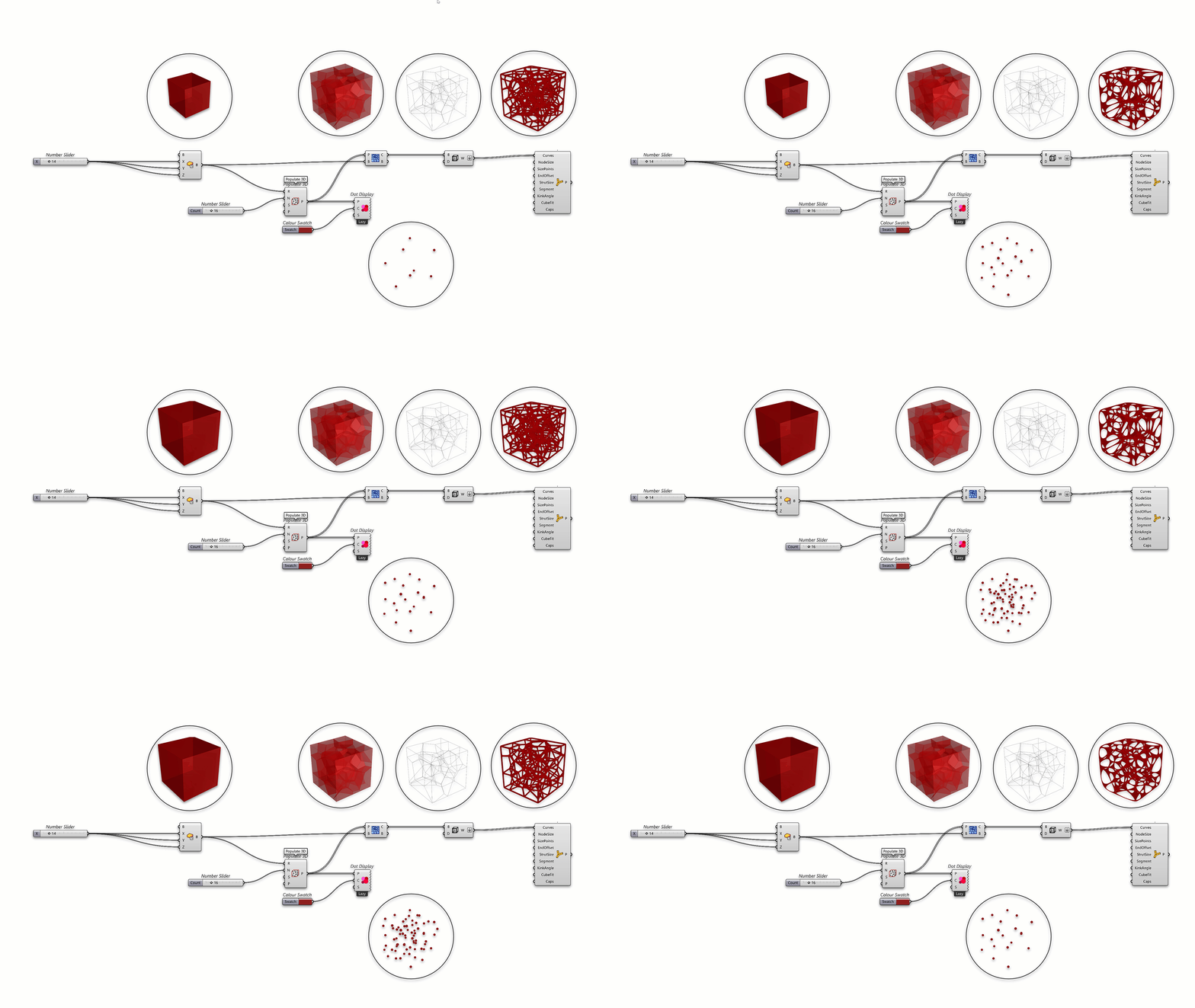
Parametric design is at the heart of Grasshopper
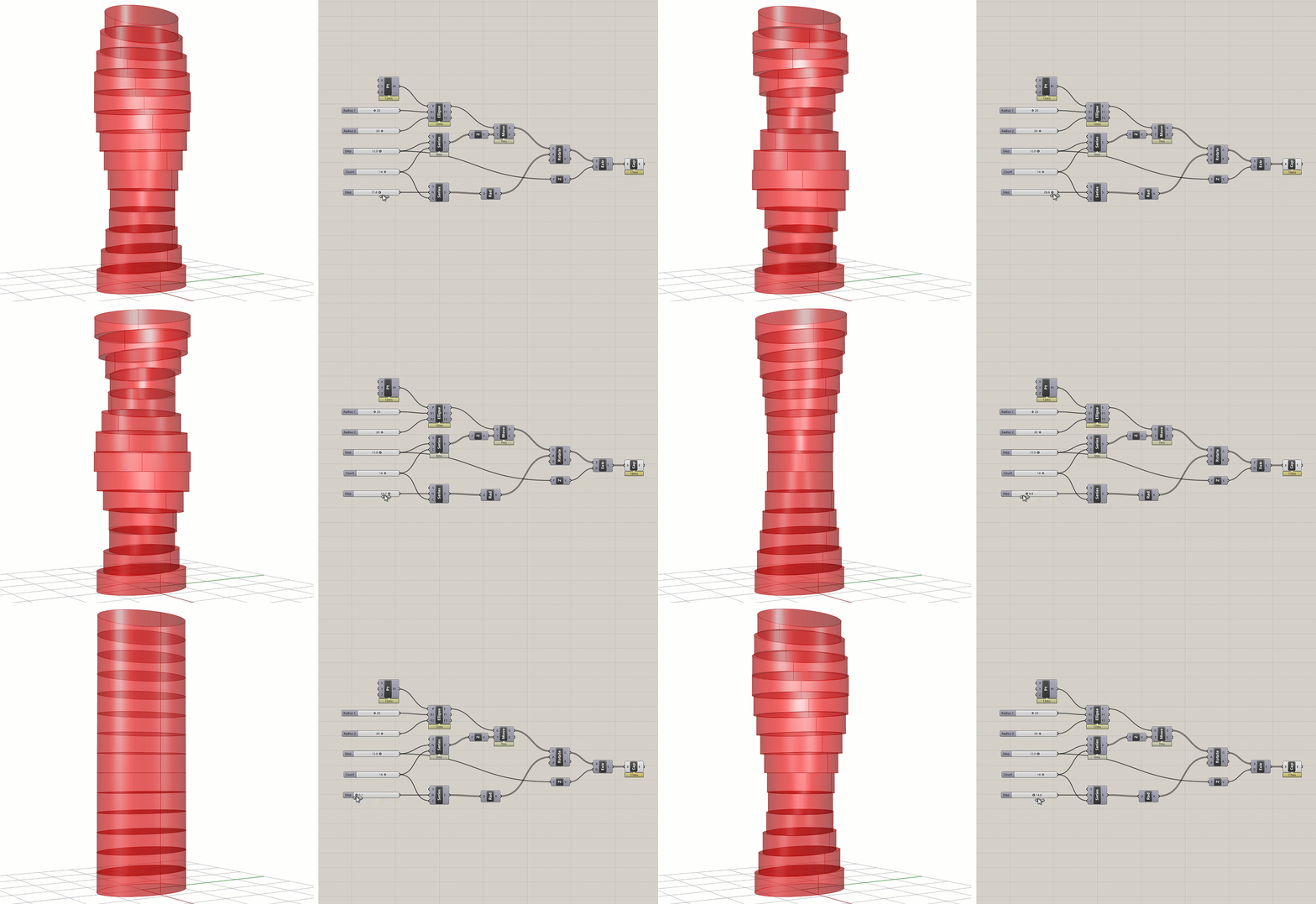
. Instead of modeling fixed geometry, you define relationships and rules you can adjust on the fly, enabling rapid exploration of thousands of design variations from a single definition.
- Sliders and Number Inputs: Drive dimensions, angles, counts, and any design variable interactively.
- Design Variants: Explore countless configurations by adjusting parameters instead of remodeling from scratch.
- Associative Geometry: Link objects to parameters and constraints so that changes cascade automatically through the entire model.
Not everyone on your team needs to open Grasshopper. With Grasshopper Player, built into Rhino, your definitions become simple guided commands that anyone can run. Collaborators adjust the inputs and get the results, no canvas required.
Generative and Algorithmic Design
Grasshopper
lets you work at a higher level of abstraction, writing rules that generate geometry, patterns, and structures that would be impractical or impossible to model by hand.
- Pattern Generation: Create complex tiling, panelization, and repetition systems driven by mathematical rules or attractor points, with PanelingTools providing ready-made paneling patterns and grids.
- Form Finding: Derive structural and aesthetic forms from physical simulation, data fields, or algorithmic rules.
- Data-Driven Design: Import external data such as spreadsheets, environmental data, and site surveys, and translate it directly into geometry.

Physics Simulation with Kangaroo
Kangaroo Physics, developed by Daniel Piker and included with Grasshopper
, is a live physics engine that embeds physical behavior directly into your parametric models. Assign physical properties to geometry and simulate forces such as gravity, tension, springs, pressure, and collisions, then watch your model settle into equilibrium in real time.
Kangaroo Physics is the tool of choice for:
- Form Finding: Discover structurally efficient shapes for shells, gridshells, and tensile membrane structures.
- Mesh Relaxation: Smooth and optimize meshes for even panel distribution and fabrication-ready geometry.
- Constraint-Based Modeling: Solve geometric puzzles like planarization, packing, and folding (including origami and deployable structures).
- Interactive Simulation: Pull, pin, and inflate geometry live in the viewport and see physics respond instantly.
Optimization with Galapagos
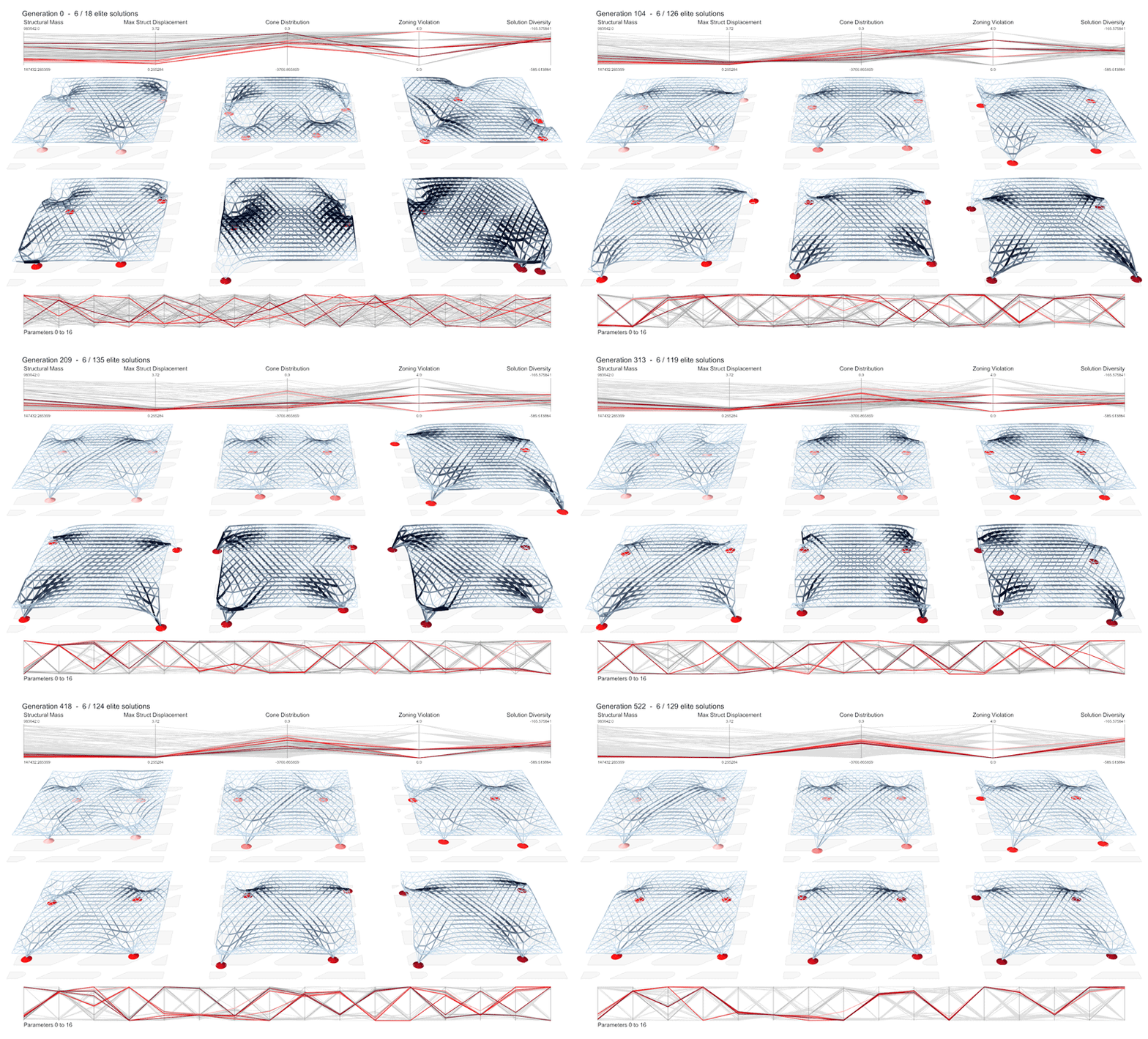
Why guess when you can search? Galapagos, Grasshopper
’s built-in evolutionary solver, automatically explores your design space to find the best-performing solutions against goals you define: minimizing material, maximizing daylight, reducing structural deflection, or balancing multiple criteria at once.
- Evolutionary Solving: Genetic algorithms breed successive generations of design candidates, converging toward optimal solutions.
- Simulated Annealing: An alternative solver strategy for exploring rugged solution landscapes.
- Any Goal You Can Measure: If a value can be computed in your definition, Galapagos can optimize for it.
- Beyond Galapagos: The plugin ecosystem extends optimization further with multi-objective tools like Octopus and Wallacei.
Analysis and Simulation
Native tools
Grasshopper
ships with analysis components out of the box, no plugins required. Evaluate surface curvature and continuity, measure areas, volumes, and mass properties, analyze mesh topology, and inspect any geometric property of your model as live data that can drive the design itself. Combined with Kangaroo’s physics solver (see above), you can test physical behavior natively inside every copy of Rhino.
Add-on tools
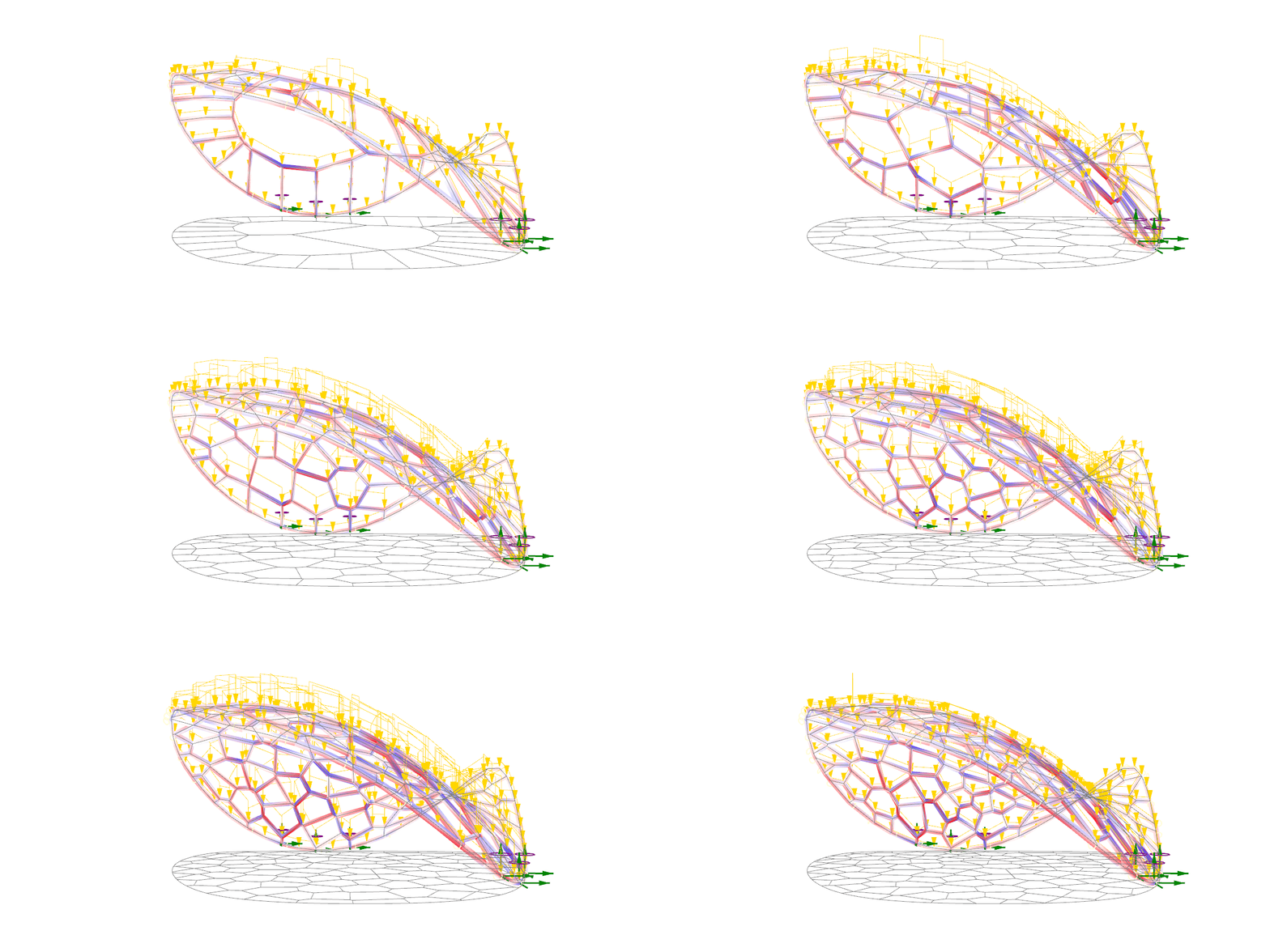
For discipline-specific simulation, Grasshopper
hosts one of the richest ecosystems of analysis plugins in computational design, connecting parametric geometry to real-world performance and enabling evidence-based decisions early in the process.
- Structural Analysis: Tools like Karamba3D and SOFiSTiK bring finite element analysis directly into the Grasshopper canvas.
- Environmental Performance: Ladybug Tools deliver daylighting, solar, wind, and energy analysis driven by your parametric geometry.
- Fluid Dynamics: Aerodynamic and CFD plugins let you optimize form for wind performance.
- Acoustics and Beyond: Specialized plugins cover acoustic simulation, pedestrian flow, thermal comfort, and more.
Drafting and Documentation
Parametric doesn’t stop at 3D. Grasshopper
drives Rhino’s drafting tools to generate 2D documentation that updates with your model, so drawings never fall out of sync with design changes.
- Automated 2D Output: Generate plans, sections, and elevations from parametric geometry using Section Tools and Make2D workflows.
- Parametric Annotation: Create dimensions, text, and hatches as native Rhino objects, driven by your definition.
- Layouts at Scale: Populate drawing sheets and tag hundreds of unique parts automatically. Ideal for panelization and fabrication documentation.
- Data Export: Push schedules, part lists, and quantities straight to spreadsheets alongside your drawings.
Rendering and Visualization
See design variants the way clients will. Grasshopper
geometry flows directly into Rhino’s rendering pipeline, so that every parametric iteration can be visualized and compared with full material fidelity.
- Rhino Render Integration: Preview Grasshopper geometry with materials, lighting, and environments in Rhino’s Raytraced and Rendered display modes.
- Custom Preview Control: Assign colors and materials to geometry directly in the definition for instant visual differentiation of design options.
- Third-Party Renderers: Live-link plugins connect Grasshopper to V-Ray, D5 Render, Enscape and more for real-time and production rendering of parametric models.
- Iteration Snapshots: Batch-render design variants to compare options side by side.
Scripting and Extensibility
Grasshopper
lets you move beyond visual programming when your workflow needs custom logic, deeper automation, or specialized tools, from a single script component to a full commercial plugin.
- Embedded Scripting: Write Python, C#, or VB.NET directly inside Grasshopper components, with full access to Rhino’s geometry library and API.
- Custom Components: Develop and distribute your own Grasshopper components using the Rhino developer tools.
- Hops - Run Grasshopper definitions as external services for cloud computation, parallel processing, and reuse across projects.
- Open Architecture: Connect Grasshopper to external tools, databases, web services, and AI workflows through open APIs and SDKs.

Fabrication and Production
Grasshopper
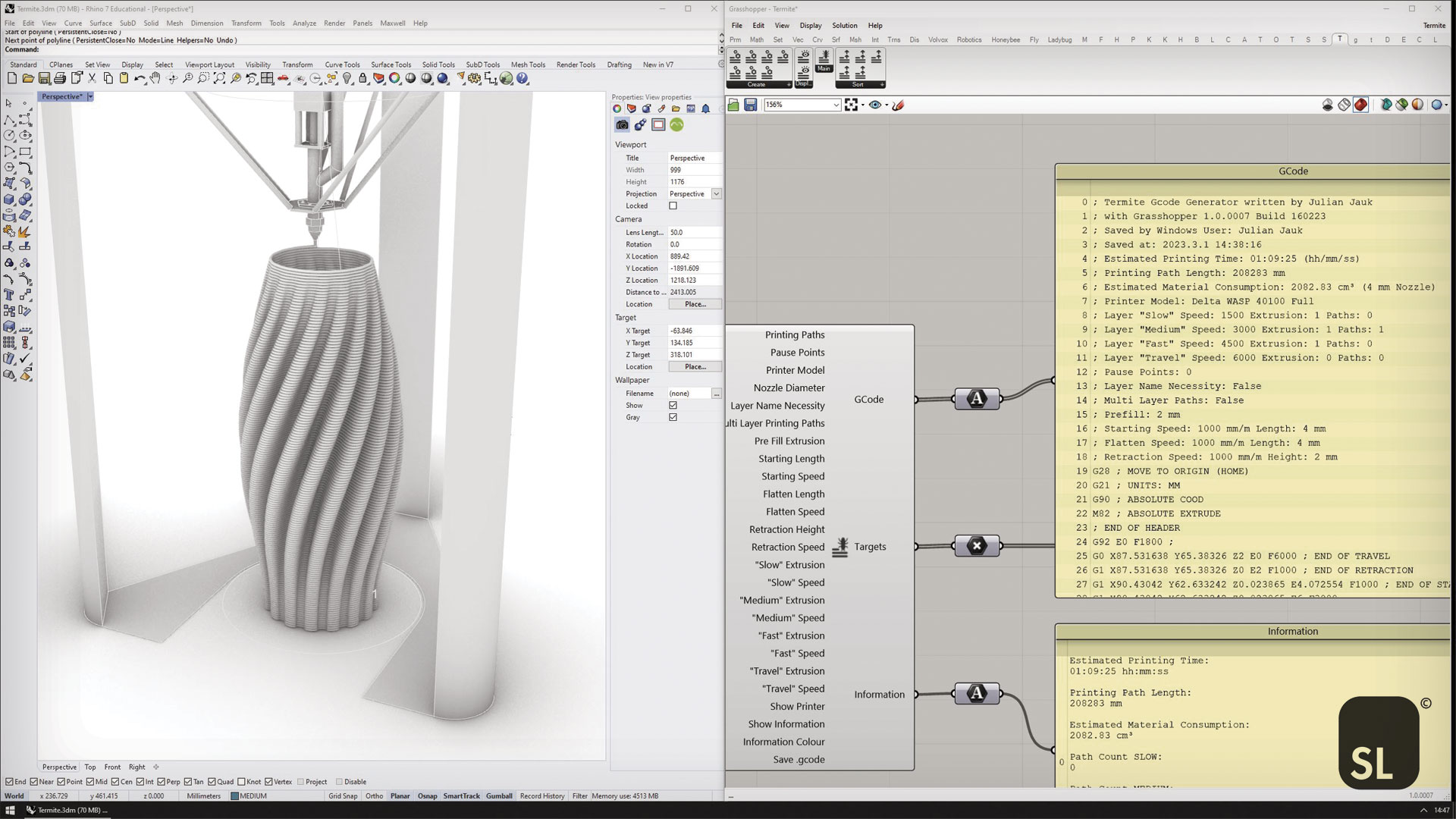
’s parametric geometry is fabrication-ready by design, and its fabrication plugin ecosystem connects directly to the machines that build your work. From cutting paths to robot code, plugins close the loop between design intent and physical production.
- Panelization and Rationalization: Break freeform surfaces into fabricable flat, planar, or ruled panels with PanelingTools, our free paneling plugin, alongside native components and third-party tools.
- CNC and Laser Cutting: Plugins generate cutting paths and nesting layouts (e.g., OpenNest) directly from parametric geometry.
- Robotic Fabrication: Plugins like KUKA|prc and Robots translate Grasshopper toolpaths into robot programs for advanced manufacturing.
- 3D Printing: Plugin-driven slicing and support generation turn parametric models into additive manufacturing workflows.
Plugin Ecosystem
food4Rhino
Grasshopper
has one of the largest plugin ecosystems in computational design. Thousands of free and commercial plugins on food4Rhino cover every discipline imaginable, from architecture and structural engineering to environmental analysis, jewelry, fashion, and robotics.

Popular categories include:
- Architecture and Urban Design: Form generation, urban data, and BIM interoperability.
- Structural Engineering: FEA, form-finding, and structural optimization.
- Environmental Analysis: Climate, energy, daylighting, and acoustic simulation.
- Fabrication: Robotic programming, CNC preparation, and panelization.
- Machine Learning: ML-driven optimization and prediction inside design workflows.
Package Manager
Rhino’s built-in  PackageManager
makes discovering, installing, and managing Grasshopper
plugins effortless, no browser required. Run the
_PackageManager command inside Rhino to browse hundreds of plugins, install with a single click, and keep everything up to date.
- Integrated Discovery: Search and browse plugins without leaving Rhino.
- One-Click Install: Install any plugin and restart Rhino to activate it.
- Version Management: Update or roll back plugin versions as your workflow evolves.
- Developer Publishing: Authors publish directly to the server with a Rhino Account, making distribution seamless.
Gallery
Explore a selection of projects that show the range of what Grasshopper
makes possible:

Twin Hex Parametric Towers
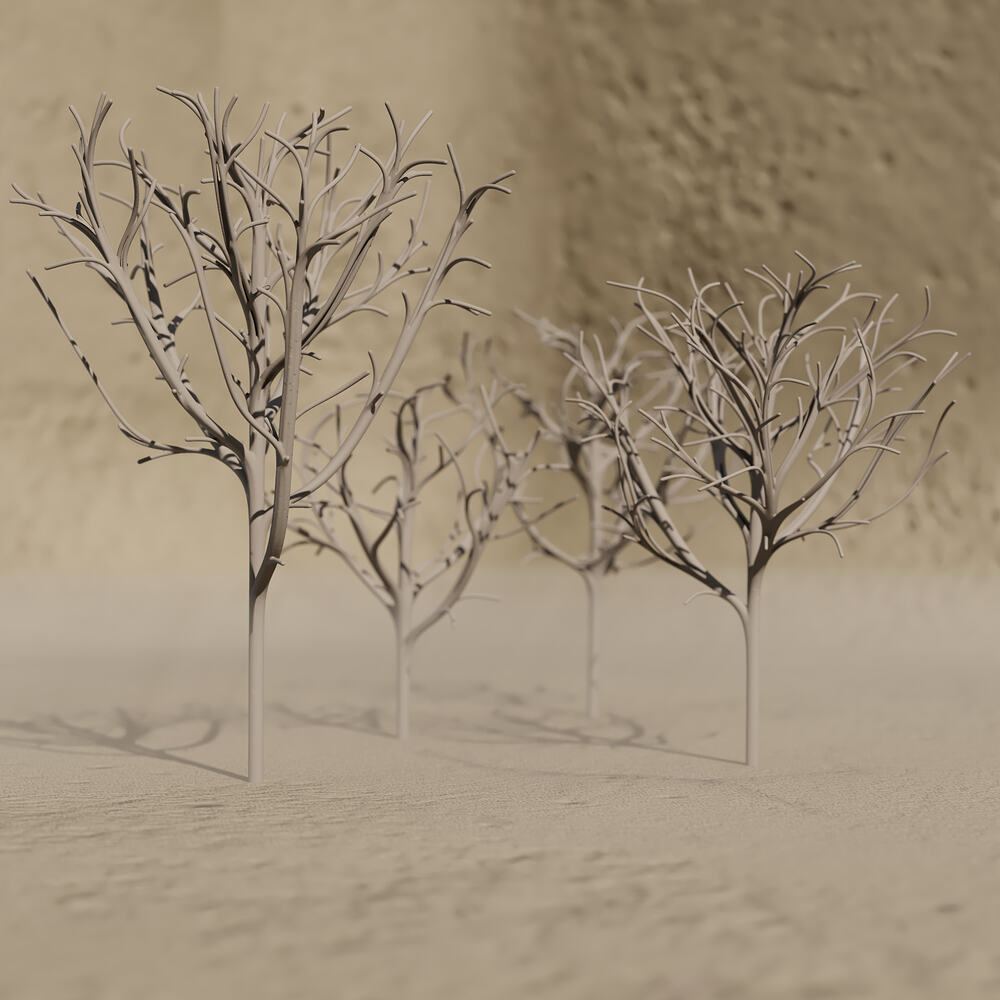
Space Colonisation Algorithm Trees
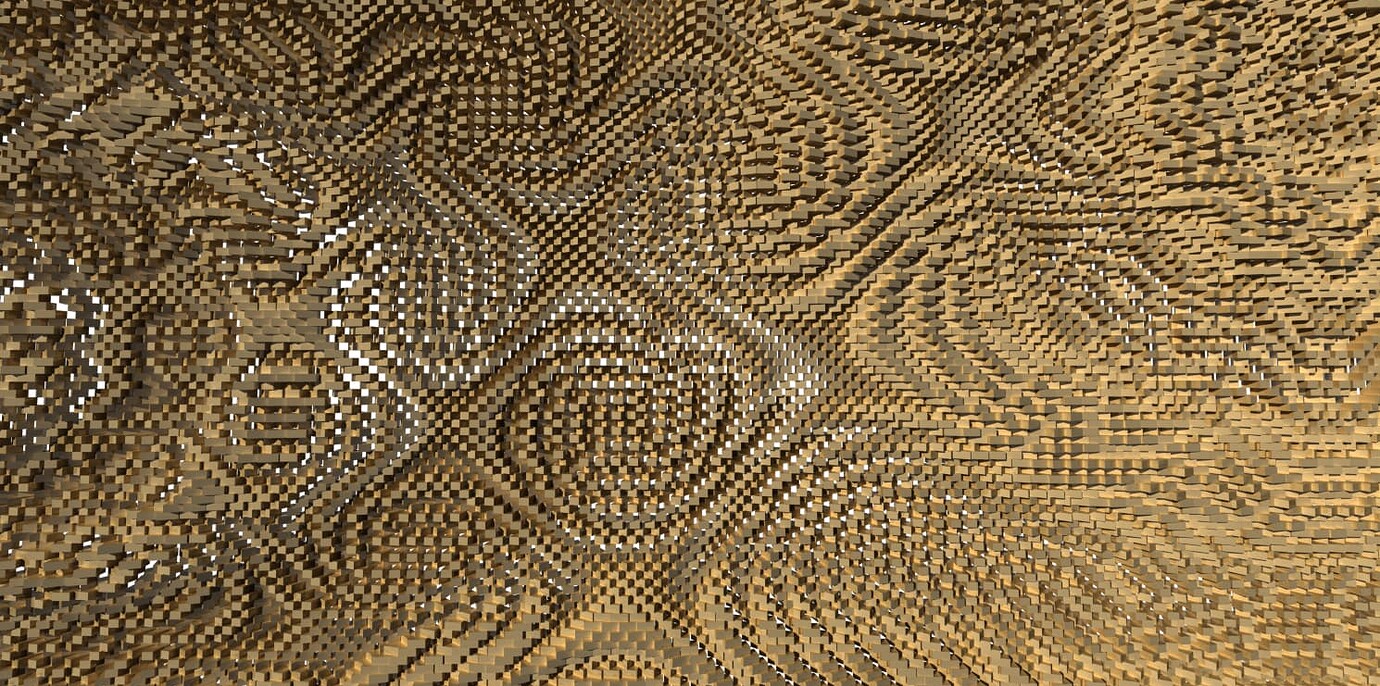
Parametric Bricks
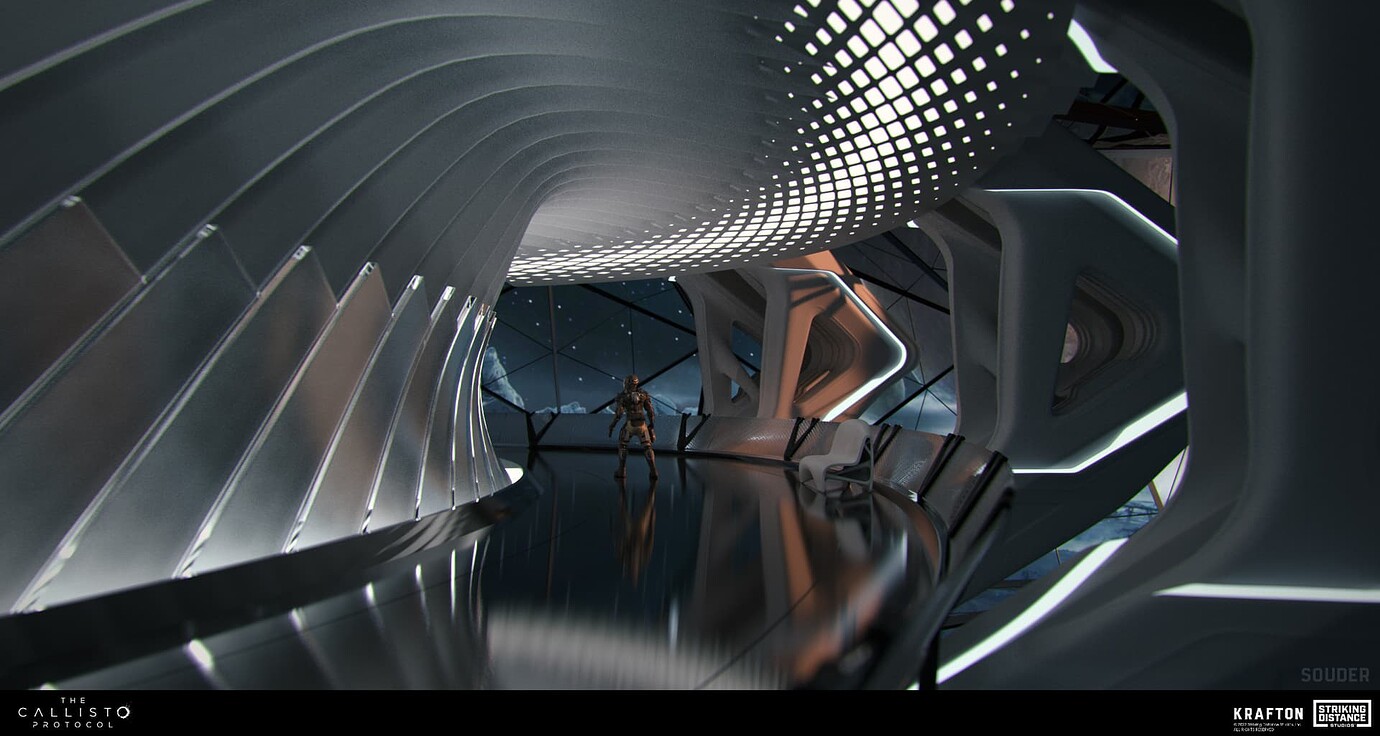
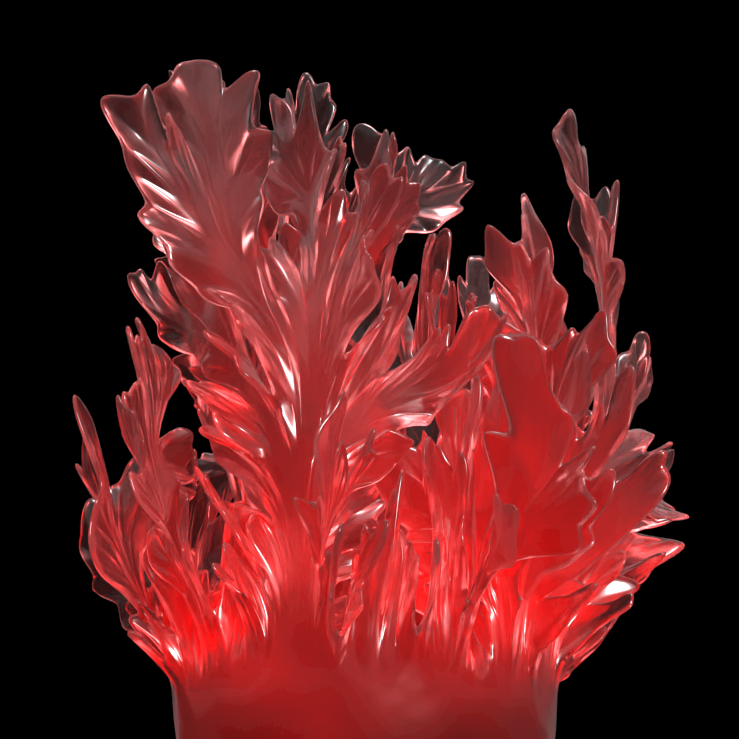
The Callisto Protocol Concept Art
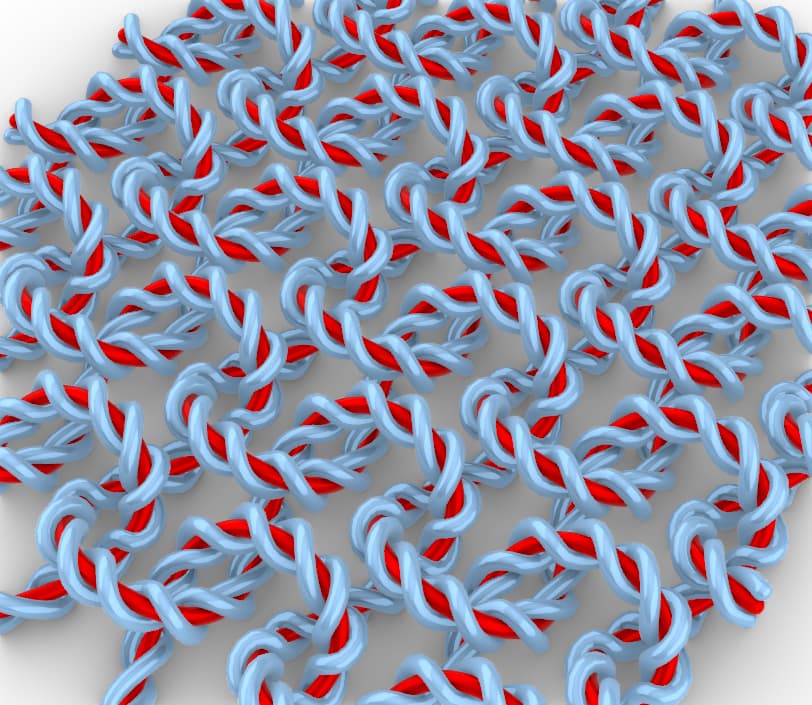
Plain-Knit Yarn Curves
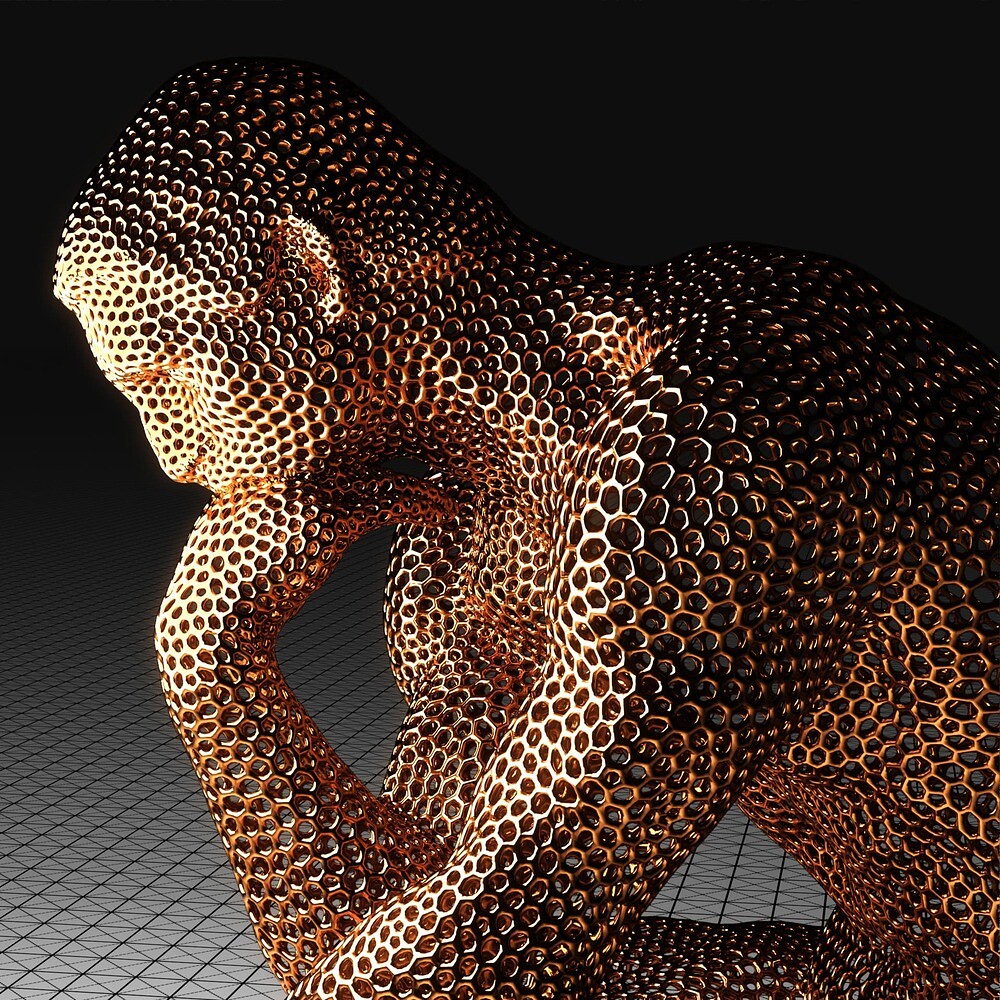
Thinking with MultiPipe

Penrose Möbius

Learn Resources & More
Expand your Grasshopper
skills. Whether you’re just starting out or mastering advanced techniques, there’s something here for every level.
- Tutorials: Step-by-step guides and exercises for all skill levels on the Learn page.
- Case Studies: User stories from architecture, industrial design, fashion, and fabrication on rhino3dzine.
- Community: The Grasshopper forum, one of the most active communities in computational design.
- Plugins: Thousands of extensions for every discipline on food4Rhino.
Turn your ideas into algorithms
Grasshopper
is included with Rhino. Try it out today.

