
Rendering: Fast Feedback
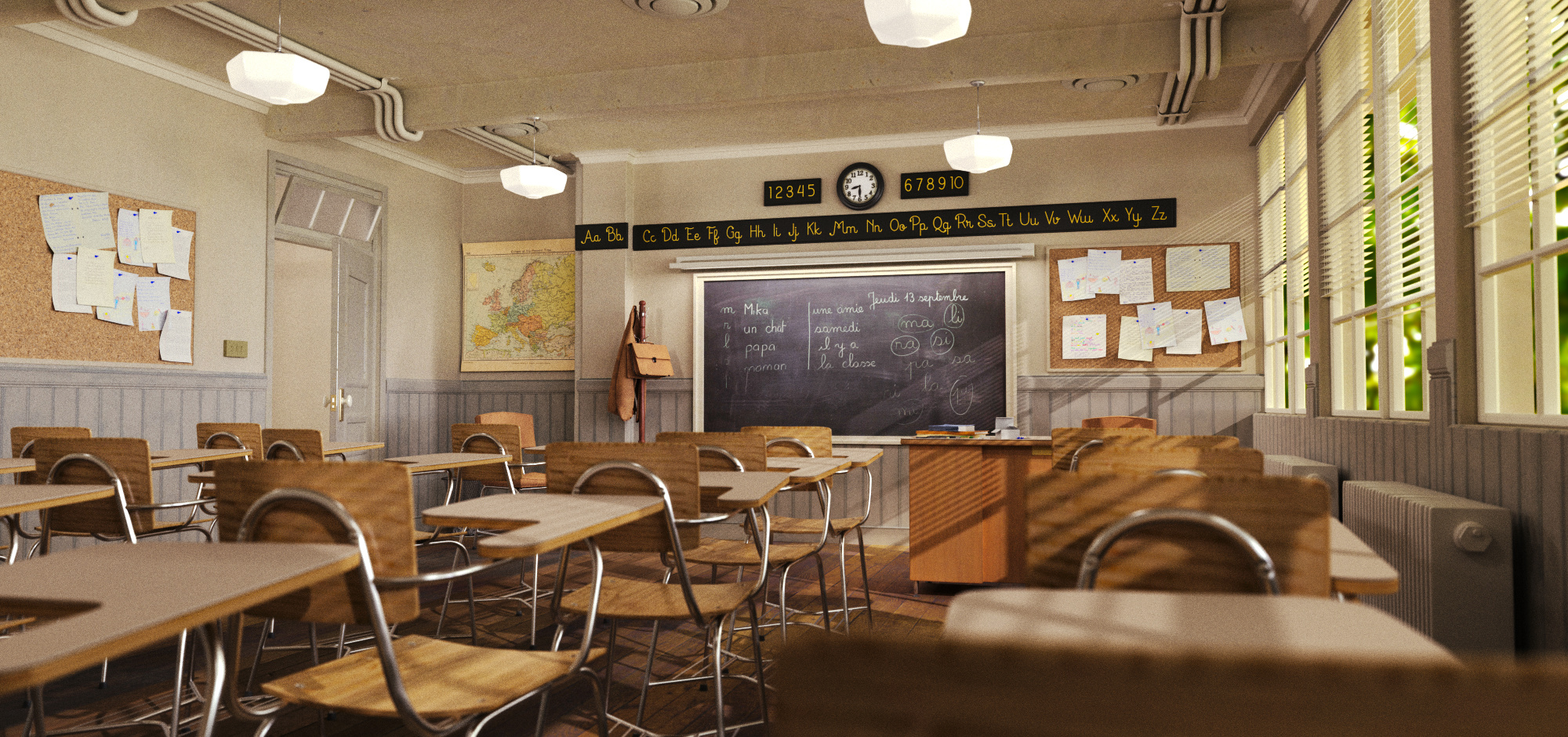
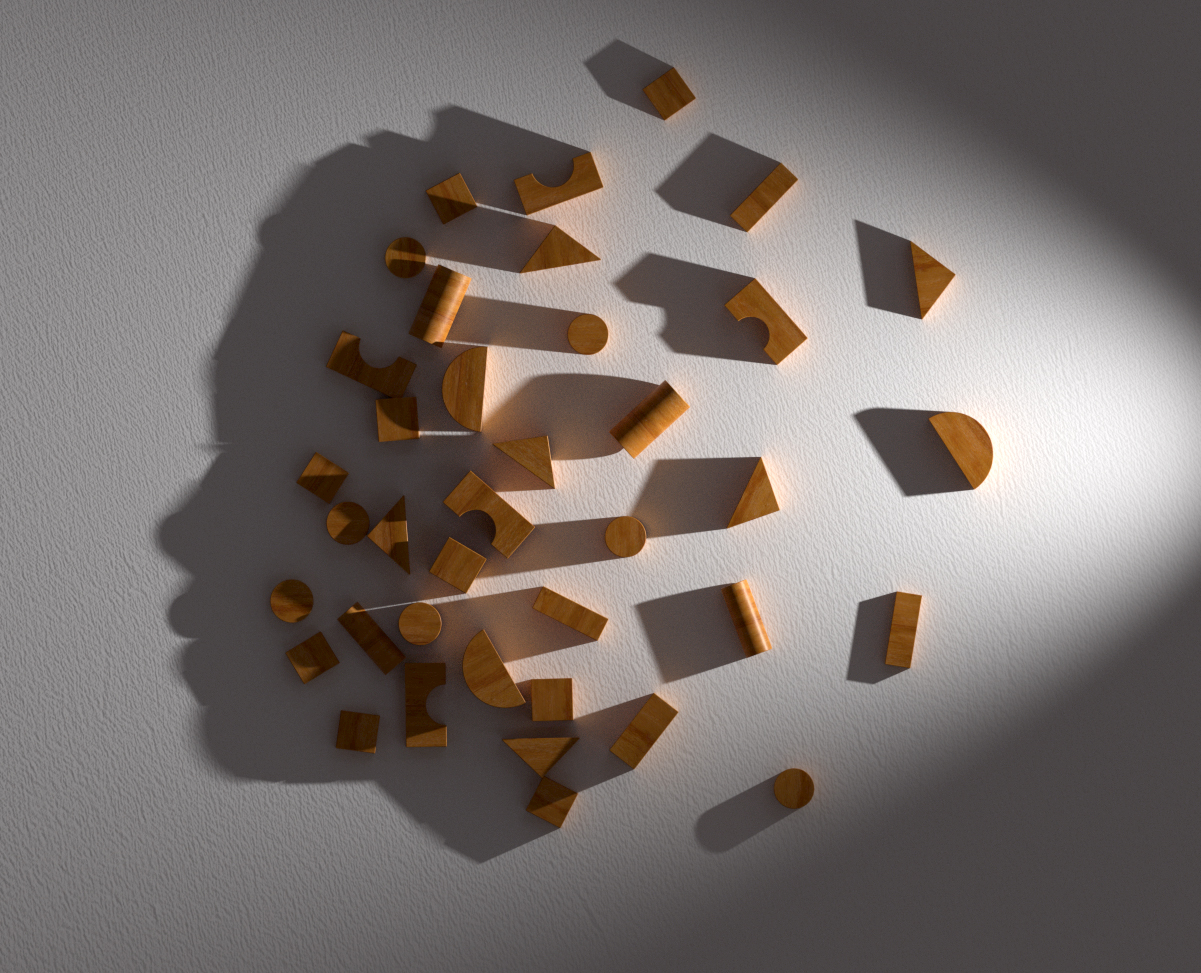
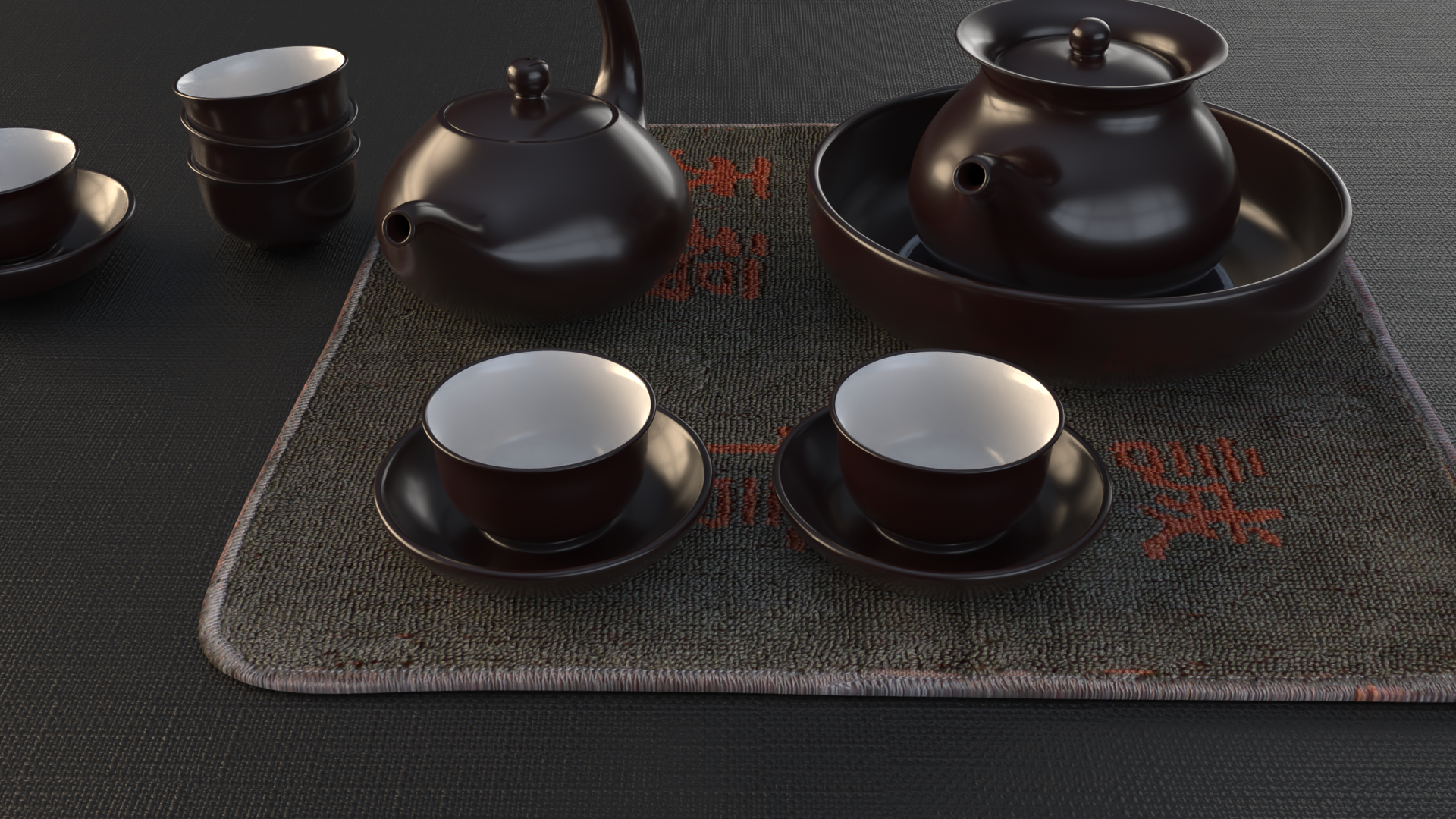
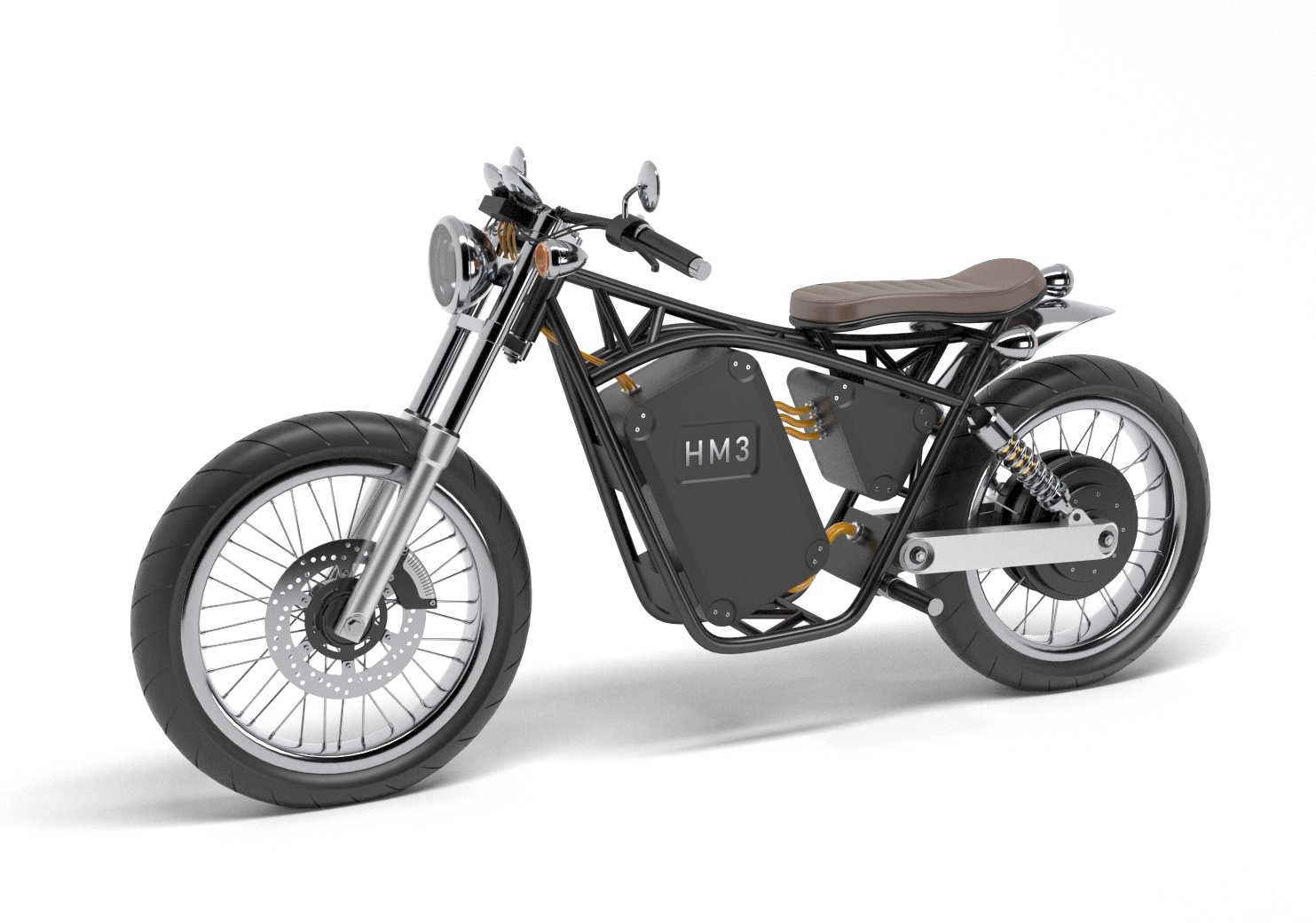
Rhino quickly creates beautiful images for your presentations. Whether you are an architect, designer, engineer, or artist, Rendering in Rhino brings your models to life. With its extensive library of materials, advanced lighting, and camera controls, Rhino Render helps you present your creative vision, getting “buy-in” from clients, customers, collaborators, or the public at large…all without needing a PhD.
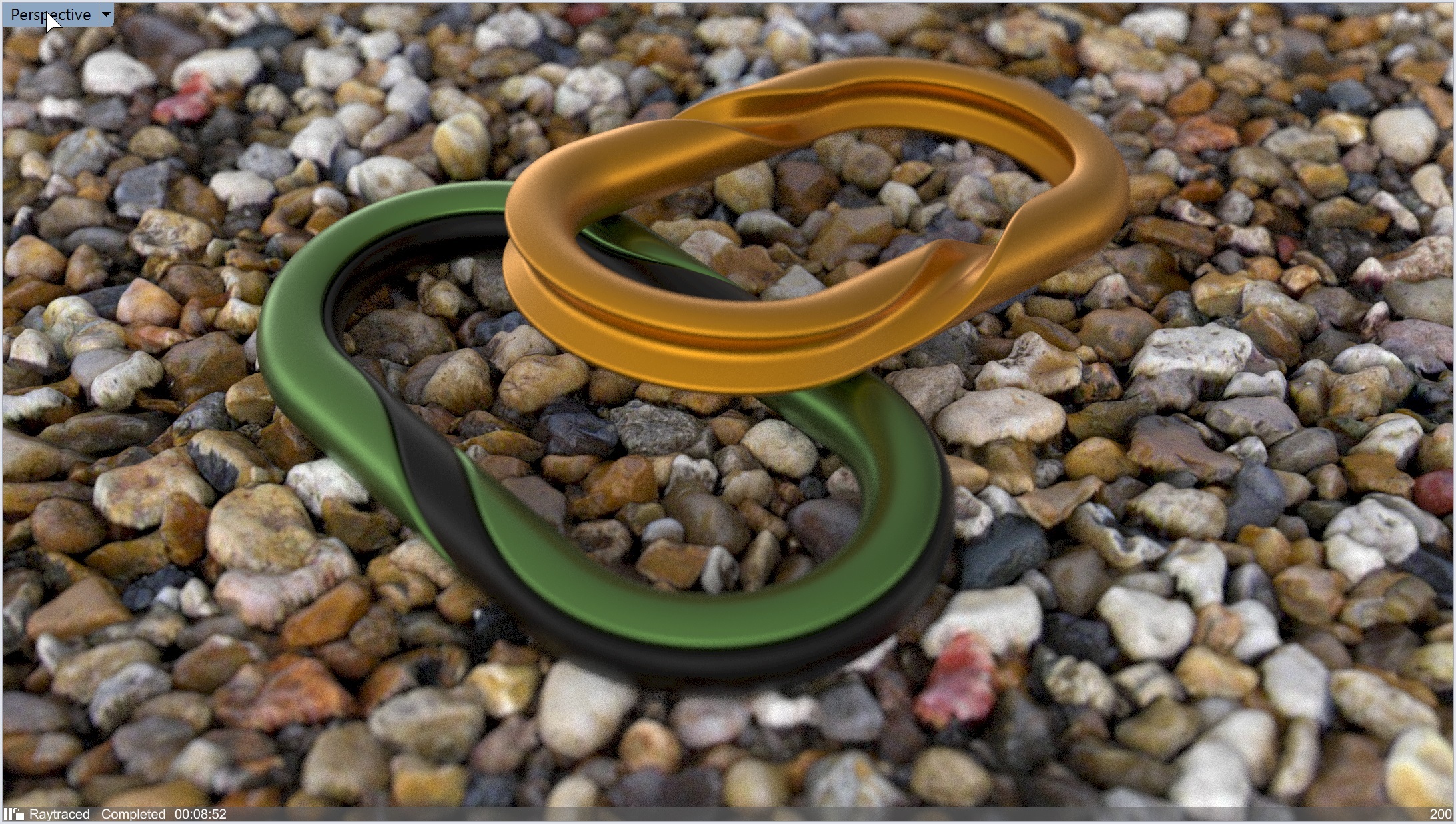
Rhino Render works as a real-time raytraced display mode, so you get fast feedback on your material, texture, and lighting choices. For “final” renders, work in a dedicated rendering window with access to post effects like fog, glare, and depth-of-field.
The built-in Cycles engine is GPU-accelerated on Apple Metal, NVIDIA, and AMD HIP, so you spend less time waiting and more time designing.
New in Rhino 9
Rhino 9 gives you more control over light, materials, and labels, so your renders look like the real product.
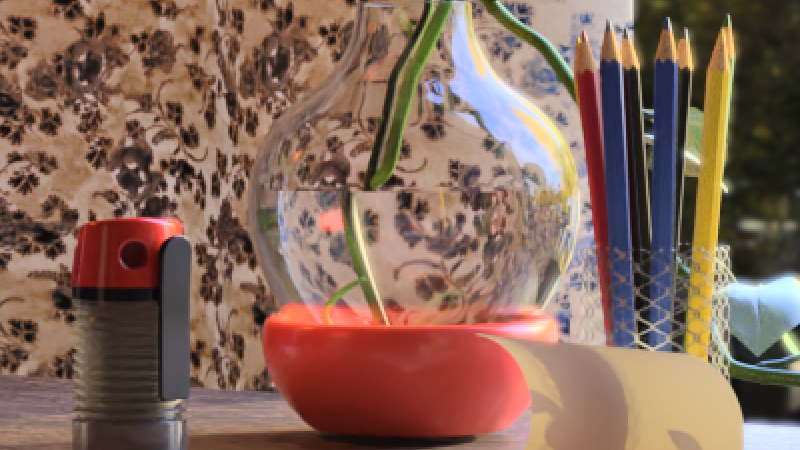
Caustics & Dispersion
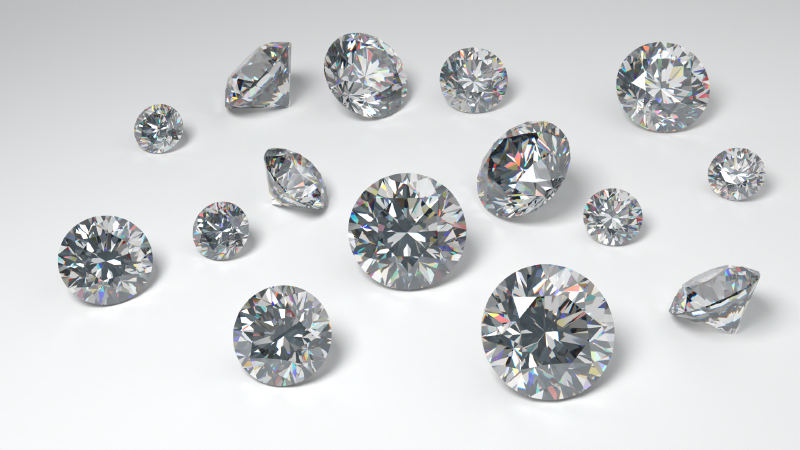
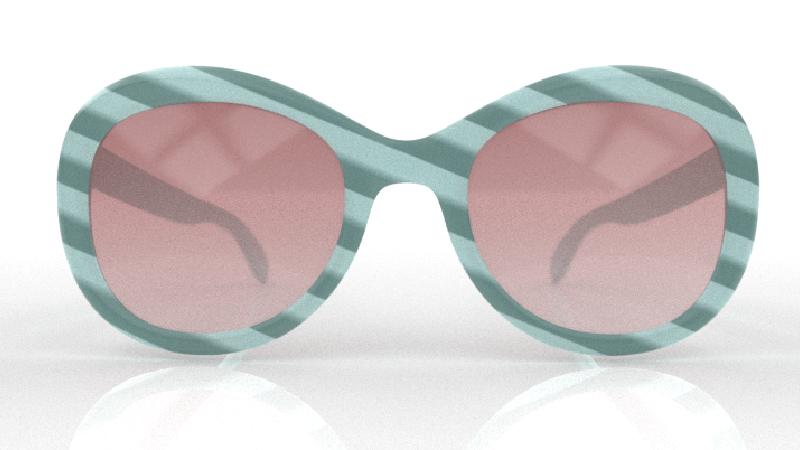
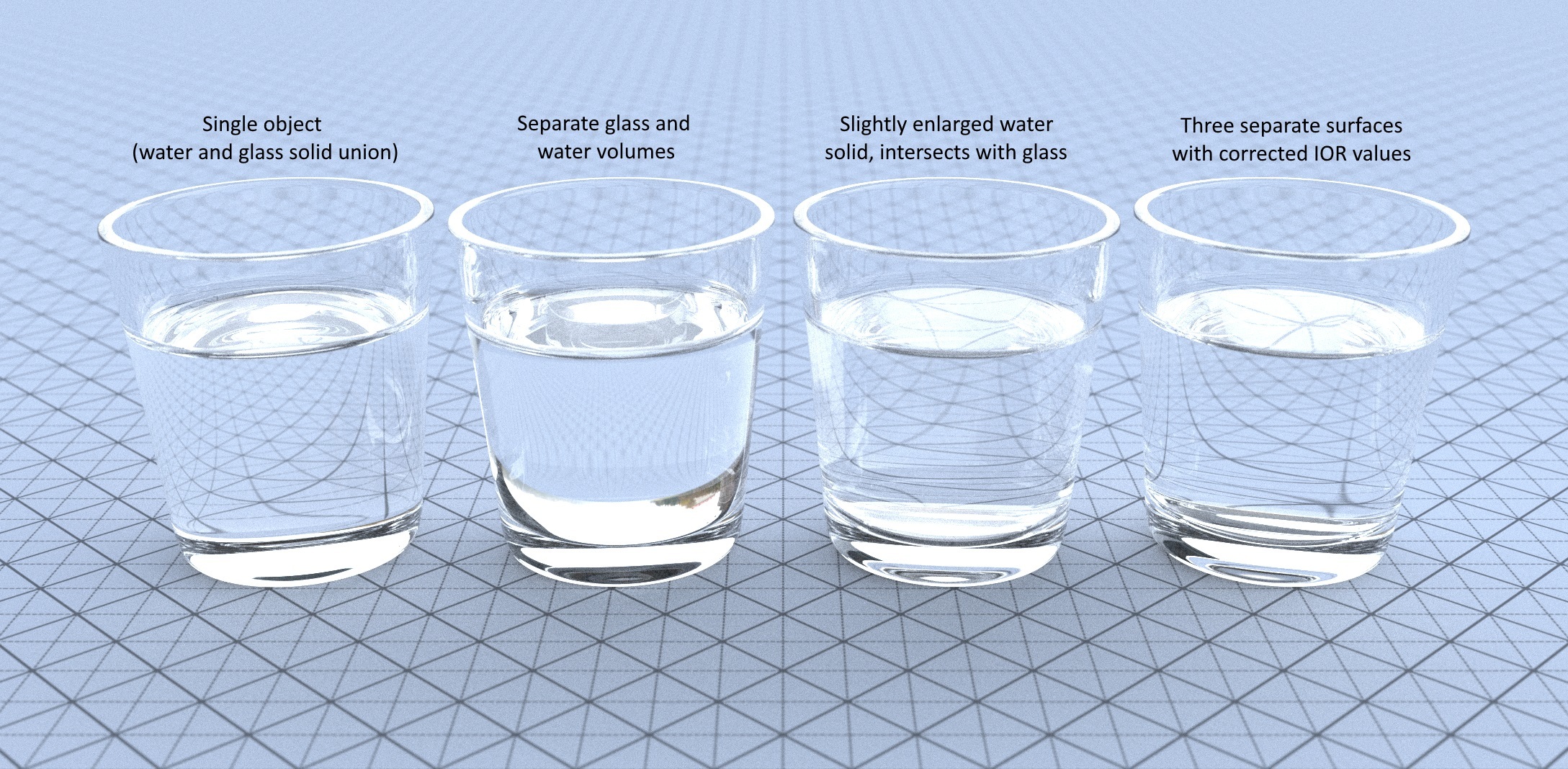
Capture the bright light patterns cast by glass, liquids, and polished surfaces with Caustics. Rhino now simulates light as it is focused through transparent objects and off reflective ones, so a wine glass, perfume bottle, or watch crystal casts realistic highlights onto the surrounding surfaces.
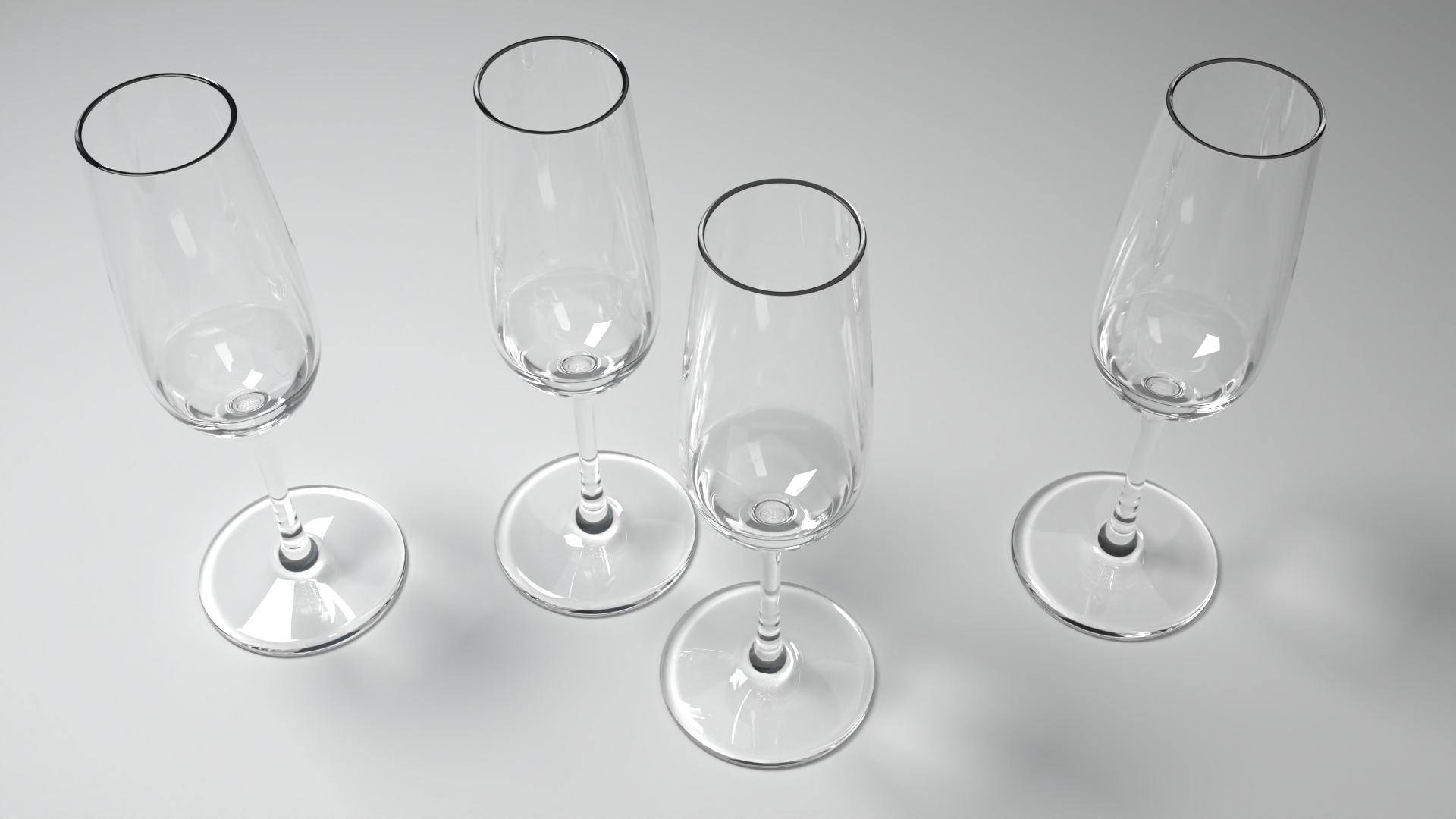
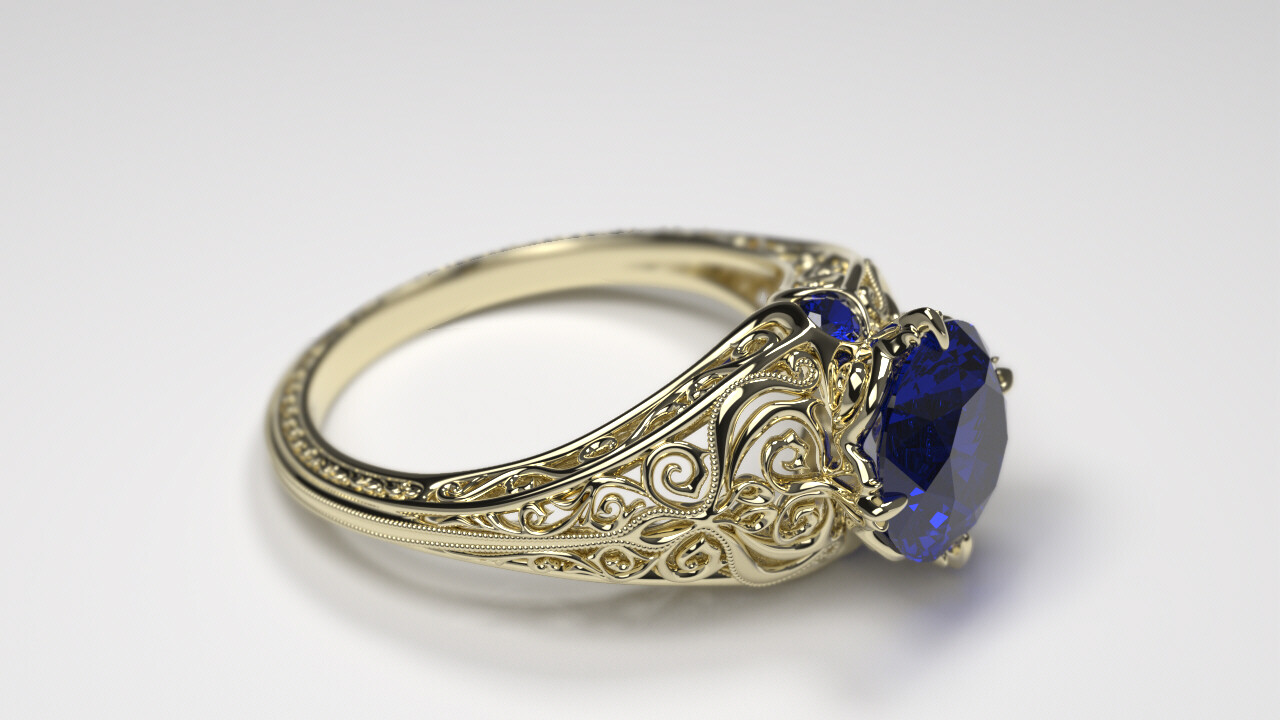
Bring out the fire in your gemstones with Dispersion. Gem materials split light into its spectral colors, producing the colored flashes you expect from a cut stone.
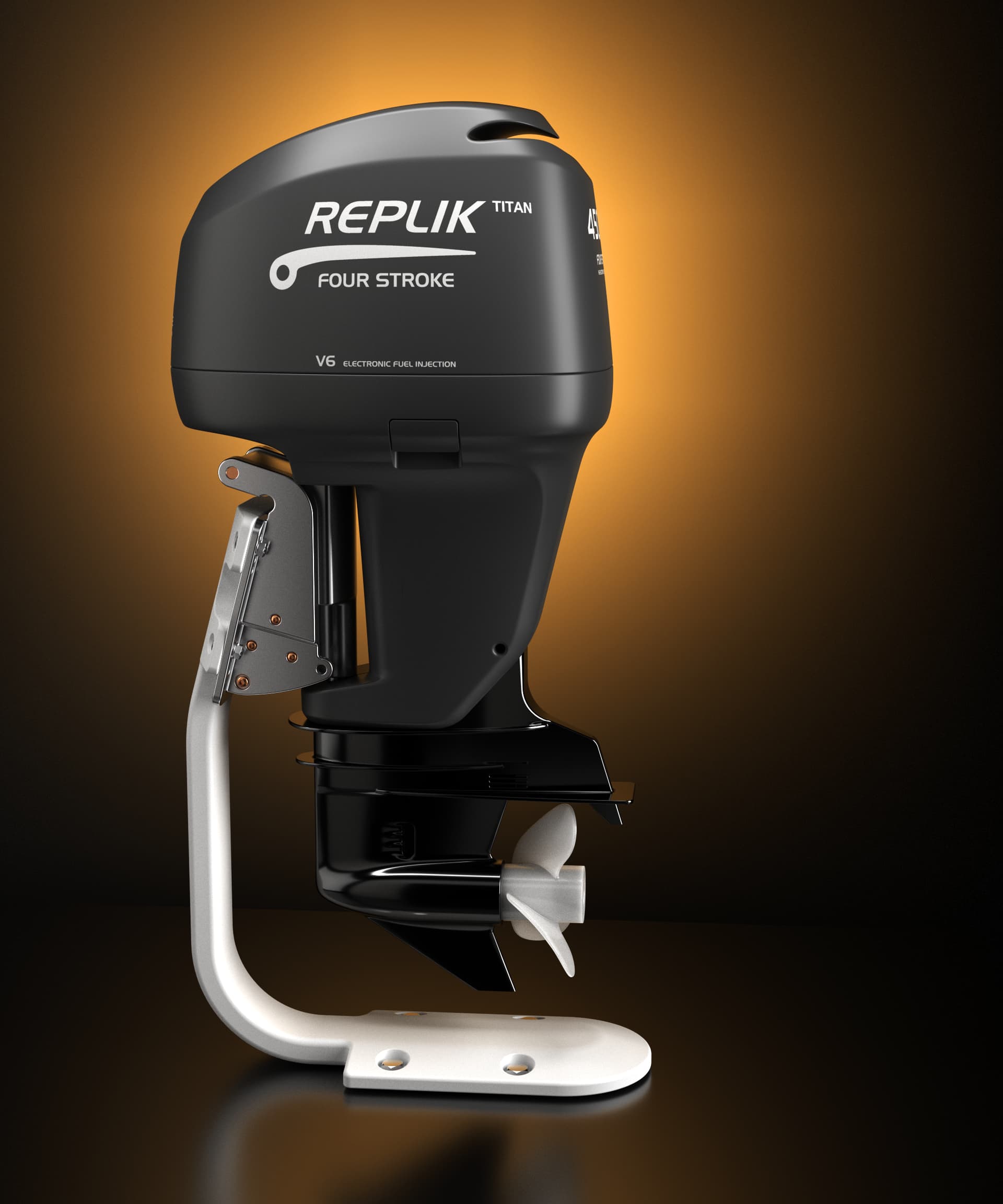
Decals
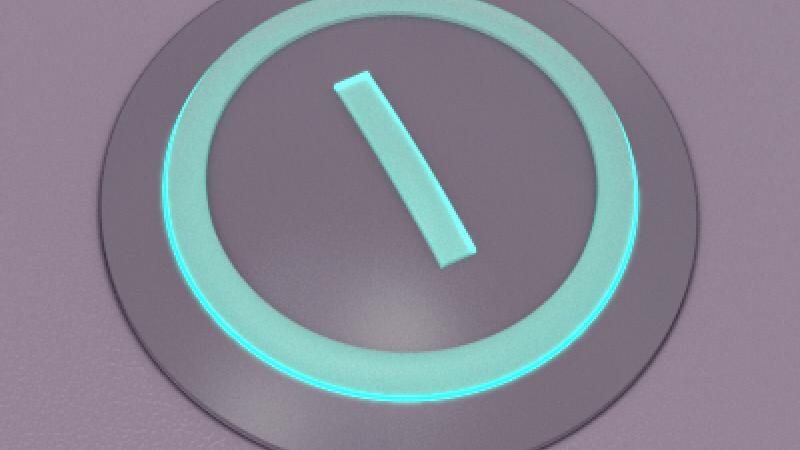
Bring your products to life by applying Decals in Rhino! In Rhino 9, you can add reflectiveness, textures, and bump maps to your decals.
Rendered Mode Transparency
Preview transparent materials with their color and refraction in Rendered mode. Fine-tune glass and liquids without switching to Raytraced.
Rendered Mode is Rhino’s quick photorealistic display mode. It simulates a view of your scene that includes lighting and materials without the time-consuming calculations of the realtime render engine . Perfect for getting a sneak peek while continuing your modeling work!
More Gem Materials
Give your jewelry more sparkle. Rhino 9 adds more gem presets, ready to drop onto your models with no material setup needed.
Faster Setup, Cleaner Results
- Architecture and Product presets: switch between render settings tuned for buildings or for products. The Product preset turns on caustics and dispersion.
- Import and export render settings from the
 Rendering
panel to reuse them across models.
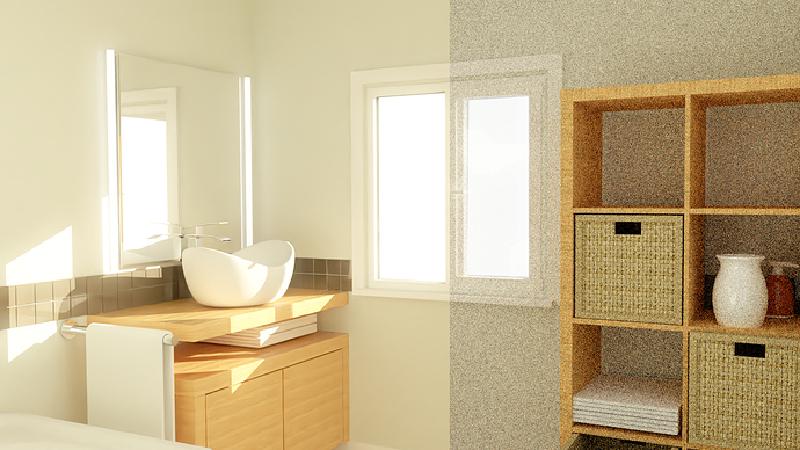
- Despeckle post effect removes “firefly” noise while leaving the rest of the image untouched.
- Updated Intel Denoiser for cleaner images in less time.
- Render Window navigation: zoom and pan with the new buttons, or with the same mouse shortcuts you use in viewports.
- Search materials by name when you start from an existing material, with grid, list, and tree views.
Choose Your Engine
Rhino comes with the powerful Rhino Render raytracing engine built in, but it’s also compatible with the industry-leading visualization tools:








The trademarks, logos, and brand names above are the property of their respective owners.
Streamlined Rendering UI
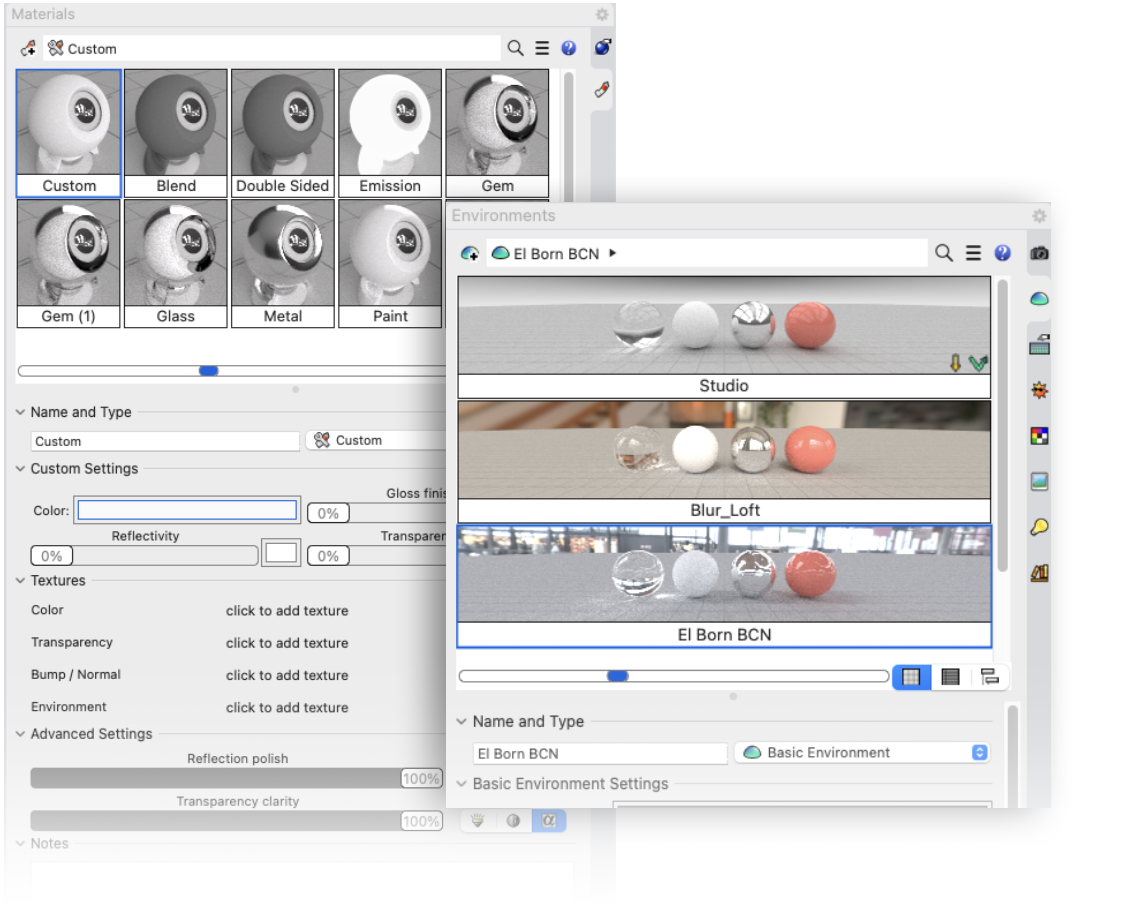
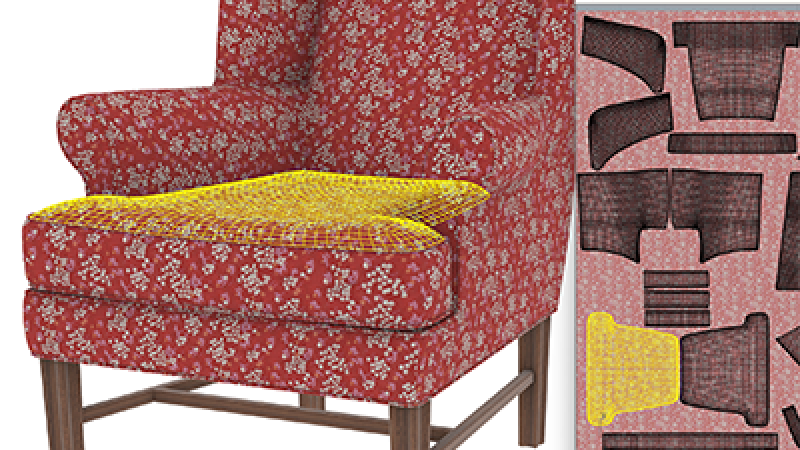
The interface for Rendering, Materials, Textures, and Environments is compact, efficient, and interactive:
- Manage and edit at the same time.
- Fast and smooth interface responsiveness.
- Less scrolling around the UI without loss of legibility.
- Previews with fine-grained size controls.
- Sliders for quick adjustments.
- Environment previews with clear panoramas.
- Cross-platform, unified experience on Windows and Mac.
Rendering In Depth
Rendering is a workflow that requires manipulating materials, lighting, camera angles, and environments to get just the right look. Check out these related features for in-depth information:
Caustics and Dispersion
Caustics and dispersion are useful for creating realistic images of jewelry or consumer products that contain reflective or transparent elements.
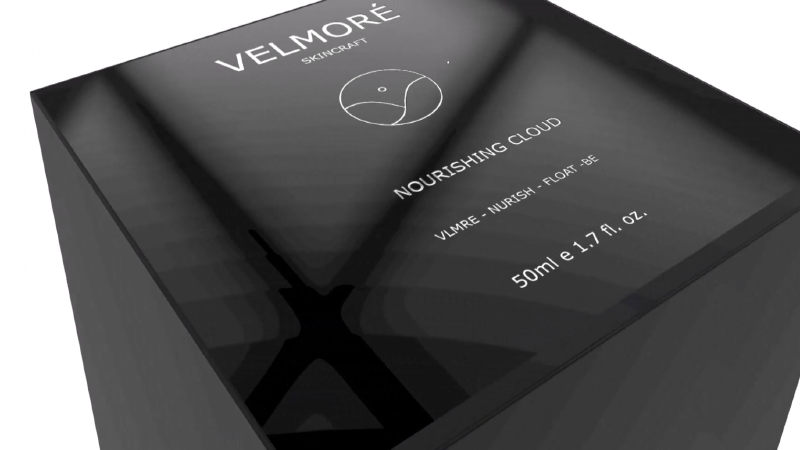
Decals
Decals are commonly used for representing labels and graphics on products, packaging, and signage. Add reflectiveness, textures, and bump maps.
Gallery
Rhino Commands
- Render
- Rendering
- Lights
- Textures
- Materials
- Environments
- Sun
- GroundPlane
- RenderArctic
- RenderAssignMaterialToLayer
- RenderAssignMaterialToLayersOfObjects
- RenderAssignMaterialToObjects
- RenderBlowup
- RenderInWindow
- RenderMergeIdenticalMaterials
- RenderOpenLastRendering
- RenderOpenRenderImage
- RenderPreview
- RenderPreviewInWindow
- RenderPreviewWindow
- RenderReportImageFiles
- RenderReportMissingImageFiles
- RenderWindow

