
Freeform Design
Strike a perfect balance between ease of use, shape control, and design freedom. Combine precision engineering with artistic freedom. Rhino’s freeform capabilities enable industrial designers to create visually distinctive, manufacturable products.
2D Drafting
Generating sets of drawings from a model is important and Rhino 9 has upped its game with respect to drafting. Non-rectangular details, section styles, 2D drawing updates, complex linetypes, Offset polylines, save layout to dwg, GD&T support, new text formatting features…
Direct Modeling
Simplified modeling coming your way! Manipulate and edit geometry directly with in-viewport interactions, without the hassle of a constraint-driven design. Think and make changes on the spot and obtain immediate results.
Organic Modeling
Improve your SubD and Mesh workflows…
Visualization & Presentation
Enhanced tools for product visualization, project presentation and design collaboration.
Patterning
From architectural facades to product design, jewelry, and digital fabrication, repetition is no longer manual work: it’s intelligent design.
User Experience
Rhino comes with new looks! Icons redesigned for better recognition, consistency between analysis panels and a unified Command Line between platforms.
Large Projects & Collaboration
Faster large files, and tools for organizing models and drawing sets that a whole team works on.
Grasshopper 1
Grasshopper 1 continues to thrive. Better Rhino integration for documentation, visualization or user-interaction workflows. Check it out!
Grasshopper 2
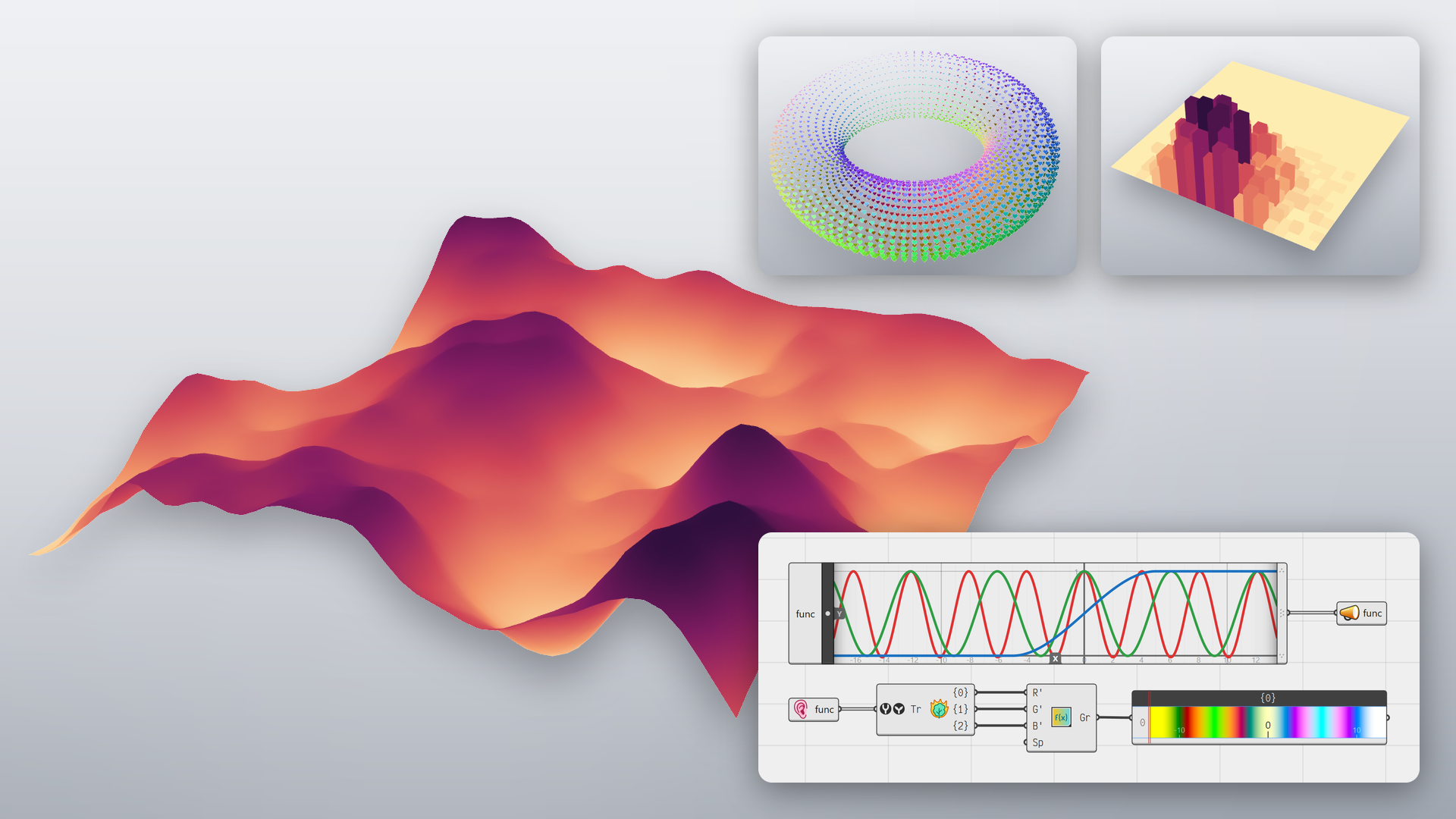
Grasshopper 2 is a ground-up rewrite of Grasshopper. David Rutten has spent more than a decade rethinking every part of it, with all of Grasshopper 1’s limitations in mind.
- Faster: components run in parallel on all cores, and a long solution can be cancelled.
- Looping: a cluster can feed its results back into itself, for growth, relaxation and simulations without plugins.
- Metadata: values carry their own level, zone or layer through the definition, with no extra wires.
- Grasshopper 1 inside: drop a Grasshopper 1 component on the canvas and it just works.
RhinoAI
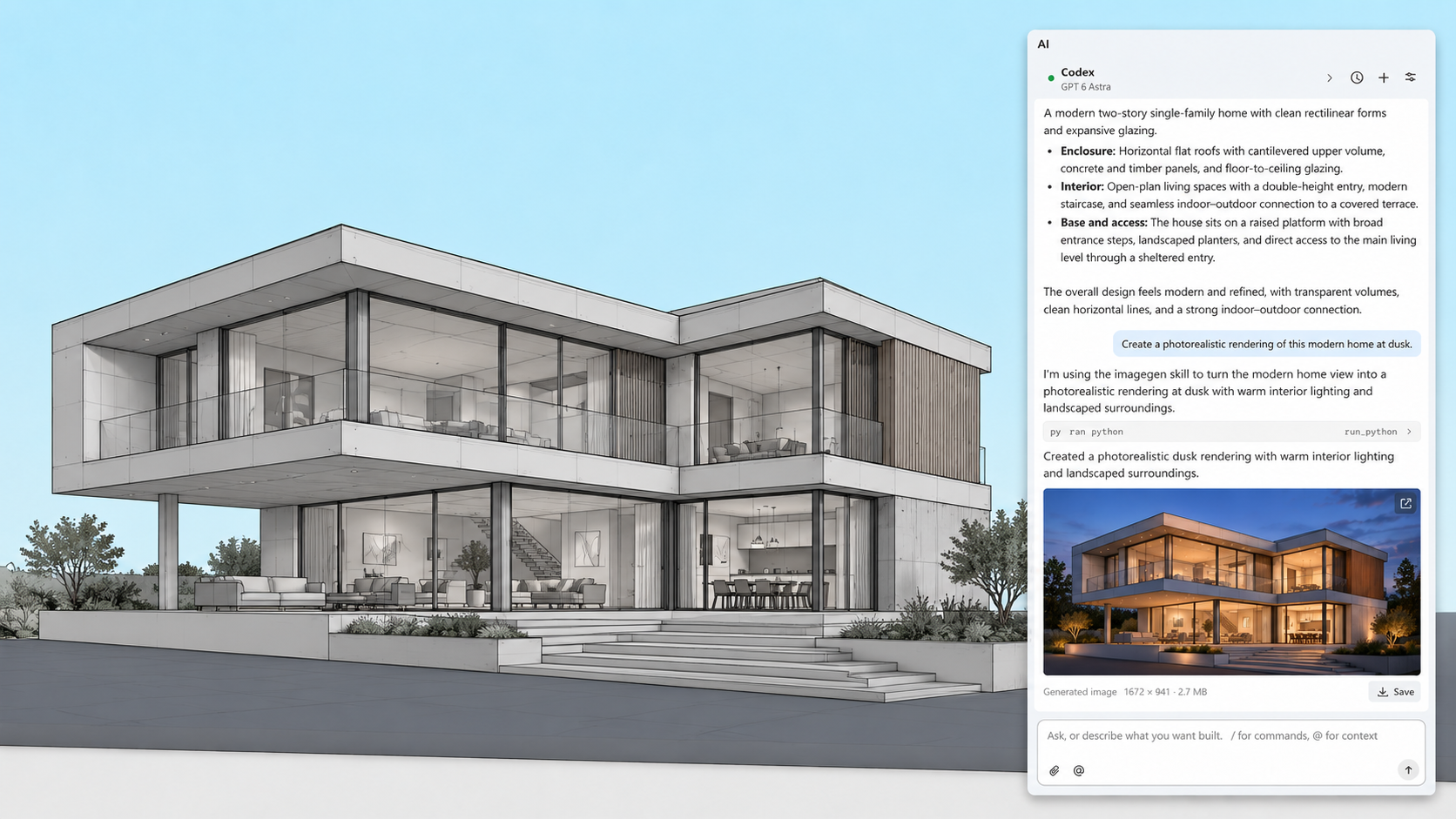
RhinoAI connects an AI assistant to your open Rhino and Grasshopper document. That can be Claude, Codex, another assistant you already use, or a model running on your own machine. It can only use the tools you allow.
Direct3D Display
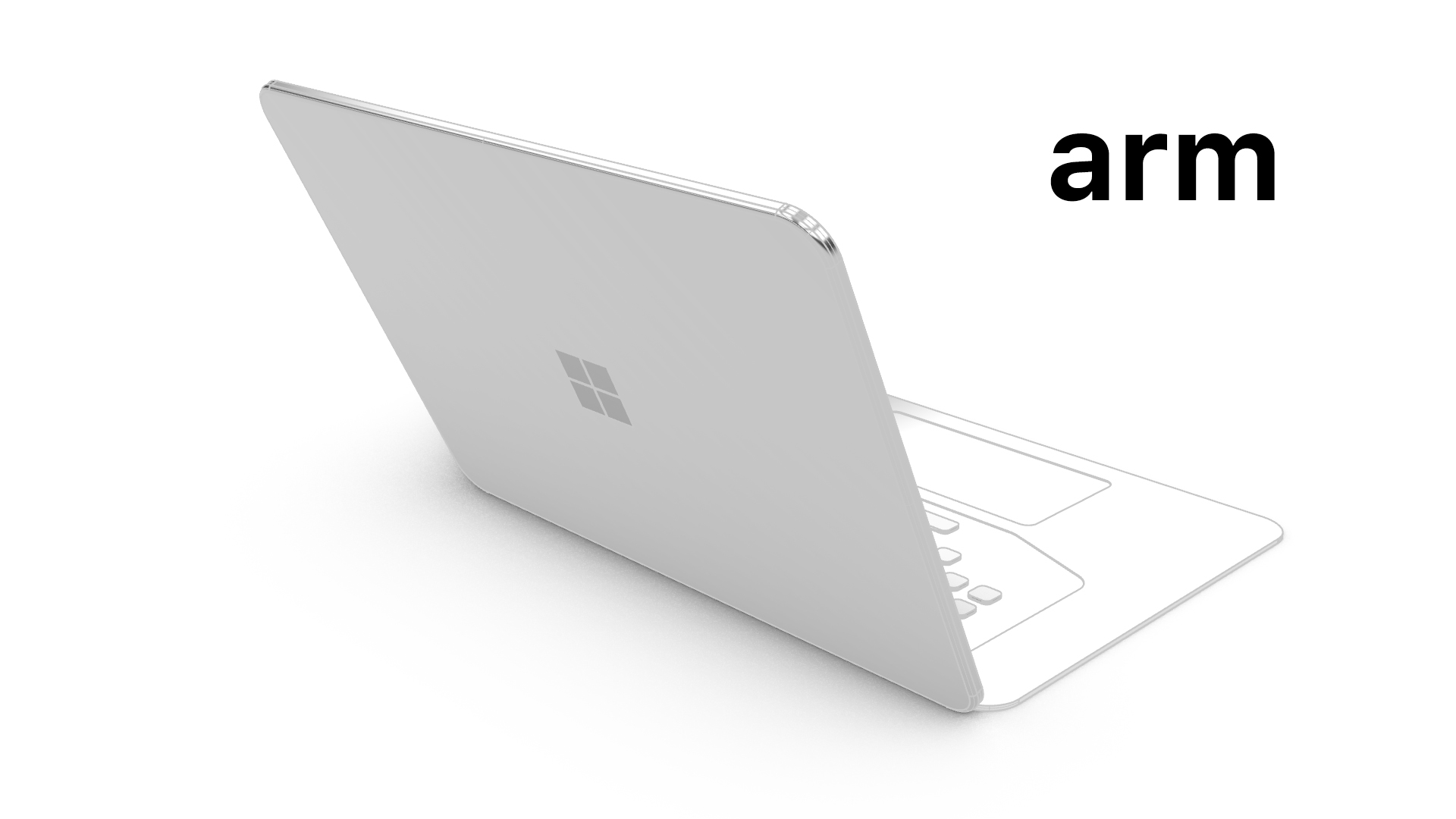
Rhino 9 for Windows has an entirely new display pipeline based on Direct3D. This allows Rhino for Windows to run on previously unsupported platforms like Windows ARM, Parallels, and VMWare.
Development Platform
Rhino 9 brings a C++ SDK on Mac, Rhino.Compute on Linux, significant improvements to its code editor, support for CPython 3.13 and .NET 10, major improvements to our free SDKs, with API refinements, and the introduction of Grasshopper 2 as a development target…
Also new for developers:
And More
Looking for a complete list of new commands? If you’re not seeing what you’re looking for above, please check out the documentation’s New in Rhino 9 for a complete list…as well as new command options.

