
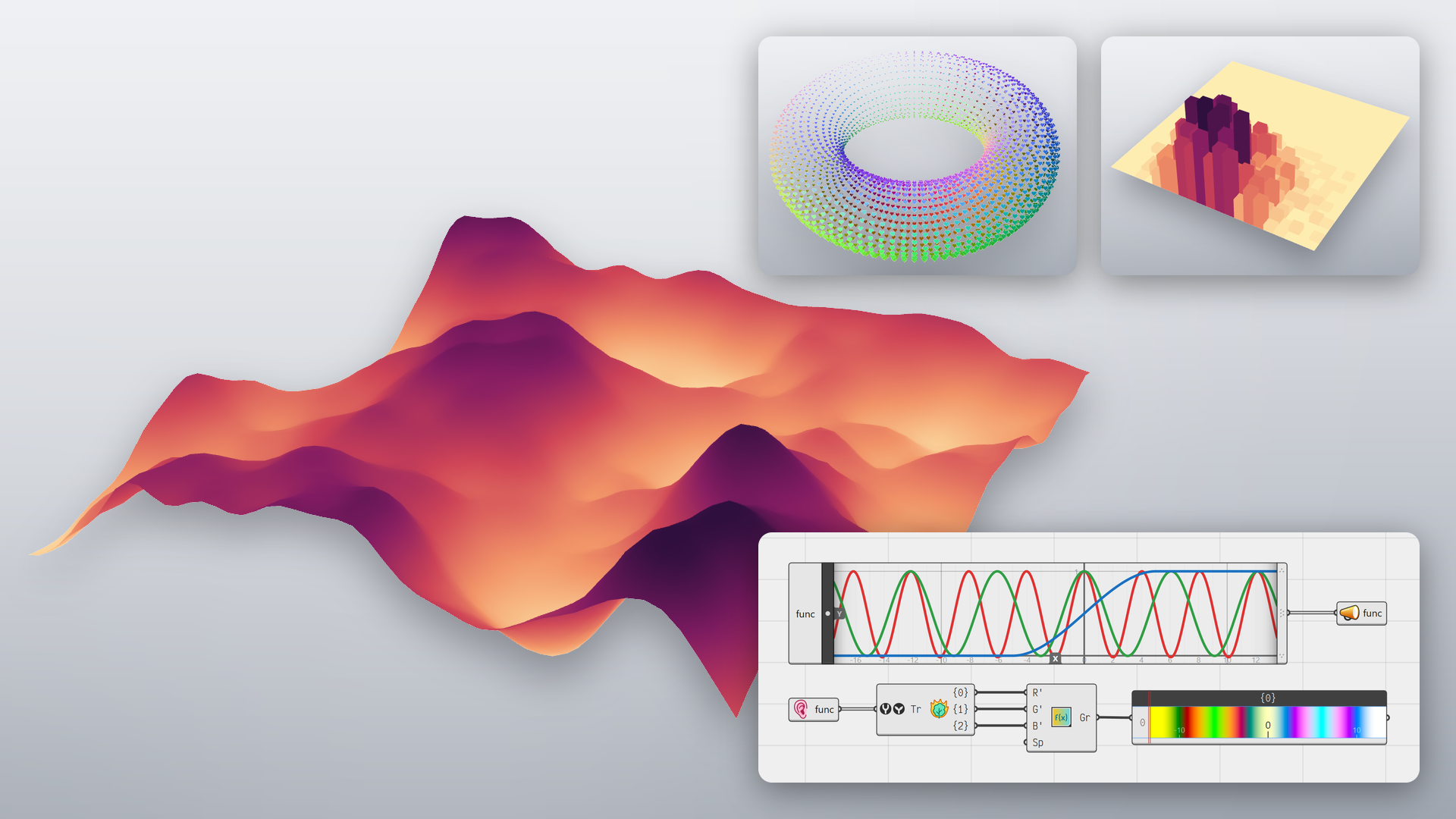
Grasshopper 2 is a ground-up rewrite of Grasshopper. David Rutten has spent more than a decade rethinking every part of it, with all of Grasshopper 1’s limitations in mind.
- Faster: components run in parallel on all cores, and a long solution can be cancelled.
- Looping: a cluster can feed its results back into itself, for growth, relaxation and simulations without plugins.
- Metadata: values carry their own level, zone or layer through the definition, with no extra wires.
- Grasshopper 1 inside: drop a Grasshopper 1 component on the canvas and it just works.
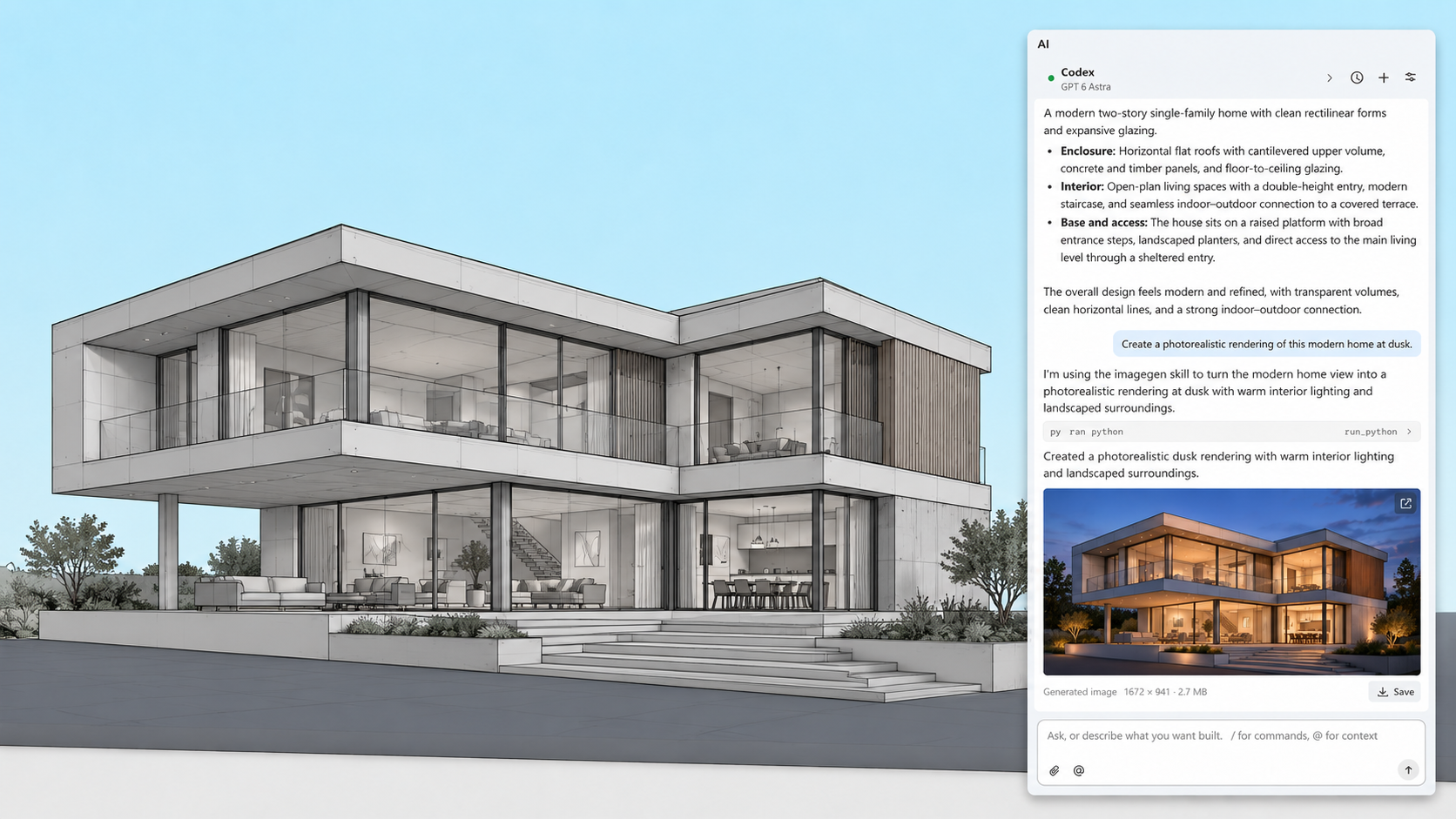
RhinoAI connects an AI assistant to your open Rhino and Grasshopper document. That can be Claude, Codex, another assistant you already use, or a model running on your own machine. It can only use the tools you allow.
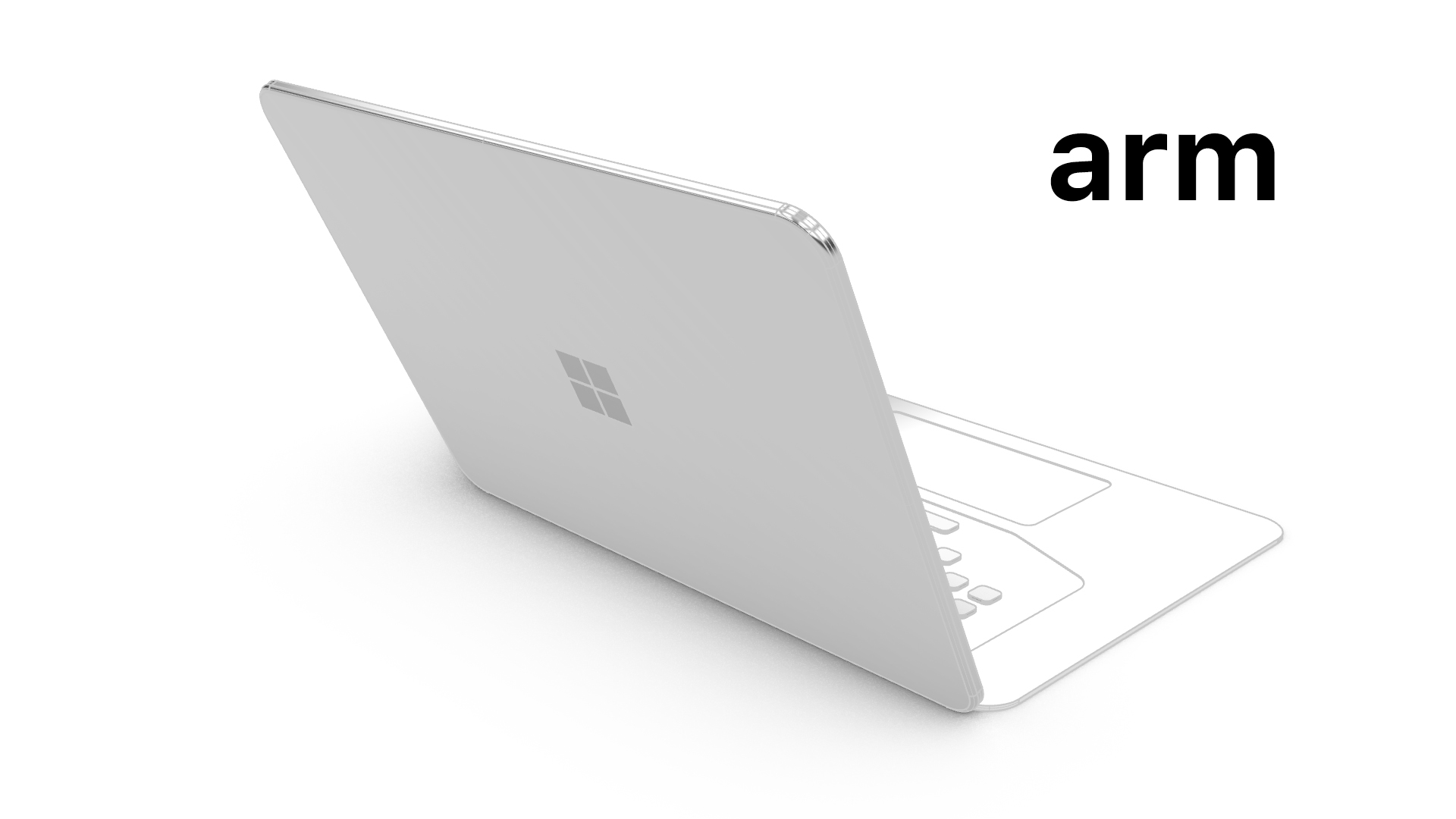
Rhino 9 for Windows has an entirely new display pipeline based on Direct3D. This allows Rhino for Windows to run on previously unsupported platforms like Windows ARM, Parallels, and VMWare.
Development Platform
Rhino 9 brings a C++ SDK on Mac, Rhino.Compute on Linux, significant improvements to its code editor, support for CPython 3.13 and .NET 10, major improvements to our free SDKs, with API refinements, and the introduction of Grasshopper 2 as a development target.
Also new for developers:
And More
Looking for a complete list of new commands? If you’re not seeing what you’re looking for above, please check out the documentation’s New in Rhino 9 for a complete list…as well as new command options.

