
Section:
Categories:
Levels:
Platforms:
Tags:
- 2d presentations
- 3d print
- 3d representation
- arctic
- artistic
- background
- block
- cnc
- color gradients
- custom display mode
- dental
- diagrams
- digital fabrication
- display
- display mode
- edges
- engraving
- file-size
- filletsrf
- filter
- fonts
- geometry
- gradient
- gradient hatch
- gradient hatch pattern
- gradienthatch
- grasshopper
- group
- guide
- hatch command
- hatch patterns
- hatching
- illustrations
- ios
- irhino3d
- lasercut
- milling
- patternhatch
- pen
- plugin
- project-management
- rendered
- rendering
- repair
- rhino
- rhino7
- rhinoceros
- shaded
- shading
- subd
- technical
- text
- version 6
- version 7
- version 8
- visualization
Tasks:
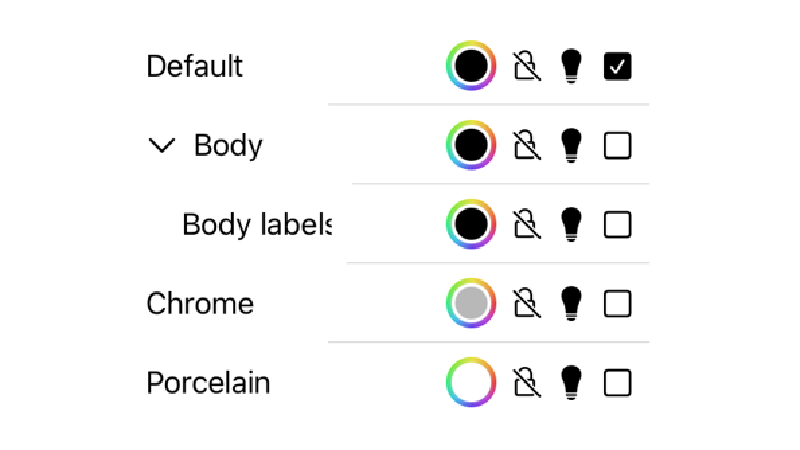
主螢幕
主螢幕使用者界面操作說明。
主要功能表
iRhino3D 主要功能表

顯示模式
iRhino3D 顯示模式說明
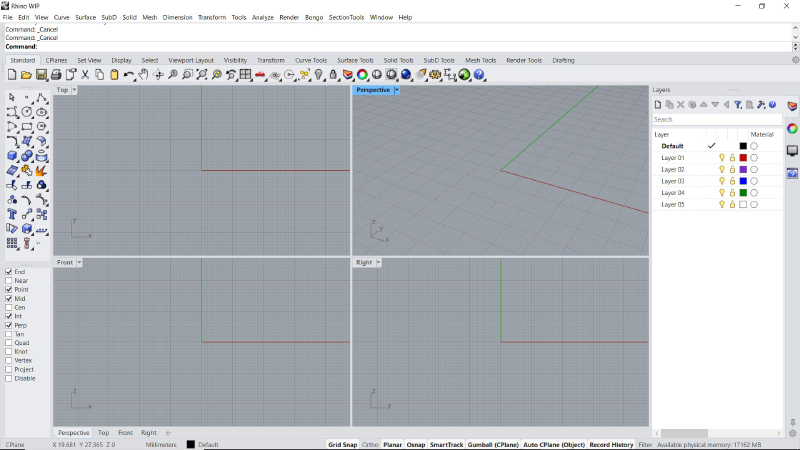
Rhino 界面
Rhino 界面概述
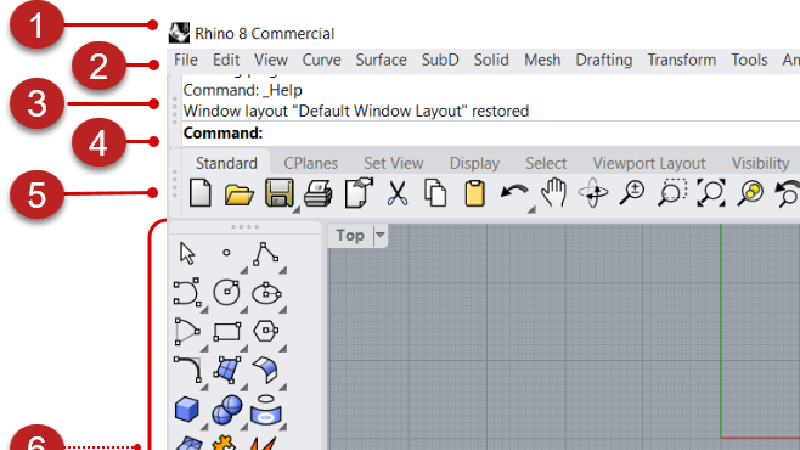
Rhino 使用者界面詳解
Rhino 使用者界面元件的示意圖
螢幕手勢
iRhino3D 螢幕手勢
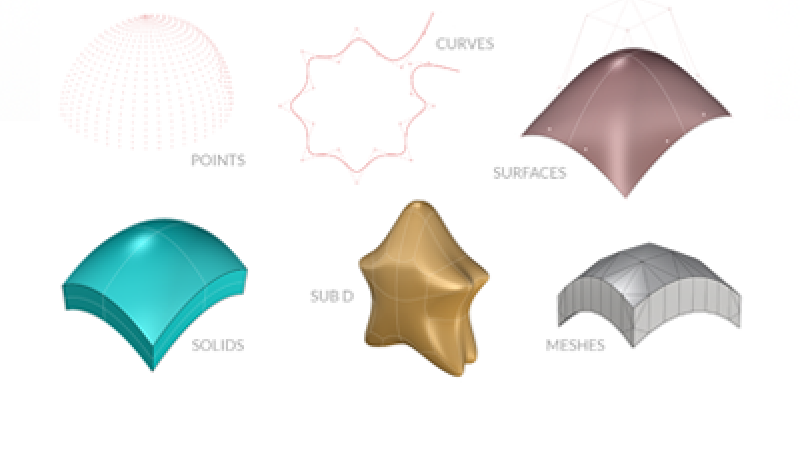
Rhino 物件
Rhino 支援的幾何物件類型介紹
瀏覽 & 顯示
了解如何瀏覽和查看 3D 模型
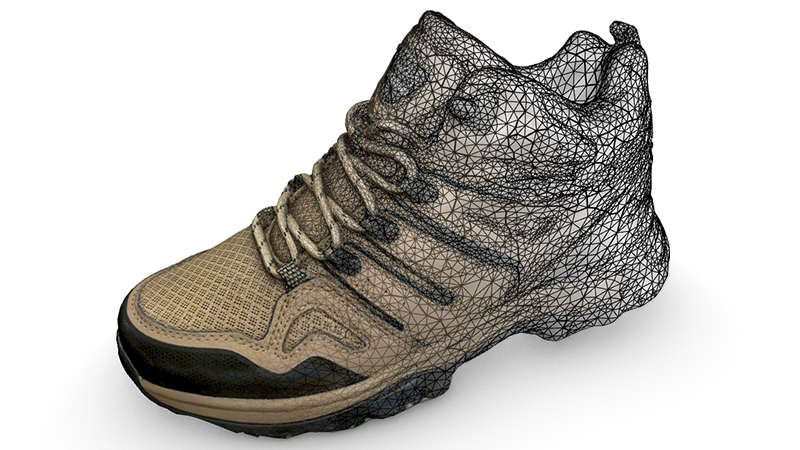
3D 掃描
使用 iRhino3D 掃描空間或物件。
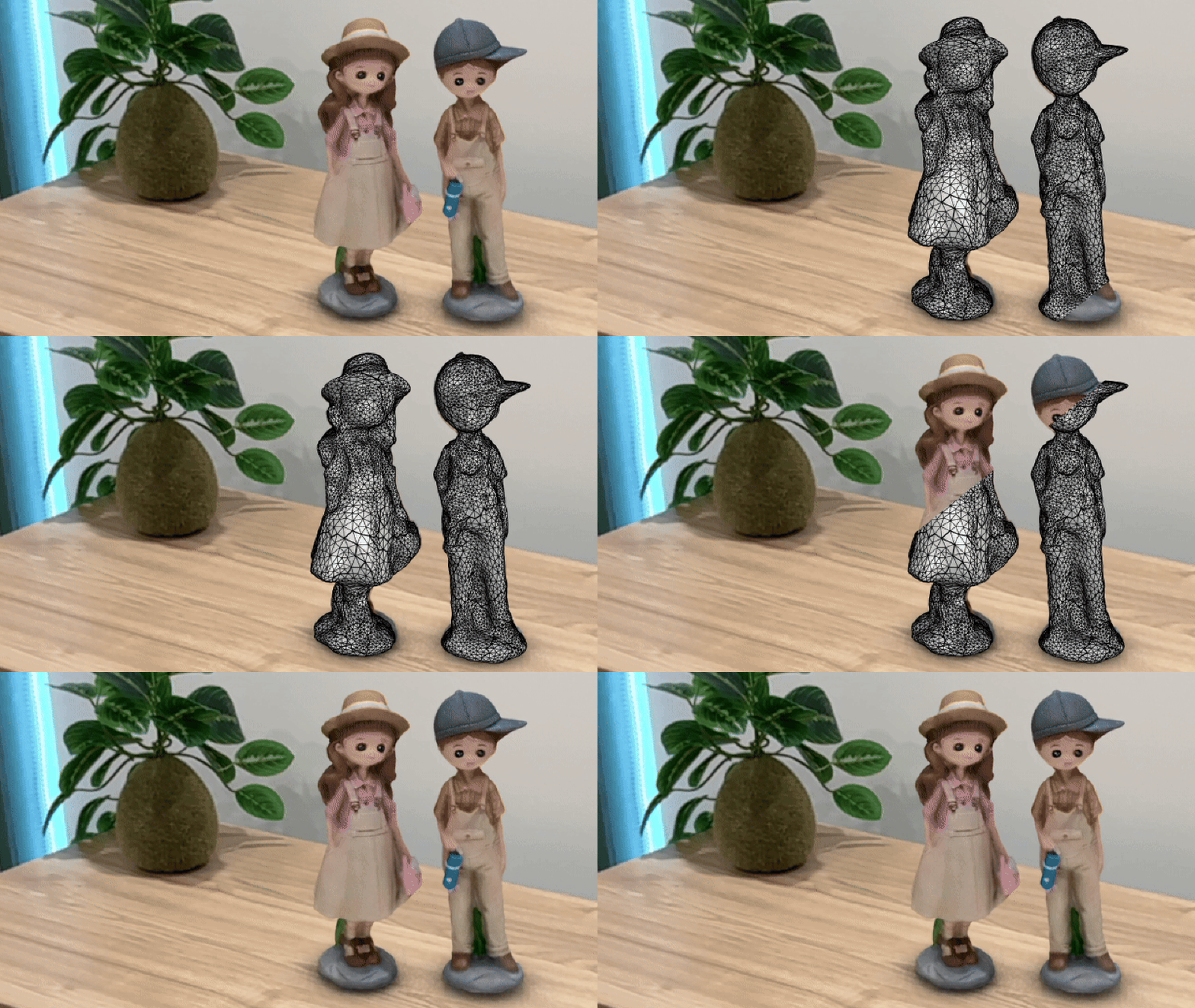
擴增實境
透過相機查看現實世界中的 3D 模型。
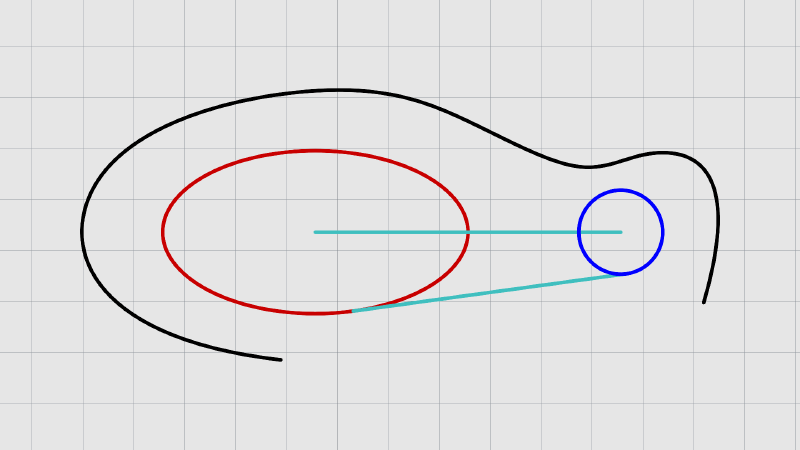
建立曲線
學習建立曲線的相關指令
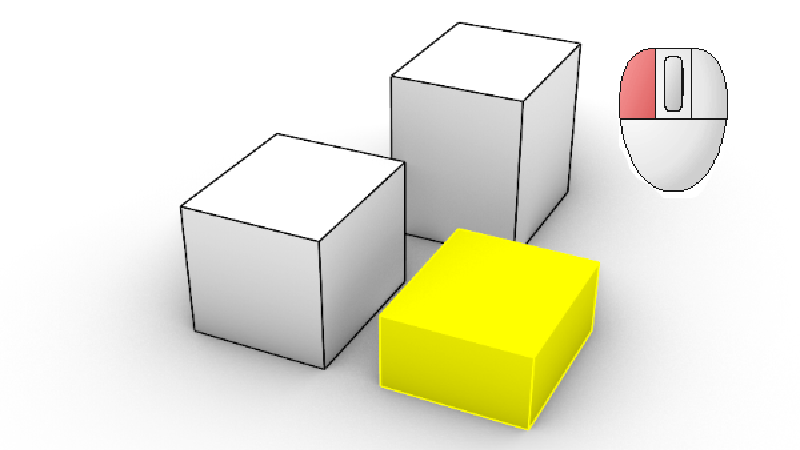
物件選取
了解 Rhino 的各種選取方式
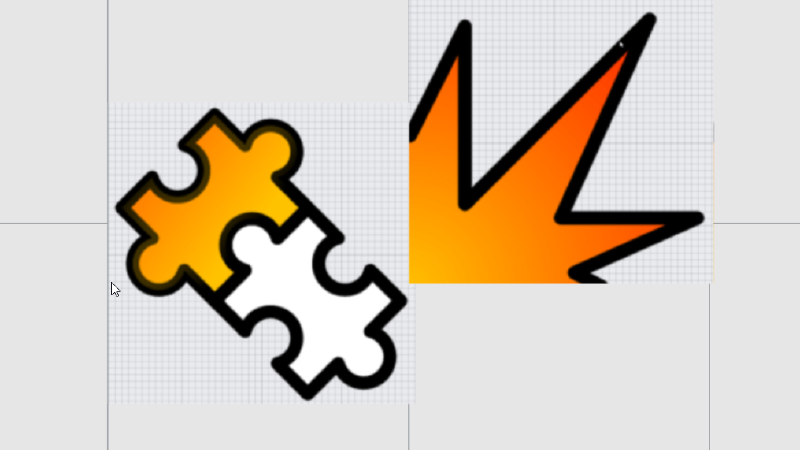
編輯曲線 & 曲面
曲線和曲面的基本編輯指令
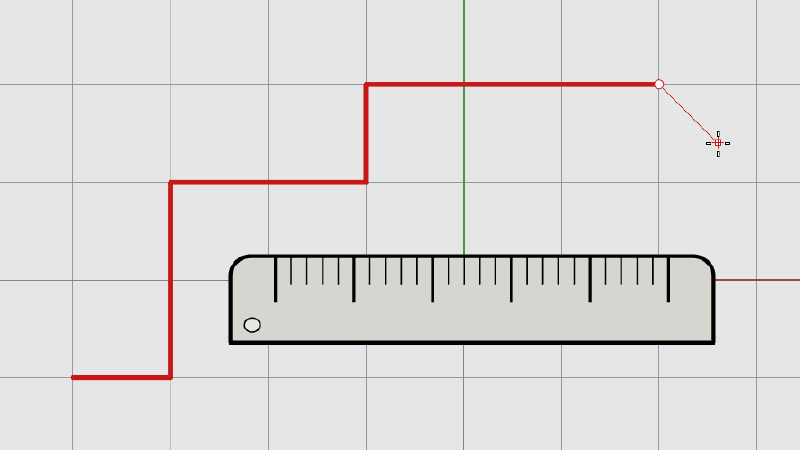
精確建模
學習如何使用建模輔助進行精確的繪圖
刀柄: 建立弱化效果
了解如何使用 SubD 銳邊建立弱化效果
Grasshopper 的物件屬性
了解如何使用 Grasshopper 的物件屬性
建築業的推拉功能 | 房屋建模
了解如何使用一系列實體建模技術進行房屋建模
操作軸: 建立咖啡桌
了解如何使用操作軸編輯幾何圖形
操作軸: 技術指南
了解如何使用操作軸對幾何體進行基本變動
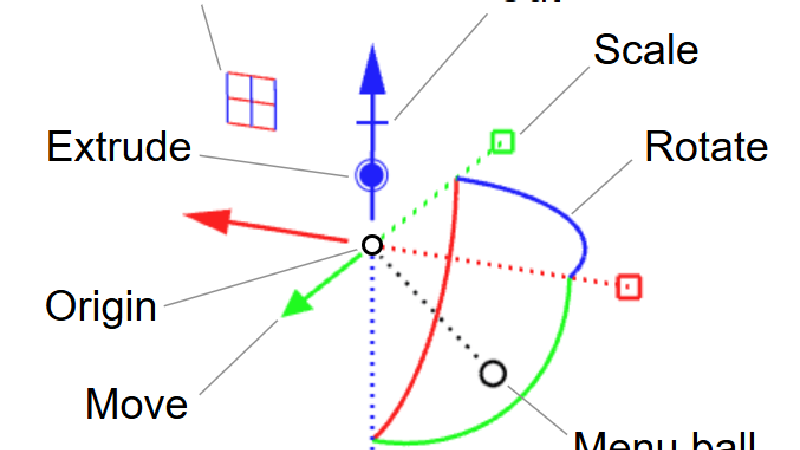
操作軸指南
了解如何使用操作軸對幾何物件進行基本變動
收縮包裝 (ShrinkWrap)
了解如何使用收縮包裝功能封閉、清理和修復網格
數據的群組和過濾
了解如何在 Grasshopper 使用 Group 和 Filter Content 元件
線型在插圖上的應用
了解如何使用線型的錐狀和寬度設定,創造精美的視覺效果
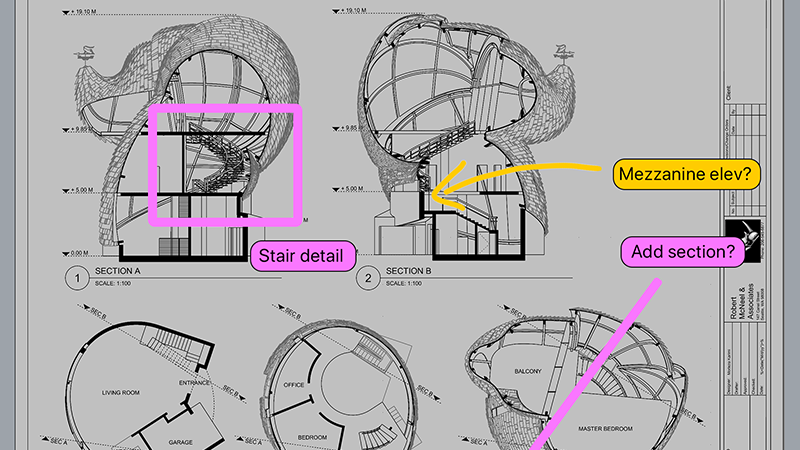
標記
關於視圖的註解,用於交流想法。
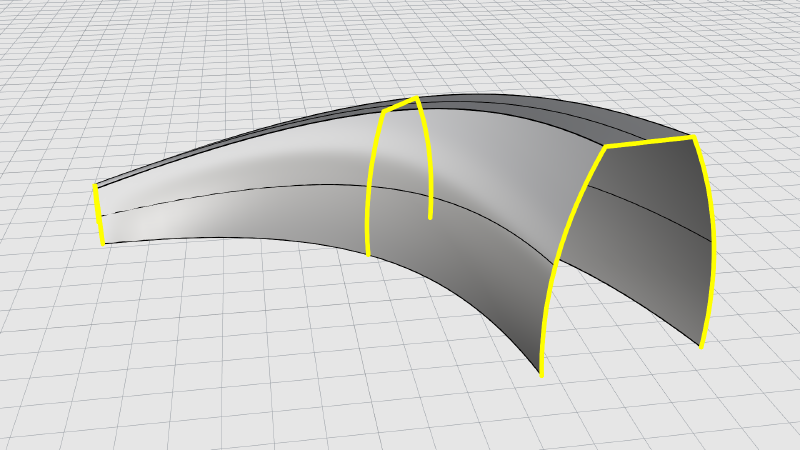
從曲線建立曲面
學習如何從曲線建立曲面
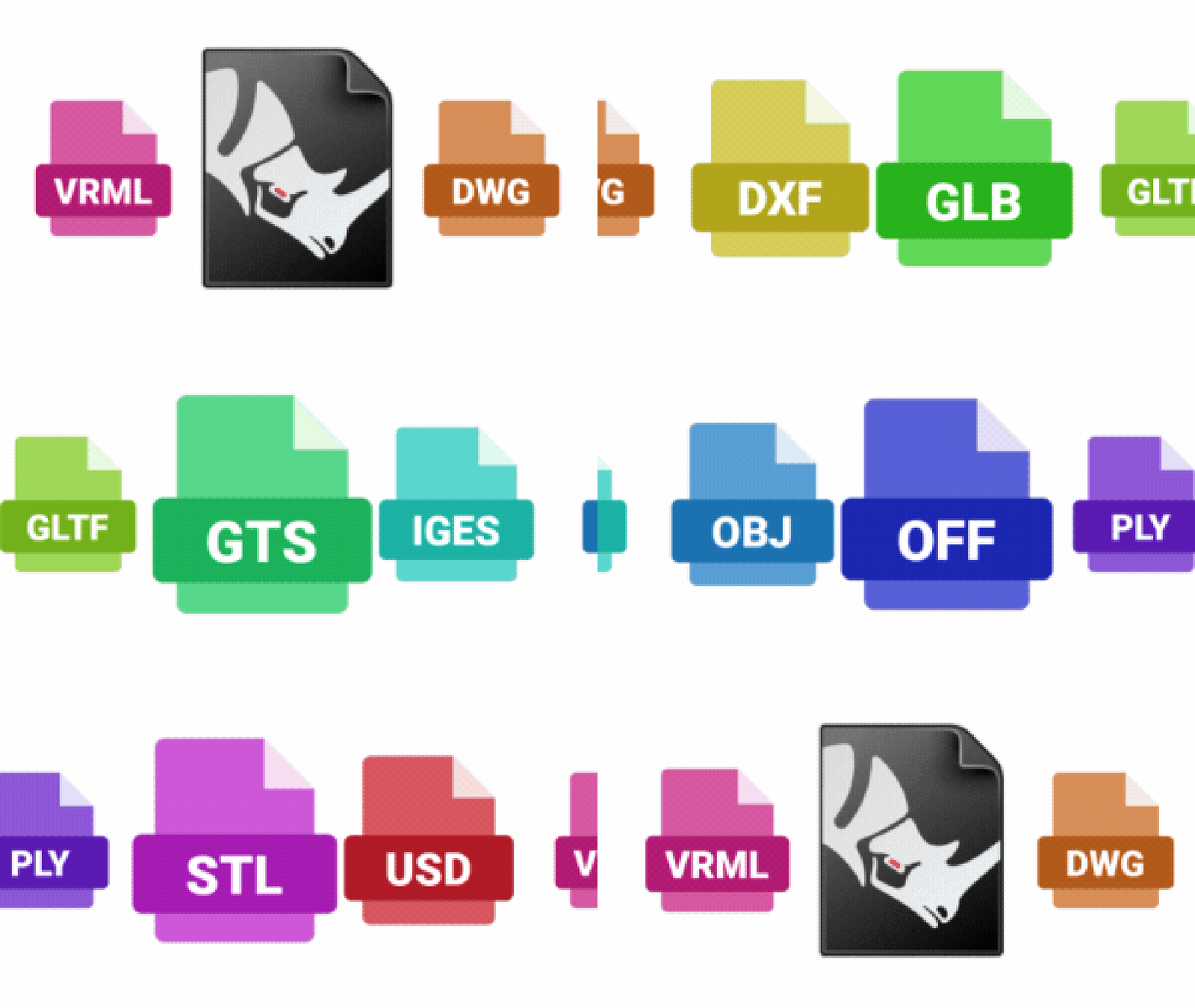
檔案支援
iRhino3D 支援讀取多種 3D 檔案格式。
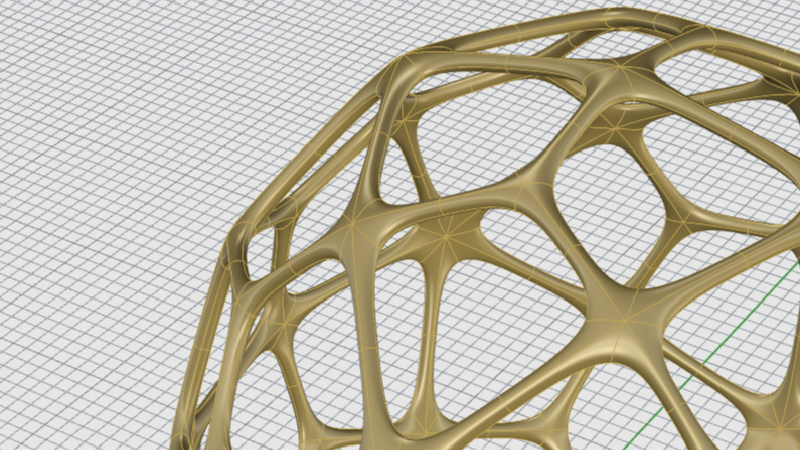
使用 SubD 物件
學習建立 SubD 物件
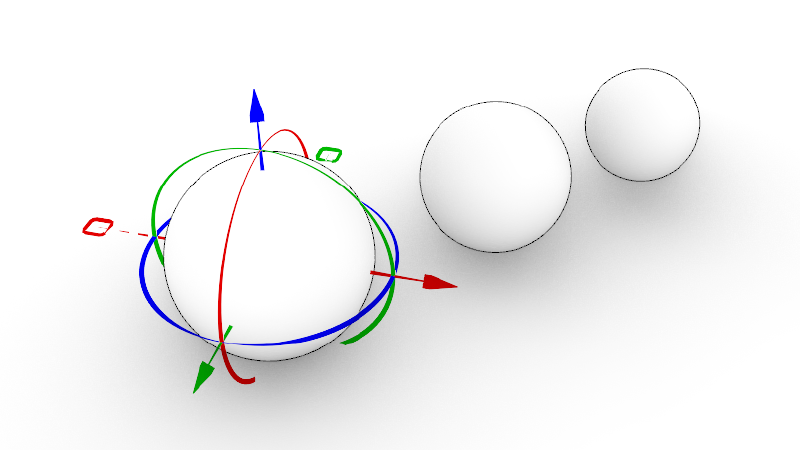
變動指令
了解移動、複製、旋轉和縮放指令
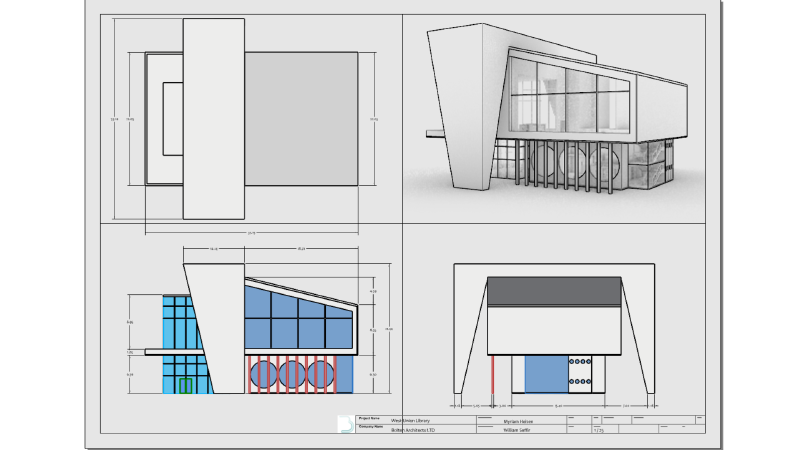
建築圖面
了解如何在 Rhino 建立建築圖面
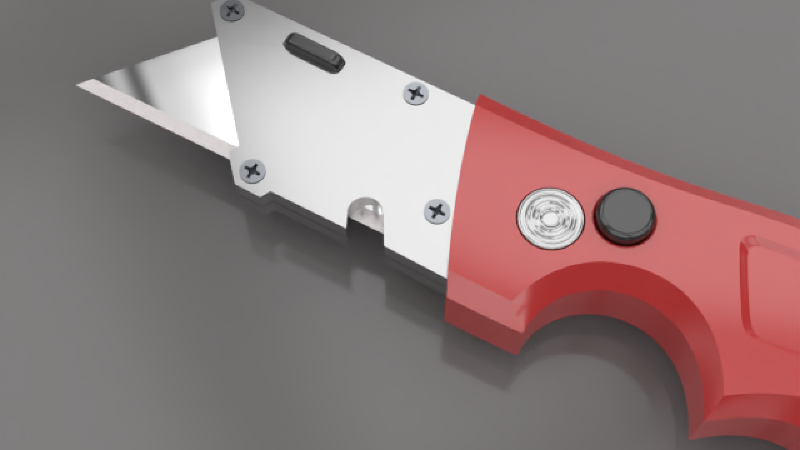
彩現基礎知識
了解 Rhino 的彩現功能
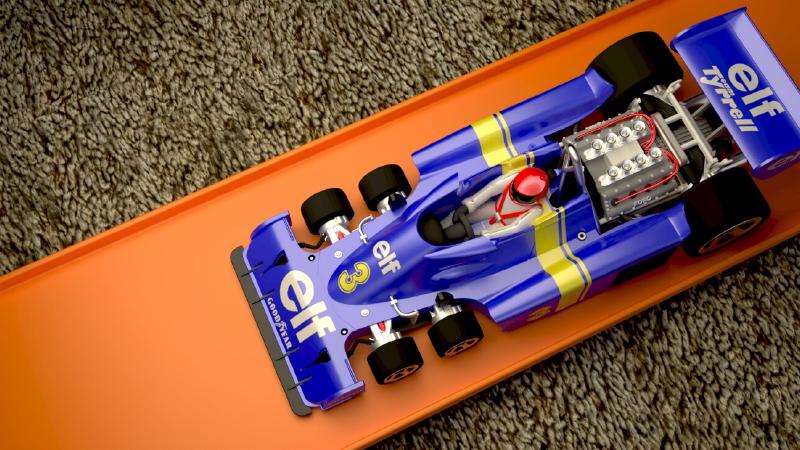
在 Rhino 使用 Adobe Substance
Rhino 的 Substance Importer 外掛程式可以使您輕鬆地將 Substance 材質 (SBSAR 檔案) …
iRhino3D 使用說明
iRhino3D 使用說明。

開發中版本 (WIP)
搶先體驗正在開發的新功能。
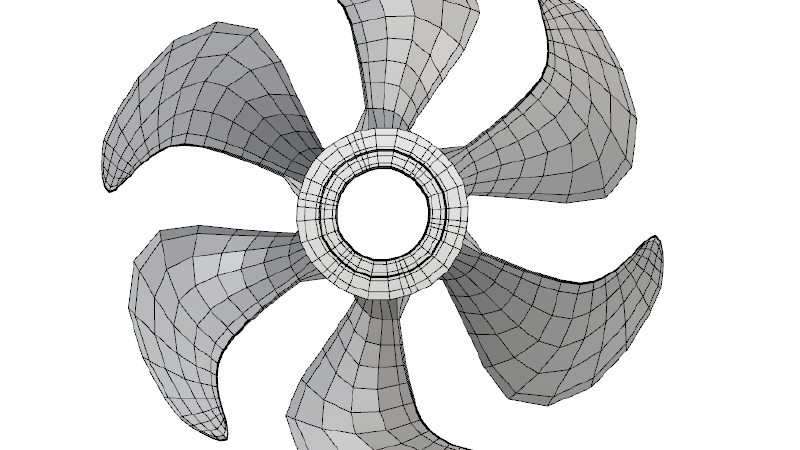
T-Splines 轉換 SubD
T-Splines 模型轉換為 SubD
曲面圓角
了解如何使用曲面圓角指令建立乾淨的切線過渡曲面。

