Section:
- Reseller Ordering, Prices, and Discounts
- How can we help?
- Rhinoceros 3D
- Rhinoceros 3D
- 8s
- Features
- Rhino 5
- Rhino 6
- Rhino 7
- Authorized
- Docs
- Downloads
- For
- Learn to use Rhino
- Mcneels
- My Account
- Privacy Policy
- Stories
- Accounts
- Buy
- Discontinued Products
- E-News
- Rhino 9
Categories:
Levels:
Platforms:
Tags:
- 2d presentations
- 3d print
- 3d representation
- advanced
- ai
- architecture
- arctic
- arraycrvadvanced
- artistic
- background
- bake
- basic
- beginner
- bim
- block
- book
- bridge
- chamferedge
- clipboard
- clipping
- clippings
- cnc
- color gradients
- copy
- copyat
- createsolid
- custom display mode
- customization
- dental
- diagrams
- digital fabrication
- direct modeling
- display
- display mode
- documentation
- drafting
- drawings
- edges
- engraving
- explode
- file-size
- fillet
- filletedge
- filletsrf
- filter
- fonts
- fundamentals
- fundametals
- geometry
- gradient
- gradient hatch
- gradient hatch pattern
- gradienthatch
- grasshopper
- grasshopper
- group
- guide
- hatch
- hatch command
- hatch patterns
- hatching
- history
- icon
- illustrations
- industrial design
- ios
- irhino3d
- lasercut
- macros
- milling
- modeling
- parametric
- paste
- pasteat
- patch
- patternhatch
- pen
- plugin
- plugins
- project-management
- python
- render
- rendered
- rendering
- repair
- rhino
- rhino7
- rhinoceros
- rhinomcp
- scripting
- scripts
- shaded
- shading
- structural
- subd
- surfacing
- technical
- text
- texture-mapping
- toolbar
- tools
- version 6
- version 7
- version 8
- version 9
- visualization
- zoo4
Tasks:

Learn how to use simple lines and solids to create your first object
History associations

Learn how to use a sketch to trace your curves and build your 3D model.

Learn how to add labels and stickers to your products using Rhino's Decals.

Learn how to use environments for reflection and refraction, for lighting …

Learn how to use the gumball for basic and advanced transformations

Learn how to make your 2D textures flow correctly on your 3D model using …

Learn how to create and assign materials
DOC-421 Learn how to create studio lighting for products

Get started in Rhino modeling a desk box organizers.

Learn how to create your first object starting from a simple primitive!

Learn how to use two reference images to build your 3D object with …
Analyzing continuity of multiple edge pairs

Learn how to add a metallic full material decal onto a stainless steel …
Learn how to use MoveUVN to sculpt surface control points

Learn how to use curves and revolves as a first step to creating organic …
Learn how the Gumball can become a great ally to modify geoemtry

Learn the different options to use or create a Ground Plane depending on …

Learn how to unwrap your 3D model to adapt the flow of your 2D textures …
(DOC-420) Learn how to apply materials and use the environments for jewelry …

Get started in Rhino modeling Candle Holders
Learn how to 3D model in Rhino starting from your 2D sketch

Learn how to create and edit with the industry standards physically based …
Learn how to create a single Brick material that gets randomly mapped to a …
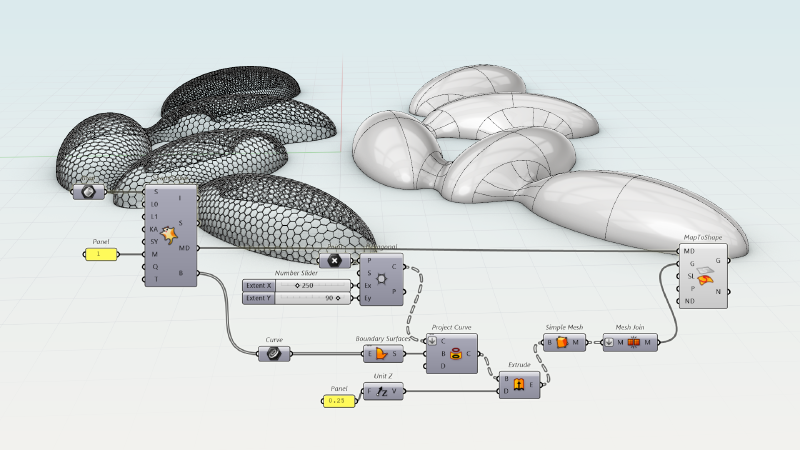
Learn how to create a parametric hexagonal steel grid based on a complex 3D …

Learn how to create a spoon using multiple curves and Loft

Learn how to optimize camera and framing to communicate your design
Learn how to use Rhino 9's Gumball UVN and SoftTransform tools for precise …
Learn how to edit your geometry with the Gumball
(DOC-419) Learn how to define indirect lighting for interior spaces

Get started in Rhino modeling an iconic product such as a Glass
Learn how to 3D model in Rhino starting from your 2D sketch
History associations

Learn how to import a blueprint and trace over it to build your 3D model.

Learn how to create and modify Rhino's algorithmic based textures.
Tips and tricks from an advanced Rhino user.

Learn how to make the most out of displacement textures whether for visual …
(DOC-418) Learn how to use the Sun and Skylight settings for an …

Get started in Rhino modeling a Chair.
Learn how to sculpt in 3D using SubD geometry
Learn about the UV Mapping editing workflows in Rhino.

The PangolinMesh is an polygroup mesh tools for Rhino.

The Substance Importer plug-in for Rhino enables you to easily import …
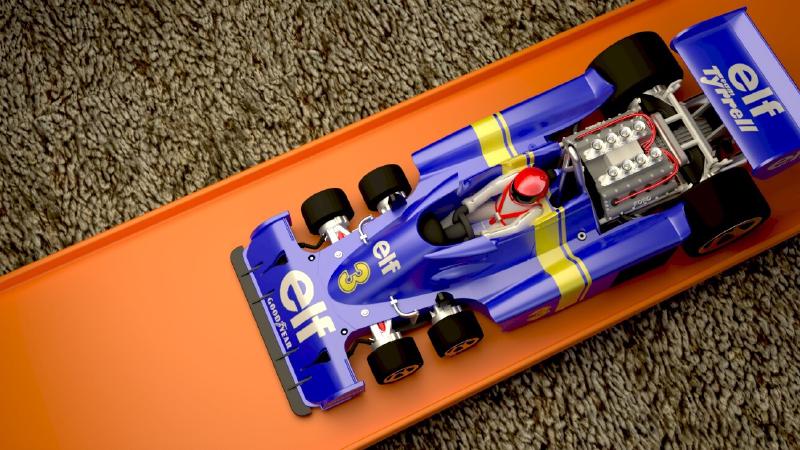
The Substance Importer plug-in for Rhino enables you to easily import …
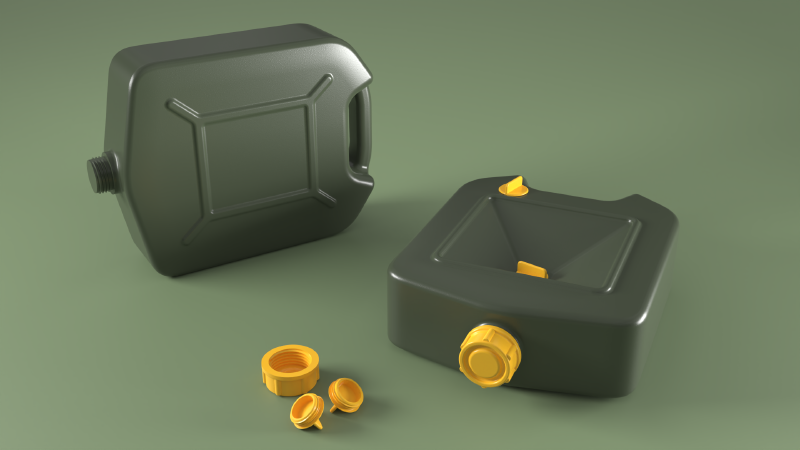
Learn how to create clean tangent transition surfaces using the Surface …

There are situations where the automatic filleting tools in Rhino may fail. …

Learn how to solve the 5-sided surface dilema using Patch

Rhino 6 adds a new display modes with hidden lines, sketch modes, and other …

Rhino 6 adds a new display modes with hidden lines, sketch modes, and other …

Rhino 7 has new lighting model.
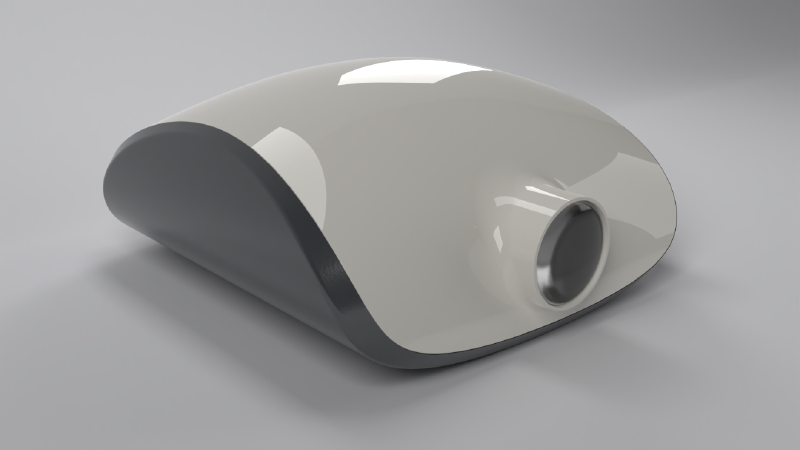
Learn how to style a projector housing with history-enabled solid tools in …
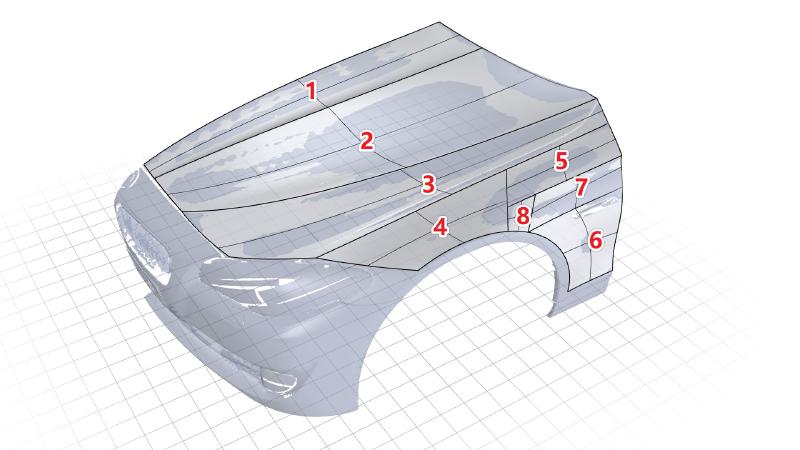
Learn how to use Rhino 9 tools to reverse engineer a scanned mesh.
Sharp edge. Soft fade. One continuous surface. See how Rhino 9's Gumball …
Learn how to create clean tangent transition surfaces using the Surface …
Learn how to use procedural textuers in Rhino
Learn about the Rendering Presets panel and how to get quick results with …

