Rhino is a professional 3D modeling tool: powerful, flexible, and worth the time it takes to learn.
If you’re ready to invest the time, we’d love to help. Continue on. We’ll ask a few quick questions so we can tailor your first steps in Rhino.
Sign in, answer three quick questions, and download. It takes about 30 seconds. No credit card is needed.
What’s included
-
The complete Rhino 8 for one 90-day evaluation.
-
Both Windows or Mac are supported.
-
Free support. Just join the Rhino support community.
Before you begin
| Check compatibility | Get started quickly |
|---|---|
| Review supported Windows and macOS versions, hardware, and graphics requirements. Rhino 8 system requirements |
Find tutorials, guides, and sample models for your first projects in Rhino. Getting started resources |
Ask questions and get answers from experienced Rhino users and our staff.
Download & Installation
Learn about the benefits of a Rhino Account, how to create it and manage and share your license.
Step by step guide on downloading Rhino for both Windows & MAC.
Sep by step guide on installing Rhino for both Windows or MAC.
Open your first Rhino file and take your first steps!
Your First Steps


Modeling Helpers
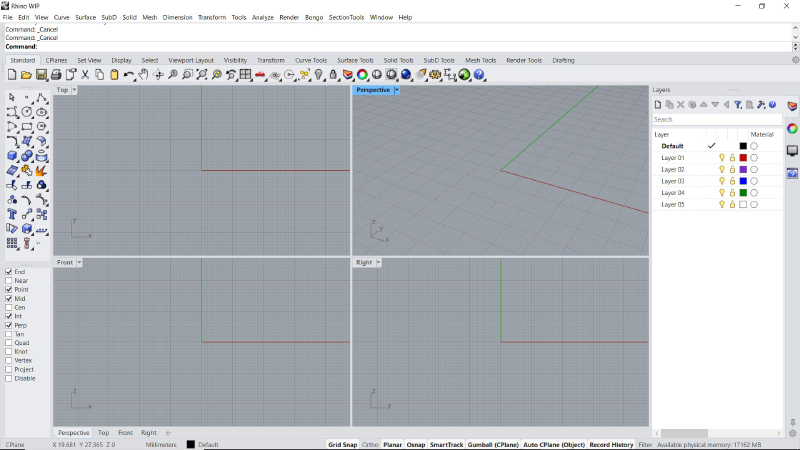
Learn about Rhino's grid and how it helps to place and orient geometry.
Learn how to draw constraint to the grid axis or freely in space.
Learn how to draw constraint to the an angle or freely in space.
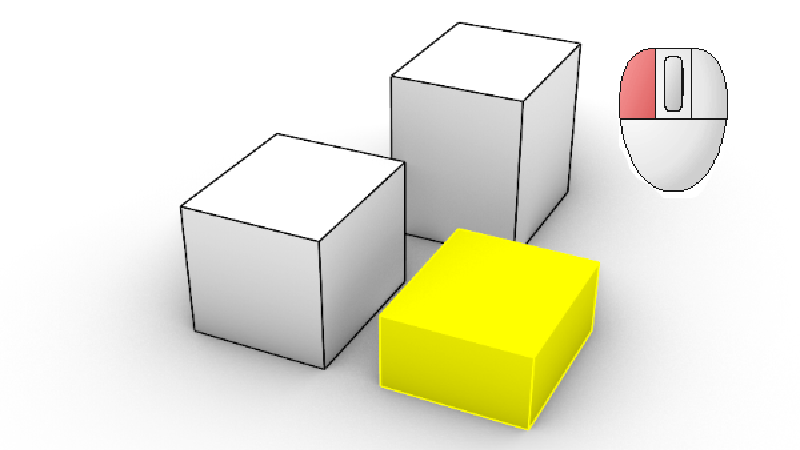
Learn how to use the Gumball to create and transform geometry.
Your First Geometry
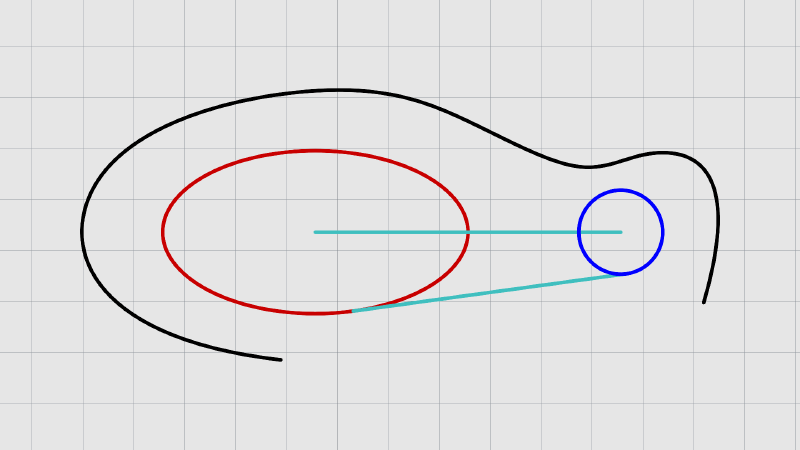
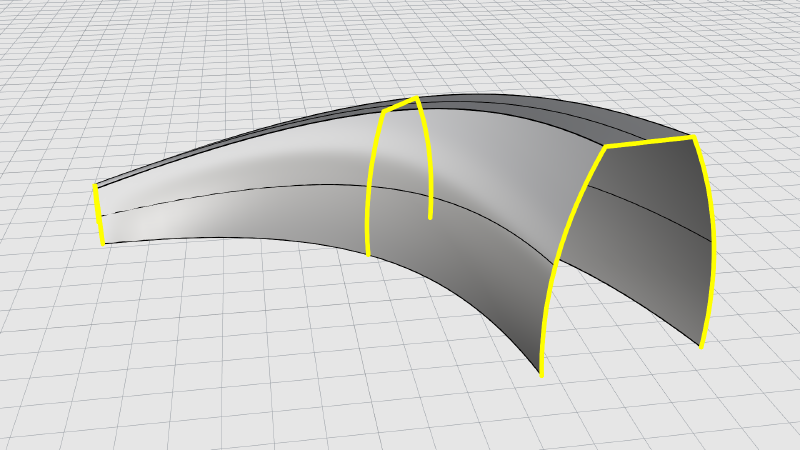
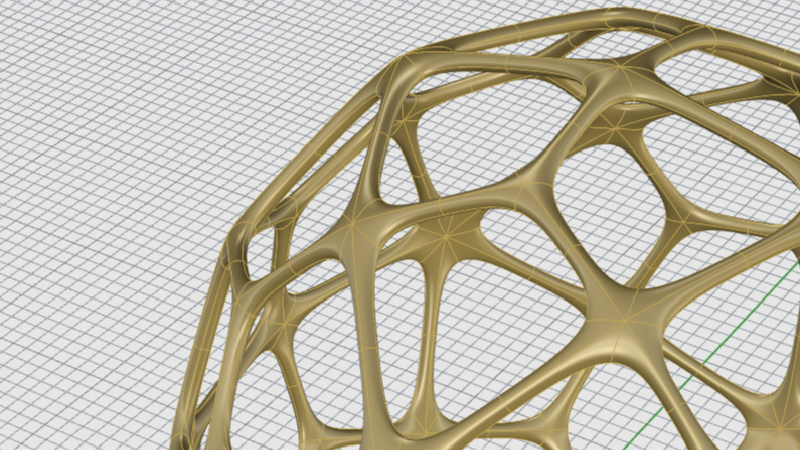
Your First Model (5 - 10 Min)

Learn how to model a cabin using PushPull and other direct modeling tools in only 12 minutes.