Blend Through Point
00000000-e2d6-49b3-b3be-63e91f5d4dee
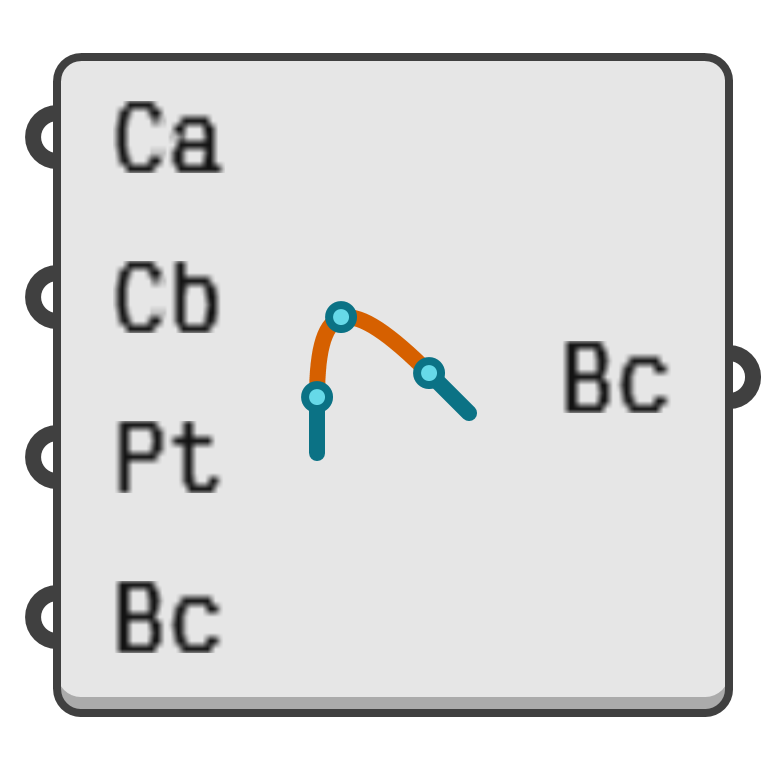 First Curve inputitem · requiredGuide curve for the start of the blend curve.Second Curve inputitem · requiredGuide curve for the end of the blend curve.Point inputpoint3 · item · requiredPoint through which the blend curve should pass.Continuity inputinteger · item · requiredBlend continuity.Blend outputitemBlend curve connecting both guide curves.
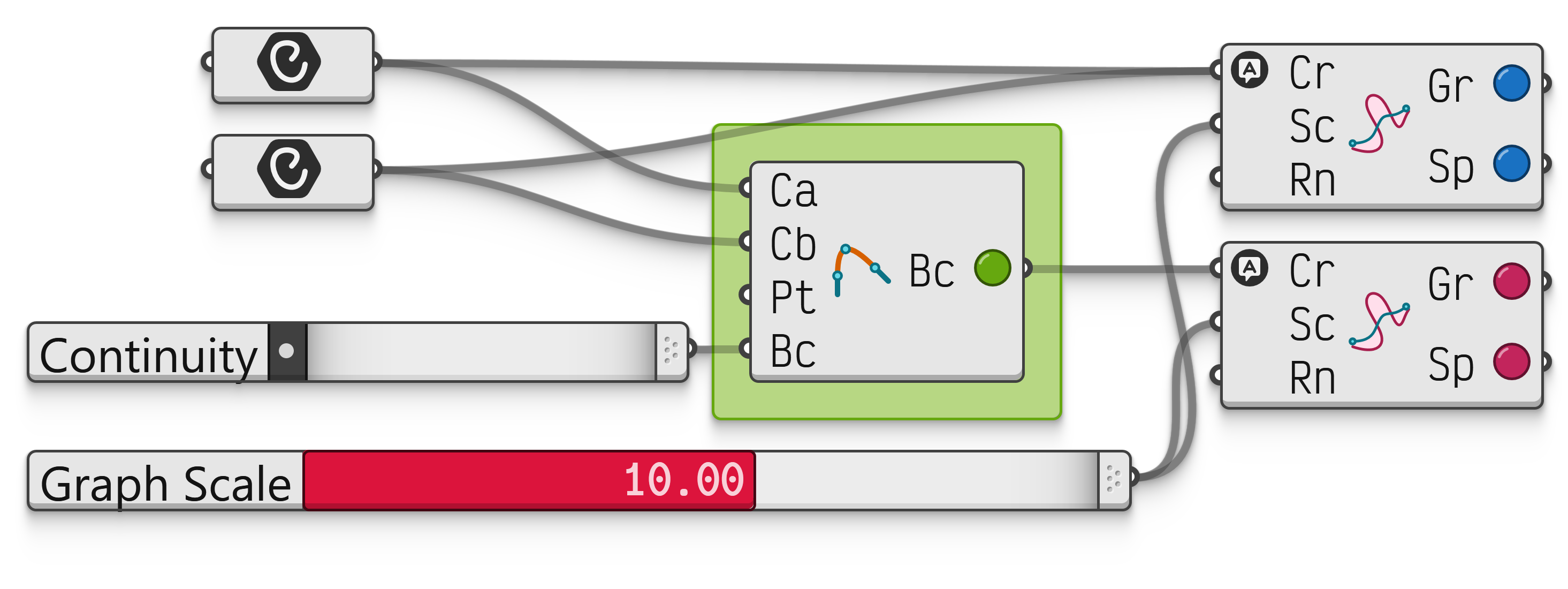
Create a smooth blend curve connecting the end of one guide curve to the start of another, while passing through a point. The continuity of the blend at both limits can be set to a given level, with "curvature" being the default setting. The available continuities are listed in the table below:
| Value | Name | Info |
|---|---|---|
0 |
Position | Positional, or G0, continuity only requires two curves have coincident end−points. |
1 |
Tangency | Tangency, or G1, continuity requires curves match location and direction at the point of contact. |
2 |
Curvature | Curvature, or G2, continuity requires curves match position, direction and radius−of−curvature at the point of contact. |
3 |
Jerk | Jerk, or G3, continuity requires the primary curve functions and the first three derivatives are all equal at the point of contact. |
4 |
Yank | Yank, or G4, continuity requires the primary curve functions and the first four derivatives are all equal at the point of contact. |
Note that the bundle of all valid blend curves only covers a small part of the entire 3D space of the model, and any coincidence point outside of this region will be unreachable.