Circle From Value
00000000-fb3b-45c4-a6ad-837bb155eaef
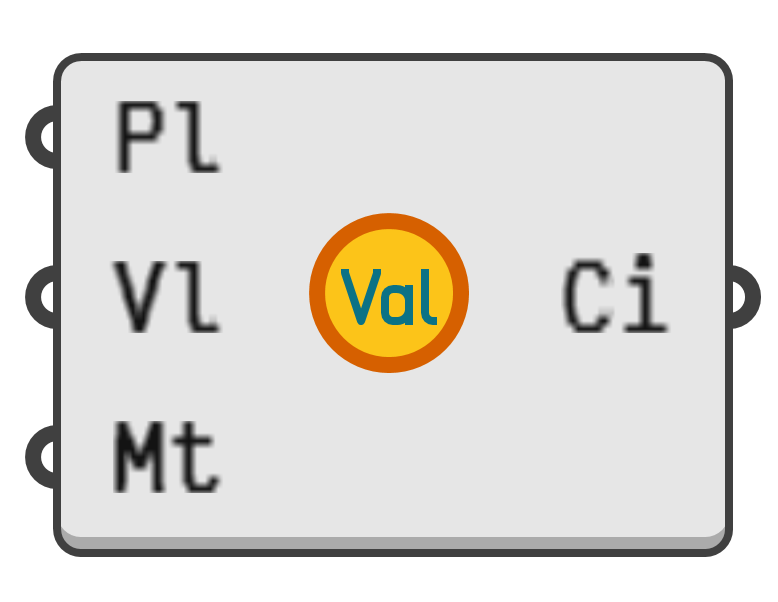
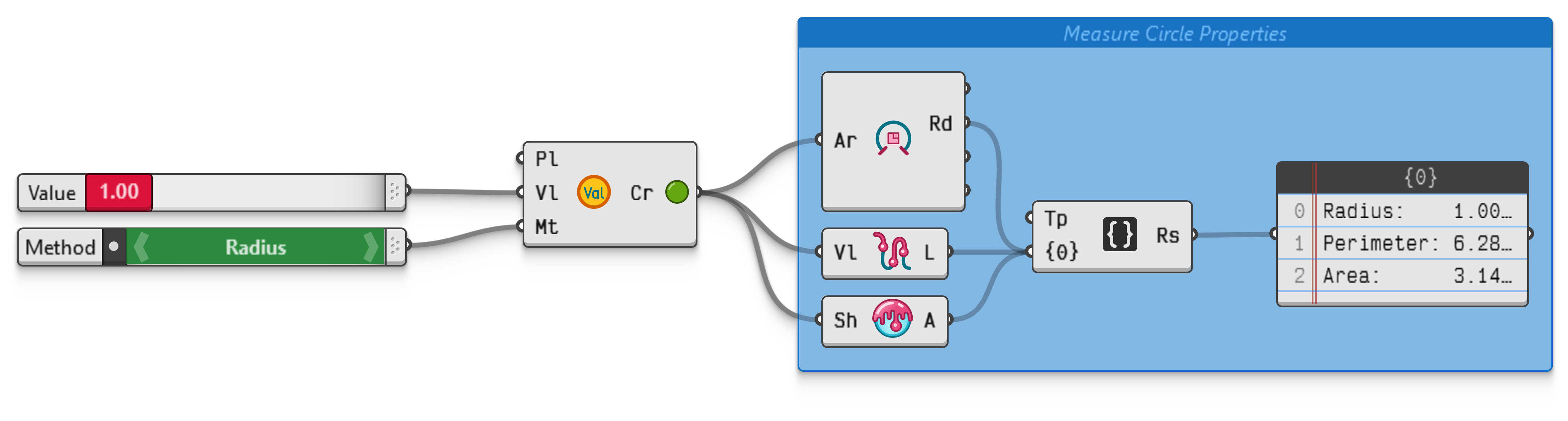
Create a circle based on a numerical value, the contextual meaning of which is picked out of a list of presets.
The third input of this component designates the meaning of the value in the second input. At the time of writing the possible meanings are:
| Value | Name | Info |
|---|---|---|
0 |
Radius | The distance from the circle centre to the boundary. |
1 |
Diameter | The distance between any two antipodal points on the boundary. |
2 |
Perimeter | The length of the circle boundary, also called the circumference. |
3 |
Area | The area of the circle interior. |
4 |
Sphere Area | The area of the sphere with the circle as its equator. |
5 |
Sphere Volume | The volume of the sphere with the circle as its equator. |
6 |
Box Perimeter | The length of the perimeter of the box containing the circle. |
7 |
Box Area | The area of the box containing the circle. |
This approach was chosen in order to avoid the addition of seven individual components to an already busy category.
Note that the second input is a field parameter rather than an individual number. The provided field will be evaluated at the circle origin point.