Blend Curve
00000000-62a2-4ff9-be42-a836912cab63
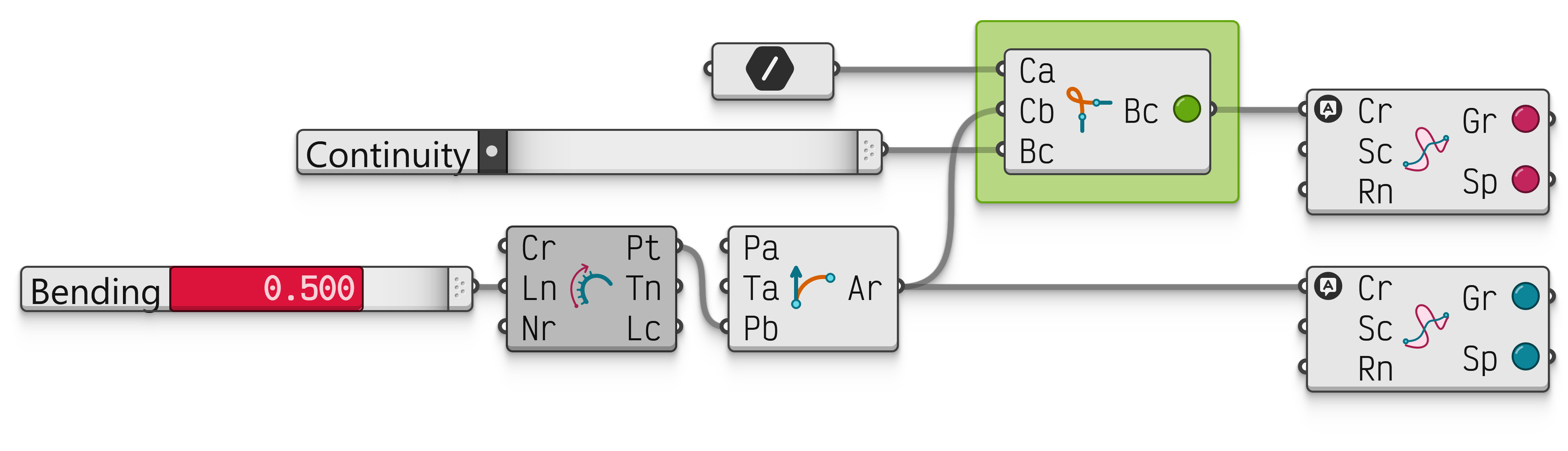
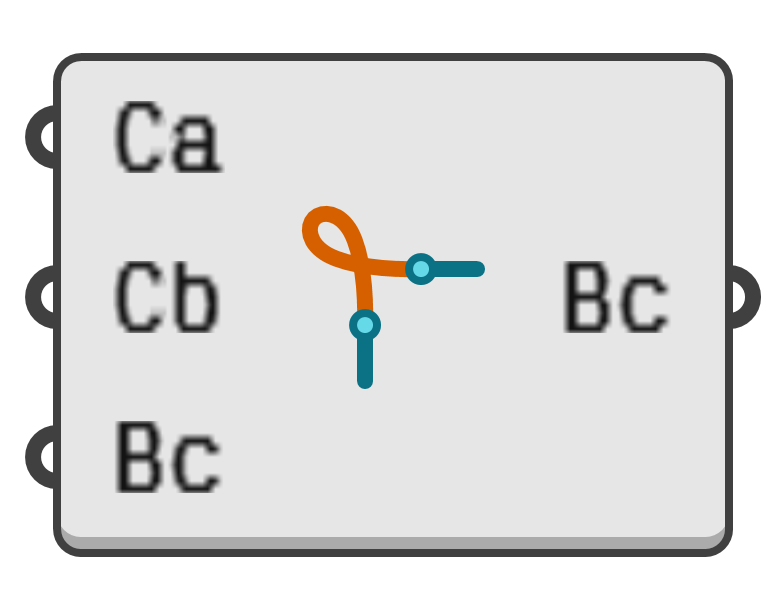 First Curve inputitem · requiredGuide curve for the start of the blend curve.Second Curve inputitem · requiredGuide curve for the end of the blend curve.Continuity inputinteger · item · requiredBlend continuity.Blend outputitemBlend curve connecting both guide curves.
Create a blend curve connecting the end of one guide curve to the start of another. This component offers no control over the blend other than the continuity constraints in input Bc, which are shown in the table below. The resulting blend's bulge factors are hard-coded to 1.
| Value | Name | Info |
|---|---|---|
0 |
Position | Positional, or G0, continuity only requires two curves have coincident end−points. |
1 |
Tangency | Tangency, or G1, continuity requires curves match location and direction at the point of contact. |
2 |
Curvature | Curvature, or G2, continuity requires curves match position, direction and radius−of−curvature at the point of contact. |
3 |
Jerk | Jerk, or G3, continuity requires the primary curve functions and the first three derivatives are all equal at the point of contact. |
4 |
Yank | Yank, or G4, continuity requires the primary curve functions and the first four derivatives are all equal at the point of contact. |