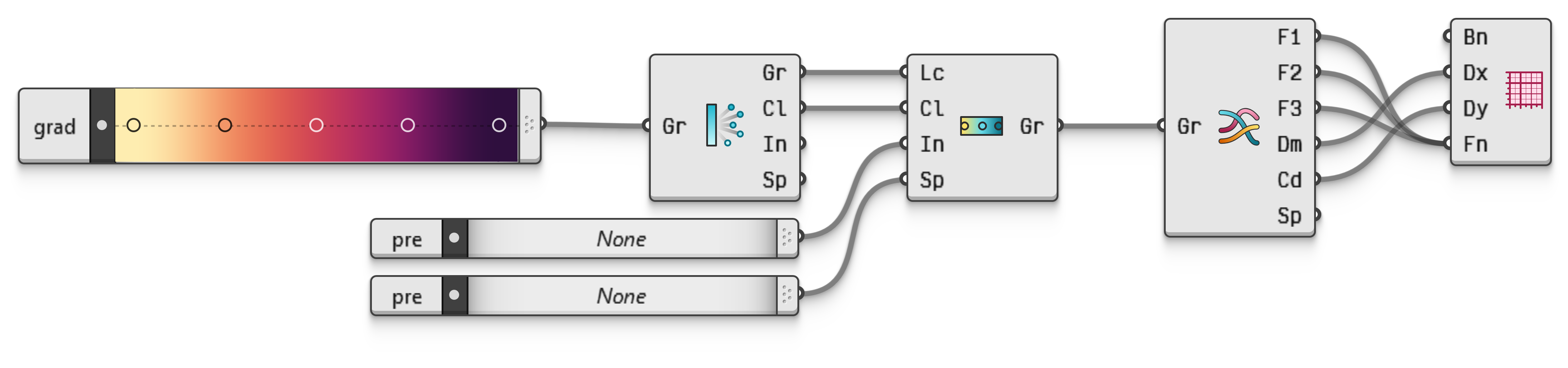
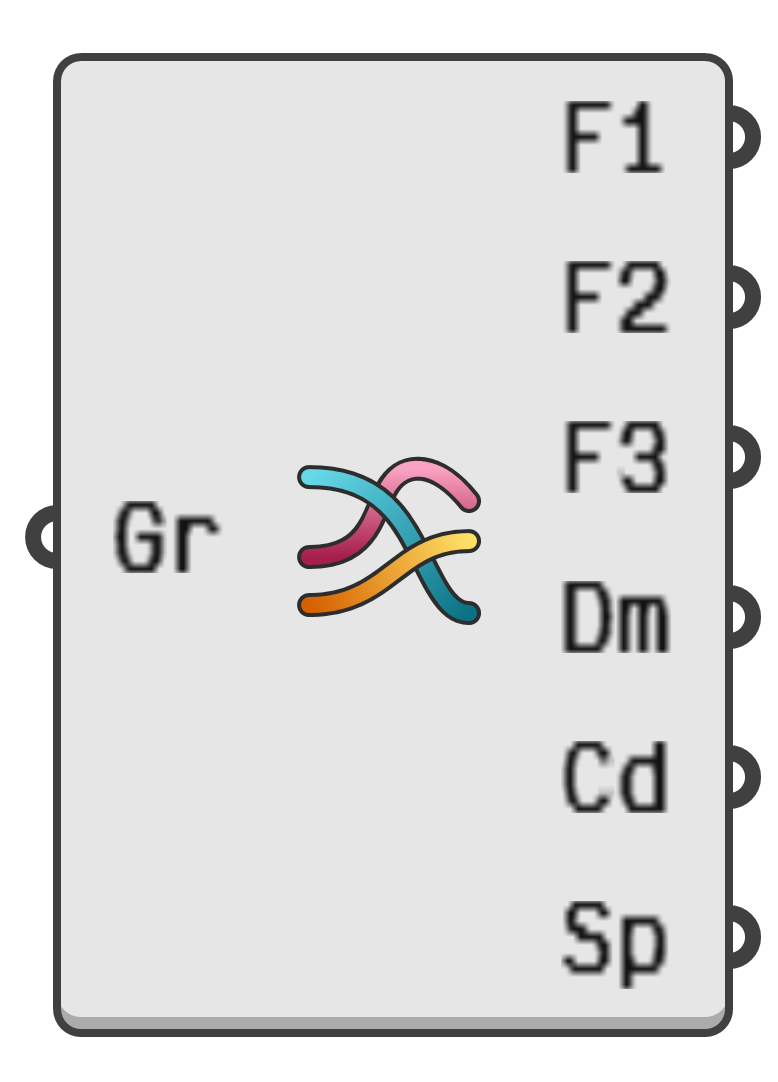
Extract the interpolation functions of a colour gradient. Gradients in Grasshopper 2 are defined using a collection of colour grips, a colour space, and an interpolation scheme.
Each grip is a pairing of a number and a colour, thus defining what the colour of a gradient is at a specific value.
The gradient colour space converts the grip colours into three numeric values each, according to the equations of the space. Incidentally, this is why CMYK is not a valid colour space for gradients, since it is the only colour model in Grasshopper which requires four numbers to encode a single colour.
Finally, the interpolation scheme creates functions which interpolate between the three numeric values of all the grips. This results in three separate interpolation functions. For example; if the gradient colour space is set to RGB, the first interpolation function encodes the amount of red, the second function encodes the amount of green and the last function encodes the amount of blue across the entire gradient. If, on the other hand, the colour space is set to L*a*b*, the first interpolation function encodes the luminance, while the remaining two encode the red-green and blue-yellow opponents.