Random Integers
00000000-25d2-463d-b0a1-685a7218e819
Create a collection of random integers within a particular discrete statistical distribution. Most commonly the distribution is a uniform one, such as or , and this can be quickly specified by connecting integer or interval values to the Di input, as the first example shows.
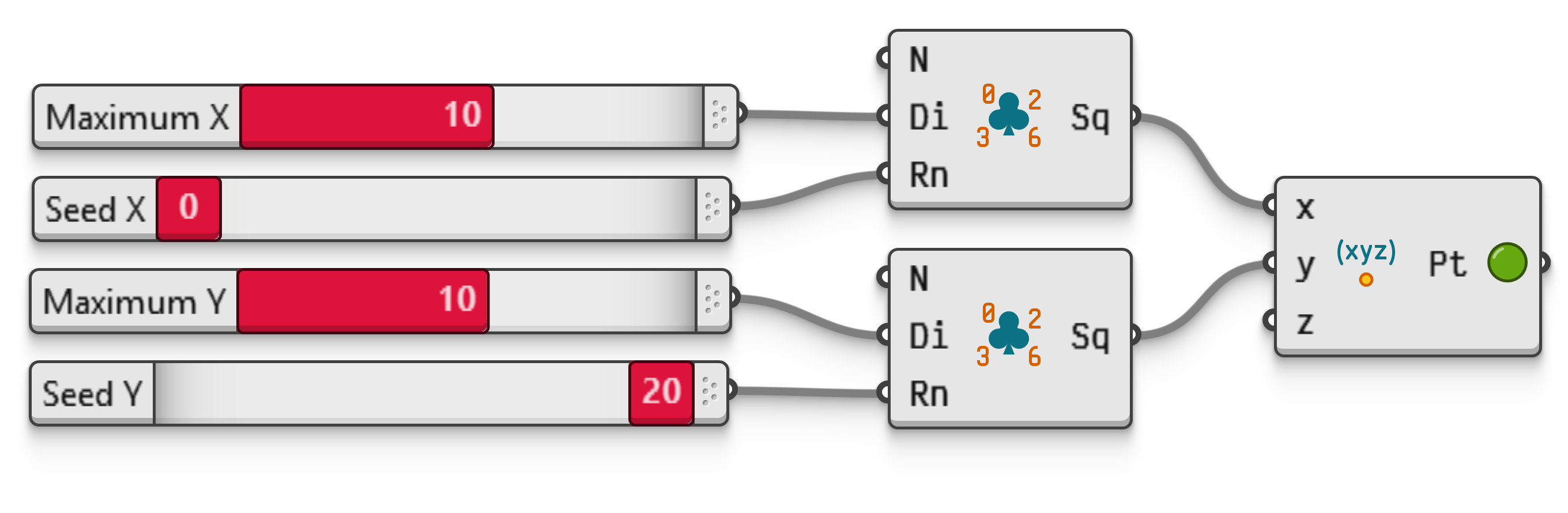
When multiple, different random sequences must be generated, a different seed is required for each sequence. The second example shows how this might affect random point coordinates.
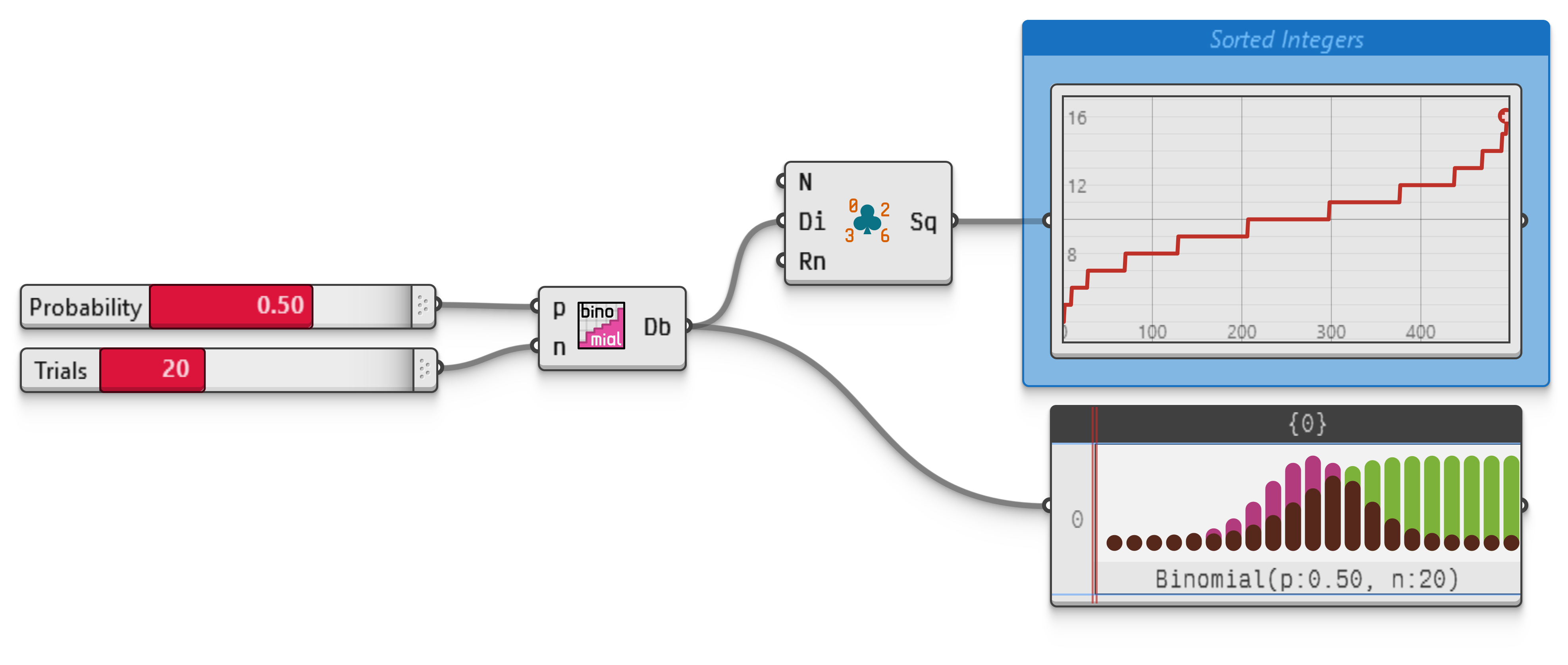
A more complicated distribution such as Binomial, Geometric or Zipf may be created using one of the components in the Maths.Statistics panel, as per the third example.
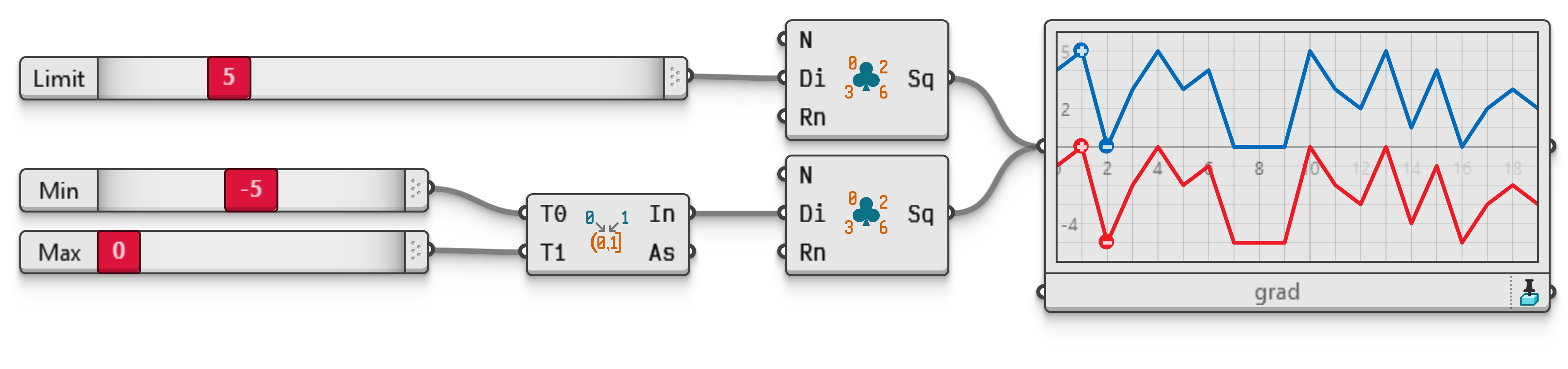
Generate twenty random integer within uniform distributions. The upper component receives an integer in the Di input, yielding random numbers in the zero to Limit range, as per the blue line in the QuickGraph object. The lower component is controlled via a numeric interval, meaning its output integers all fall in the Min to Max range, as per the red line.
Generate one hundred points with integer coordinates using two separate random components with their own limits and seeds. If the same limits and seeds are used for both components, they will output identical numbers, resulting in points only on the diagonal.