Visibility Display
00000000-0c53-4411-9c7c-393a20d30dbb
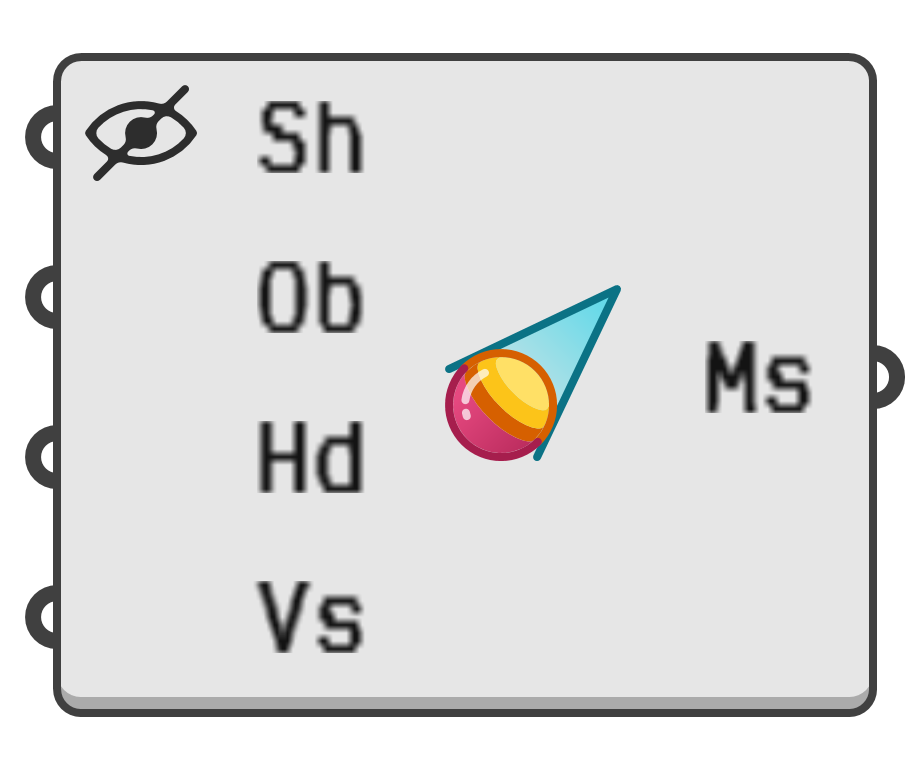
Determine the visibility of all mesh vertices from a given observer location. The mesh is split into two regions; those portions visible to the observer, and those occluded from view.
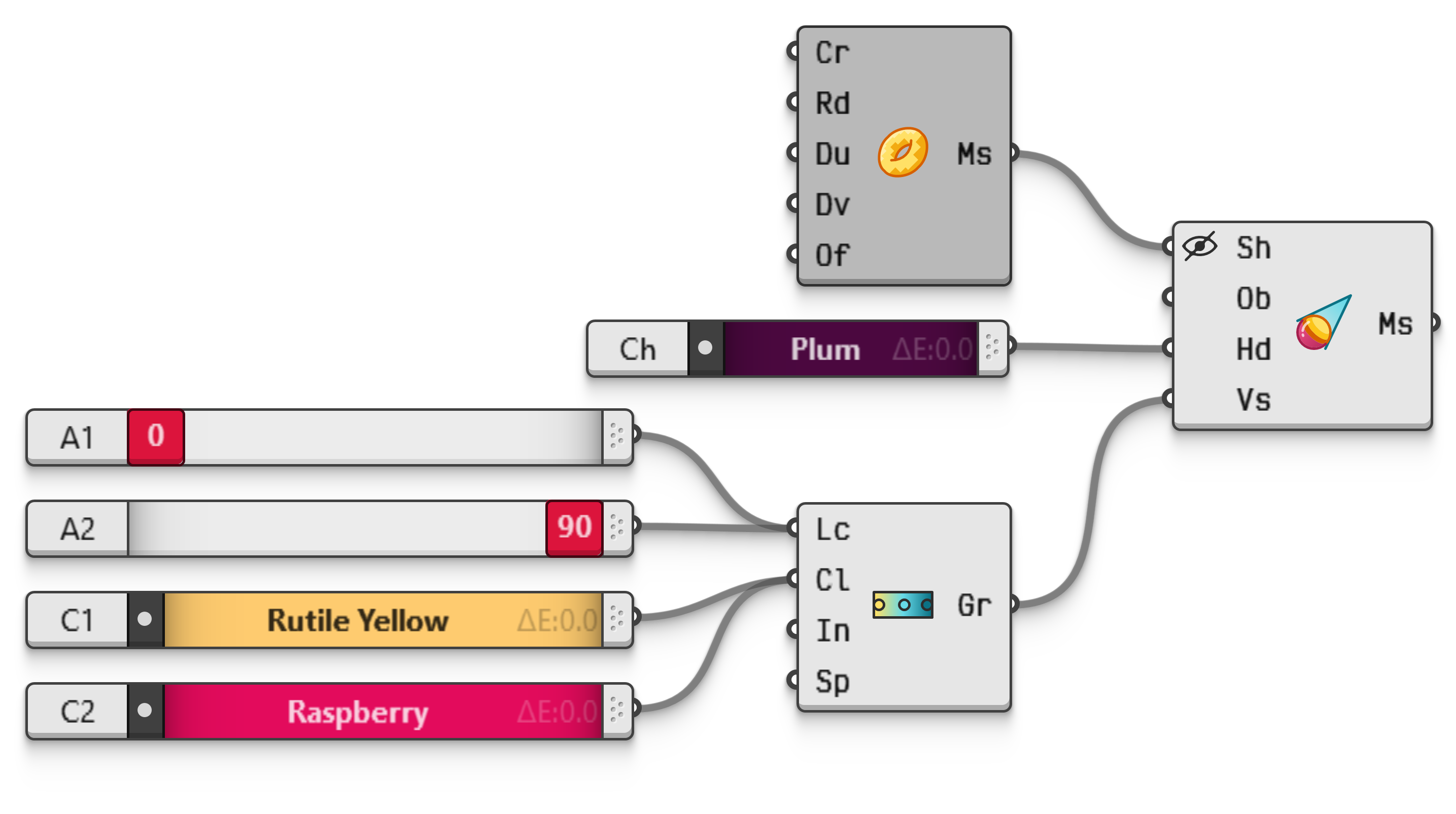
The occluded areas will be given a single colour, while the visible areas will be coloured by a gradient corresponding to the angle between the mesh normal and the observer view direction. The colour at gradient=0 will be painted wherever the mesh is directly facing the observer, and the colour at gradient=90 where the mesh faces directly sideways.
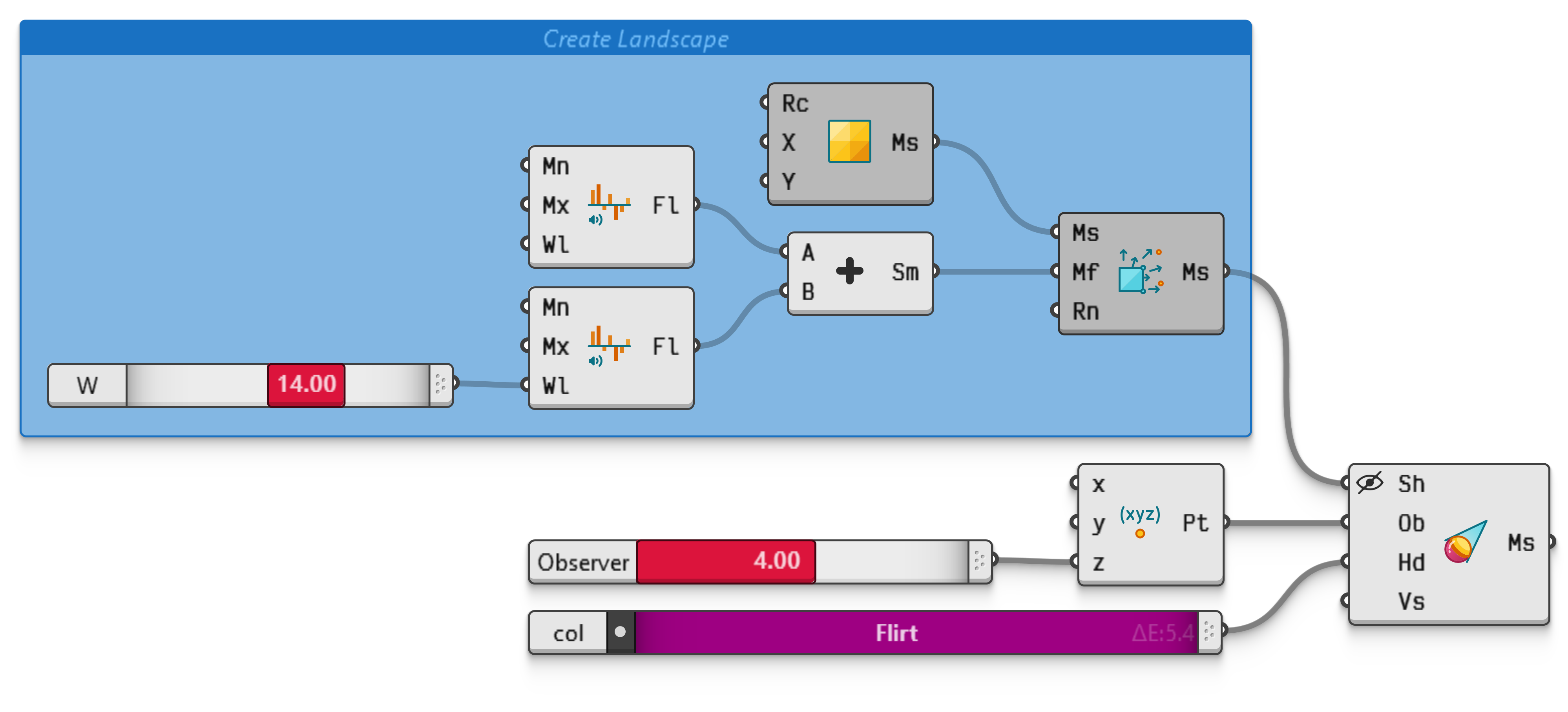
Compute the visibility of a wavy mesh based on an observer position. The mesh wobbles can be adjusted with a slider, as can the elevation of the observer.