Directshapes
在 Revit 文档中 DirectShape 图元用于存储几何形状,包括点与封闭的线、实体或是网格。DirectShapes 可以在模型中快速放置非预置族的图元,也可以部分的包含一些可加载族、类型的信息,这里提供一个别表供你参考,
| Property | DirectShape | DirectShape Types | Component Family |
|---|---|---|---|
| Can be Hosted |  |
|
 |
| Work Plane Based | |
|
|
| Always Placed in Relation to 0,0,0 | |
|
|
| Nested Families | |
|
|
| Can be Placed in Assembly | |
|
|
| Material Parameter |  |
|
|
| Material Assigned as Paint by Default | |
|
|
| Align Material | |
|
|
| Assign Subcategory | |
|
|
| View Based Representation | |
|
|
| Name Appears in Schedules | |
|
|
| Multiple Type Instances for Schedules | |
|
|
| Instance Parameters | |
|
|
| Parameter Driven Geometry | |
|
|
| Edit Geometry in Revit | |
|
|
| Appears in Browser | |
|
|
上面的一些选项是灰色的,因为要添加材质,需要使用可以计划的方式来创建额外的共享参数,这些参数都没有内置至默认的 Directshapes 中。
DirectShape 类别
使用
 DirectShape Categories
运算器来获取 DirectShape 类别,
DirectShape Categories
运算器来获取 DirectShape 类别,
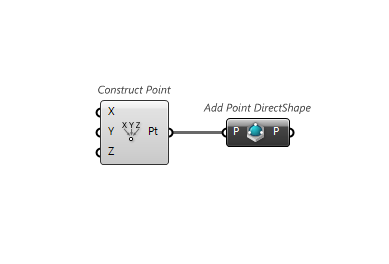
增加 Point DirectShape
可以使用
 Add DirectShape (Point)
运算器增加 Point Directshape至项目中,
Add DirectShape (Point)
运算器增加 Point Directshape至项目中,
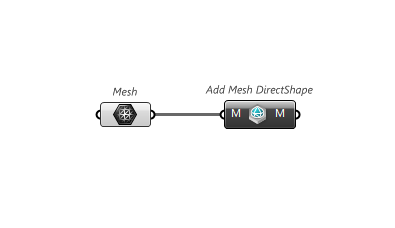
增加 Mesh DirectShape
使用
 Add DirectShape (Mesh)
运算器来增加 Mesh DirectShape至项目,
Add DirectShape (Mesh)
运算器来增加 Mesh DirectShape至项目,
增加 DirectShape
使用
 Add DirectShape Instance
运算器在项目中增加 DirectShape,
Add DirectShape Instance
运算器在项目中增加 DirectShape,

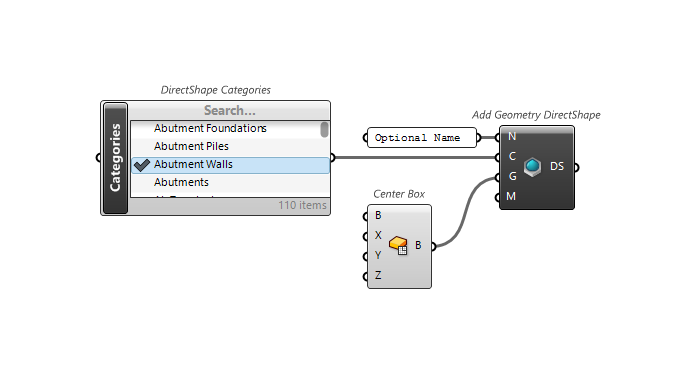
增加 Geometry DirectShape
使用
 Add DirectShape (Geometry)
在项目中增加 Geometry DirectShape,
Add DirectShape (Geometry)
在项目中增加 Geometry DirectShape,
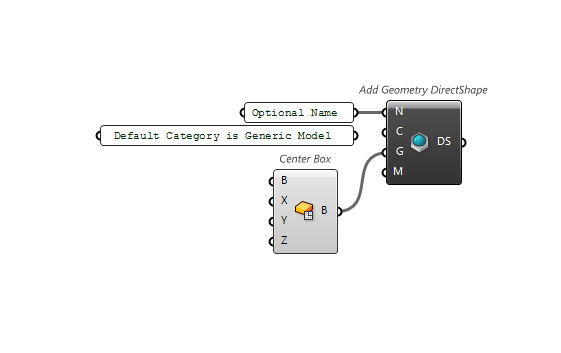
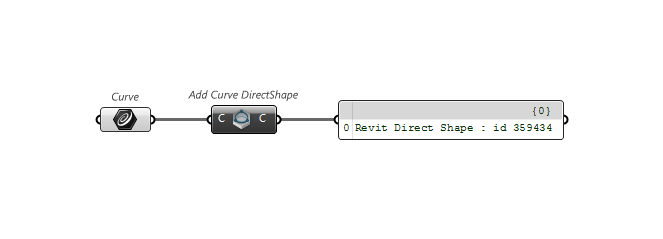
增加 Curve DirectShape
使用
 Add DirectShape (Curve)
运算器在项目中增加 Curve DirectShape,
Add DirectShape (Curve)
运算器在项目中增加 Curve DirectShape,
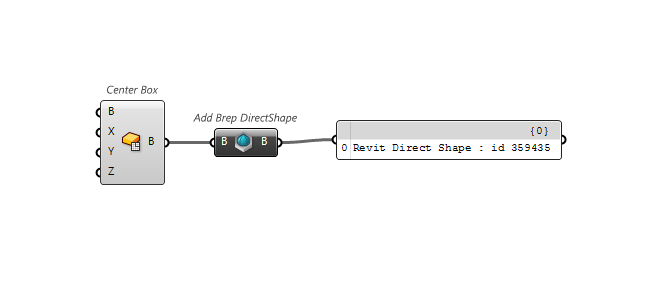
增加 Brep DirectShape
使用
 Add DirectShape (Brep)
运算器增加 Brep DirectShape 至项目
Add DirectShape (Brep)
运算器增加 Brep DirectShape 至项目
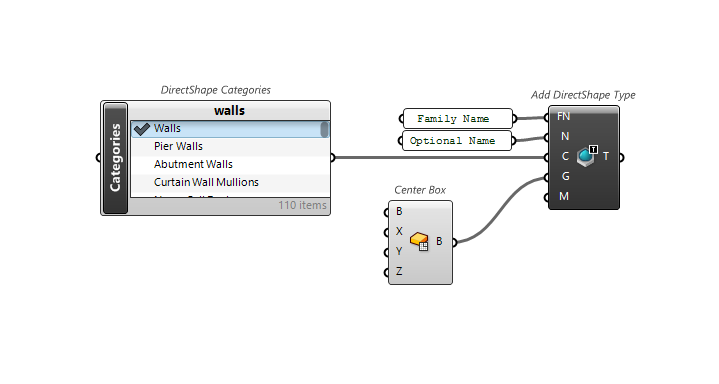
增加 DirectShape 类型
使用
 Add DirectShape Type
运算器增加 DirectShape 类型至项目
Add DirectShape Type
运算器增加 DirectShape 类型至项目