Sculpt with SubD |
SubD modeling is Rhino at its most tactile. Grab a face, an edge, or a point, and shape it into smooth, organic forms. Here's what makes it work.
|
TODAY
Three moves for shaping SubDs
|
|
|
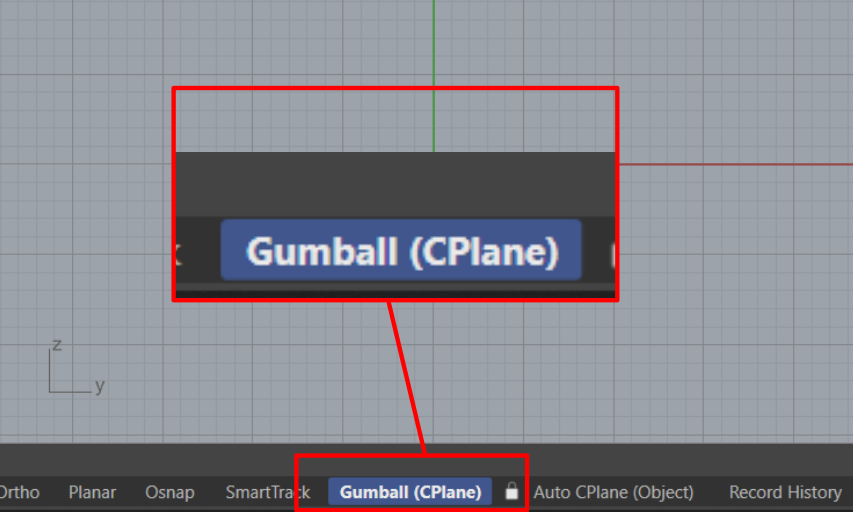 |
Activate Gumball Activate it by clicking the Gumball pane in the Status Bar at the bottom of the interface.
| |
| |
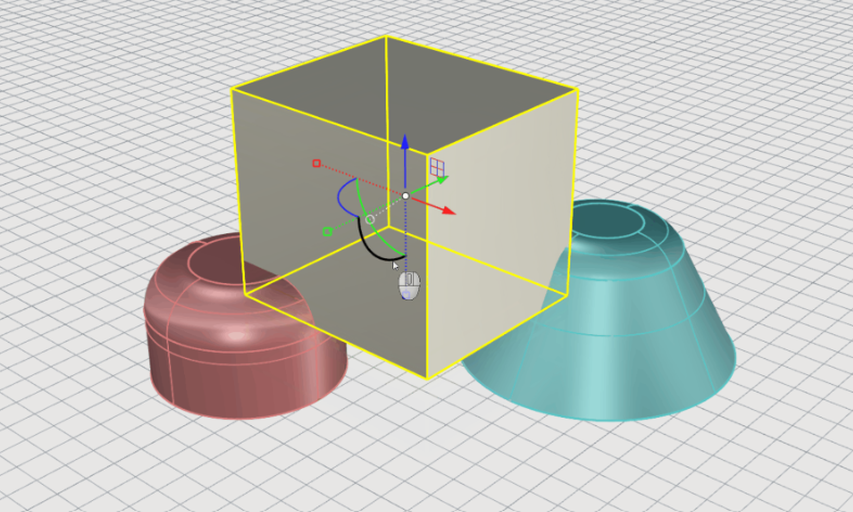 |
Transforms with Gumball Use the Gumball's handles to Move, Rotate, Scale and Copy objects.
|
|
|
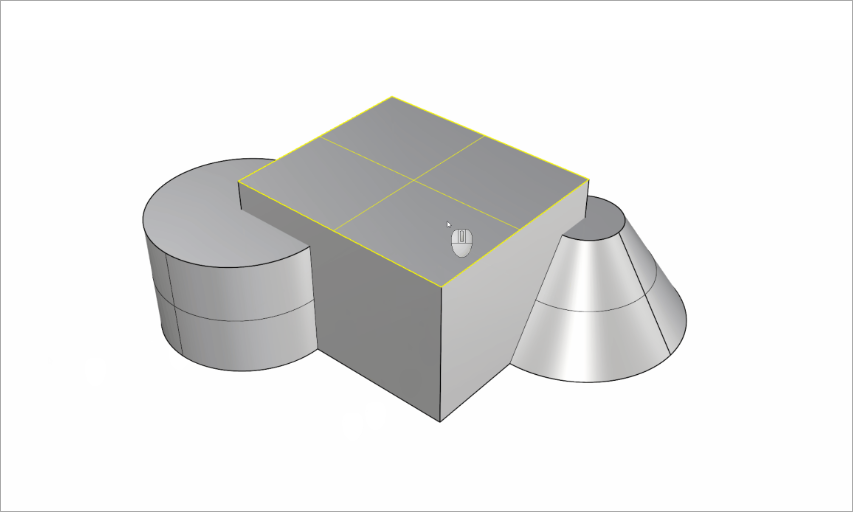 |
Sub-Object Selection Hold down Ctrl / CMD + Shift and click on a face, edge or vertex to select it.
| |
|
|