SubD From Tube
00000000-10f7-41a9-a5ee-42d82d144cba
This page was generated from the component’s built-in descriptions. An in-depth article has not been written for it yet.
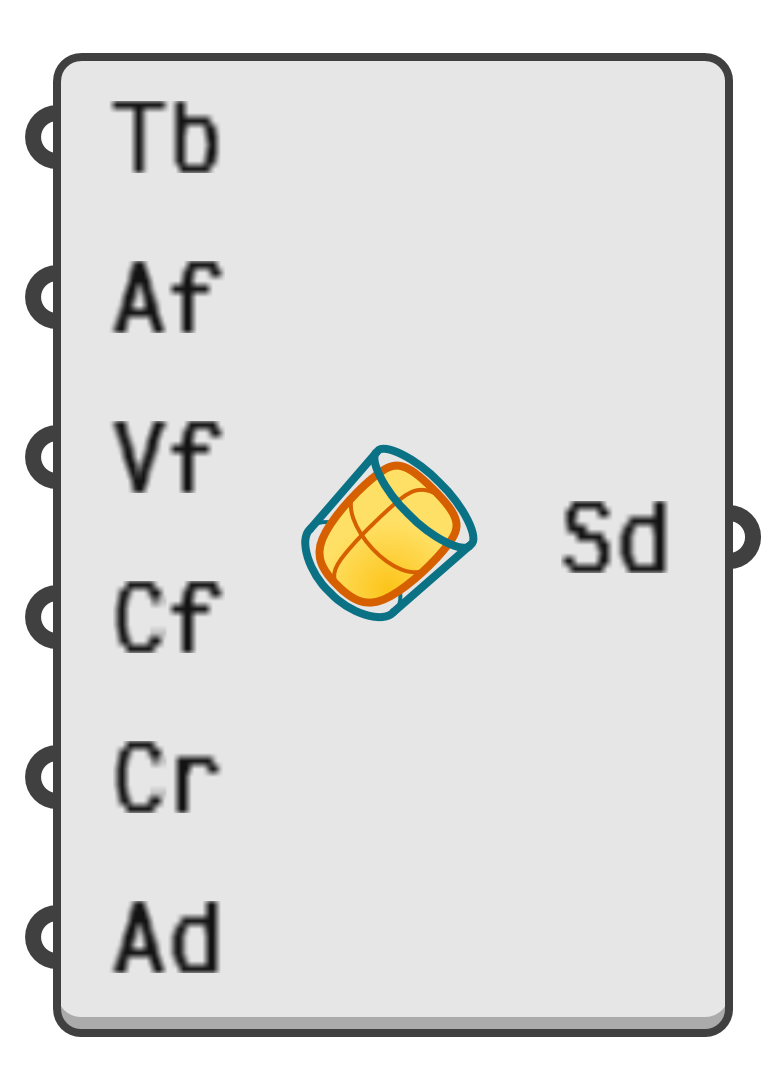
Create a SubD surface from a tube.
- Tb → Tube for SubD control net.
- Af → Number of faces around the perimeter of the tube.
- Vf → Number of faces along the vertical tube direction.
- Cf → Number of faces on the caps of the tube.
- Cr → Retain the sharp creases in the tube as creases in the subdivision surface.
- Ad → Adjust the radii to adjust for the shrinkage of the subdivision limit surface with respect to the control net.