design · model · present · analyze · realize
90-day evaluation
Now that you can move around the viewports, it's time to get precise about selecting objects: grabbing exactly what you need, nothing else.
TODAY
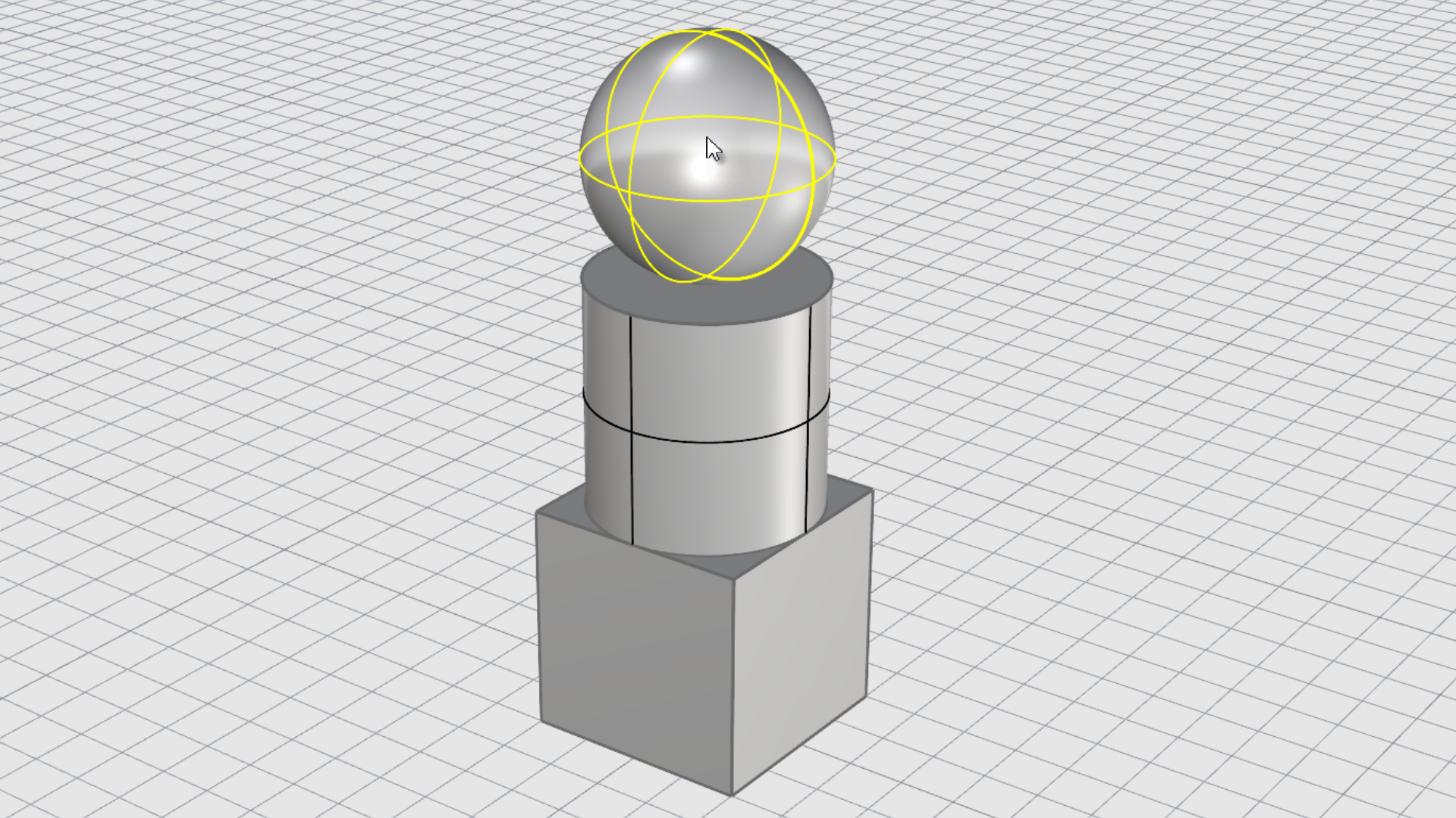
Select Objects
Left-click to select an object. Press Shift to add to selection or Control to remove from selection
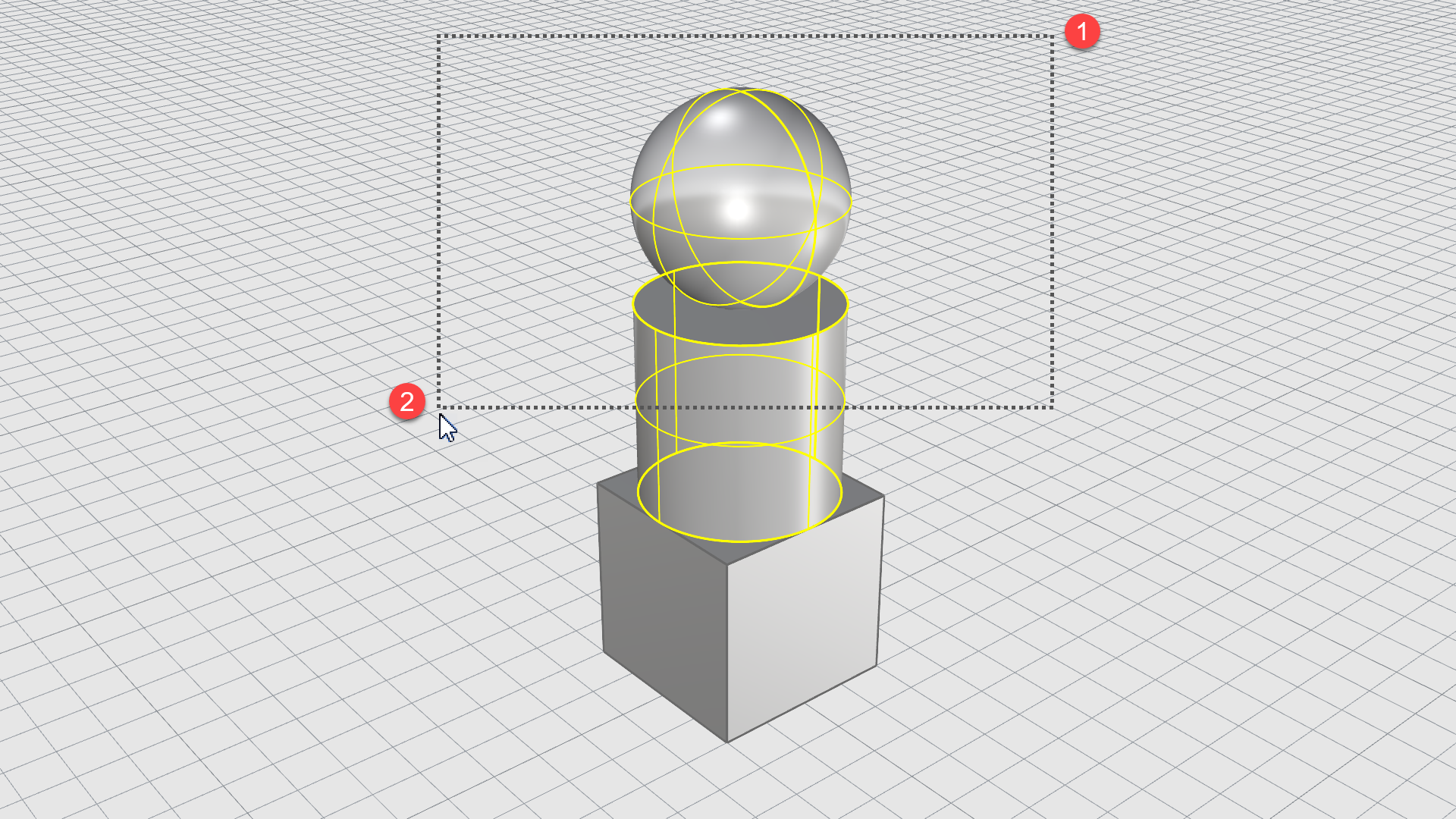
Cross-Selection
Drag a window from right to left. This will select all objects that cross or touch the window.
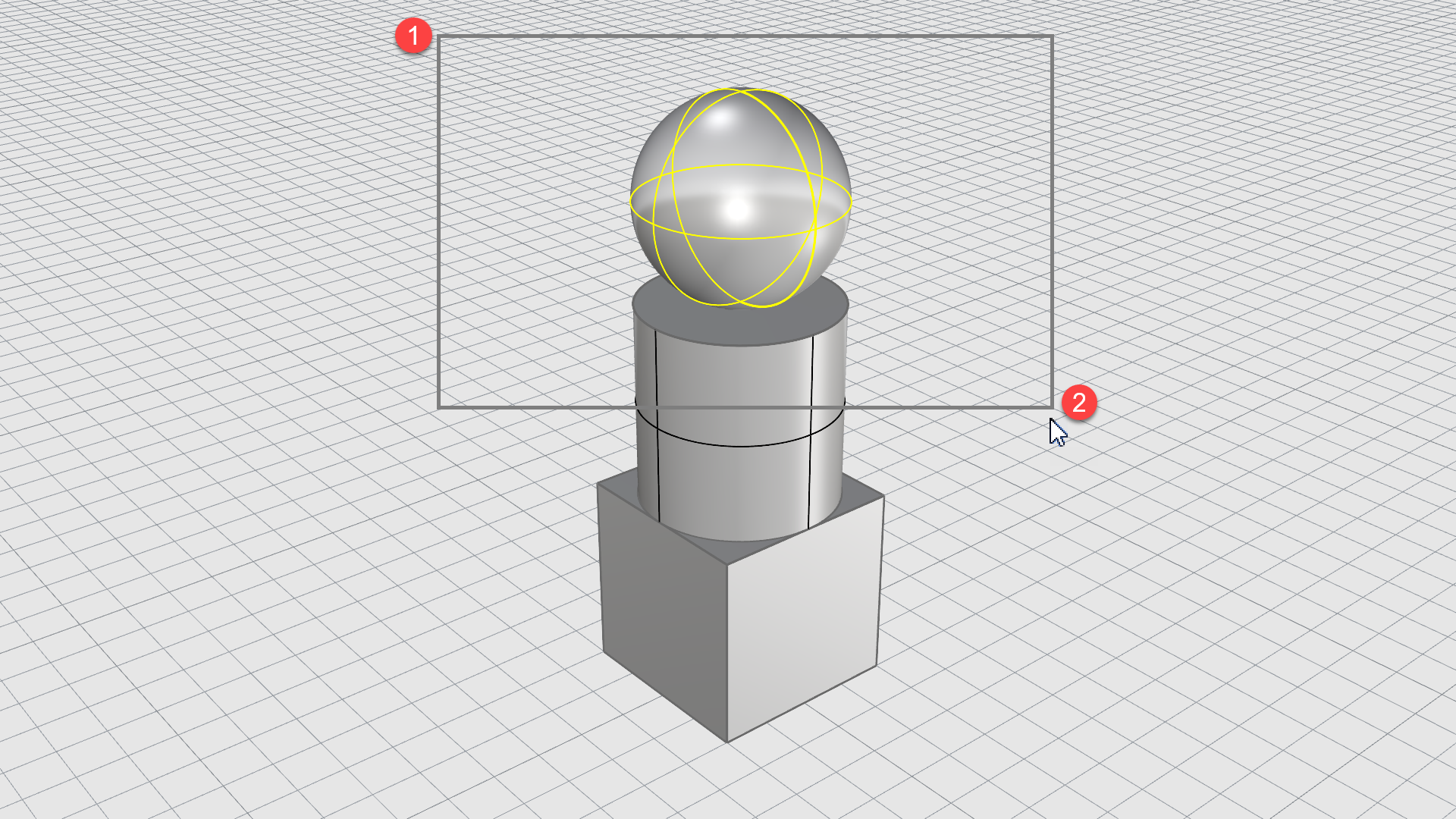
Window-Selection
Drag a window from left to right. This will only select objects entirely inside the window.
Try all three: one object, then the whole group. Get comfortable switching between them.
Another skill learned in just 5 minutes.
Rotated one view by accident?
Right-click the 4 Default Viewports on the Standard tab to reset the window layout.
NEXT UP → sketching.
McNeel • North America • Europe • Latin America • Asia
This message was sent to [EMAIL]. Unsubscribe. Privacy Policy.
Italiano | 中文(繁體) | Français | Español | 中文(简体) | 한국어 | 日本語 | Deutsch