Freeform modeling that stays editable.
design · model · present · analyze · realize
90-day evaluation
SubD modeling is Rhino at its most tactile. Grab a face, an edge, or a point, and shape it into smooth, organic forms. Here's what makes it work.
TODAY
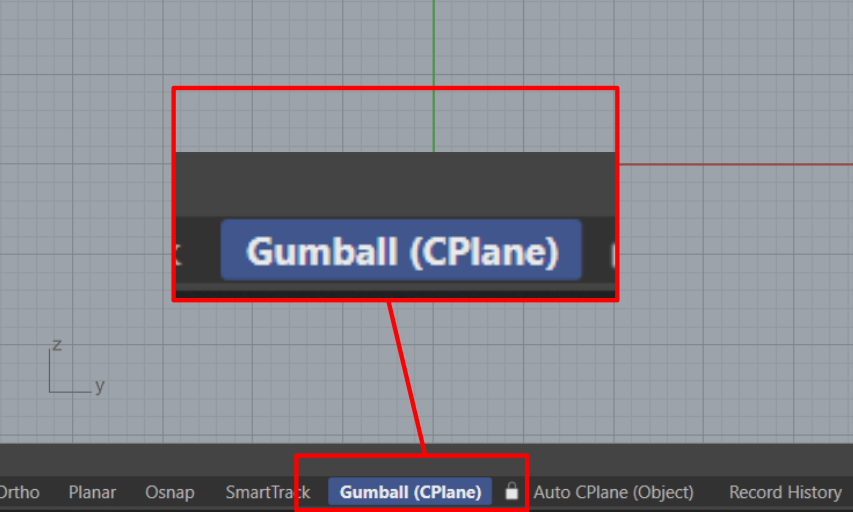
Activate Gumball
Activate it by clicking the Gumball pane in the Status Bar at the bottom of the interface.
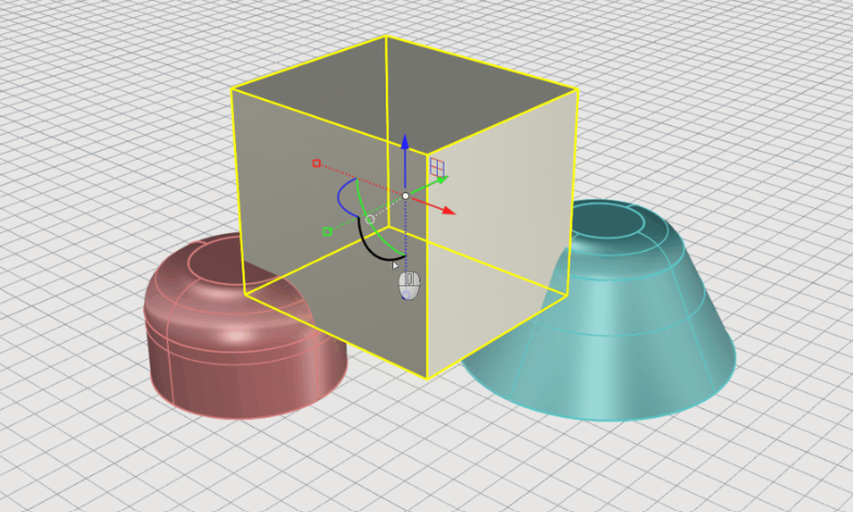
Transforms with Gumball
Use the Gumball's handles to Move, Rotate, Scale and Copy objects.
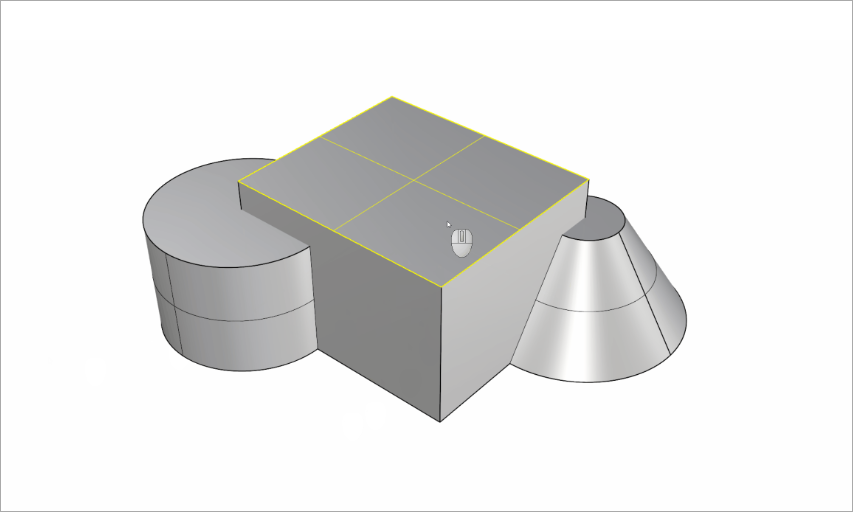
Sub-Object Selection
Hold down Ctrl / CMD + Shift and click on a face, edge or vertex to select it.
Put all three to work with two exercises.
Two hands-on exercises.
Gumball cheat sheet
Keep it beside you while you work. Download it from here.
NEXT UP → complex modeling. No rush; we're giving you space to practice.
McNeel • North America • Europe • Latin America • Asia
This message was sent to [EMAIL]. Unsubscribe. Privacy Policy.
Italiano | 中文(繁體) | Français | Español | 中文(简体) | 한국어 | 日本語 | Deutsch