
Thickness Display
00000000-eb8d-4a8a-abba-f0800246320b
This page was generated from the component’s built-in descriptions. An in-depth article has not been written for it yet.
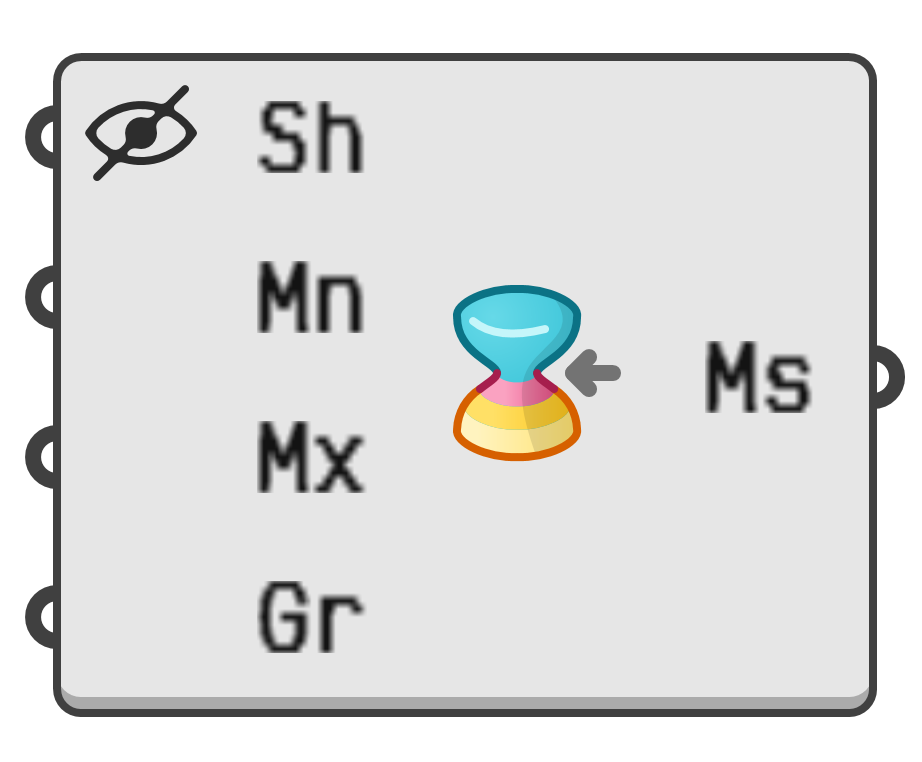
Display the local thickness of a surface or a mesh.
- Sh → Surface or mesh to analyse.
- Mn → Lower thickness limit. Regions thinner than this limit will be drawn in red.
- Mx → Optional upper thickness limit. Regions thicker than this limit will be drawn in yellow.
- Gr → Visualisation gradient to be used between the limits.
- Ms → Mesh with analysis colours.