Quad Remesh
00000000-e7a7-4dd7-b7cb-5d67bfc2a2a0
This page was generated from the component’s built-in descriptions. An in-depth article has not been written for it yet.
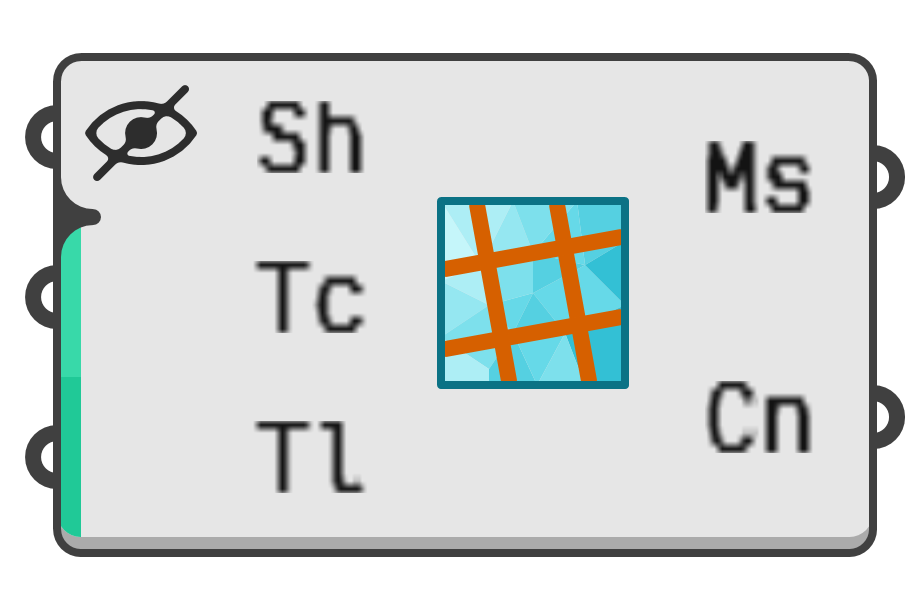
Create a new quad mesh based on an existing shape.
- Sh → Base shape. Must be either a mesh or a surface.
- Tc → Optional target quad count. When unset, the 'Target Length' will be used instead.
- Tl → Optional target edge length. When unset, the 'Target Count' will be used instead.
- As → A number between zero and one hundred controlling how quad sizes change depending on curvature.
- Ac → If true, allows high curvature areas to affect the target quad count.
- Me → Specifies how brep edges are maintained during remeshing.
0→ None1→ Smart2→ Strict
- Mc → If true, sharp creases in the underlying surface are maintained.
- Gd → Optional guide curves for local remeshing directions.
- Gf → Guide curve influence behaviour.
0→ Approximate1→ Perpendicular2→ Coincident
- Sy → Symmetry axis to apply during remeshing.
0→ None1→ X Axis2→ Y Axis3→ Z Axis