Rhino Pipeline
00000000-dc6b-4e68-8907-d77126951cec
This page was generated from the component’s built-in descriptions. An in-depth article has not been written for it yet.
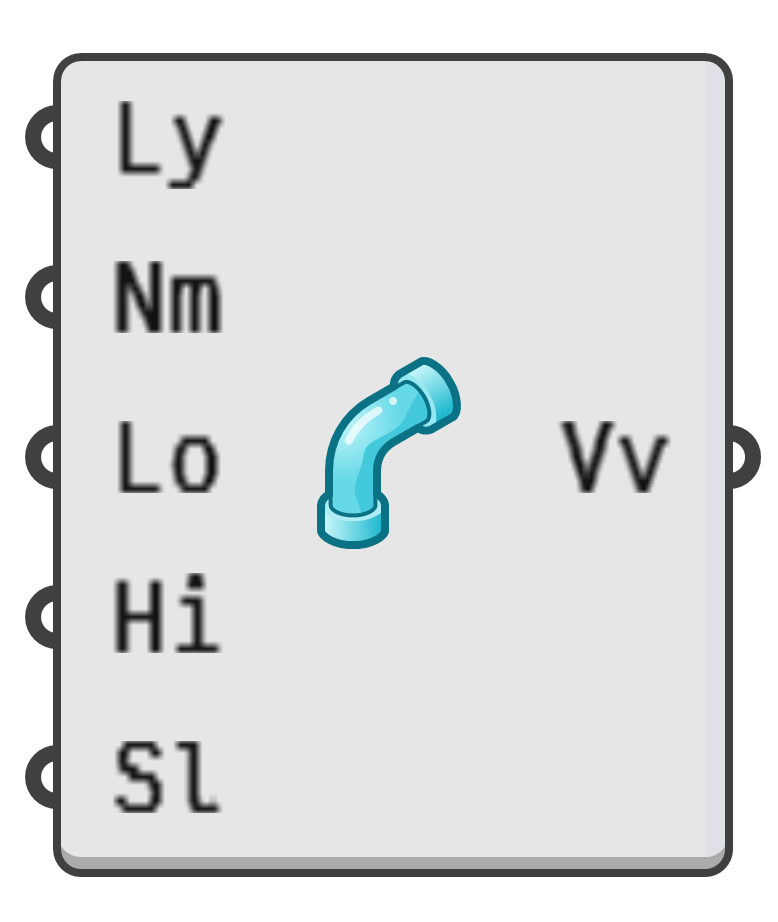
Import geometry from the current Rhino document.
- Ly → Optional layer name filters.
- Nm → Optional object name filters.
- Lo → If true, locked objects are included in the output.
- Hi → If true, hidden objects are included in the output.
- Sl → If true, only selected objects are included in the outputs.
- Vv → All values which aren't included in other, more specific, outputs.
- Pt → All matching points in the Rhino document.
- Dt → All matching text dots in the Rhino document.
- Cr → All curves not sorted into more specific curve outputs.
- Ln → All single segment line curves.
- Pl → All polyline curves.
- Rc → All rectangular polyline curves.
- Tr → All triangular polyline curves.
- Ci → All circles.
- Ar → All circular-arcs.
- Sf → All surfaces not sorted into more specific surface outputs.
- Bx → All box like surfaces.
- Sp → All spherical surfaces.
- Sb → All subdivision surfaces.
- Ss → All single-face surfaces.
- Ps → All poly-face surfaces.
- Ms → All meshes.