Assign Display·Symbol
00000000-a80d-47e9-b39e-032d0455db1a
This page was generated from the component’s built-in descriptions. An in-depth article has not been written for it yet.
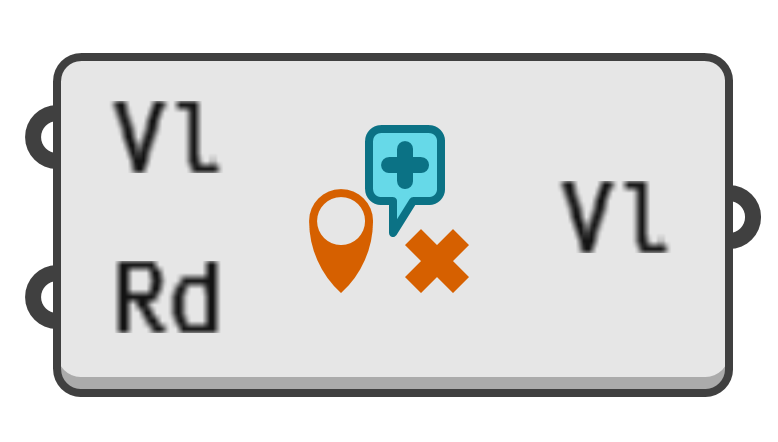
Assign the 'Display.Symbol' meta datum to a value, thus overriding the point symbol used when the shape is drawn in the viewports.
- Vl → Value to assign meta data to.
- Rd → Symbol to assign. Leave blank to remove existing point symbol meta data.
Cross→ CrossCircle→ CircleSquare→ SquareDiamond→ DiamondPlus→ PlusControlPoint→ Square Control PointRoundControlPoint→ Round Control PointActivePoint→ Square Active PointRoundActivePoint→ Round Active PointArrowTail→ Arrow TailArrowTip→ Arrow TipChevron→ ChevronClover→ CloverHeart→ HeartPin→ Map PinTag→ TagTriangle→ Triangle