Expand
00000000-97e9-41db-8ff9-0a49b27bd09c
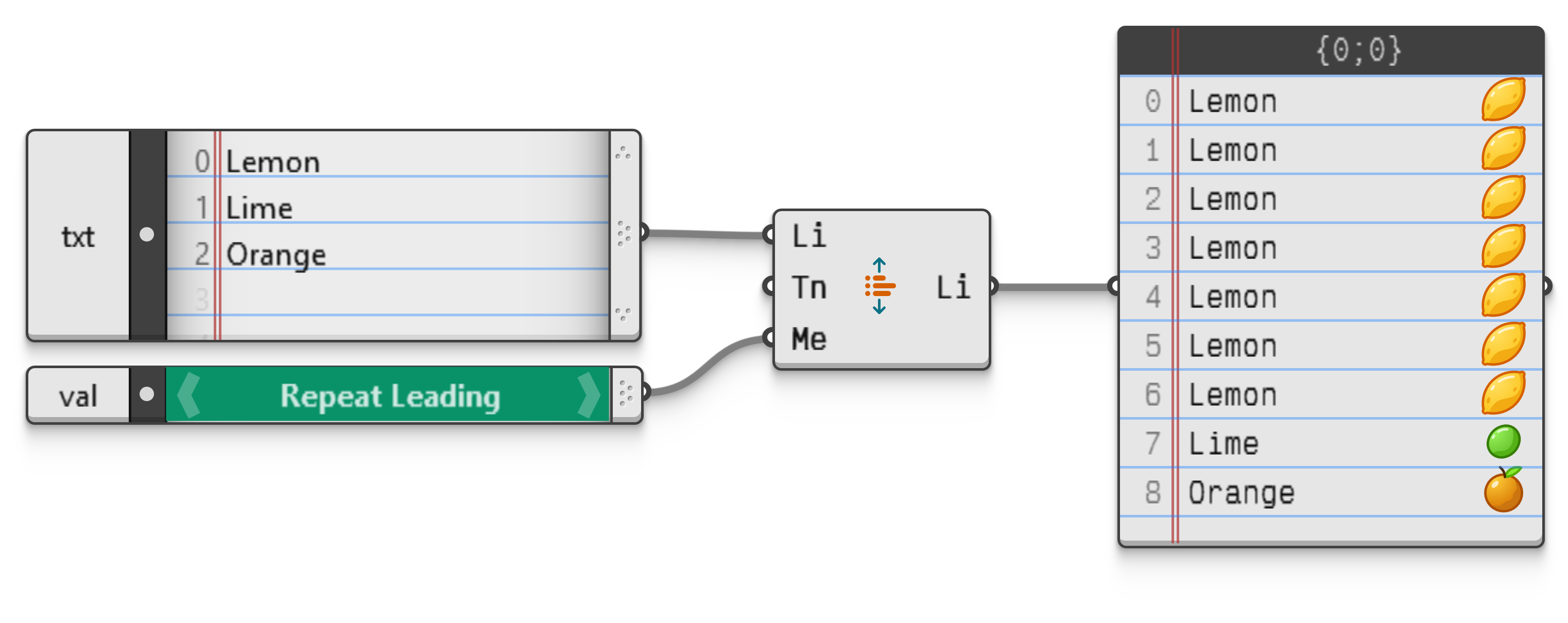
Lengthen a list by repeating its items according to a specified repetition method. Grasshopper 2 provides eight distinct lengthening methods.
| Value | Name | Info |
|---|---|---|
0 |
Repeat Leading | Repeat the first item in a collection. |
1 |
Repeat Trailing | Repeat the last item in a collection. |
2 |
Repeat Extreme | Repeat the first and last items in a collection. |
3 |
Repeat Inner | Repeat the centre−most item in a collection. |
4 |
Interpolate | Repeat all items as regularly as possible. |
5 |
Wrap | Repeat the collection in its entirety. |
6 |
Flip | Repeat the collection in its entirety, with every second repetition being reversed. |
7 |
Zig−Zag | Repeat and reverse the collection in its entirety, avoiding duplicates along the transitions. |
Note however that because list lengthening is a discrete process (i.e. it is only possible for lists to have integer length, there's no such thing as a partial item), unwanted rounding issues may occur.
For example when a list containig two items [A, B] is expanded to a length of three using the Interpolate method, the results [A, A, B] and [A, B, B] are both technically correct. There is no way for the user to signal to Grasshopper which of all possible outcomes she prefers.
The default lengthening method in Grasshopper 2 is the Repeat Trailing method.