Circle 2 Points
00000000-5770-4f95-a477-2fdb55b46ea7
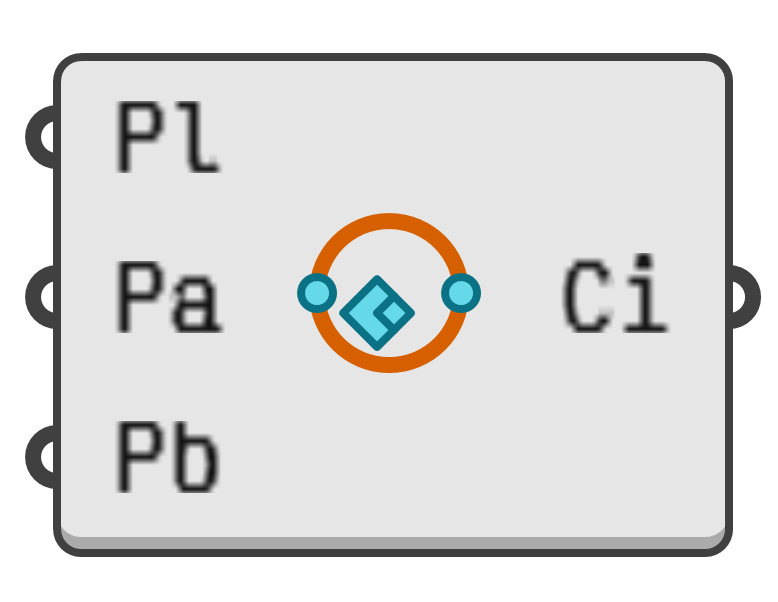
Create a circle out of a base plane and two points. This is analogous to the _2Point option in the Rhinoceros _Circle command.
Both points will be projected onto the base plane and then used as antipodal points for the resulting circle. That is, the circle centre point will be halfway between the two projected points, and the circle diameter will equal the distance between them.
When both points project to the coincident coordinates, a circle with zero radius is created, which is considered invalid.
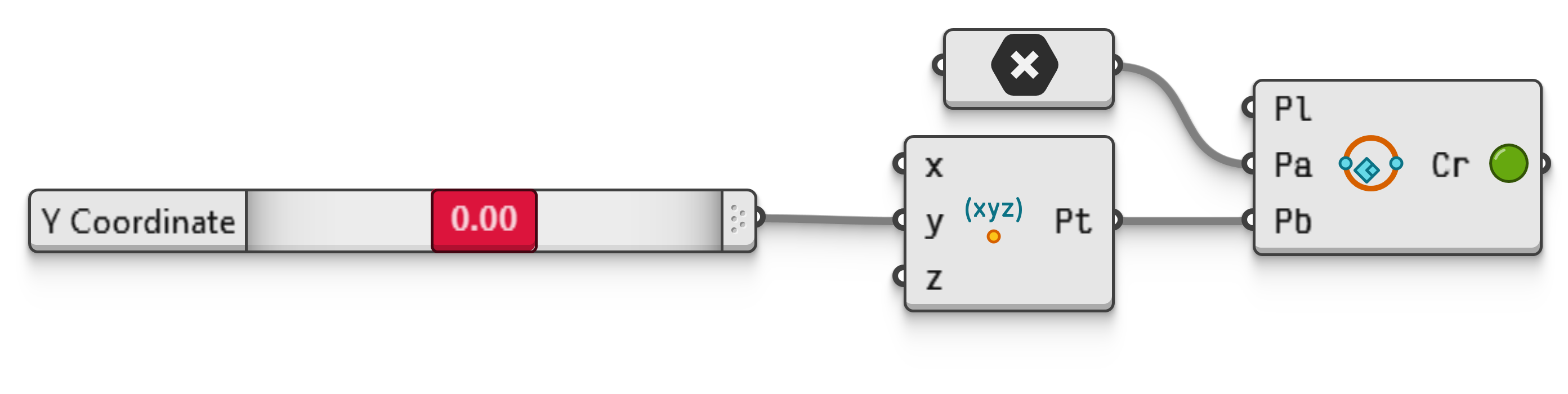
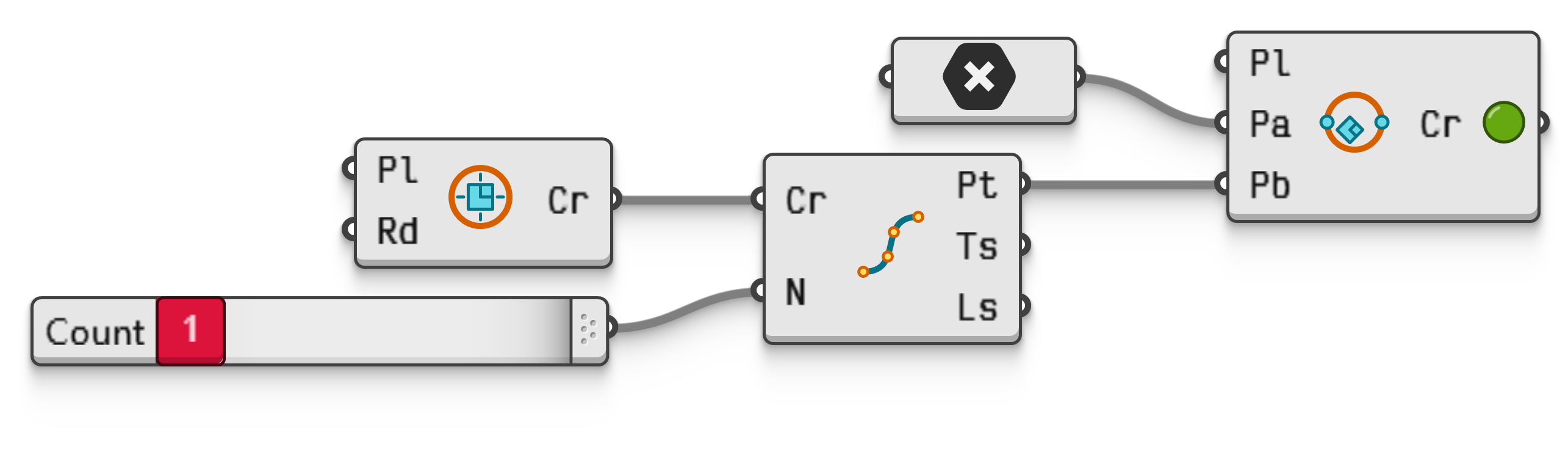
Create a circle out of antipodal points, one of which can be moved by manually specifying its Y coordinate.