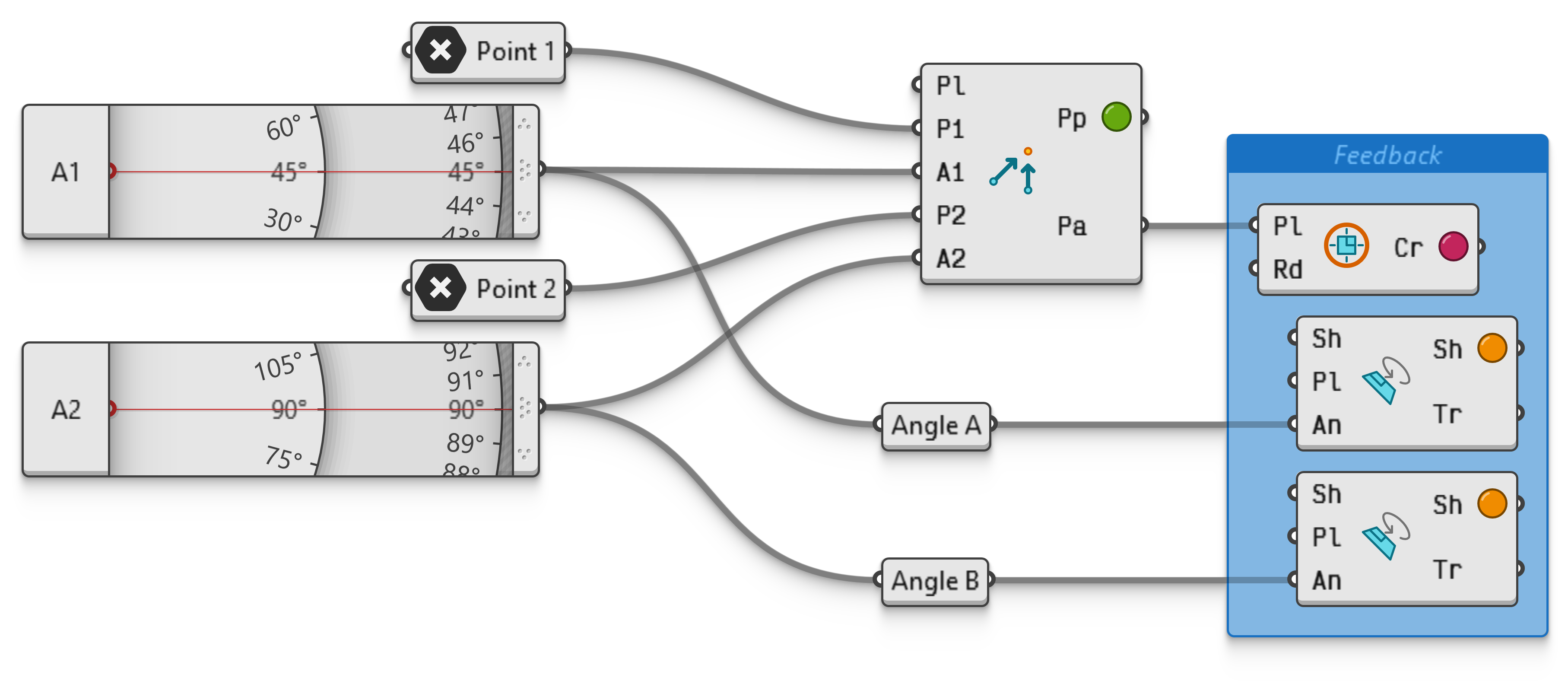
Point 2 Angles
00000000-436f-402a-8916-991efea2f983
Create a point in a plane based on two angles. This is how geographical triangulation works.
The angles may not be identical as parallel rays do not intersect. Note that nearly identical angles will result in a triangulated point which is very far away from the measurement origins.
Also note that if the angles are divergent, no intersection is possible in the direction of the semi-finite rays leaving the origin points, but the second component output will provide the triangulated point based on the infinite lines.