Scratch
00000000-4034-4701-8e2b-6c9c2bf32e0b
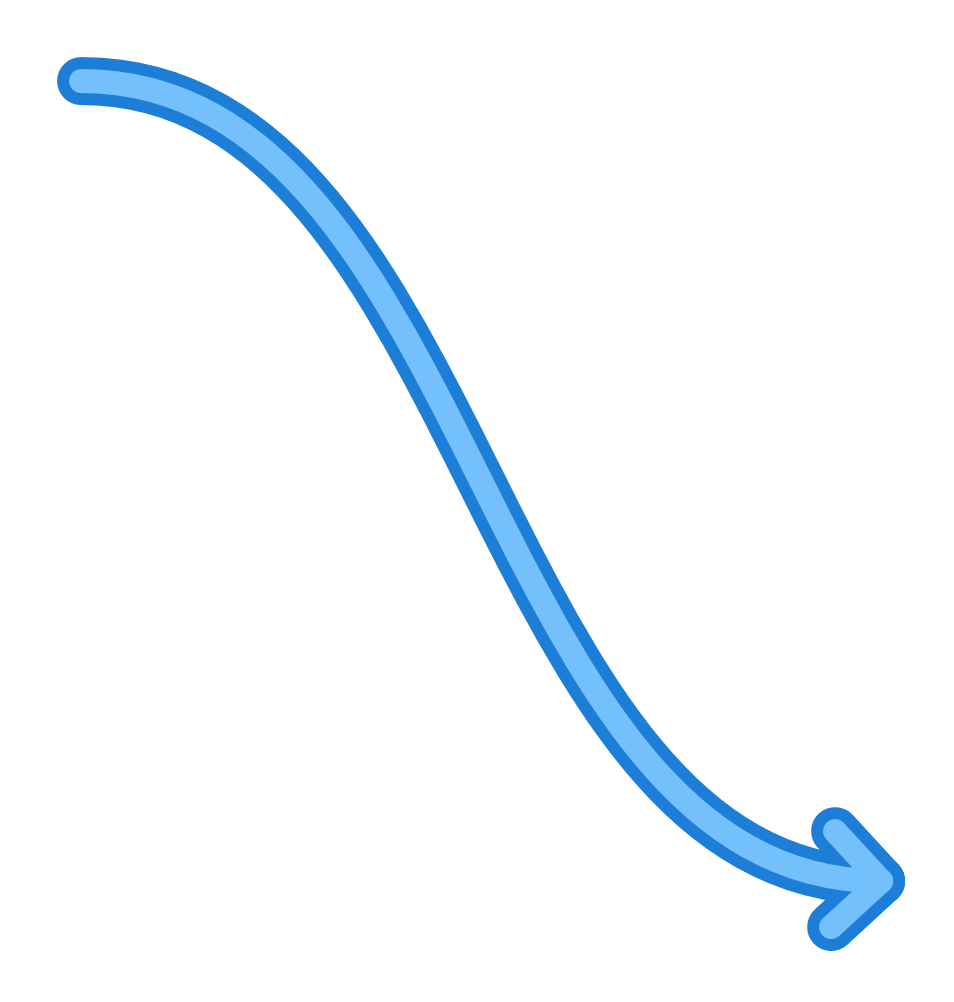
The Scratch object, alongside the Scribble, is used to annotate files. While a scribble contains text, a scratch contains a single curve.
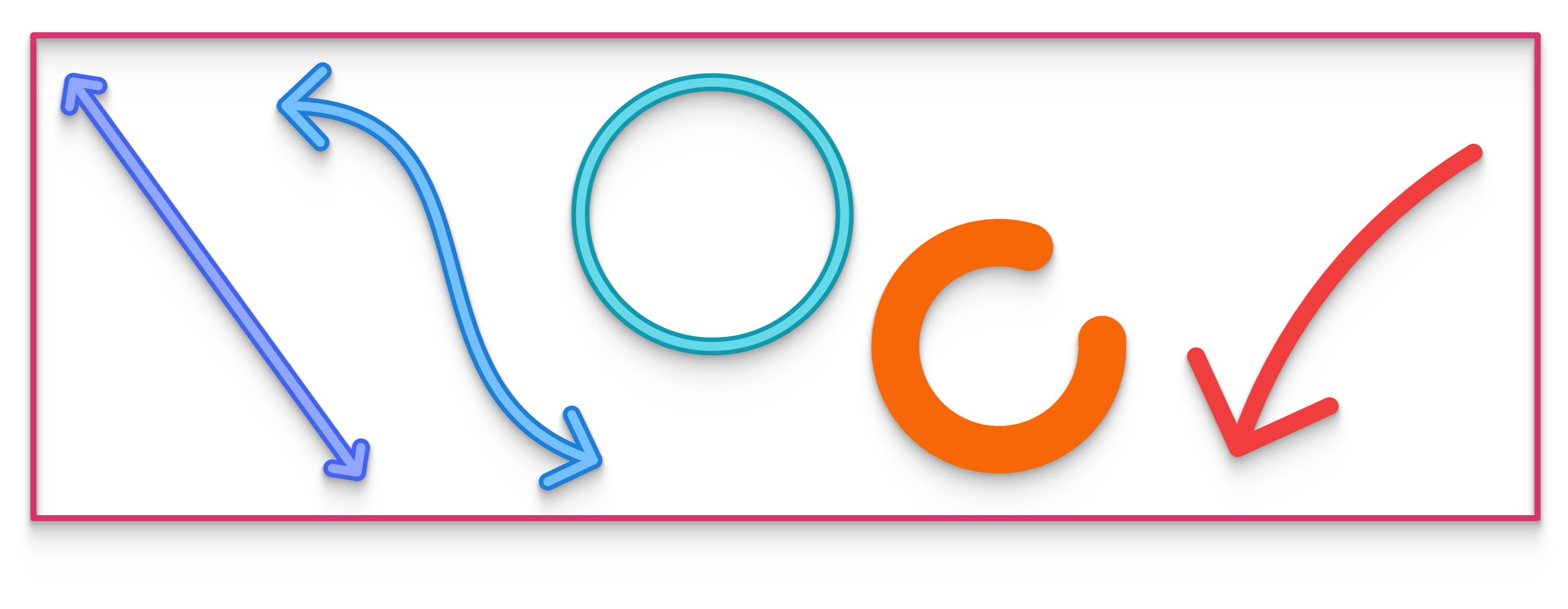
Scratch curves can be lines, splines, circles, arcs or rectangles. The curve type can be changed via the Scratch menu. Note that the circle and rectangle types are always closed and therefore never have arrowheads.
The display style of scratches consists of these settings:
- The colour can be one of ten different colour families. This colour automatically adapts to the background, ensuring reasonable visibility whether in light or dark mode.
- The width in canvas pixels can be changed with the stroke slider.
- Outlining can be enabled or disabled with the outline option.
- Arrowheads can be drawn at the start and end of the scratch, provided the curve type is open.
- The size of the arrowheads can be changed with the arrow slider. Note that their final size is a combination of arrow size and stroke width settings.
The control-points of scratch curves can be shown or hidden by double clicking individual scratches.
When scratch objects are disabled, the shape and position of their curves cannot be changed, although the styling properties can still be changed.
 Interactive in Grasshopper 2