Performance
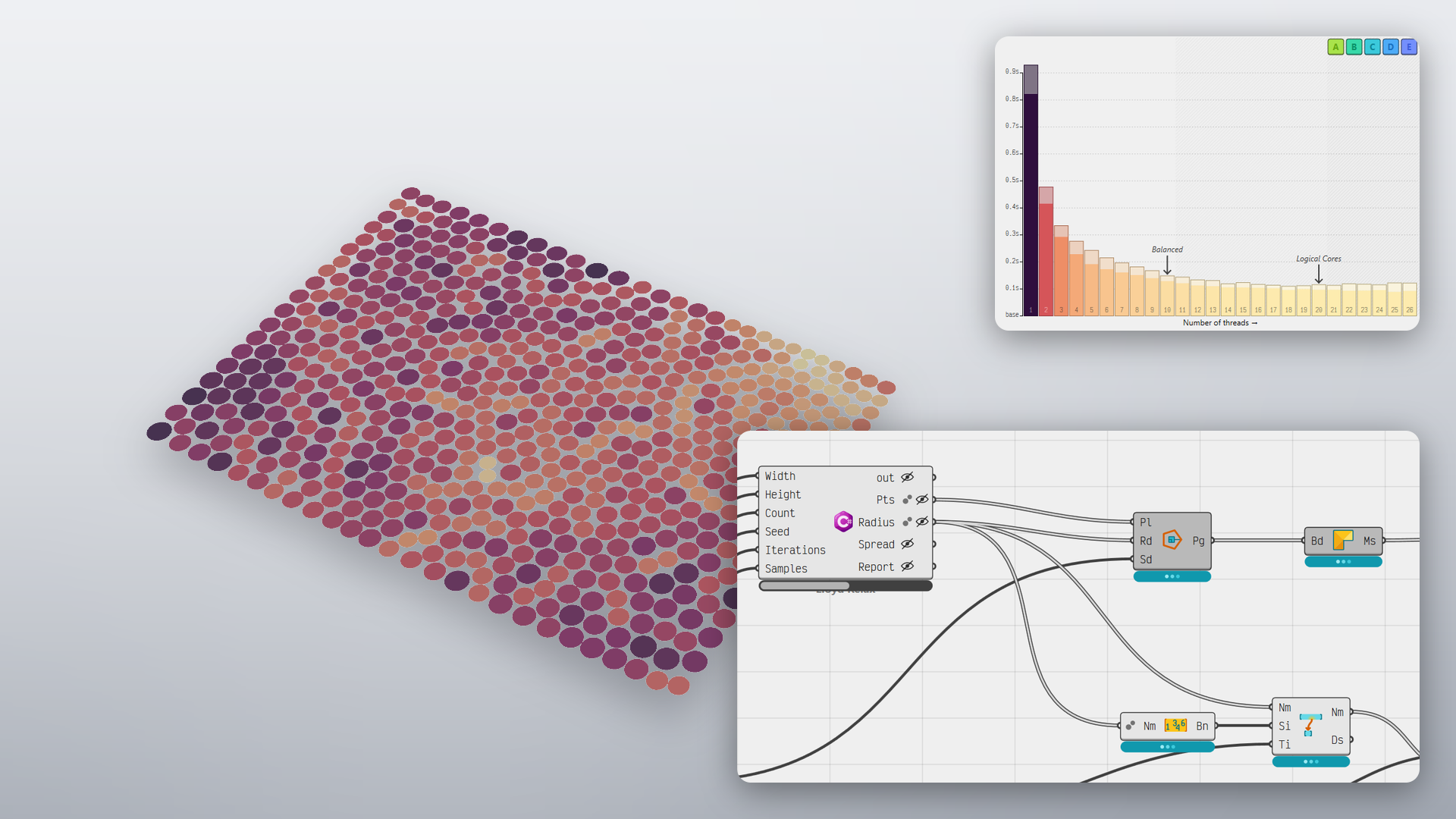
Iterations within a component run in parallel across available cores via multi-threading; the solver reports per-object progress and can be cancelled mid-solution if need be.
Looping
Looping is built into Grasshopper 2. Any cluster can feed its results back into itself, for a set number of passes or until a condition is met, which opens up growth patterns, relaxation, recursive subdivision and step-by-step simulations with no plugins.
Metadata
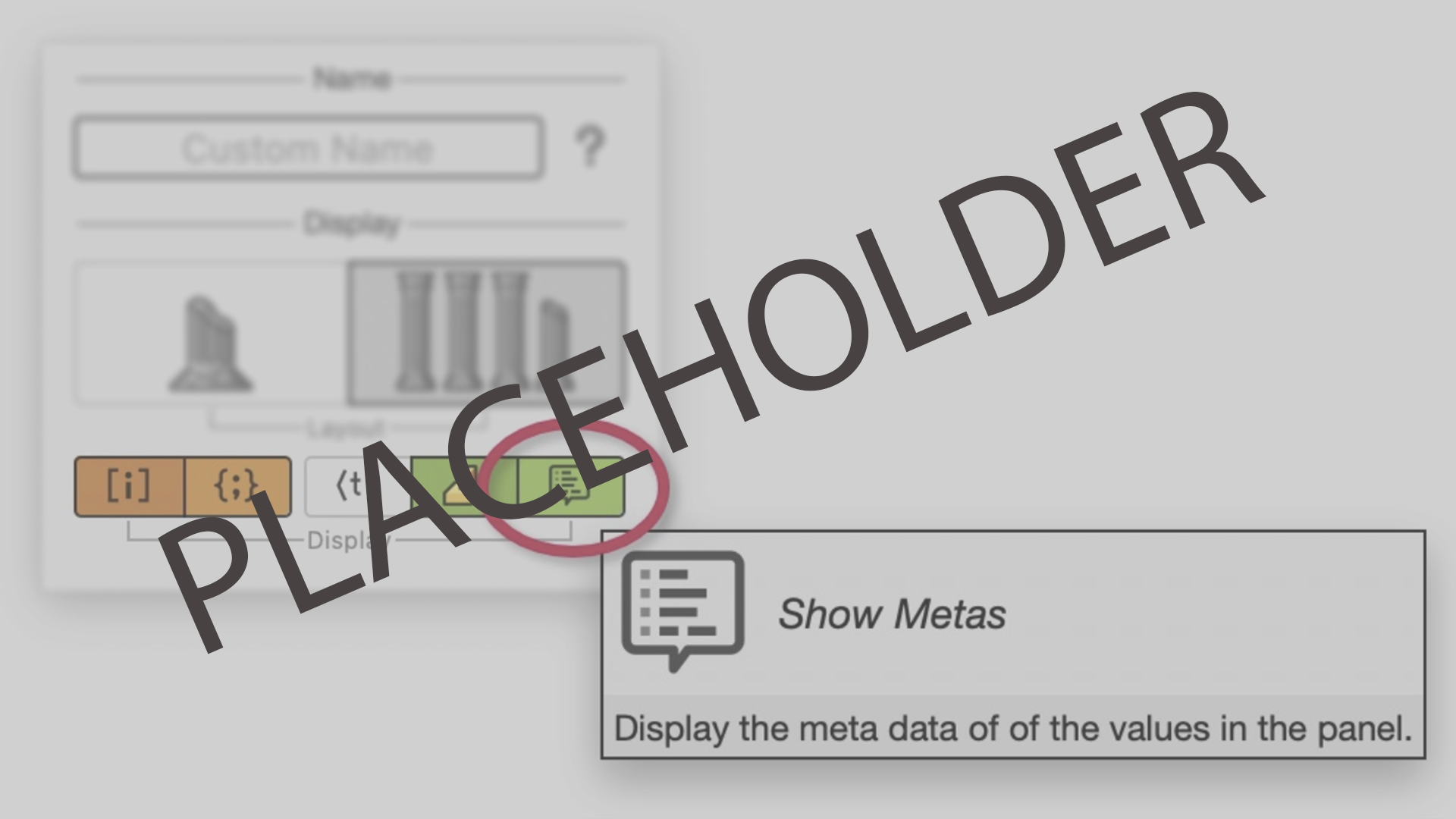
Metadata lets any value carry its own information, like a level, a zone, a material or a layer name, through the whole definition with no parallel wires. Display rules can style the preview from it, and baking can write it straight to Rhino layers, names and colours.
Globals
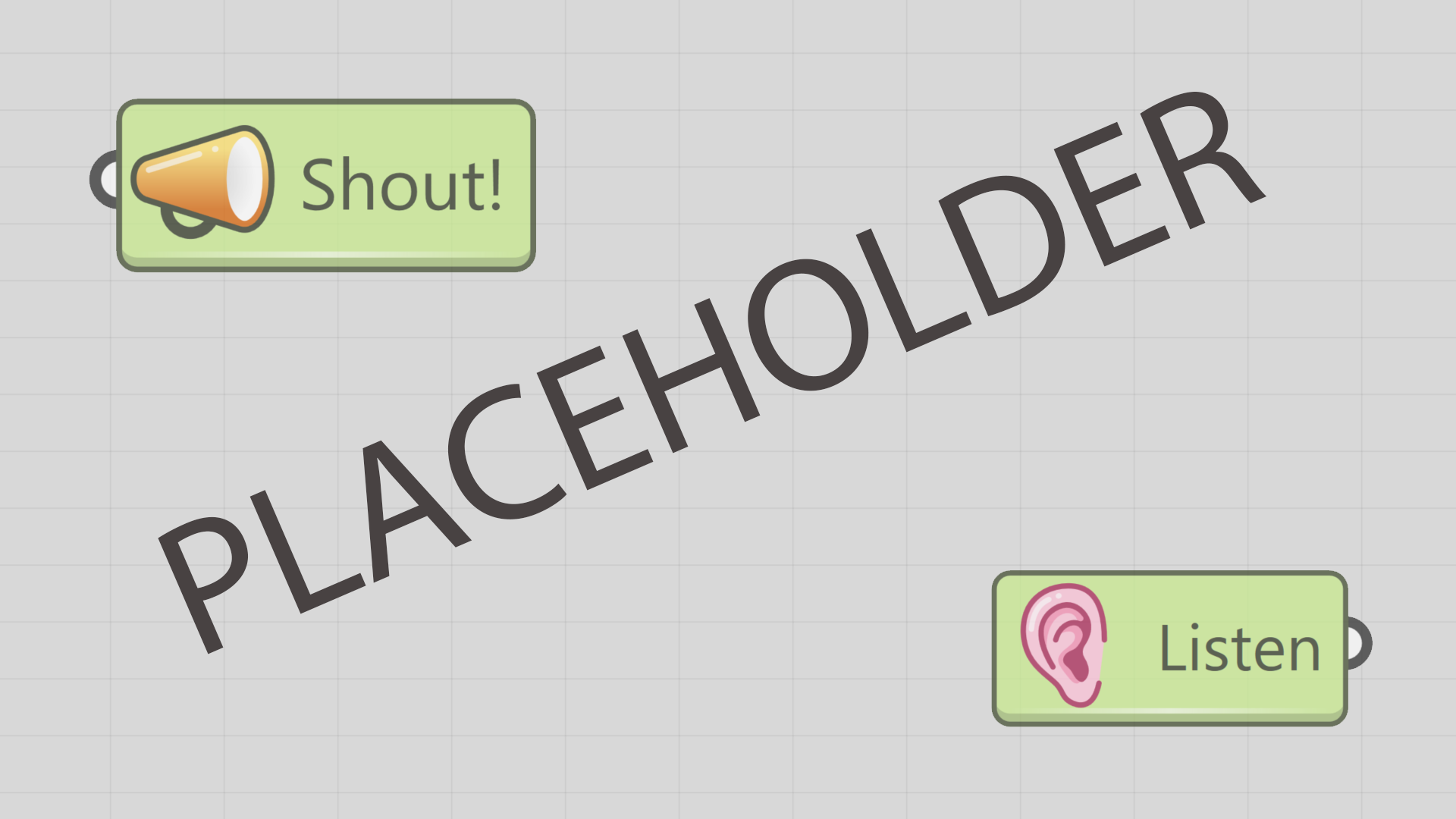
Shout sends data into the document under a name, and Listen picks it up anywhere on the canvas with no wire between them. Point a Listen at another Grasshopper file, a Rhino model, or a text file instead, and one large definition becomes several small ones that stay linked.
Math: so much more
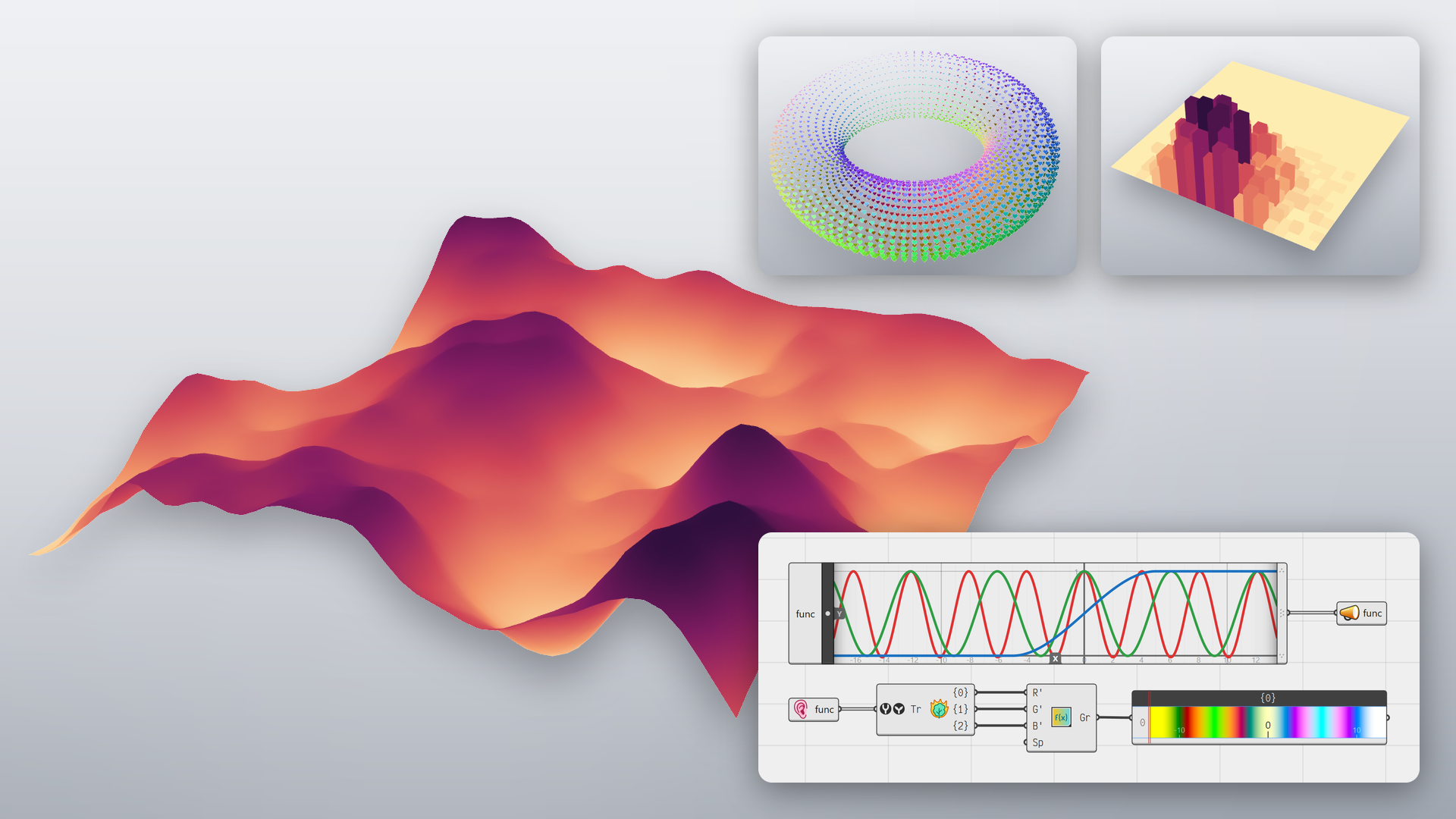
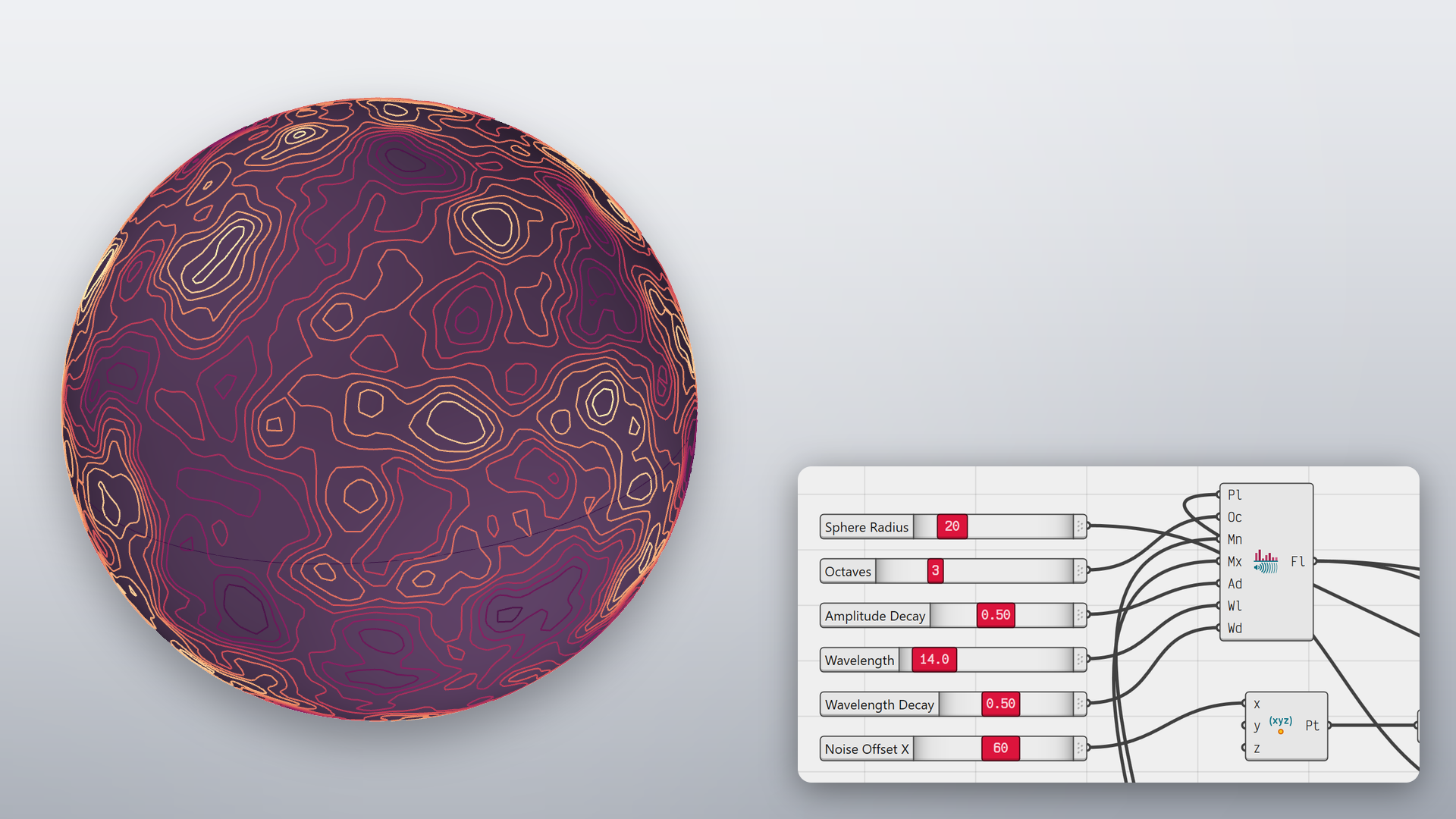
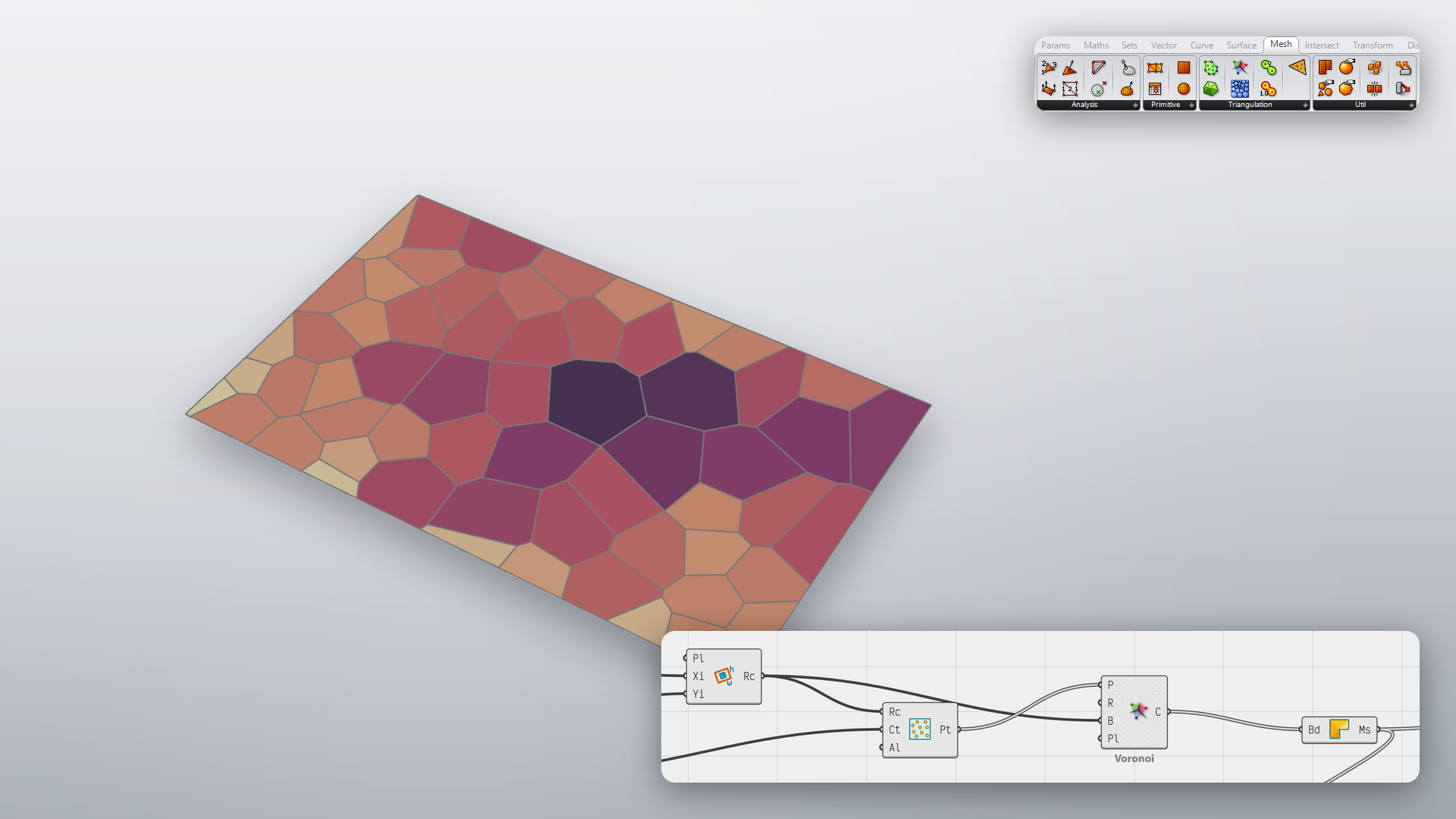
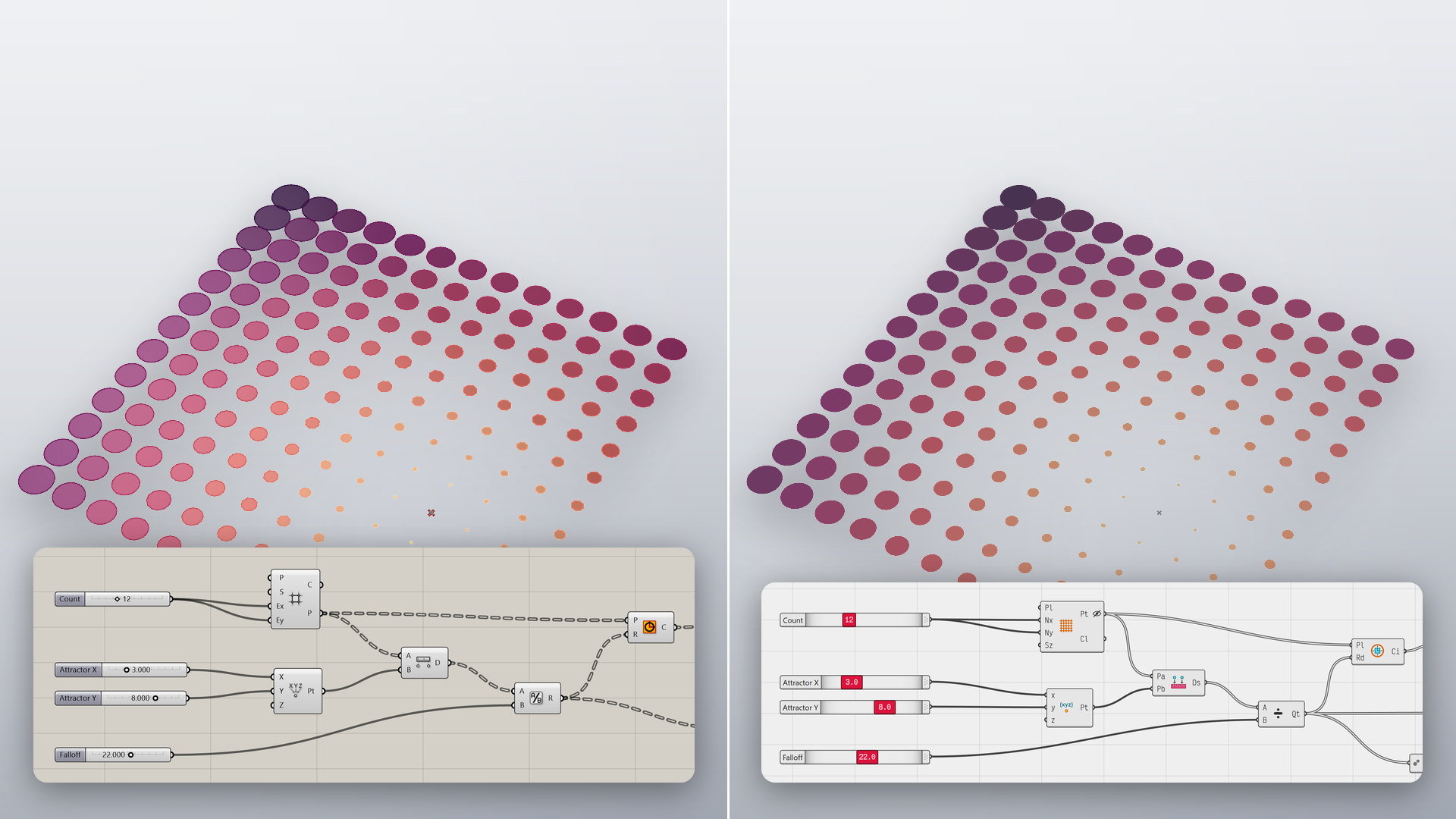
Math is the basis for computational workflows. Grasshopper 2 ships with components for statistics, functions, operators, randomness, trigonometry and complex numbers, alongside over 40 field components.
Scripting
The C#, Python 3 and IronPython 2 script components work much like their Grasshopper 1 counterparts, with the same Script Editor, debugger and NuGet, PyPI and Yak packages. Write in Script mode, a plain list of statements where inputs and outputs are simply variables, or switch to SDK mode, where the script becomes a class that can run code before and after a solution, draw its own preview and add options to the component panel. Either way, scripts can spread iterations across many threads and read the metadata that travels with every value.
Interactive Documentation
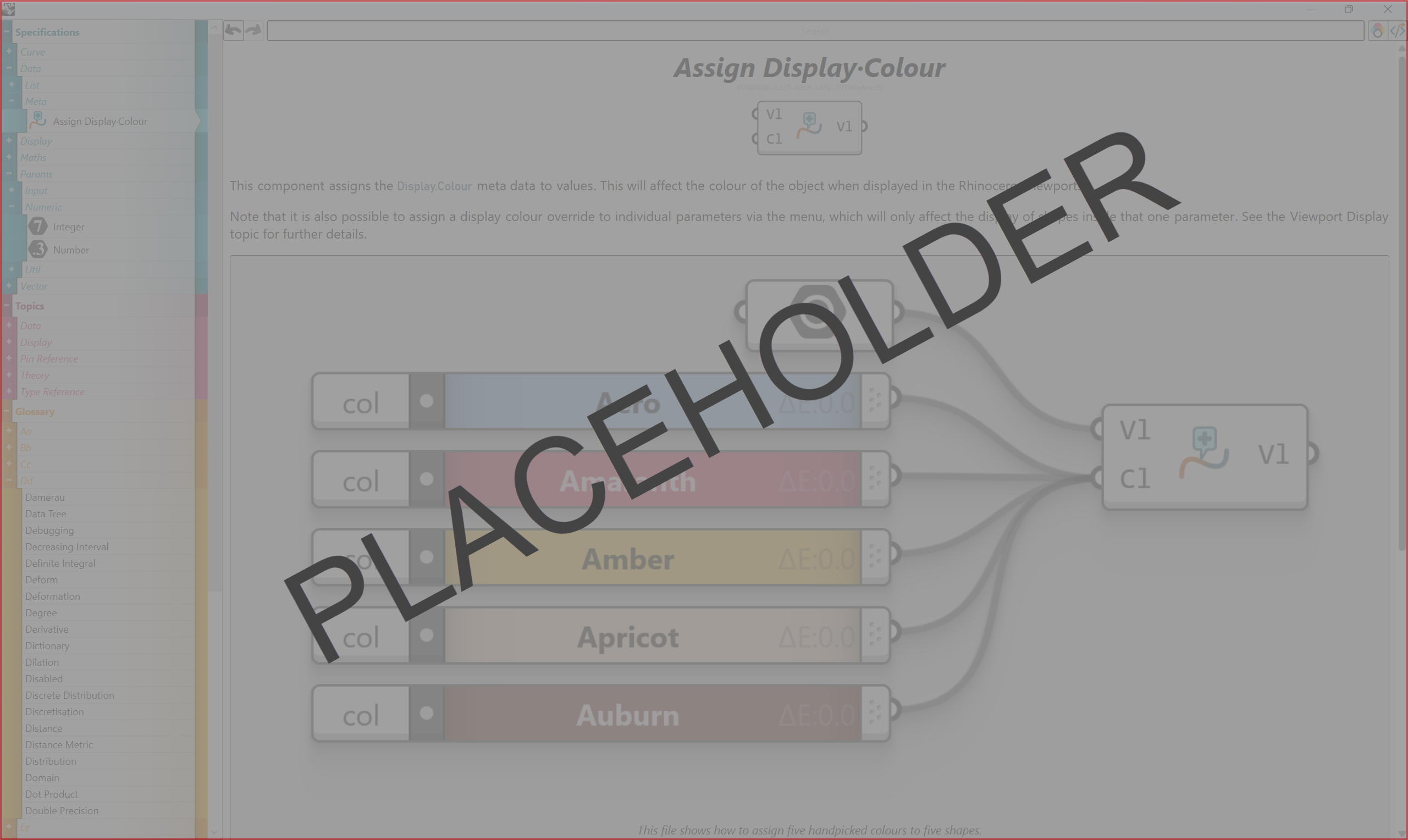
Help images are actual definitions drawn by the canvas renderer. Click a component to open its page, or drag the whole definition onto the canvas.
GH1: Drag and Drop
A Grasshopper 1 component dropped on the GH2 canvas runs through an interop wrapper: GH1 computes it, GH2 receives the result.
Two different beasts
Grasshopper 1 and Grasshopper 2 ship side by side in Rhino 9. Grasshopper 1 is mature, with a large plugin ecosystem and years of existing definitions, and it is still being developed: Rhino 9 adds Grasshopper 1 components for materials, clipping sections, hatches and viewport widgets. Grasshopper 2 is newer and has fewer plugins, but builds metadata, looping, globals and fields into its core. Grasshopper 1 files open in Grasshopper 2, and Grasshopper 1 components run inside it, although all plugins may not be available.
Resources
Grasshopper 2 Documentation
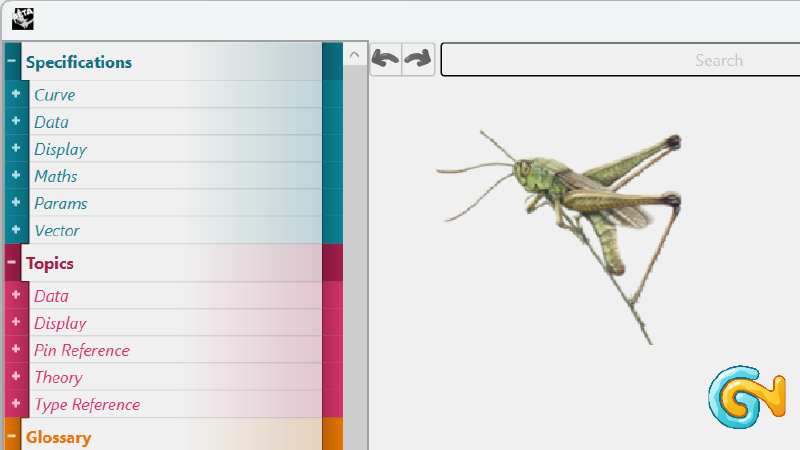
Access Grasshopper 2's online documentation. It includes a glossary of terms, in-depth topics and component specifications for Grasshopper 2.