
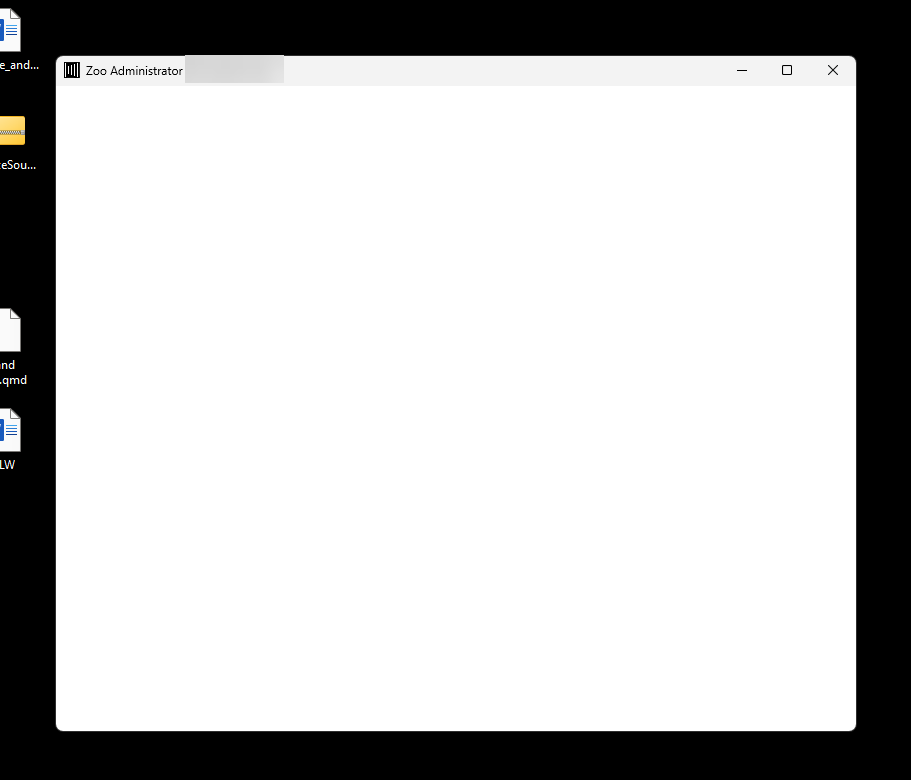
Blank LAN Zoo Admin Dialog
Problem
On some “headless” computers (computers without a monitor), the Zoo Admin Application displays a blank dialog. This has been reported with remote-access software such as Kaseya and ScreenConnect.
Cause
The LAN Zoo Admin Application uses WPF (Windows Presentation Foundation) for its user interface. A WPF application can run on a computer without a physical monitor, but it needs a display to draw its user interface. If WPF can’t initialize the display, the dialog appears blank.
Workaround
From another workstation, connect to the headless LAN Zoo server with Microsoft Remote Desktop (Remote Desktop Protocol). RDP provides the display that WPF needs, so the dialog appears correctly.

