
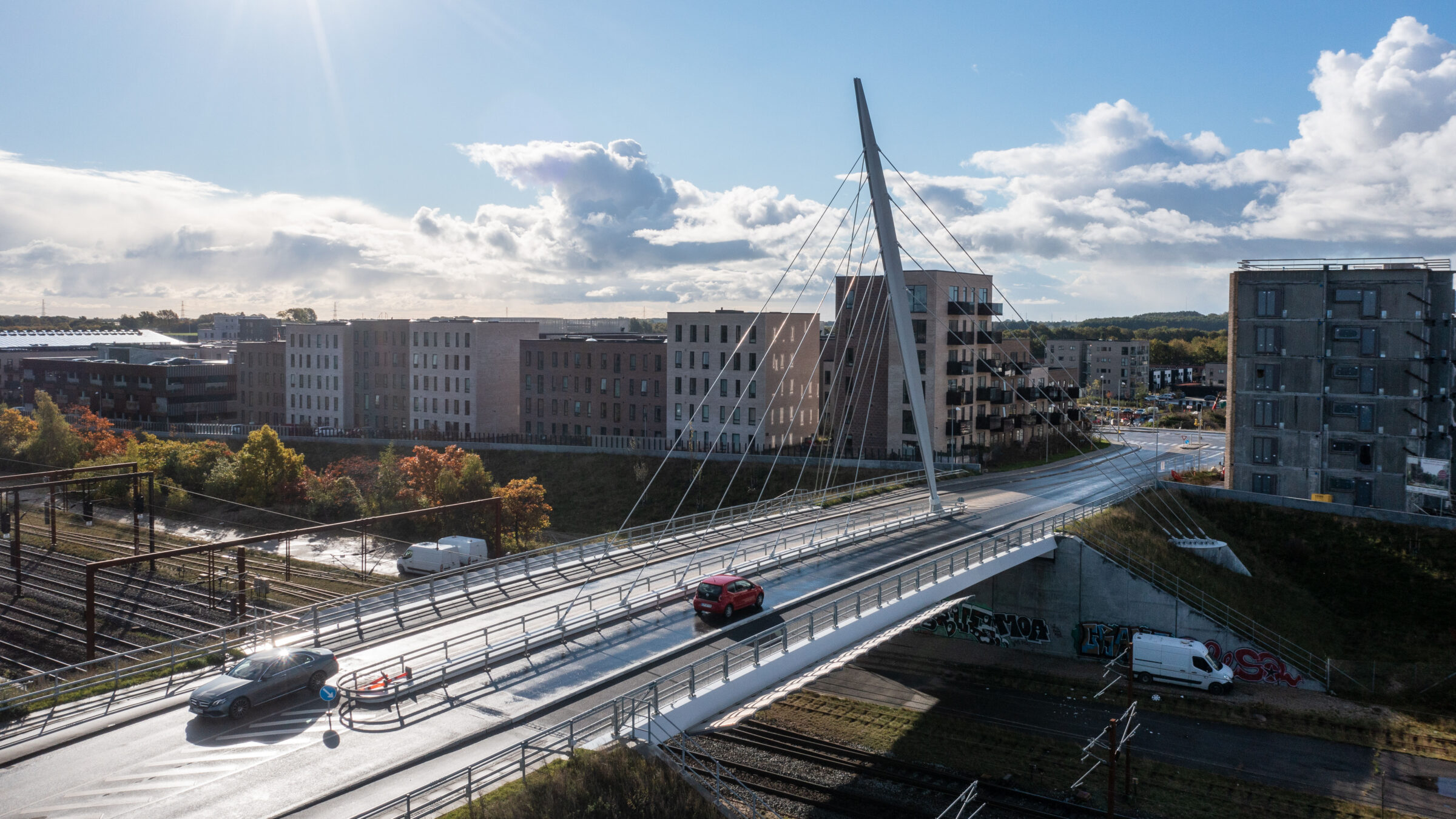
The demand for innovative, efficient, and sustainable infrastructure is driving a revolution in bridge engineering, with parametric design at its forefront. Rhino gives you a versatile, precise foundation for modeling complex geometries, and it works hand in hand with parametric tools like  Grasshopper
.
Grasshopper
.
Download the Rhino 9 BETA for Windows or Mac
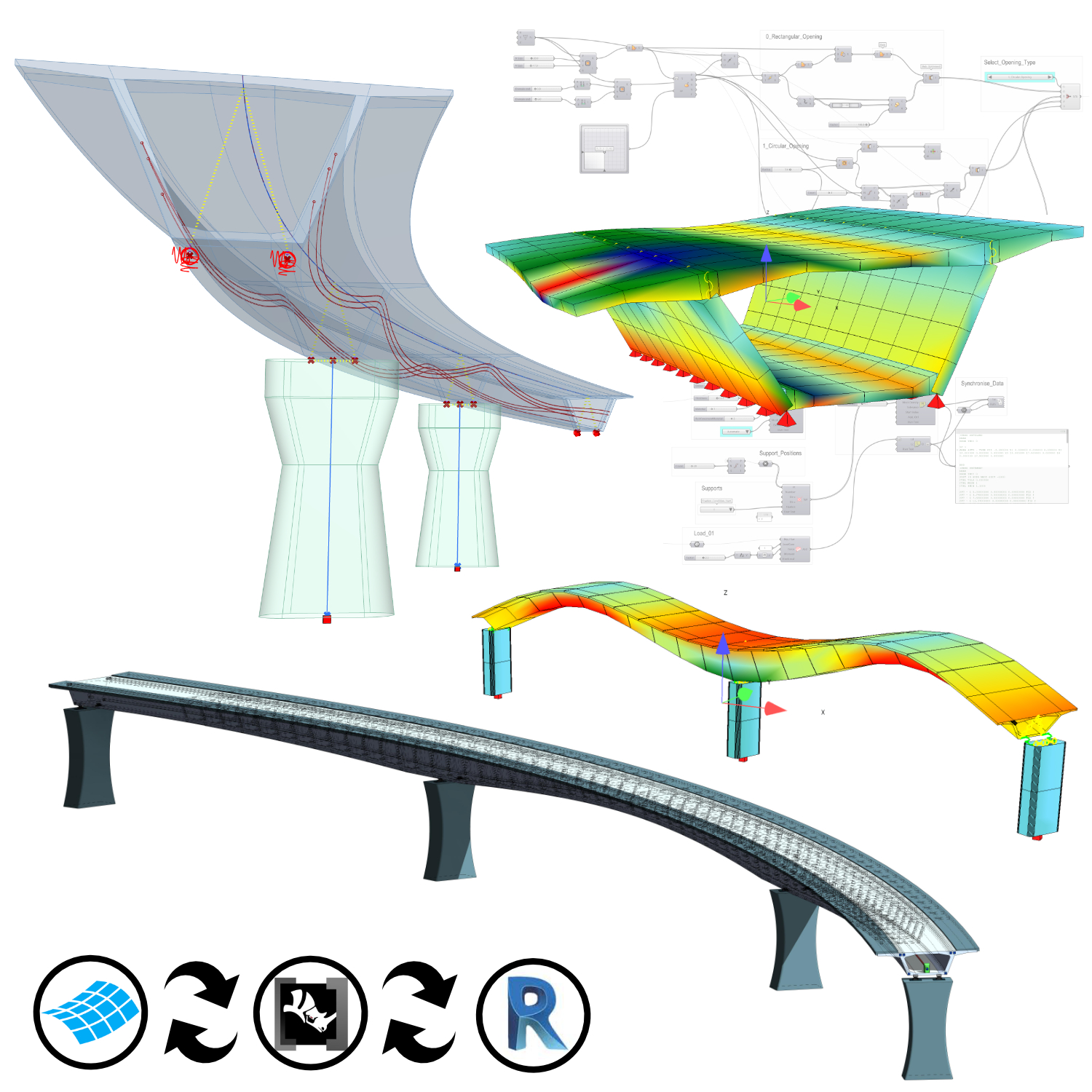
Rhino and Grasshopper connect with structural analysis and BIM software such as SOFiSTiK, Tekla, and Rhino.Inside®.Revit, so you can take a bridge from concept to construction while balancing performance and aesthetics.
Download the Rhino 9 BETA for Windows or Mac
Parametric Design of Bridges
Rhino’s precision and flexibility with freeform geometry, combined with Grasshopper
’s visual programming interface, let you develop dynamic, data-driven bridge models that adapt to design changes in real time.
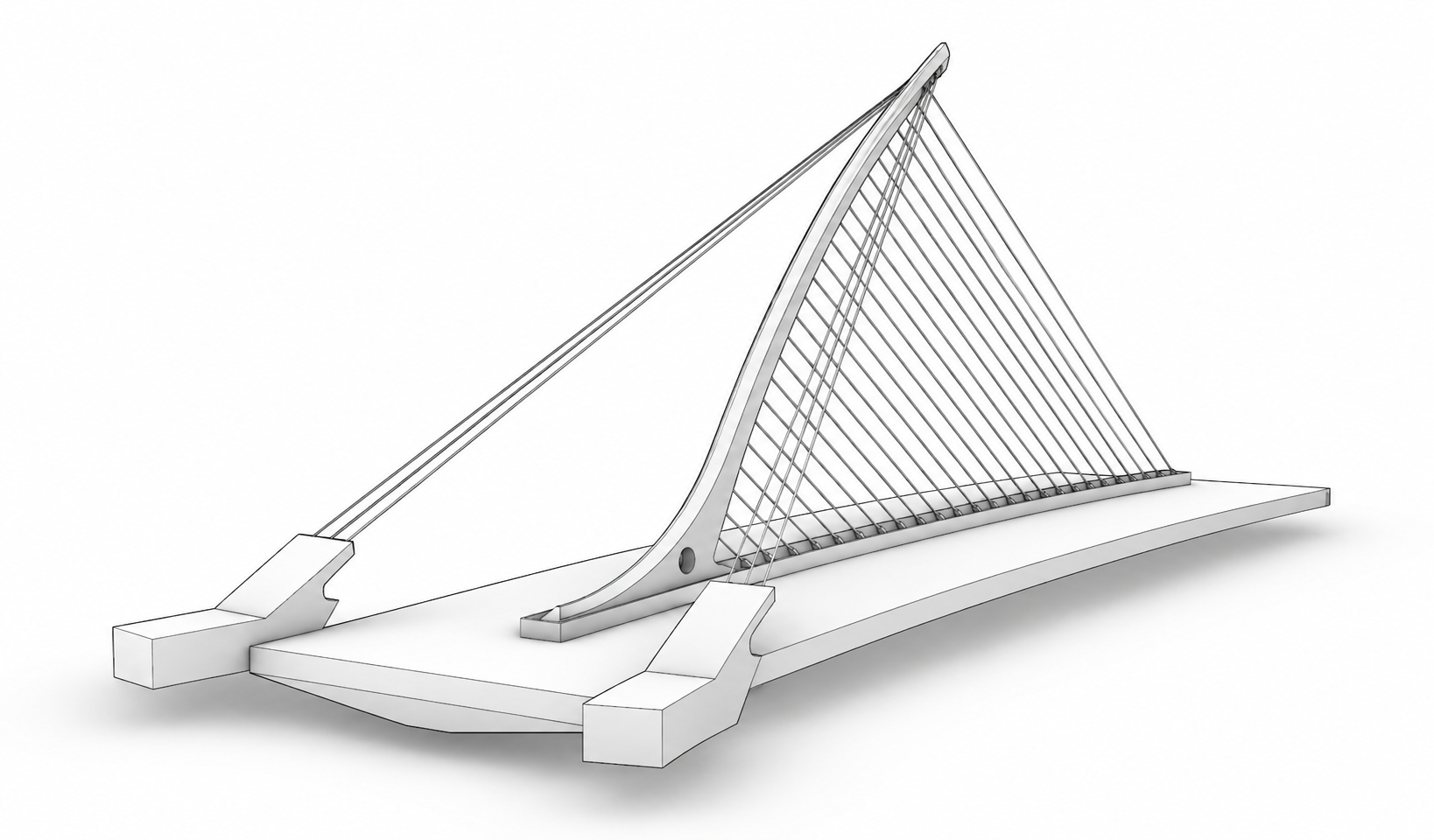
Watch: Modeling the Calatrava Bridge in Rhino for a full walkthrough.
Parametric Analysis of Bridges
By combining parametric design with advanced Finite Element Analysis (FEA) tools, you can evaluate structural performance and adapt your bridge design to meet specific project requirements.
SOFiSTiK Rhino Interface
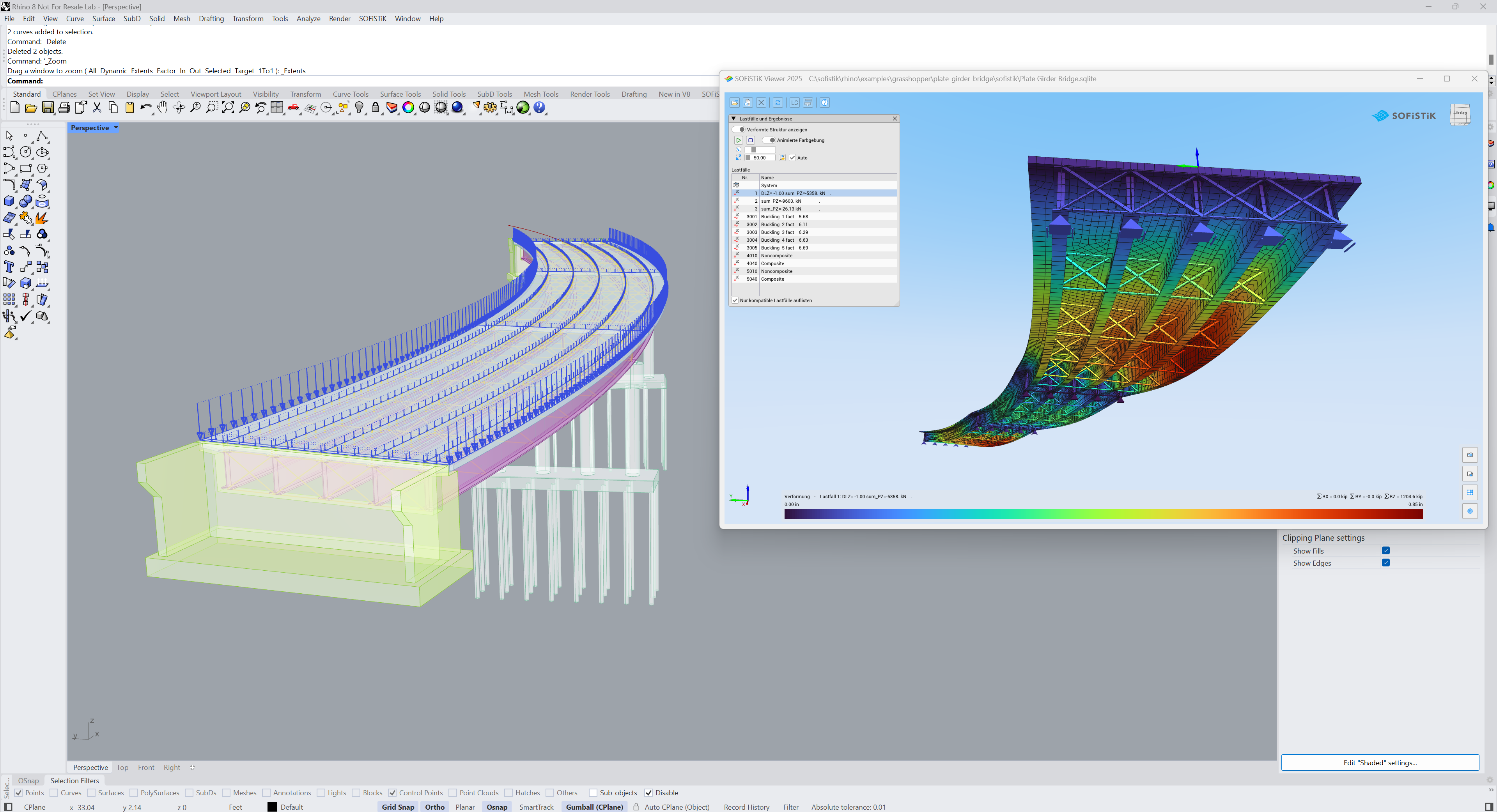
- Rhino integration: SOFiSTiK connects with Rhino through its SOFiSTiK Rhino Interface, for fully parametric analysis models and integration with workflows like Rhino.Inside®.Revit.
- Grasshopper Toolbox: the SOFiSTiK Grasshopper Toolbox provides components for building parametric structural models, including geometry, cross-sections, supports, loads, and tendons, with analysis run in Grasshopper
or SOFiSTiK.
- SOFiSTiK CABD: specialized components support axis-based modeling using the SOFiSTiK CABD concept, for fully parametric bridge analysis and BIM models.
Analysis with Tekla Structures
Tekla is a constructible BIM and detailing platform rather than a finite-element solver, but it generates an analysis model directly from the physical model and links it to third-party structural analysis and design applications through its Analysis & Design direct links. Paired with the Grasshopper-Tekla Live Link, the same parametric definition that drives the constructible model also feeds the analysis model, keeping geometry, cross-sections and connections consistent across both.
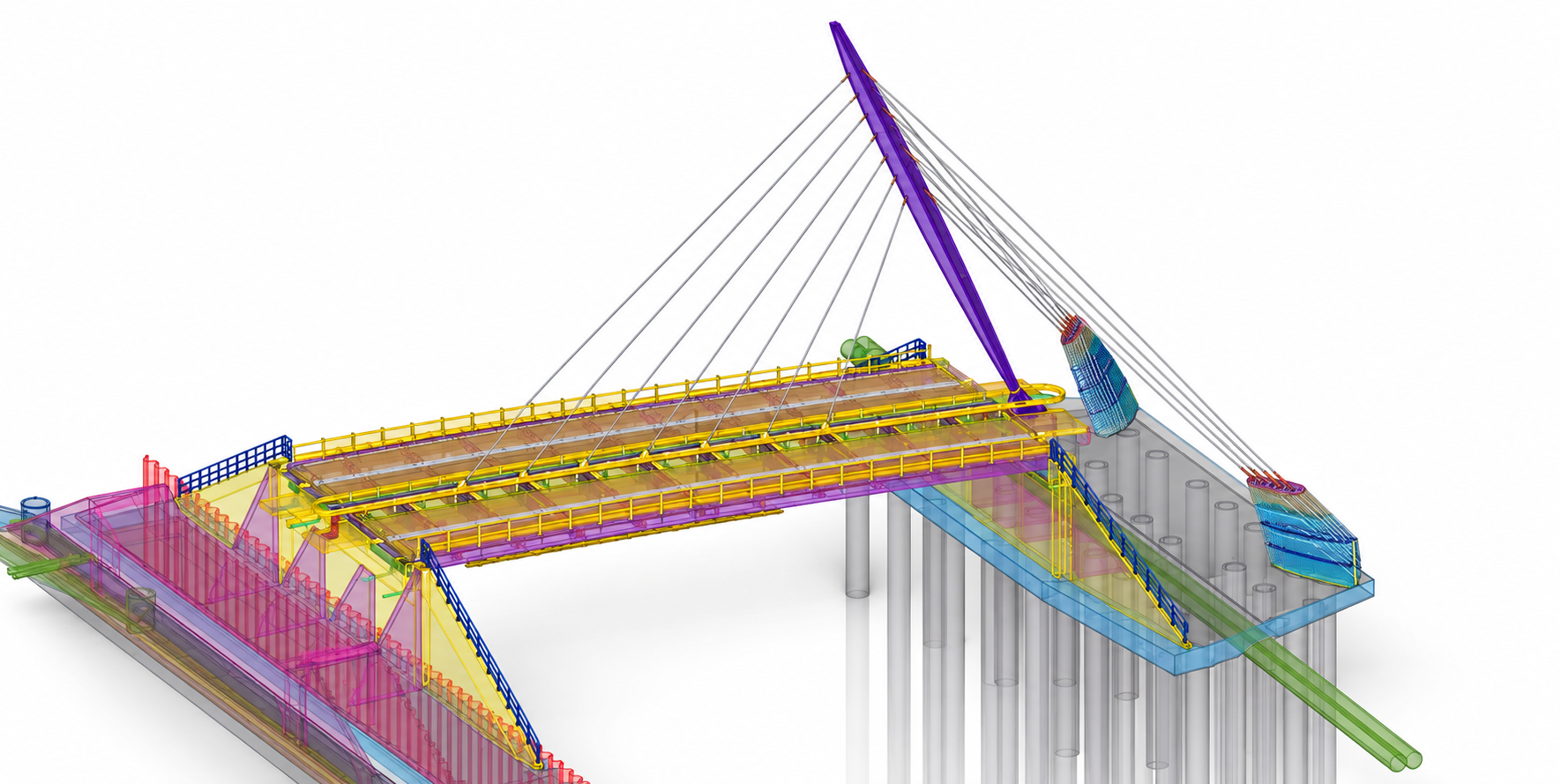
Combined approach: SOFiSTiK and Tekla Structures
Create both an analytical model in SOFiSTiK CABD and a BIM model in Tekla from a single parametric source in Grasshopper
.
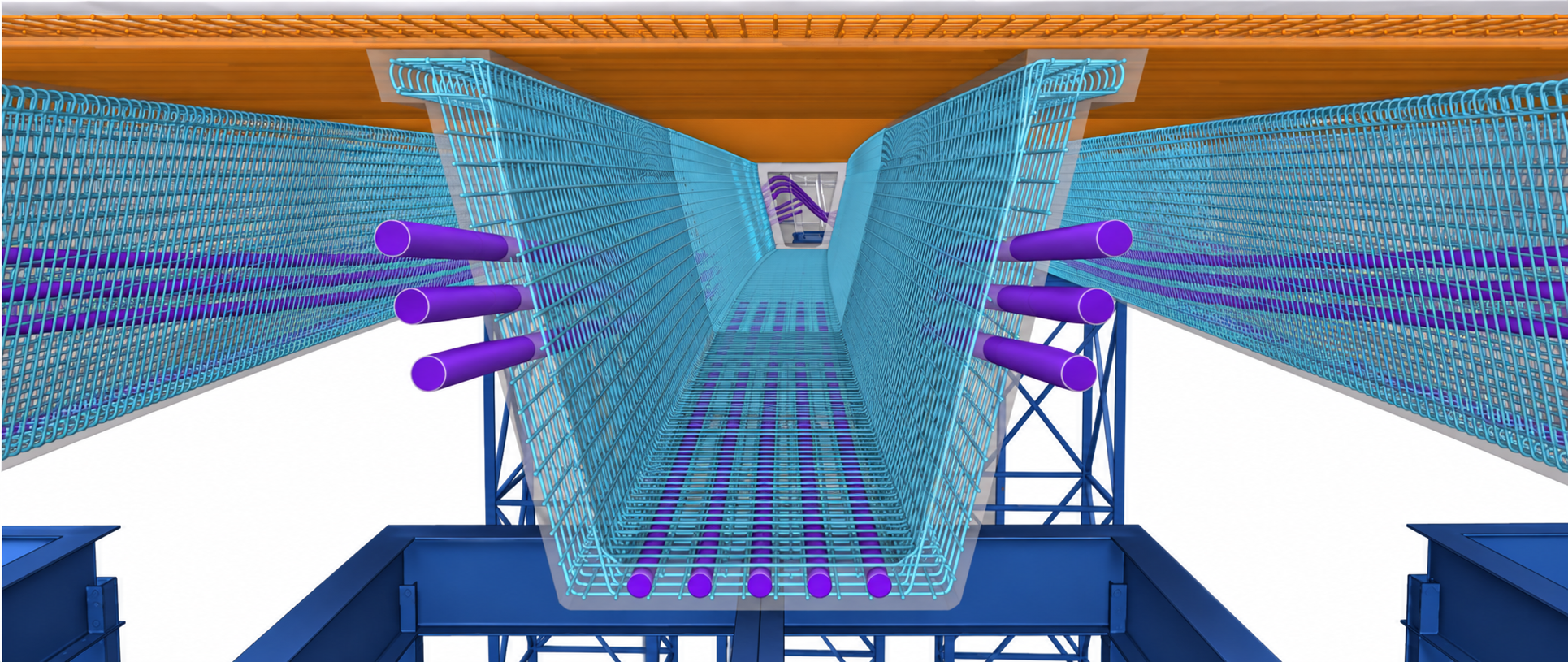
Watch: A&D to BIM through Grasshopper, Part 2: Tekla for the analysis to BIM workflow (Part 1 covers SOFiSTiK).
Parametric Bridge Information Model (BrIM)
With Grasshopper
, you can integrate your bridge models into a BrIM in both Rhino.Inside®.Revit and Tekla Structures.
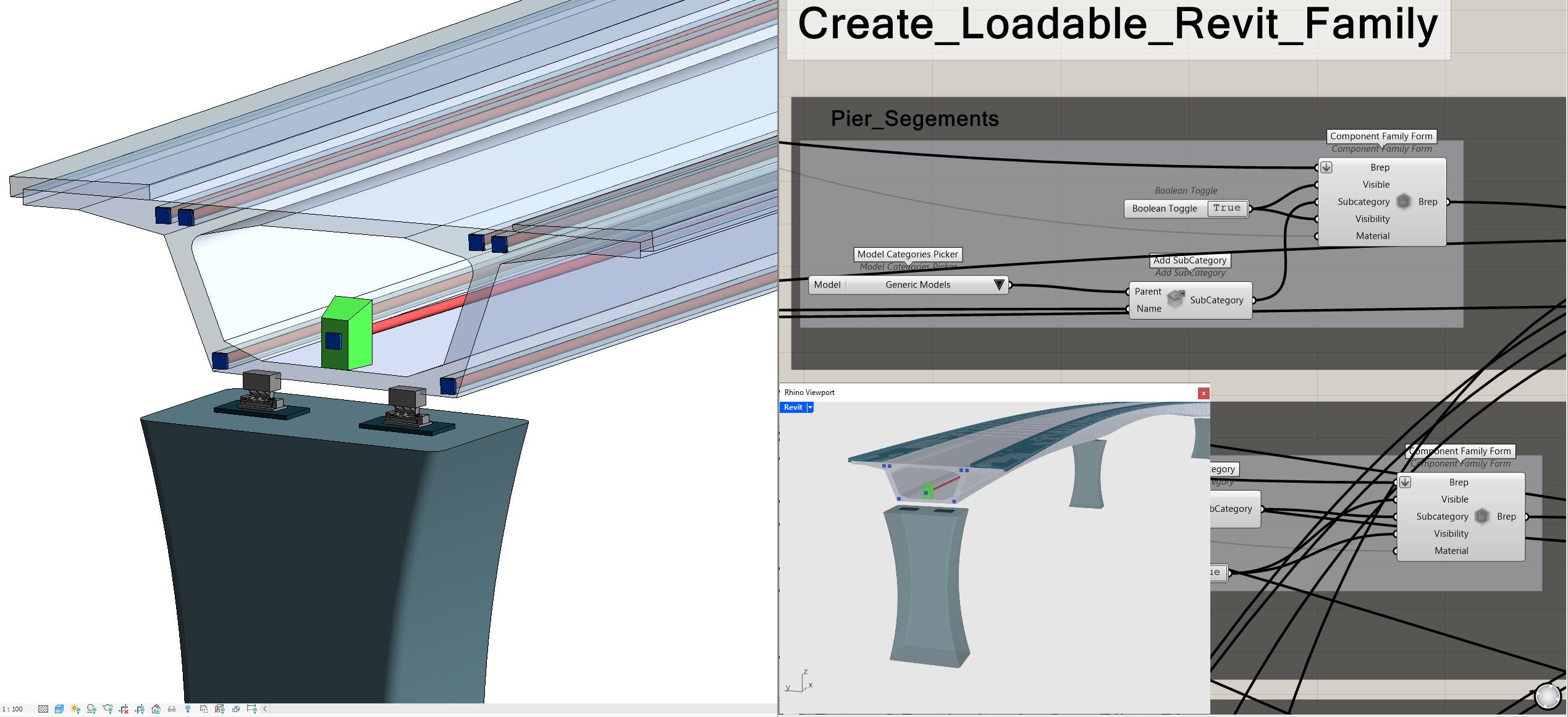
- Convert Grasshopper models directly into Revit elements for a smooth transition from design to documentation.
- Share consistent data across platforms to improve communication between designers and engineers.
- Reflect real-time design changes automatically in Revit documentation, reducing errors and keeping precision.
- Convert intricate forms and geometries accurately into Revit families and components, improving detail and constructability.
Rhino.Inside®.Revit
- Rhino.Inside®.Revit lets you query, modify, analyze, and create native Revit elements.
- With the Rhino.Inside® toolkit providing an interface to Autodesk Revit®, a model defined in Grasshopper can transfer to SOFiSTiK for analysis and to Revit for drawings and detailed development.
Tekla Structures
The Grasshopper-Tekla Live Link enables parametric and algorithmic modeling in Trimble’s Tekla Structures with Rhino and Grasshopper
. It provides Grasshopper components to create and interact with Tekla Structures BIM objects in real time. With the complimentary Grasshopper-Tekla Drawing Link, you can create all your Tekla drawings from Grasshopper as well.
With the Grasshopper-Tekla Live Link you can build your structural BIM model and drive all the detailing, including steel connections, welding, bolts, formwork, 3D rebar detailing, Tekla parametric components, and the drawings in Tekla Structures, directly from Grasshopper.
Watch: The current Rhino and Grasshopper to Tekla bridge workflow for a recent look at how the workflow looks today.
Learn more about the Grasshopper-Tekla Live Link…
Data Exchange
Data exchange keeps design, analysis and documentation in sync as a bridge model moves between tools, letting teams share only the information each discipline needs instead of whole files. Two complementary options connect Rhino and Grasshopper
to the wider AEC ecosystem.
Speckle
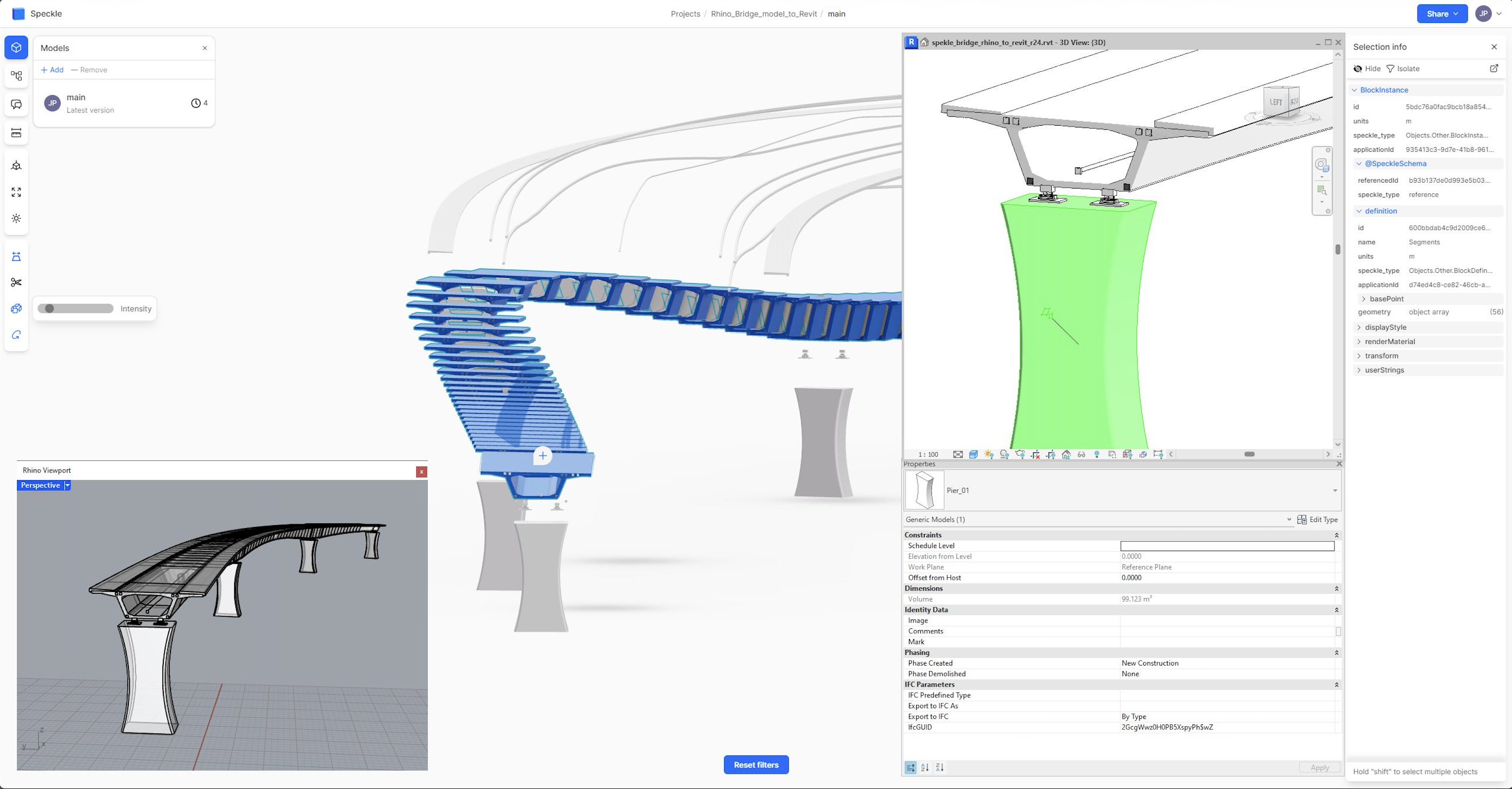
- Speckle is an open-source data platform for AEC that versions and shares model data through the cloud, connecting Rhino, Grasshopper
, Revit, Tekla, Civil 3D and many other tools.
- Its Rhino / Grasshopper connector publishes parametric bridge geometry and data to the Speckle web app, where every change is versioned and can be reviewed, compared and pushed on to analysis or documentation.
Autodesk Data Exchange Connector for Rhino
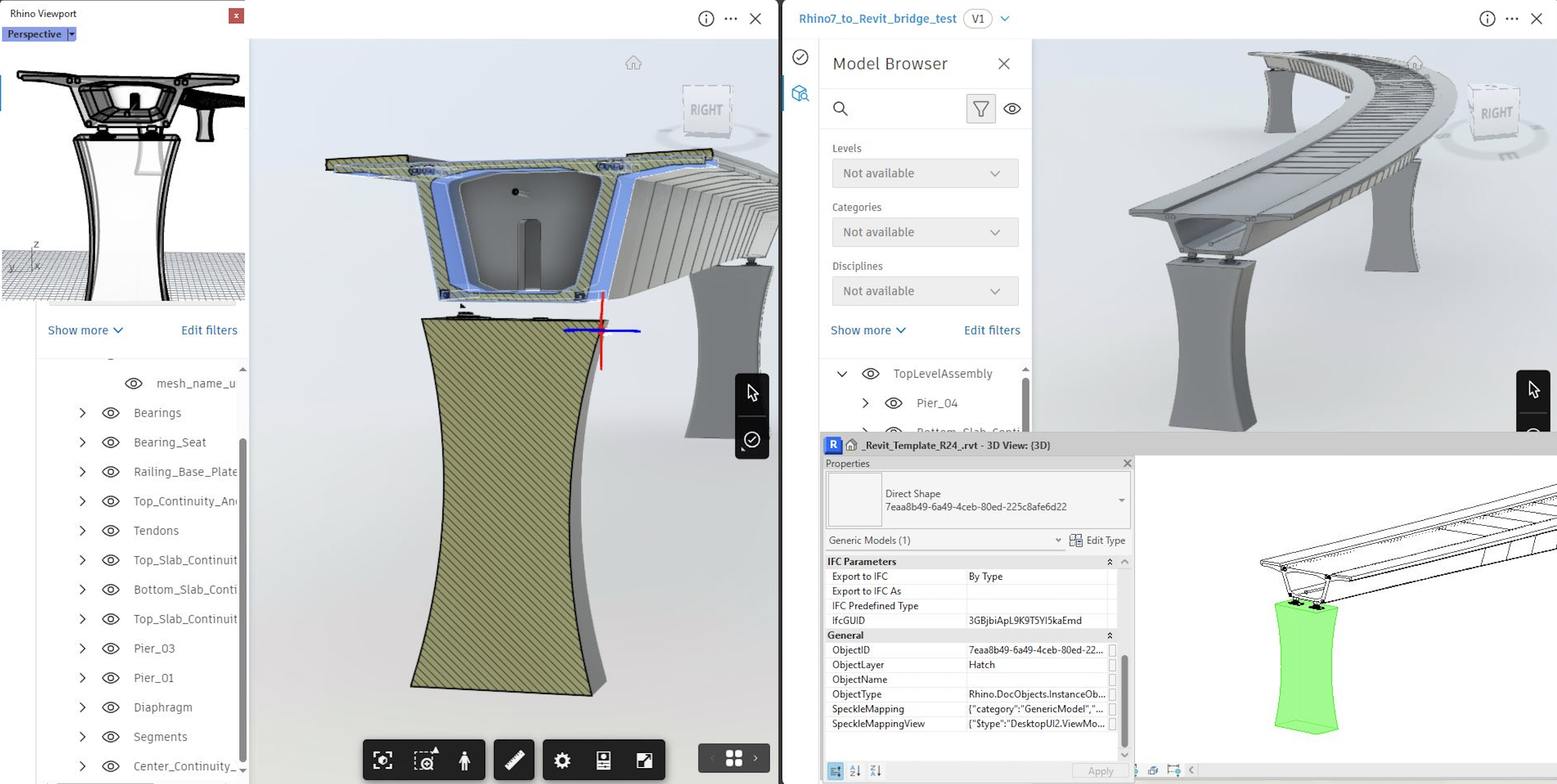
- A native Rhino plug-in, generally available since September 2025, that publishes granular, element-level data rather than whole files to the Autodesk Construction Cloud, where it can be loaded into Revit and other Autodesk tools, and back again.
- Unlike the live, in-memory link of Rhino.Inside®.Revit, it uses a transactional “exchange” model, so teams on either side pull only the data they need while keeping their own workflows.
Learn Resources & More
Expand your skills and explore more about Rhino with the following resources. Whether you’re looking for plugins, tutorials, or videos, we have you covered.
Tutorials. Visit our Learn page for a suite of tutorials and guides to improve your workflow.
Webinars. Watch some of our recorded webinars tailored to your industry.
Case studies. Read through Rhino user stories and see how Rhino and Grasshopper helped in the process.
Plugins. Visit Food4Rhino to discover powerful plugins for structural and parametric design.

