

InflateCrv
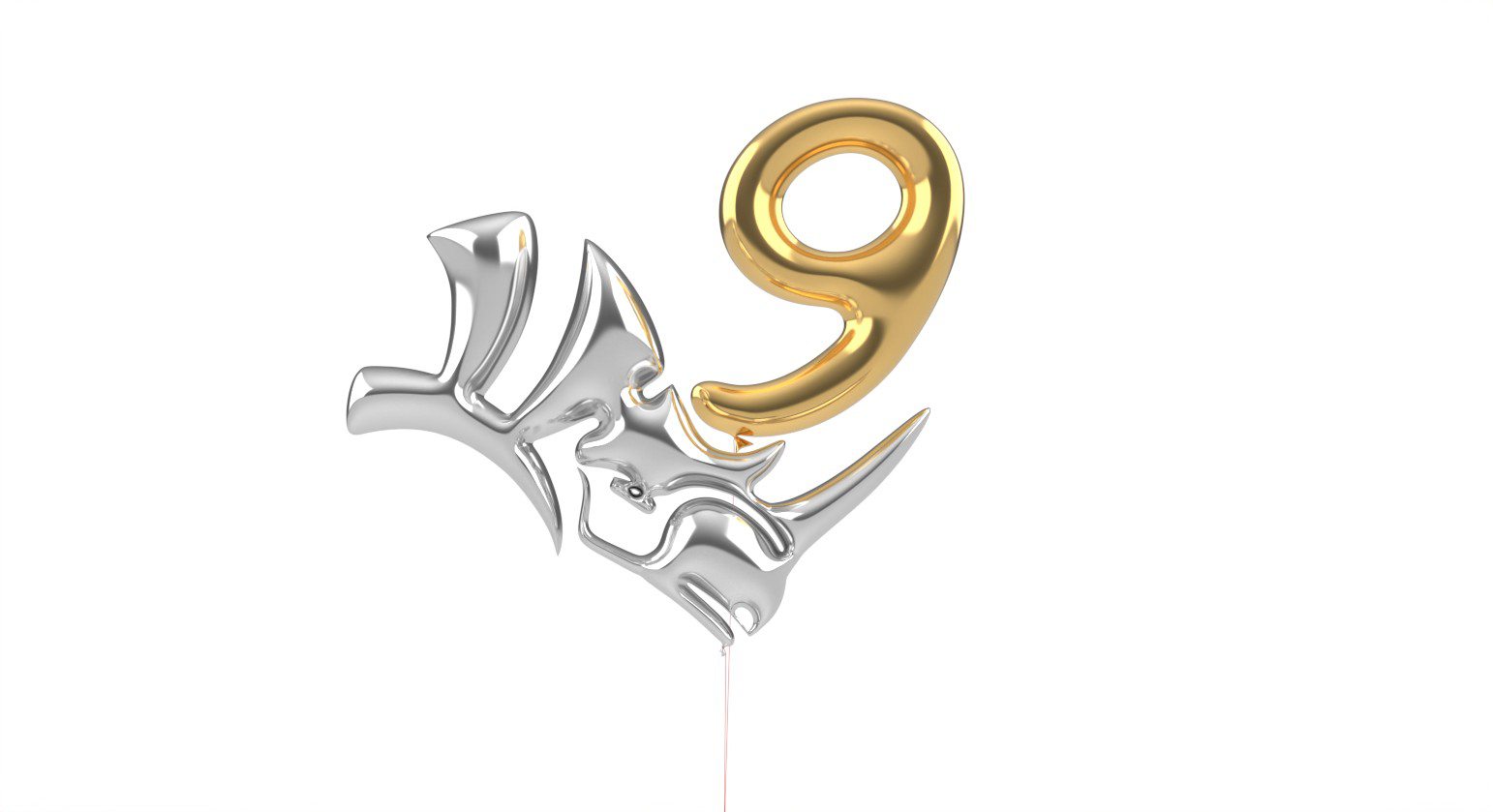
Give curves a dimensional, puffy look with just a few clicks.
A True Time-Saver
InflateCrv
quickly transforms closed curves into smooth, inflated forms, giving you control over thickness and corner softness. It’s an easy way to move from flat profiles to dimensional geometry, providing that “puffy” look without complex surfacing.
Draft Angle
The DraftAngle setting can help to speed up production by minimizing 3D printer supports, as well as allowing parts to release from molds with ease.
Wide Range of Applications
From jewelry and sign making, to inflatables and packaging,
InflateCrv
can save a considerable amount of modeling time.
Try it
- Download Rhino 9 WIP for Windows or Mac.
- Download and open the InflateCrv-Example.3dm model.
- Run the
InflateCrv
command.
- Window select the curves and press Enter.
- In the
Command Prompt
, set the:
Heightto 5. Press Enter.Flattenningto 0.2. Press Enter.- Select the
Flipoption to change the direction of the geometry if need be. - Set
Quad RemeshtoYes. - Set
OutputtoSubD. - Press Enter to end the command.
- Try it on your own! Experiment with your own examples.
- Please provide feedback or ask questions on the Rhino Forum.

