
Gallery

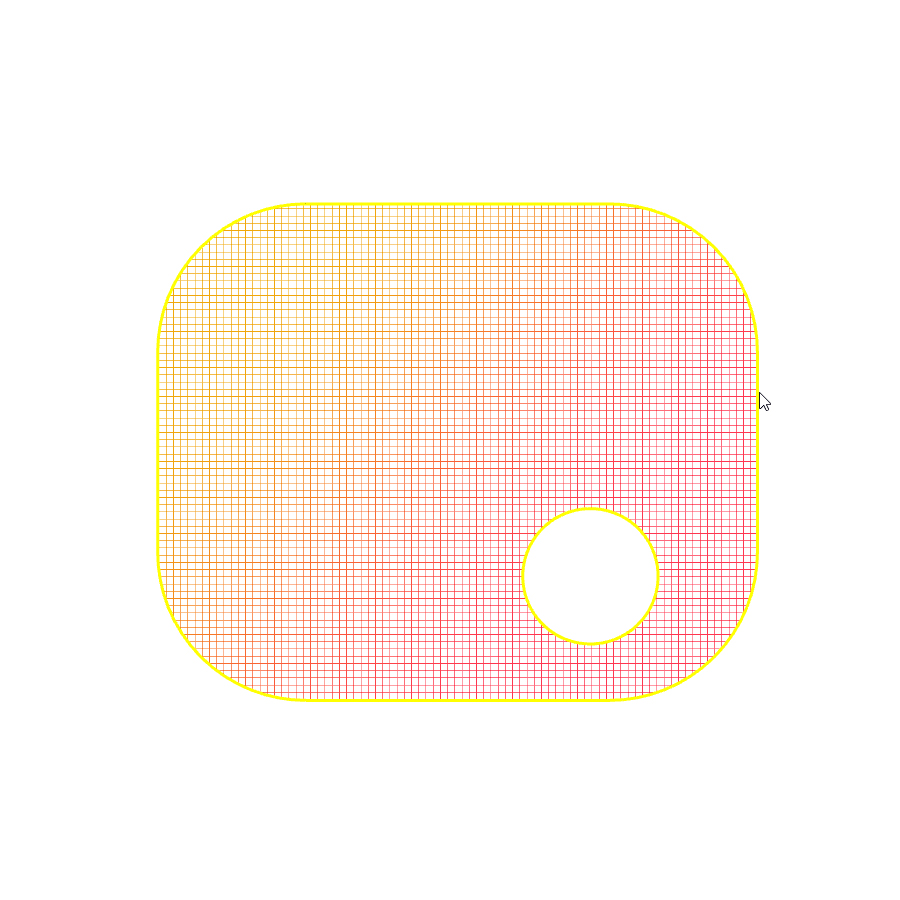
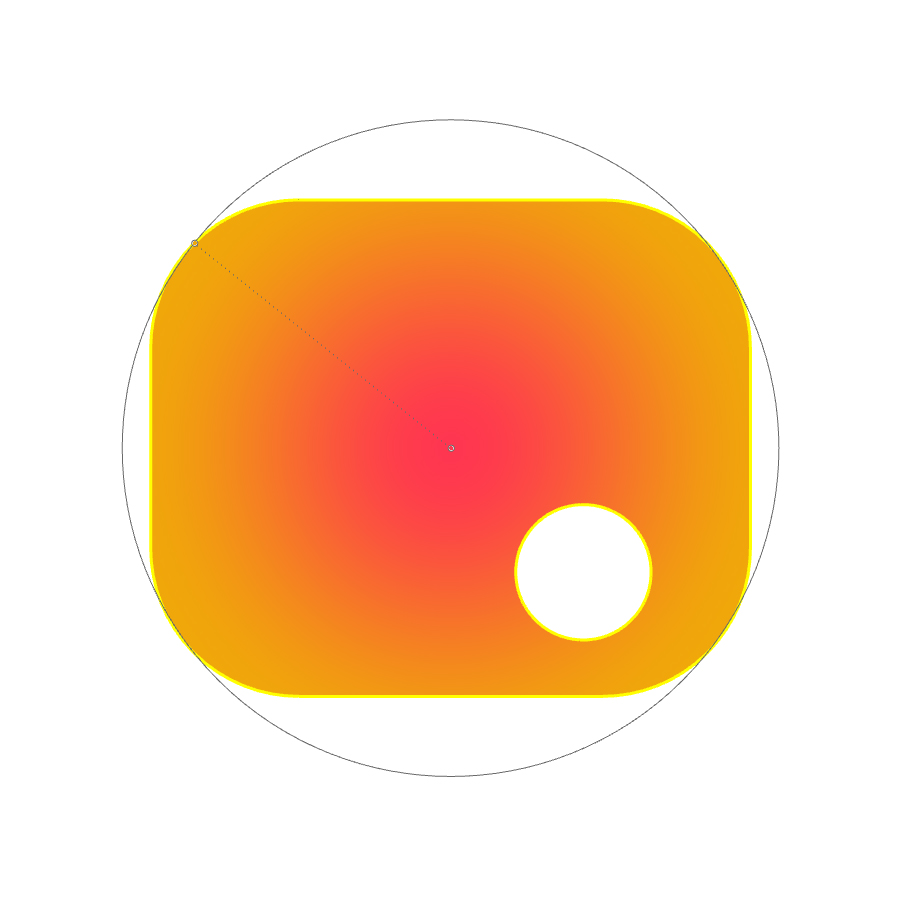
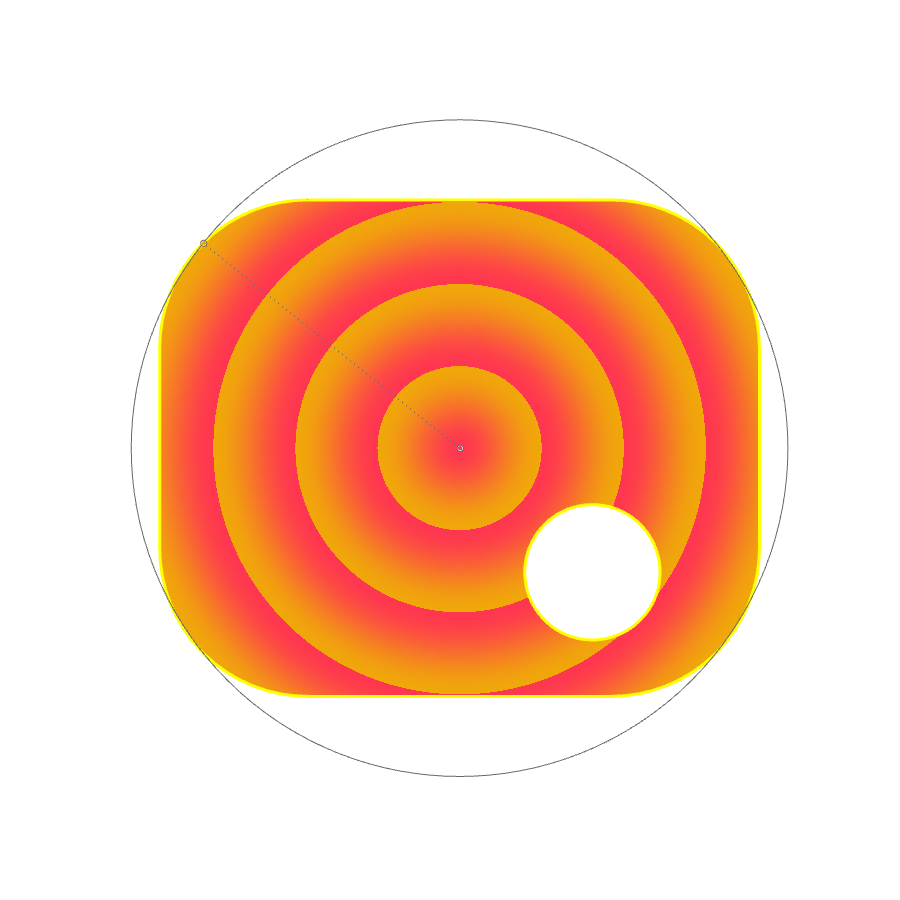





Before and After


Left: Before Gradient Hatches
Right: After Gradient Hatches
Try It
- Download Rhino 9 Evaluation for Windows or Mac.
- Run the Hatch command, go to the Hatch Properties Panel. You can now:
- Select a fill style (solid, linear/radial reflected or linear/radial wrapped).
- Repeat the gradient on a fill.
- Determine the location of each gradient stop.
- Add, Remove, or Edit multiple color stops.
- Adjust the Transparency of any color in the fill.
- Match the hatch properties of another selected fill.
- Ask questions and give feedback on the Discourse Forum.
- Grasshopper users can use the new
GradientHatchandPatternHatchcomponents in the Display > Dimensions Tool group. - Developers:
Rhino.Geometry.Hatch.SetGradientFillis available in RhinoCommon for use in C# and Python.