

Display Modes
A diversity of displays to view and analyze your model or showcase your designs in rich and customizable styles.
Native Display Modes:
Rhino comes with a series of built-in display modes. Some are intended to facilitate the modeling process and others as presentation and visualization modes:
- Wireframe: The classic CAD working mode: an unshaded wireframe.
- Shaded: Shaded mode uses a mesh to shade surfaces using the layer and object colors.
- Rendered: A fast simulation of the rendered objects using assigned materials and textures.
- Ghosted: A semi-transparent shaded mode, great for seeing the insides of models.
- X-Ray: Wireframe and point objects are shown, even if they would be hidden by surfaces in front of them.
- Technical: Uses real-time silhouette, intersections, creases and borders. Fully customizable for other types of technical effects.
- Artistic: Simulates a pencil drawing with soft lines.
- Pen: Get the look of a pen drawing with black lines.
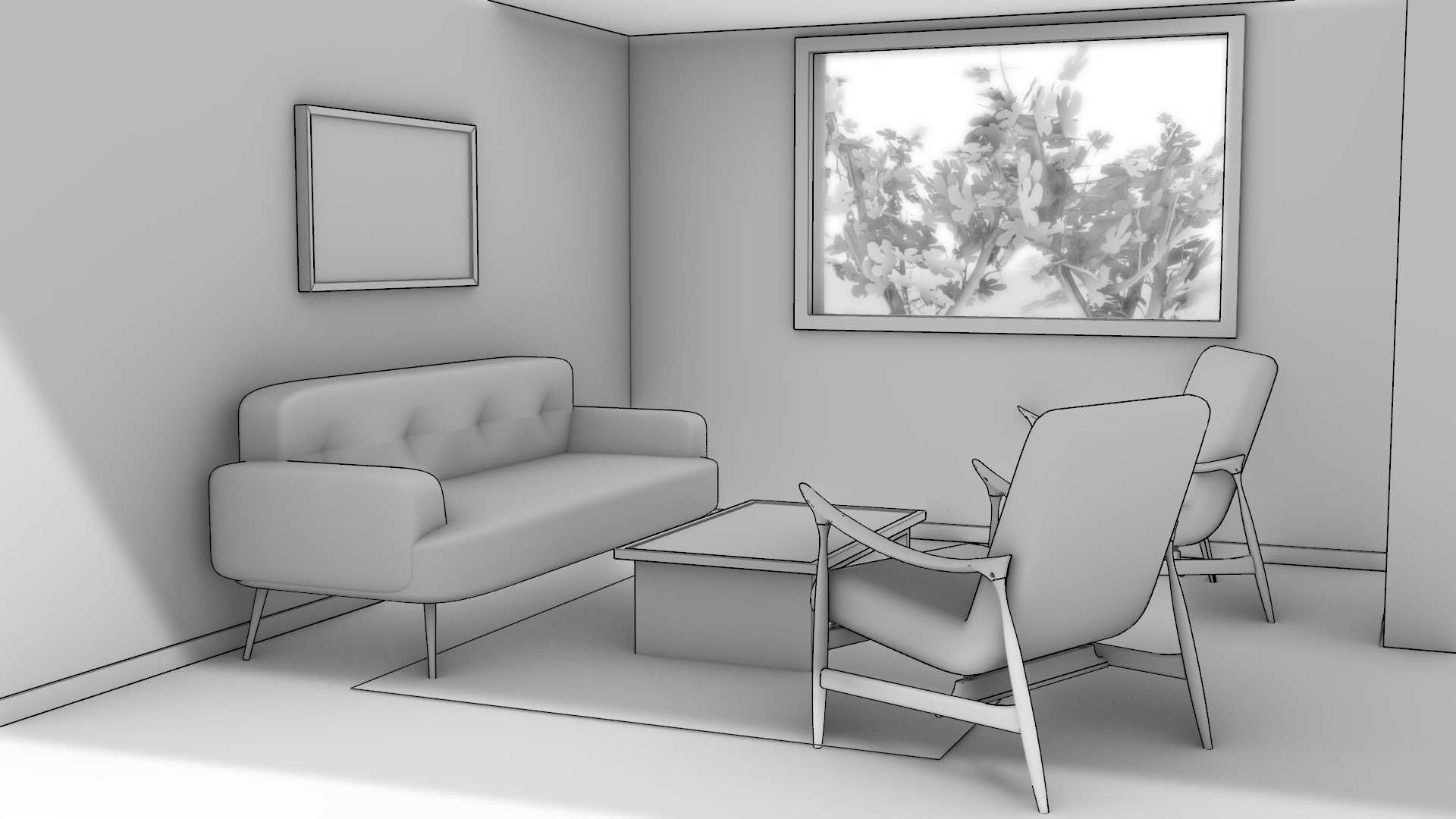
- Monochrome: Combines the effects of a white studio look and a sketch feel.
- Concept: Translates materials, lighting and context while preserving a sketch feel.
- Arctic: Turns all objects white, turns the background white, and adds soft shadows.
- Raytraced: Rendered mode with Cycles, a real-time raytracer.
Concept
Quickly communicate early-stage designs with a presentation-ready look straight from your 3D model.
For Architects
Concept mode gives architects & designers a fast, one-click starting point for presentation-quality visuals that still look like design, not production.
For Industrial Designers
Concept allows architects & designers that often need to present models in early-design stages, to depict their designs in a way that feels intentional and sketch-like, as opposed to overly rendered or technical.
Concept: Advantages
- Maintain a clean visual feedback that reflects the design intention as you model.
- Quickly communicate early-stage designs with a presentation-ready look straight from your 3D model.
- Apply Concept mode to your
 Detail
and
Detail
and
 Layouts
to create consistent architectural drawings.
Layouts
to create consistent architectural drawings.
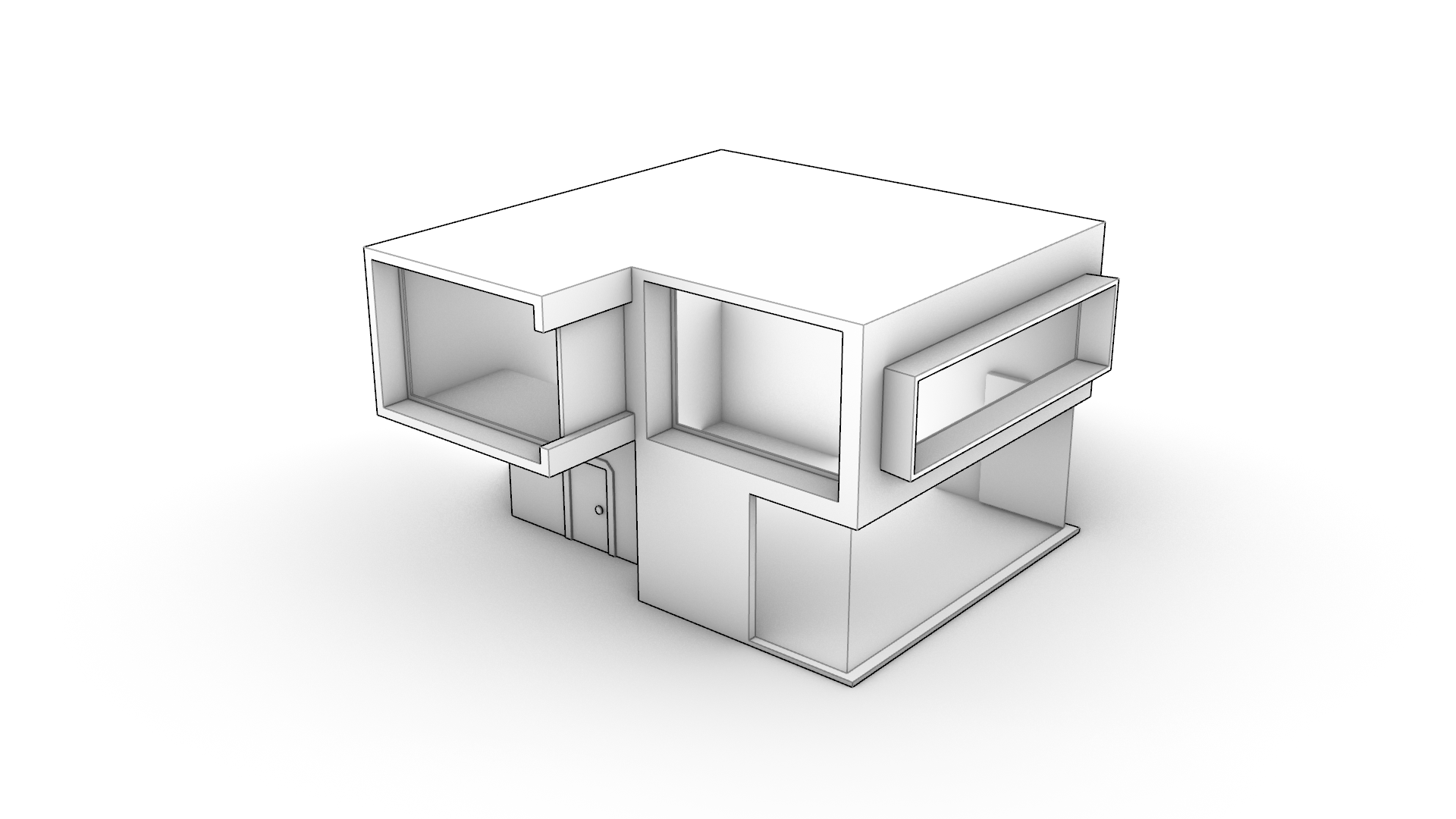
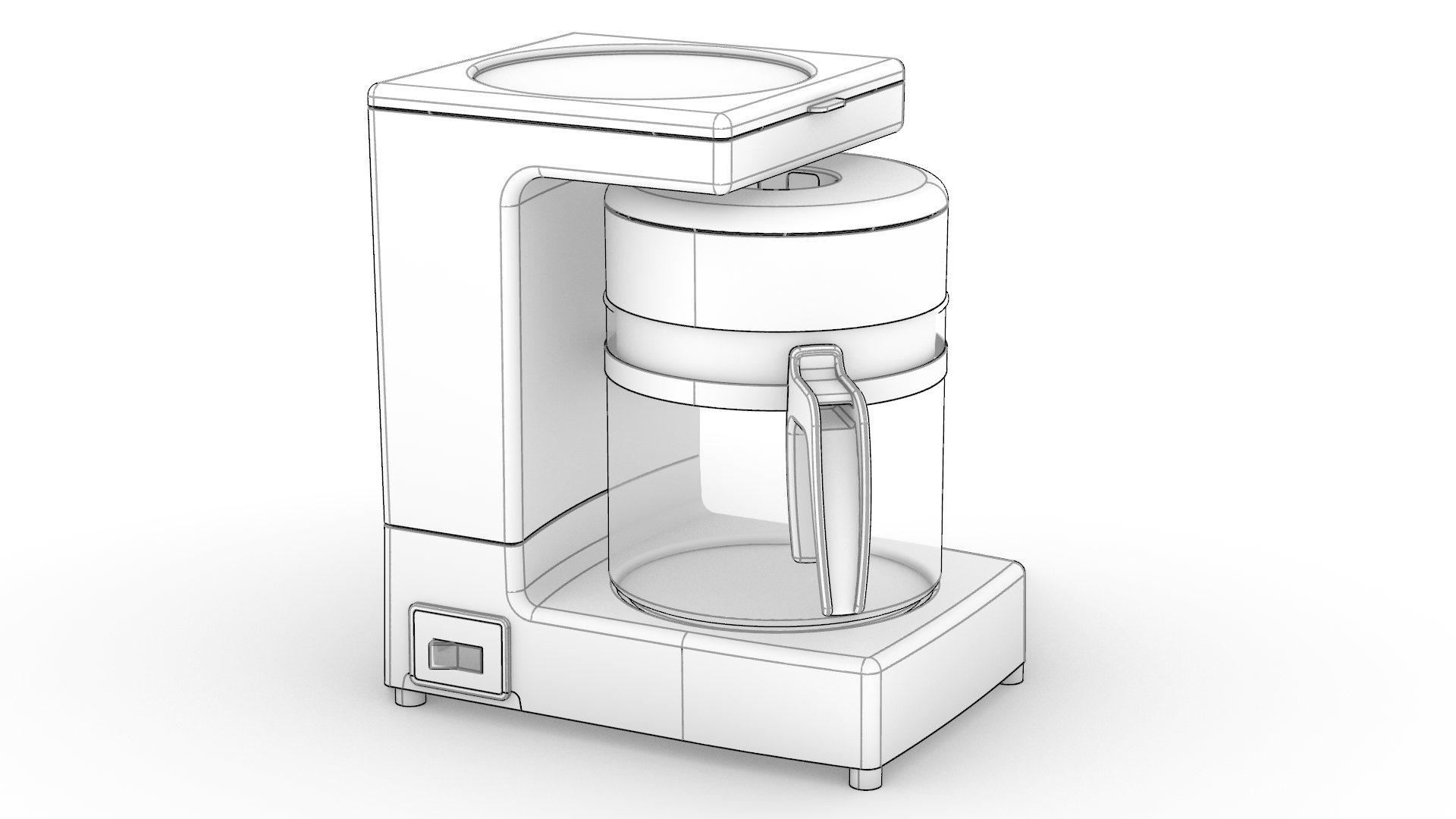
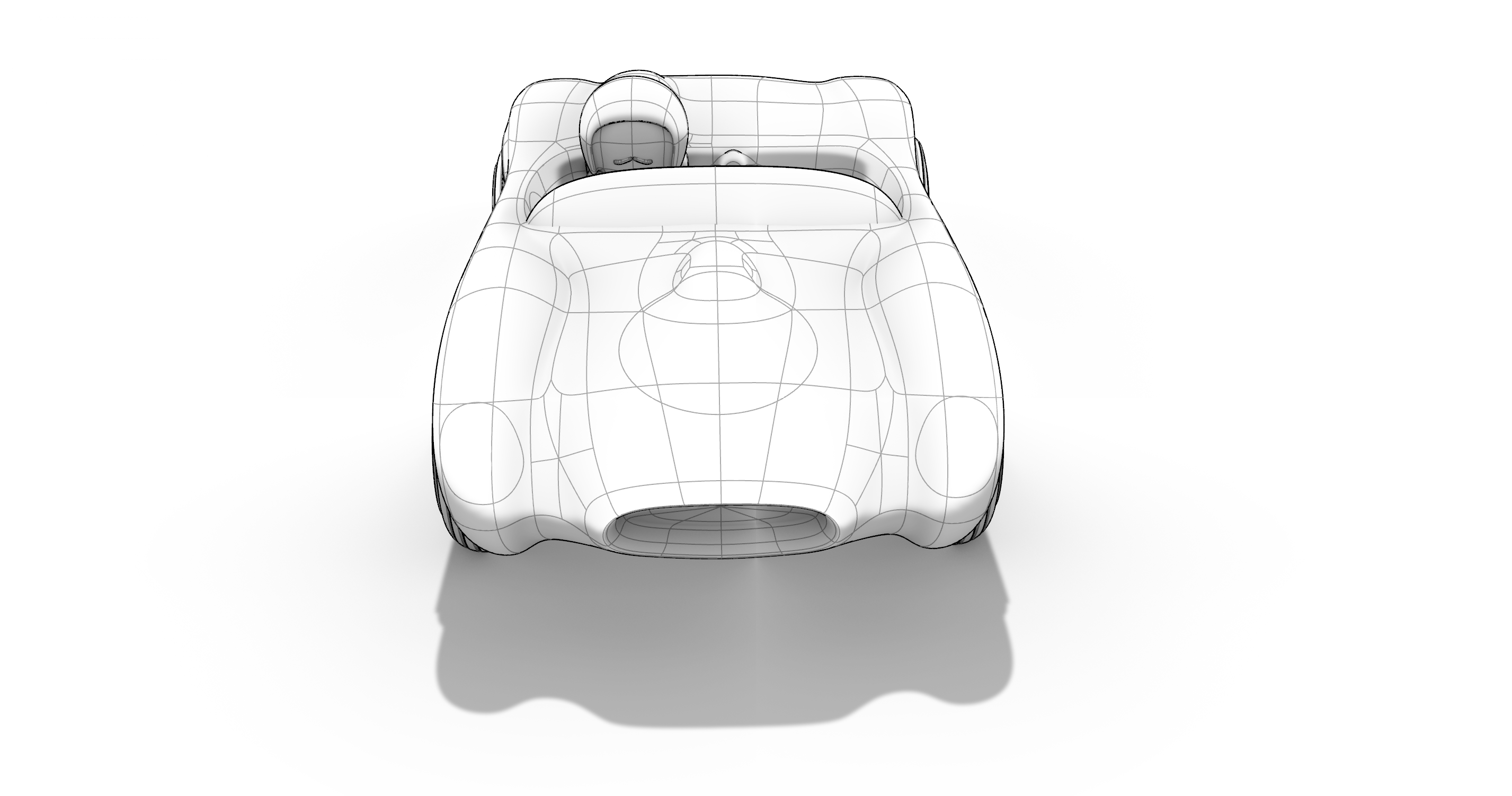
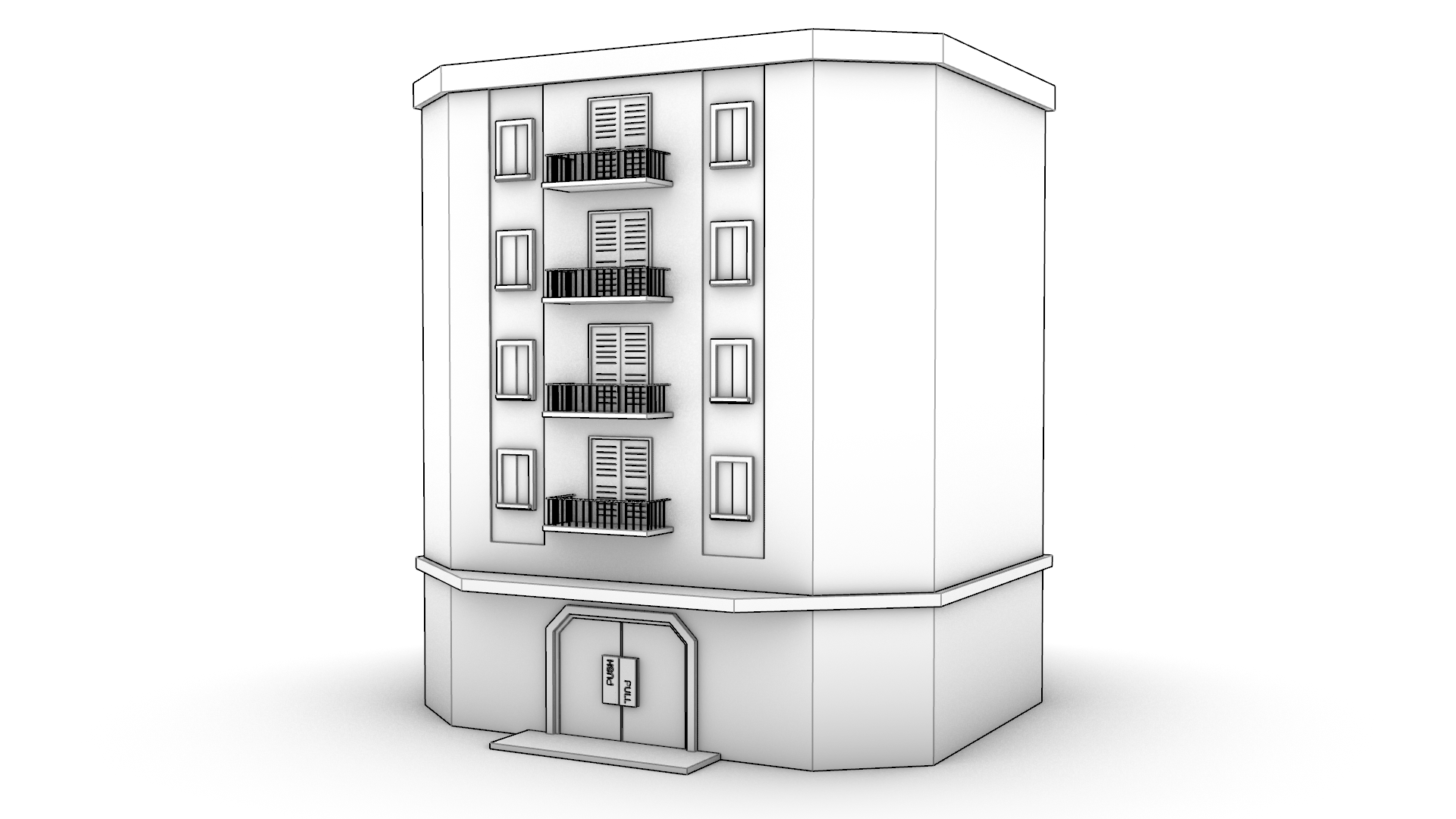
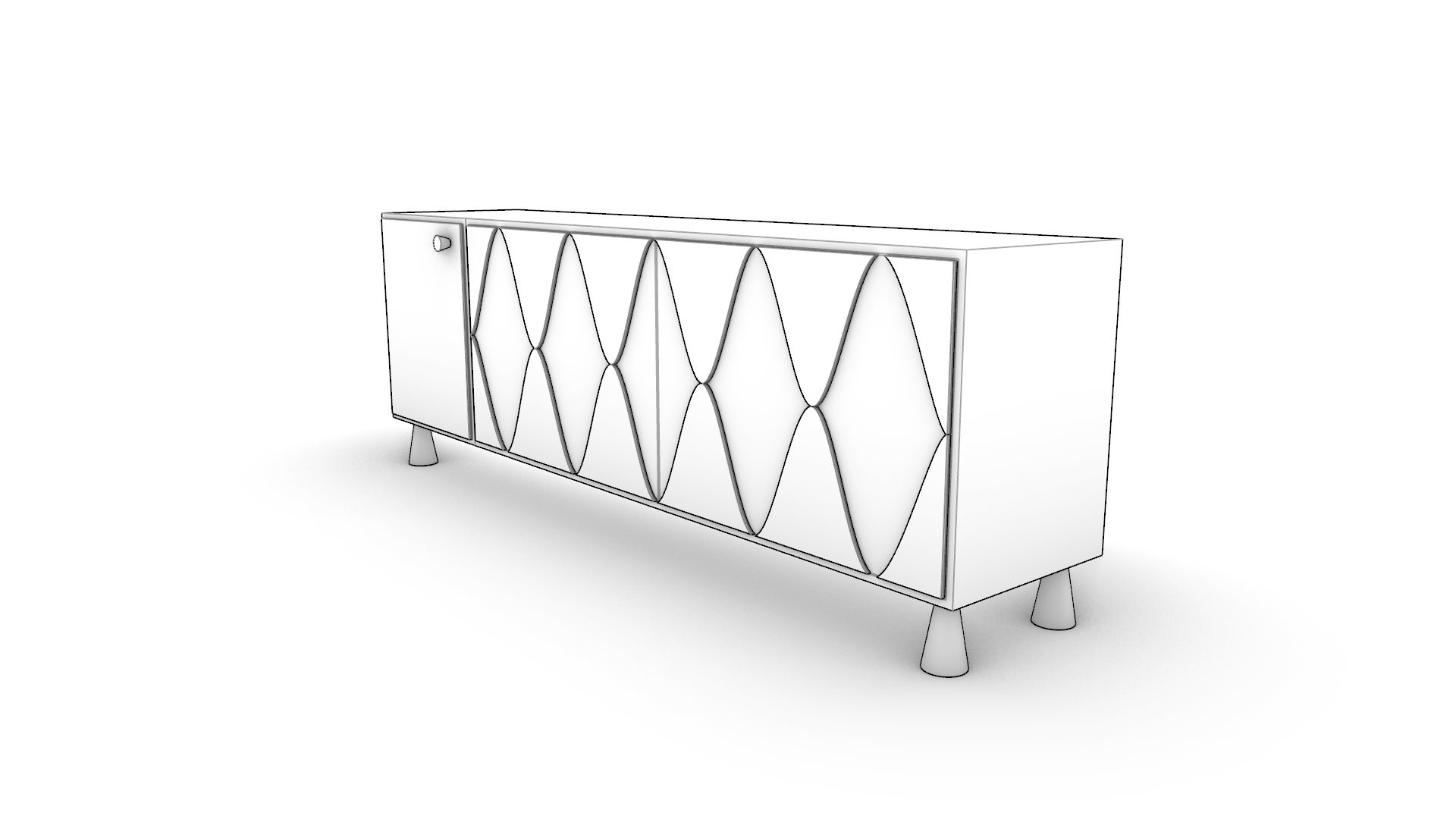
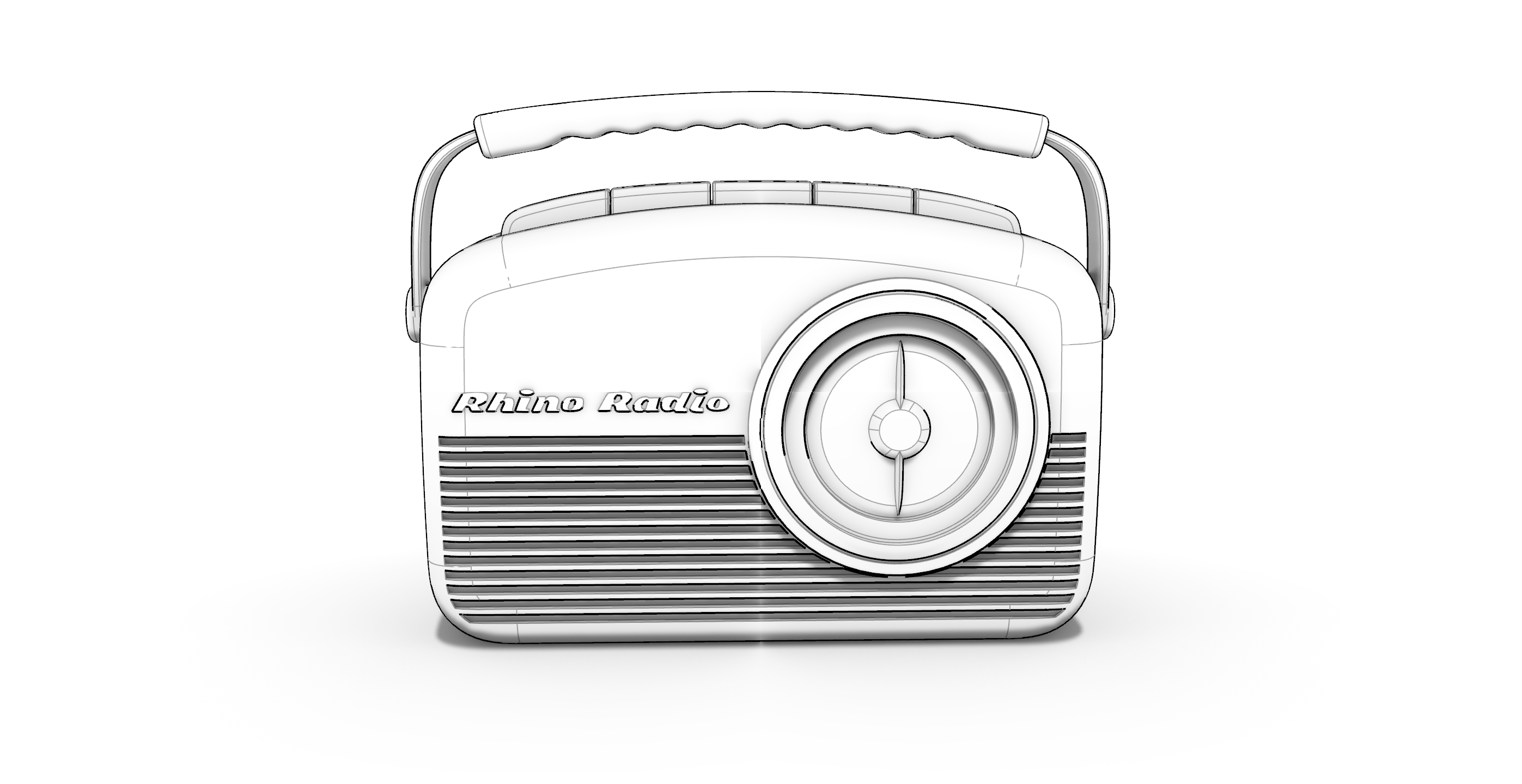
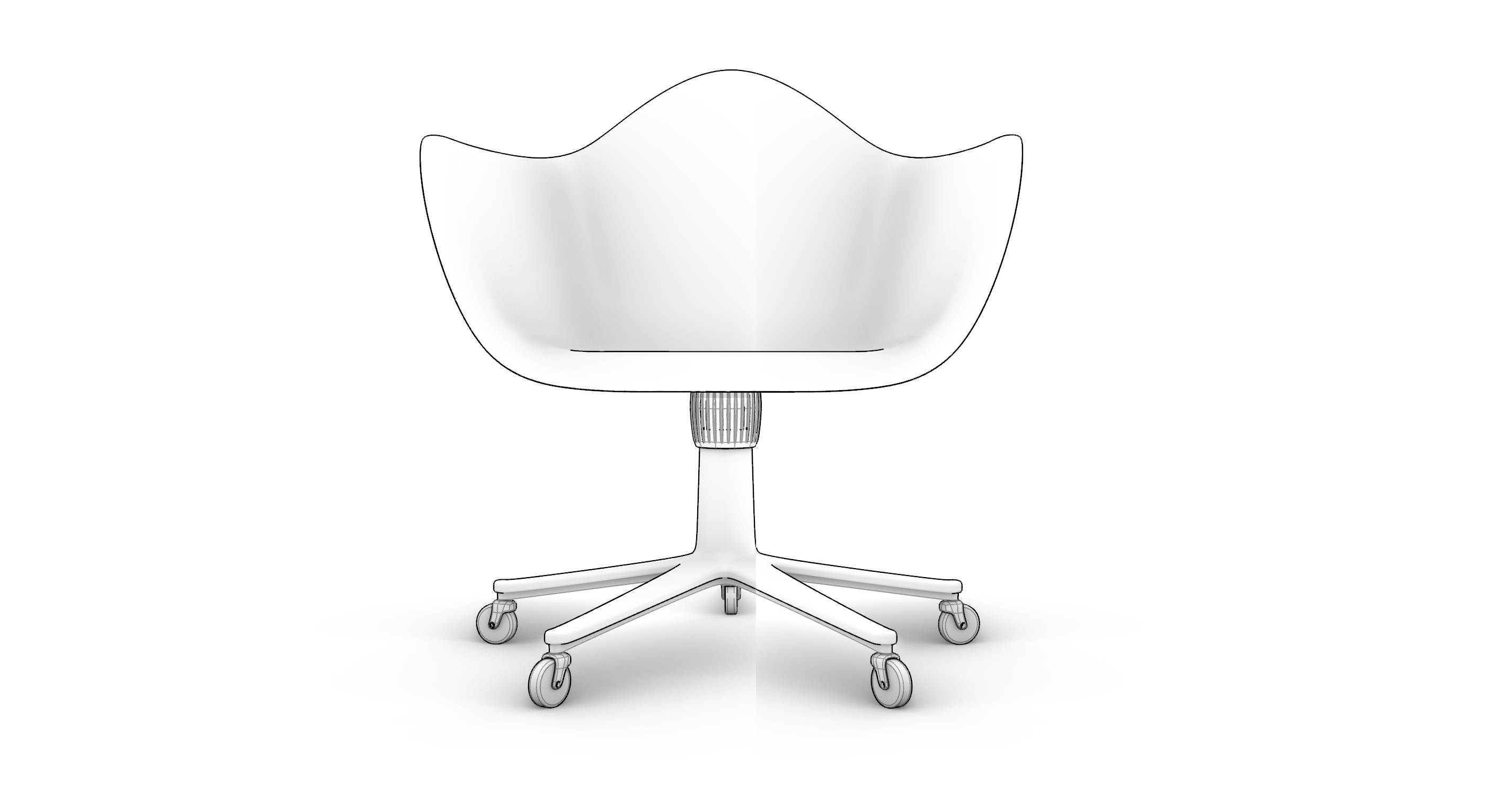
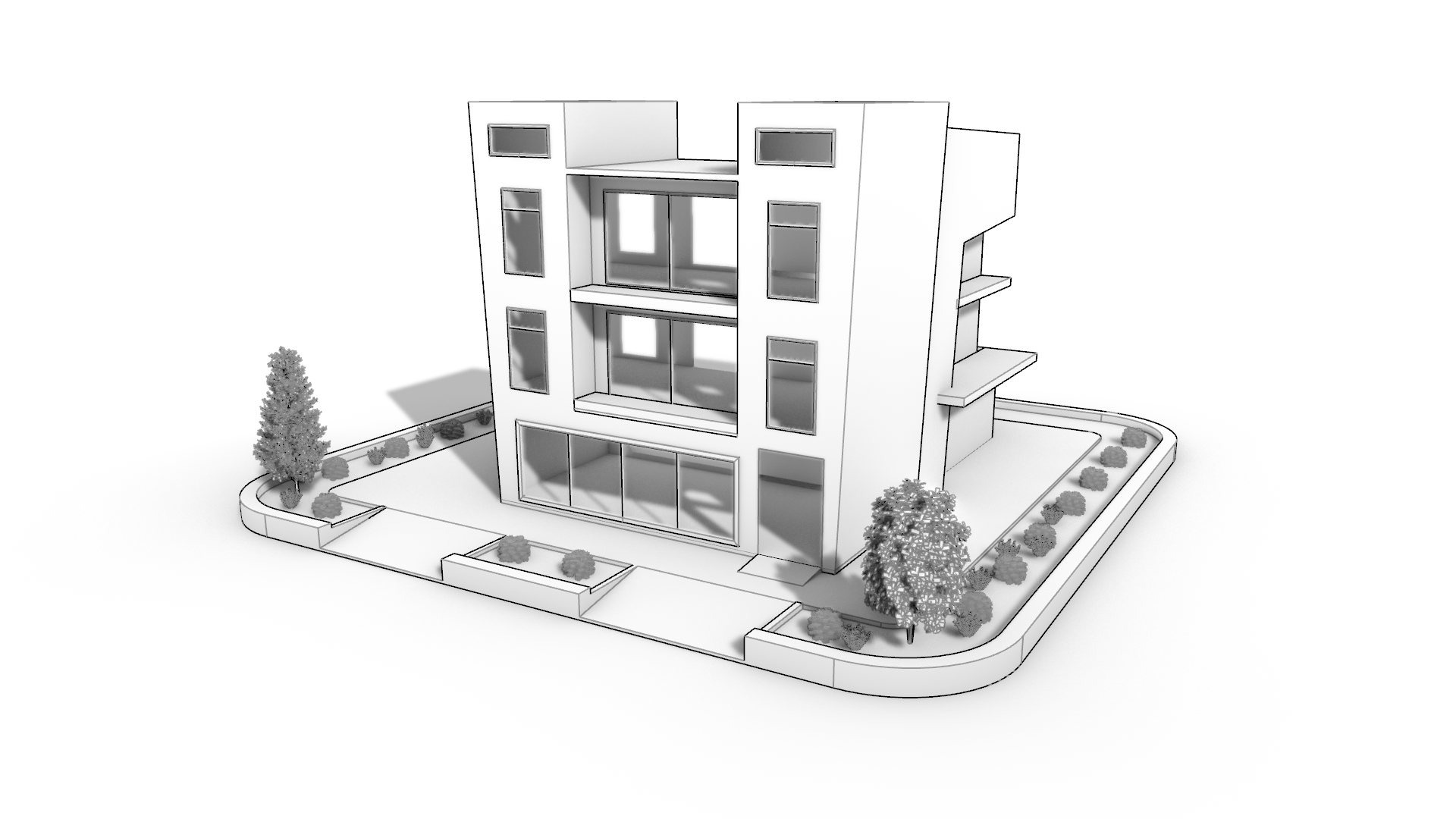
Monochrome
A simple and efficient way to communicate your design intention, Monochrome combines the effects of a white studio look and a sketch feel.

Monochrome Examples
Customize Display Modes
- Customize Display Modes: a guide on customizing display modes.
- Advanced Rhino Display Modes: examples on customized display modes.

