Text 3D
00000000-e877-4626-abef-69587b640f6b
This page was generated from the component’s built-in descriptions. An in-depth article has not been written for it yet.
Draw 3D oriented text in the Rhino viewports.
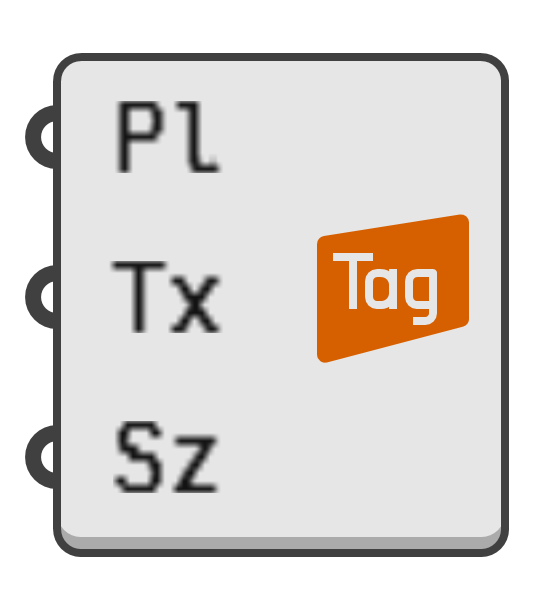
- Pl → Text plane.
- Tx → Text to display.
- Sz → Size of text in world units.
- Ha → Horizontal alignment of text with respect to the plane origin.
0→ Left1→ Centre2→ Right
- Va → Vertical alignment of text with respect to the plane origin.
0→ Top Bounds1→ Top Half2→ Top Baseline3→ Middle4→ Bottom Half5→ Bottom Baseline6→ Bottom Bounds
- Cl → Optional colour override.
- Ft → Optional fontface override.
- Bb → If true, and if the fontface supports it, the text will be bolded.
- Ii → If true, and if the fontface supports it, the text will be italicised.