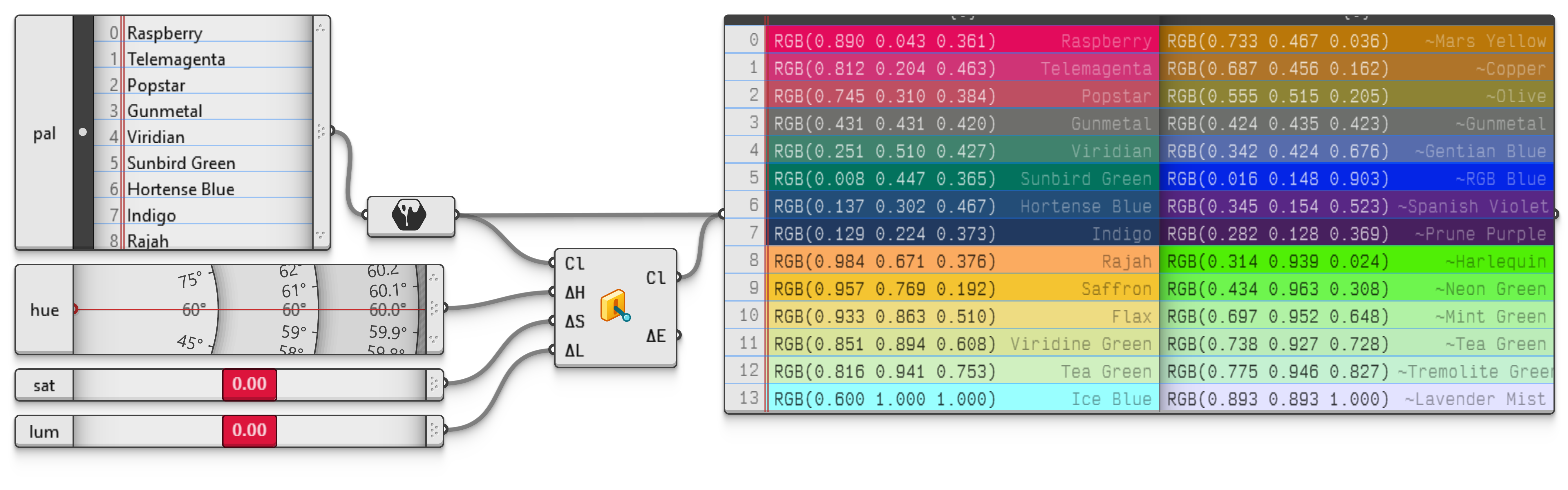
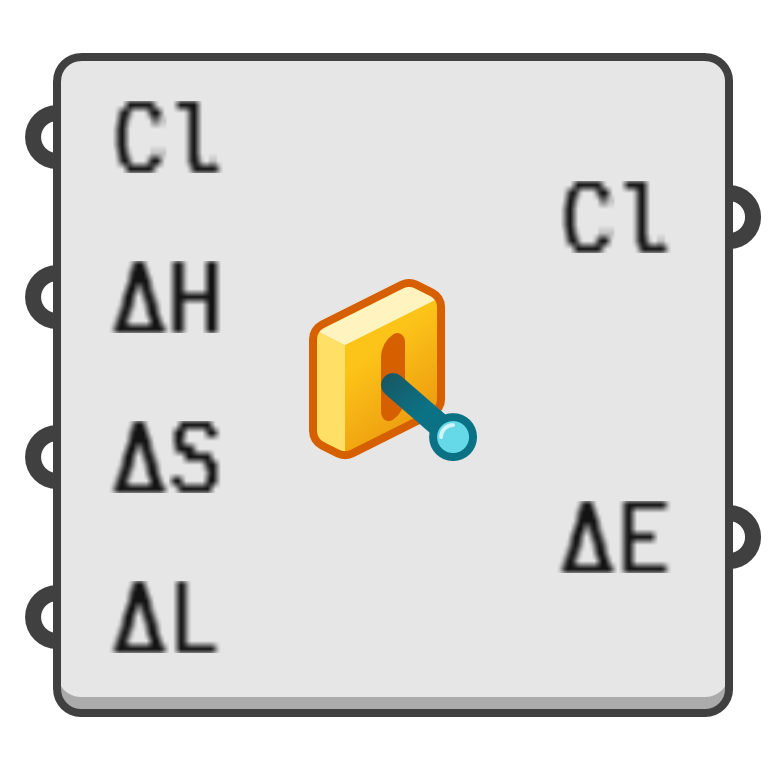
Change the Hue, Saturation and Luminance properties of a colour without switching to another colour space.
The input is an angle value added to the hue of the input colour, giving the output colour a hue value of . The final hue automatically wraps around the range.
The numeric ranges of and are both . However, even values close to zero may result in maximal possible changes, depending on the input colour. E.g., a colour which is already almost desaturated, will reach zero saturation with even a small negative .
Note that input colours with zero saturation or luminance may not behave as expected when saturation or luminance are increased. Whether or not the adjustment is well-behaved will depend on the space in which the original colour is defined.
When the original space is not a hue based one, colours will be converted into the H*SP space in order to apply the changes, then converted back into the original space afterwards.