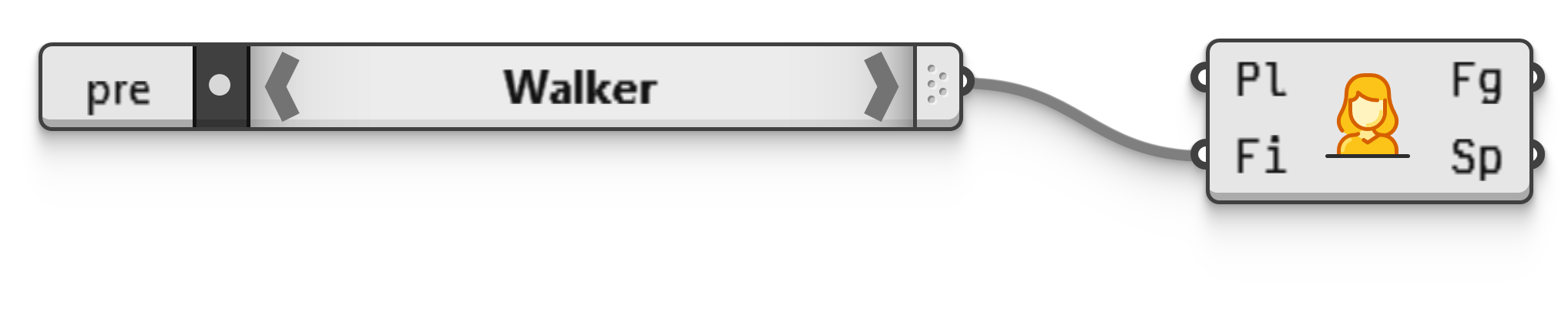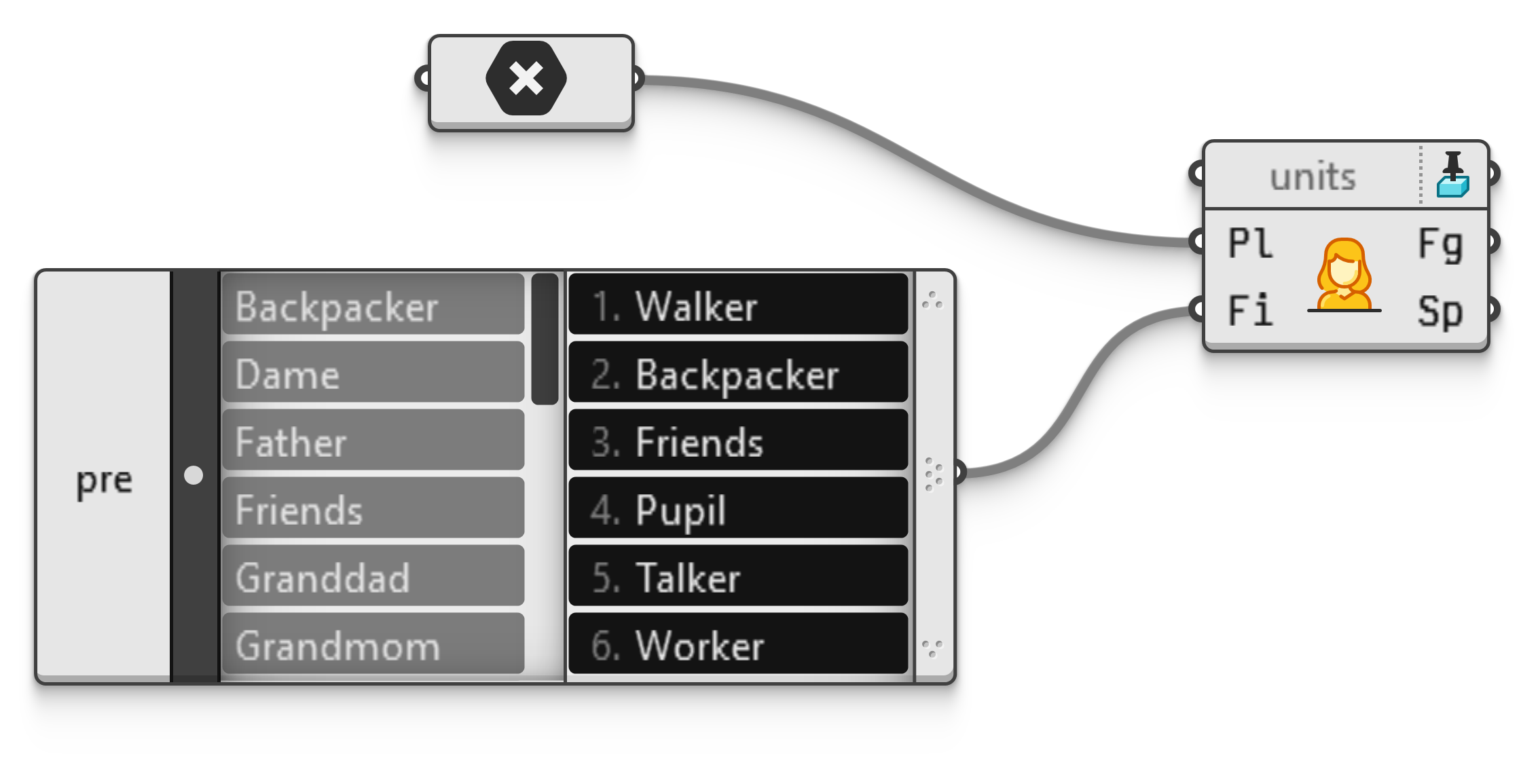
Draw human figurines for visualisation purposes. There are twenty standard models provided with Grasshopper 2 which can be specified using their one-word names or an integer between 1 and 20. If no specific figurine is picked, a random one will be picked by the component for each new instance.
Skin, hair and clothing colours are picked randomly but consistently and can be cycled manually via the component menu, if you happen to dislike a particular random choice.
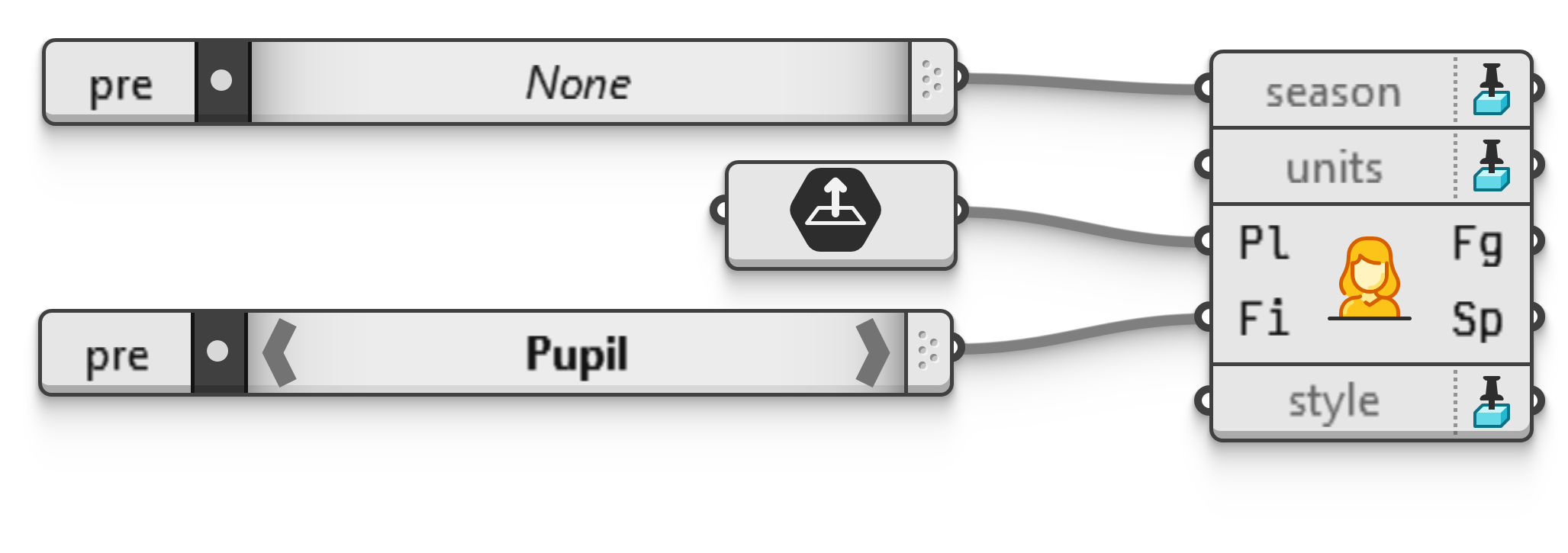
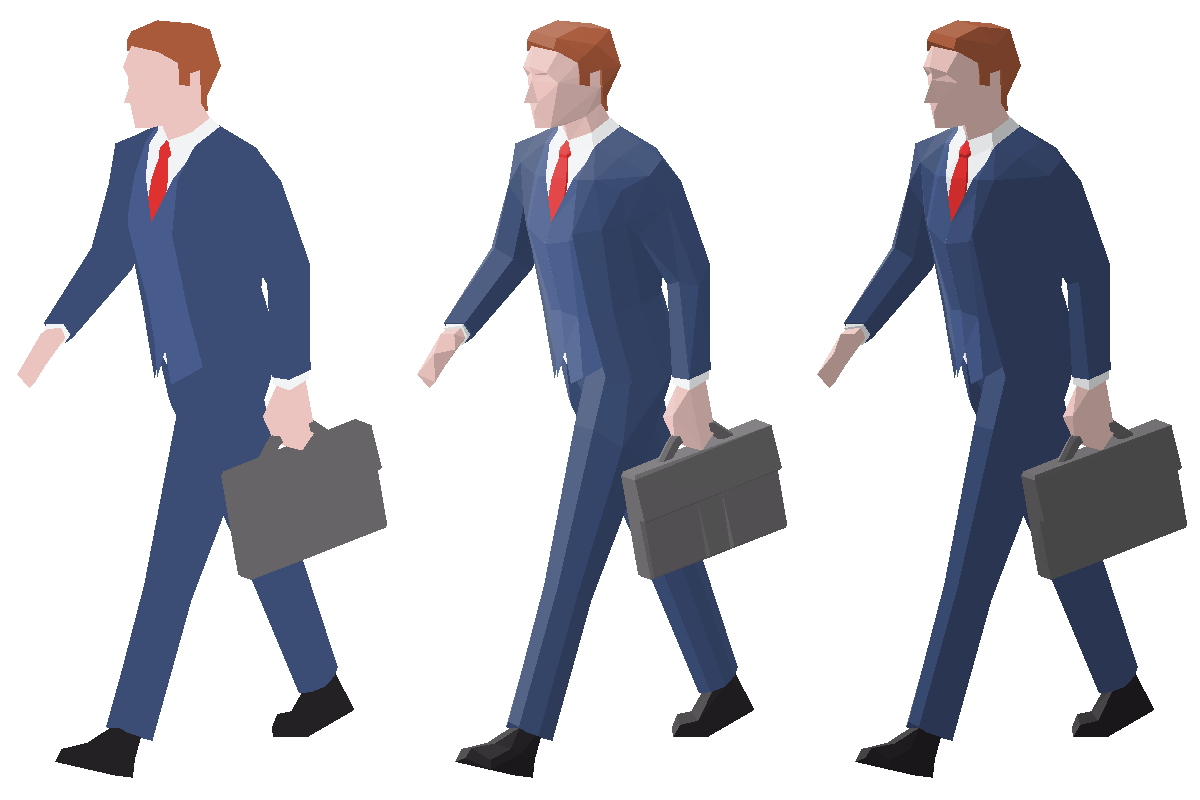
The appearance of each figurine may be post-processed using a Scene Style pin, which will affect both the colours and shading of the final meshes. Styling provides five different colour modes, some shown in figure 1. The default styling (called 'Colour') leaves the original random colours intact, while 'Grey' converts all colours into their greyscale equivalents. Meanwhile 'Light', 'Dark' and 'Drab' will replace all colours with white, black and grey respectively. You can use these alternative styles to de-emphasise the figurines in the final visualisation.

Similarly, styling also provides several different shading overrides, as shown in figure 2. The default lighting (called 'Full') applies a non-realistic shading which is brightest when facing the light source, darkest when facing fully away, and interpolated in between. The 'Diffuse' shading style mimics the more realistic case where any part of the model facing away at 90 degrees or more is fully in shade, this is akin to standard lambertian shading. Finally, 'Flat' shading may be chosen for a monotone look.
In addition to colour styling, this component accepts a Scene Season pin. Many figurines will appear different in various seasonal contexts, usually by a change in clothing or the addition of an umbrella.
Finally, the physical size of the figurine meshes may be altered by attaching a Unit System pin. By default, figurines will be scaled to realistic sizes based on the unit system of the current Rhino model. Thus, if you are working in millimetres, these shapes will be 1500~2000 units high. Using a unit system pin, you may specify both a target unit system or a scaling factor.
Standard Figurines
- Backpacker: young adult woman with sporty clothes, a big backpack, and a parka in autumn.
- Dame: posh lady wearing flowing dresses and designer hats, walking a small dog on a leash.
- Father: father with young child holding a balloon.
- Friends: two friends standing and facing each other while discussing the menu.
- Granddad: spiffily dressed older gentleman with a cane and goatee.
- Grandmom: older woman in comfy clothes walking with a rollator.
- Joggers: man and woman in matching outfits jogging side by side.
- Lovers: couple walking while holding hands with an umbrella in autumn.
- Mother: young mother pushing a pram (baby not included).
- Pupil: child in school uniform and backpack.
- Shopper: man in casual clothes walking with two shopping bags.
- Stander: bald man in business suit loafing around looking at his phone and holding an umbrella in autumn.
- Stroller: man sauntering to nowhere in particular with his hands in his pockets.
- Talker: woman in business suit on phone explaining, again, why overtime isn't covered by the budget.
- Tourist: woman taking a video (in portrait mode) of something a few metres off the ground.
- Traveller: man with moustache wearing comfy clothes standing next to a suitcase.
- Walker: man in three piece suit walking determinedly with a briefcase.
- Watcher: woman on her day off inspecting something at eye-level.
- Wheelchair: young woman in manual wheelchair with a blanket covering her legs in winter.
- Worker: man in hi-viz jacket and hard hat holding a clipboard inspecting something high up.
The twenty standard models were created by Ethan Ronaldson according to specifications by Robert McNeel & Associates and released under the Creative Commons 4.0 license.
The first input of this component is a Plane parameter, which controls both position and orientation of the figurines, where each figurine faces the negative Y-axis direction of the plane. However note that if points are supplied instead of planes, the orientation is nevertheless randomised using a simplex noise field. This is different behaviour from almost all other plane input parameters in Grasshopper 2.
The output contains fully unwelded meshes with per-face colours. As such, their appearance is unaltered by whatever lighting happens to be active in the current Rhinoceros model and viewport display mode. If you wish for these meshes to adhere to display lighting conditions, you must strip all colour data from them yourself.