grasshopper2 Rhinorhino3d.com
ComponentVector
Cartesian Point
00000000-abeb-4f0f-adfb-d01588988845
object preview

Create a point using oriented x, y, and z coordinates. The fourth input of this component is a plane, which can be used to override the standard world XY coordinate system.

This is the closest Grasshopper gets to the concept of CPlanes in Rhinoceros.
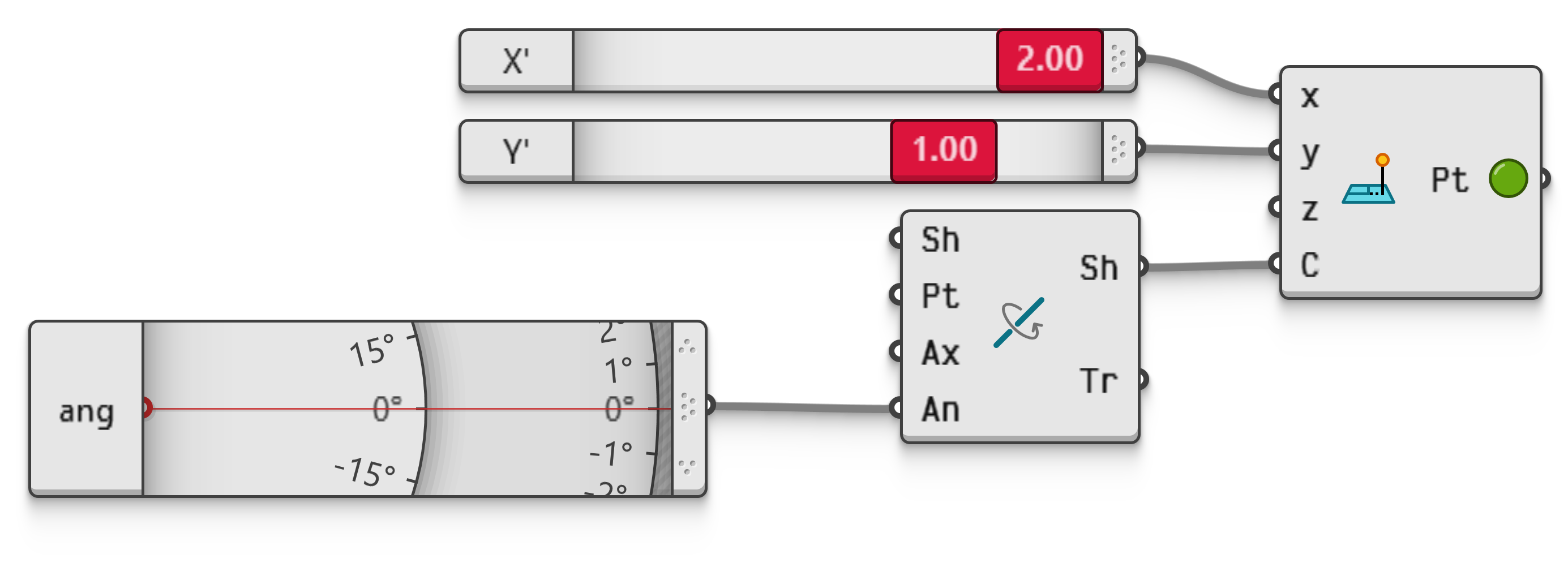
Note that planes in Grasshopper do not allow for non-orthogonal and non-unit axes, so it is not possible to use sheared or dilated coordinate systems with this component.

1
2
2
3
Example file PointCartesian.ghz.Interactive in Grasshopper 2
This file shows how to create a point using an oriented (i.e. non-standard) cartesian coordinate system.