Blazingly fast 3D drawing, a massive speed boost for Mac users.
Customize, save, share, and restore your favorite interface layouts.

Rhino for Mac runs natively on Apple Silicon and Intel Macs.
A complete rewrite, on Windows and Mac, including all new features.
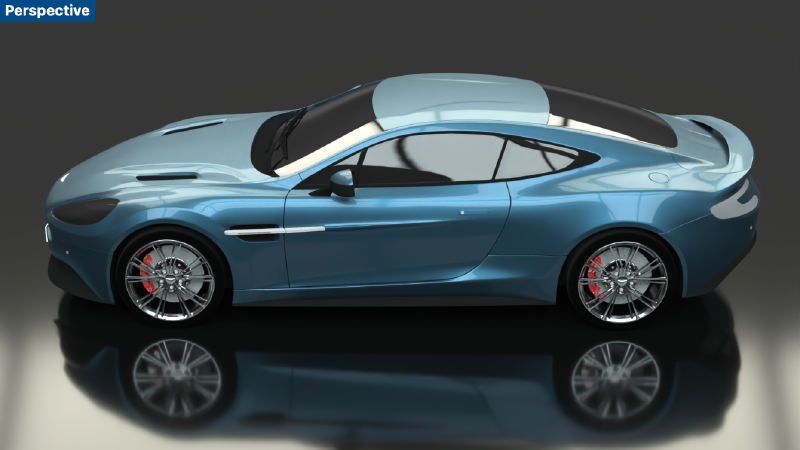
We've updated the Cycles engine for faster, GPU-accelerated raytracing.

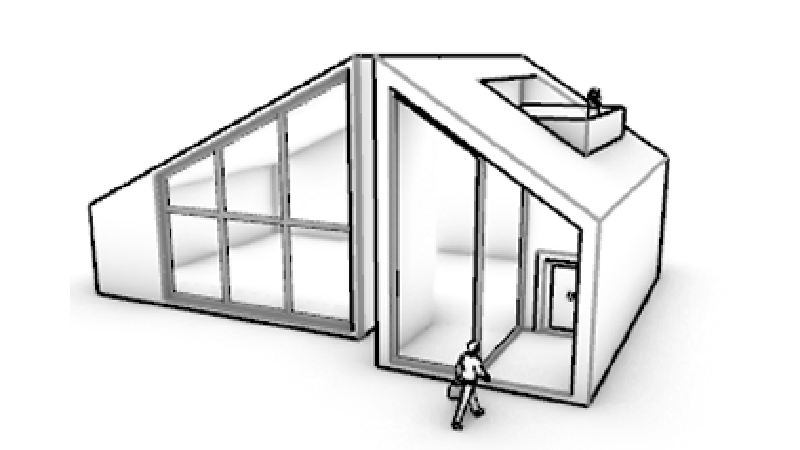
Rhino's model creation tools make it flexible, accurate, open, and very popular.
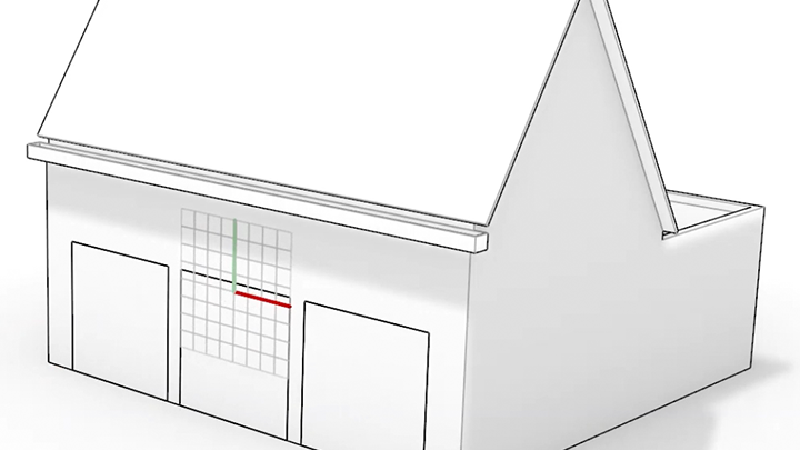
Smarter CPlanes automatically align to eligible selections.
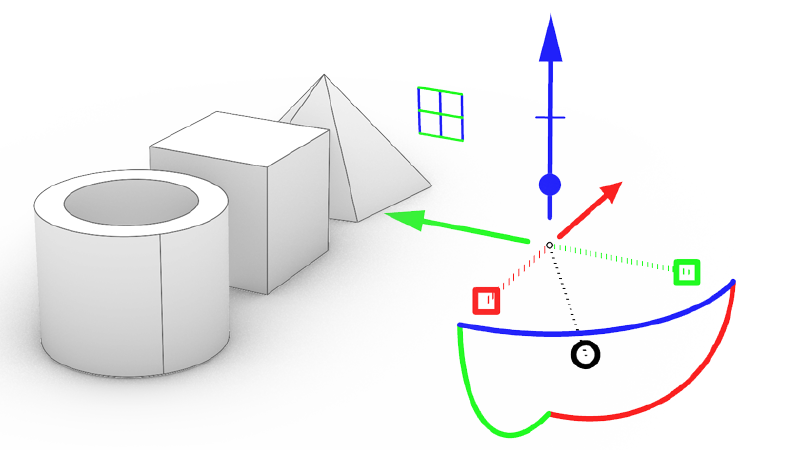
The move, scale, rotate widget gets new grips for extending and extruding.
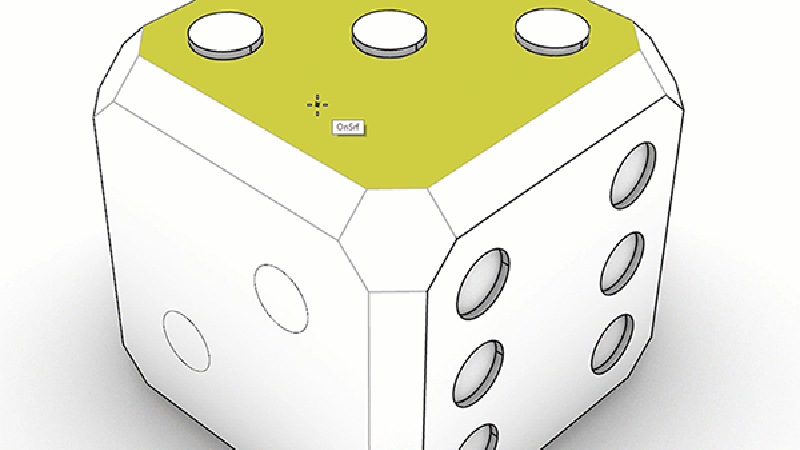
Grab a face and push or pull it, extruding or extending.
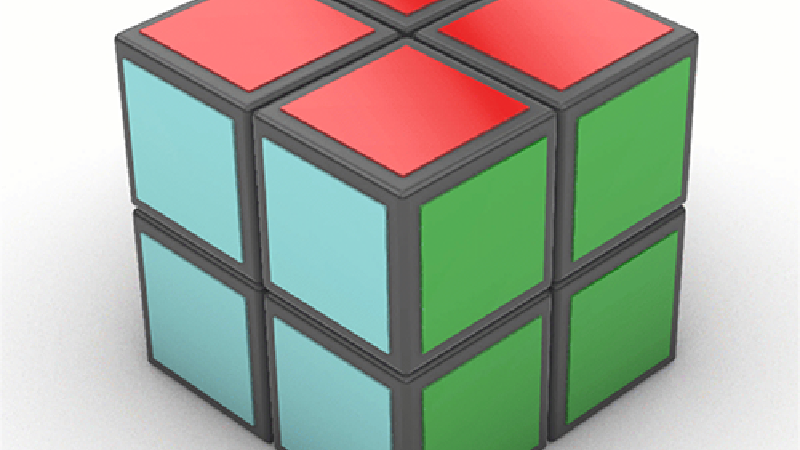
New Options and support for Surfaces and Polysurface Faces.
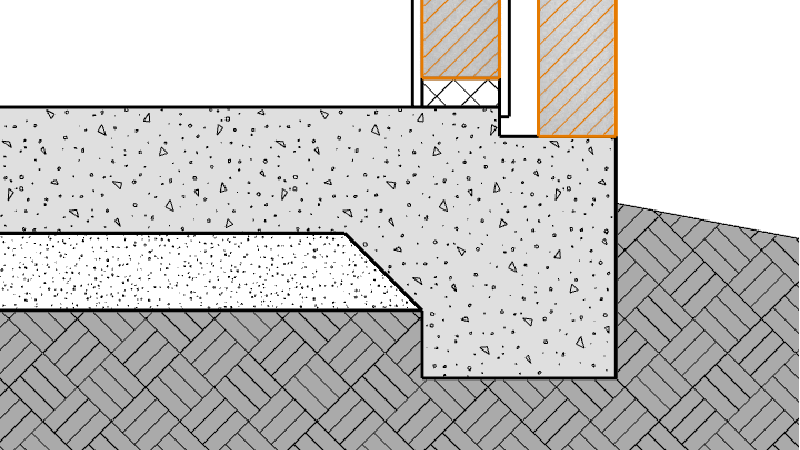
Use Section Styles to create section details of your model.
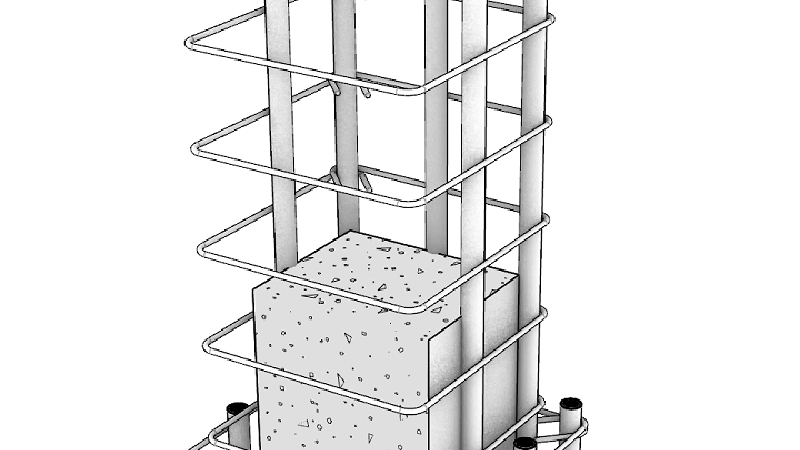
Selective clipping and viewing depth.
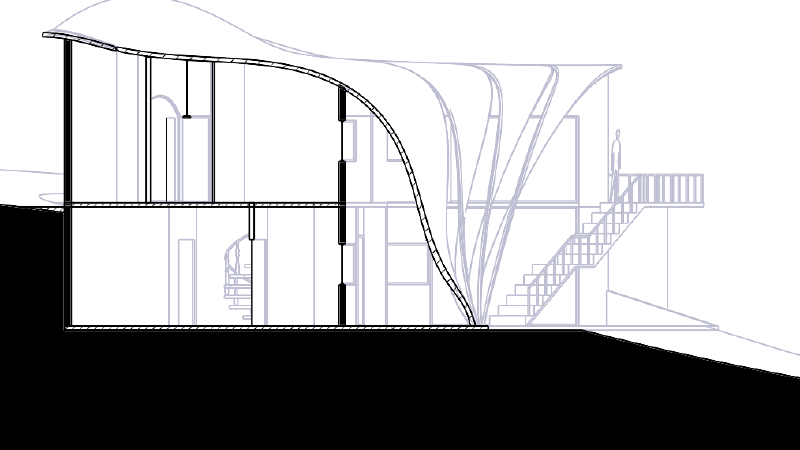
Create dynamic vector drawings of clipping sections.
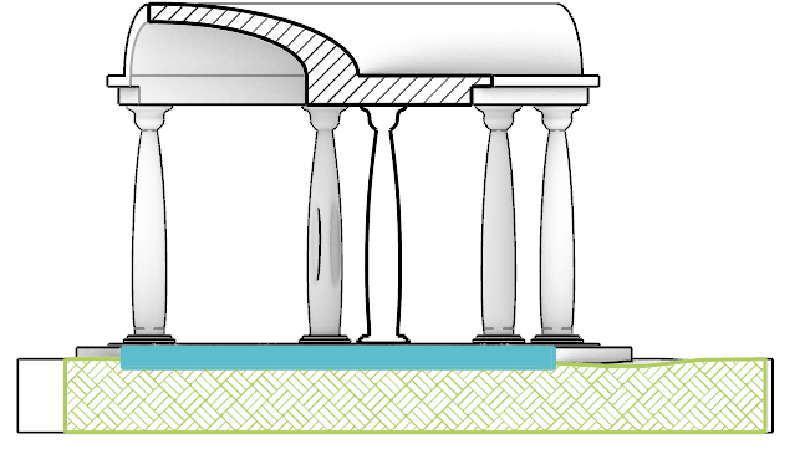
Use Clipping Planes Views in 2D Layouts.
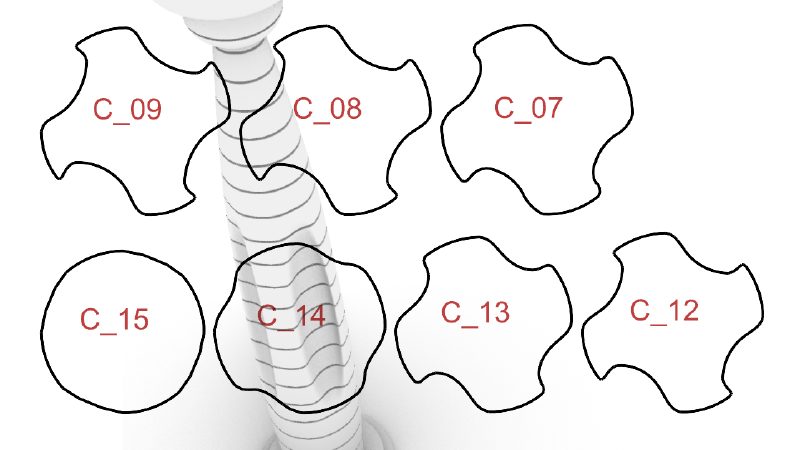
Extract section curves and slices for fabrication.
We've updated the Cycles engine for faster, GPU-accelerated raytracing.
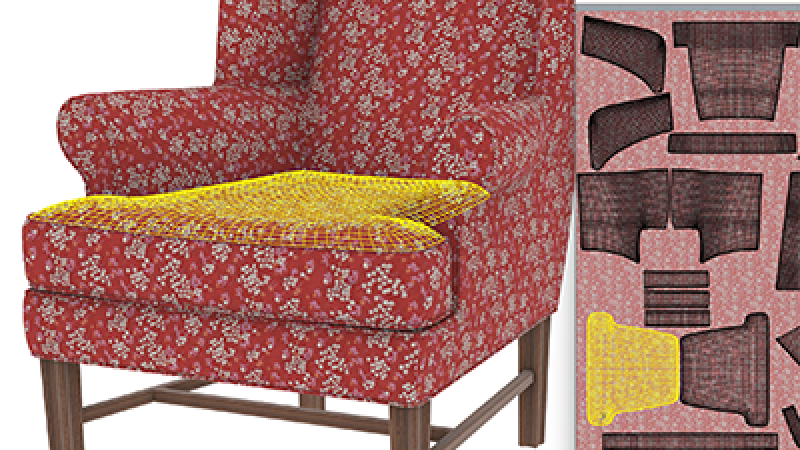
UV Mapping has been improved with a floating UV Editor, new unwrapping …
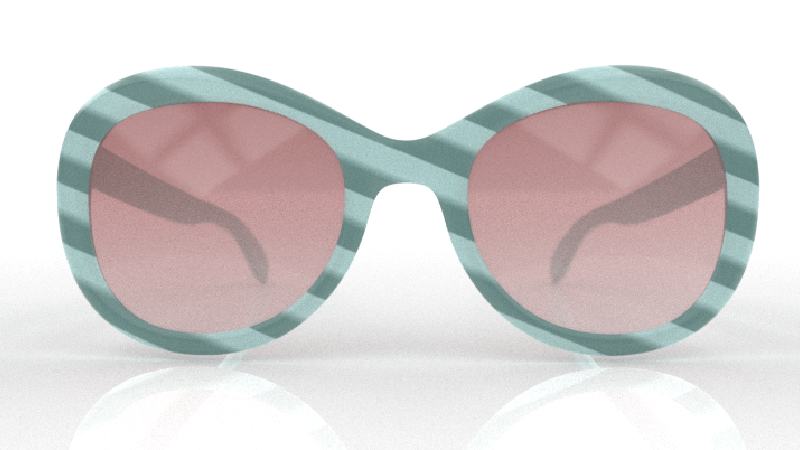
Native, per-pixel procedural textures in raytraced and rendered modes.
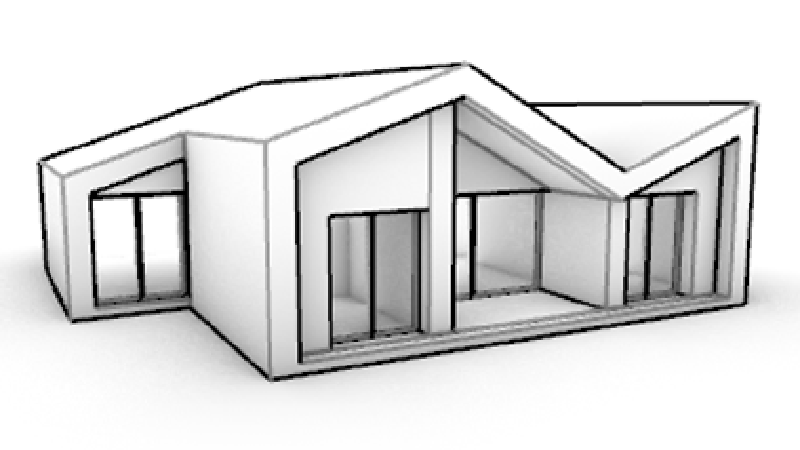
A clean, minimal Display Mode, perfect for showcasing architectural work.
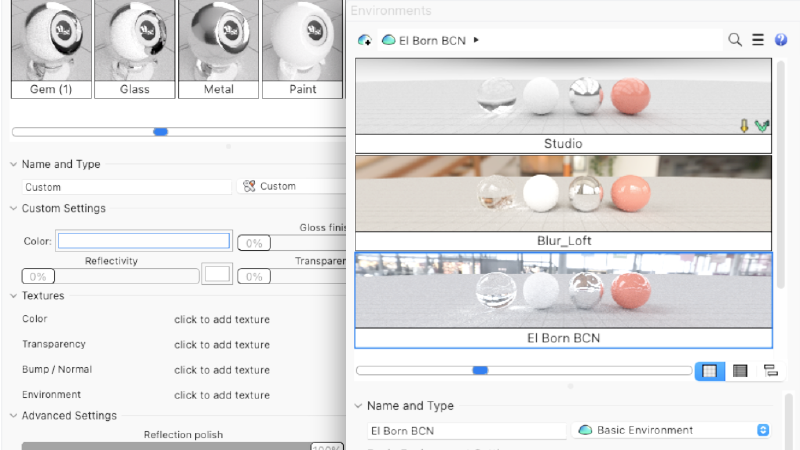
More compact, efficient, and interactive management and editing.
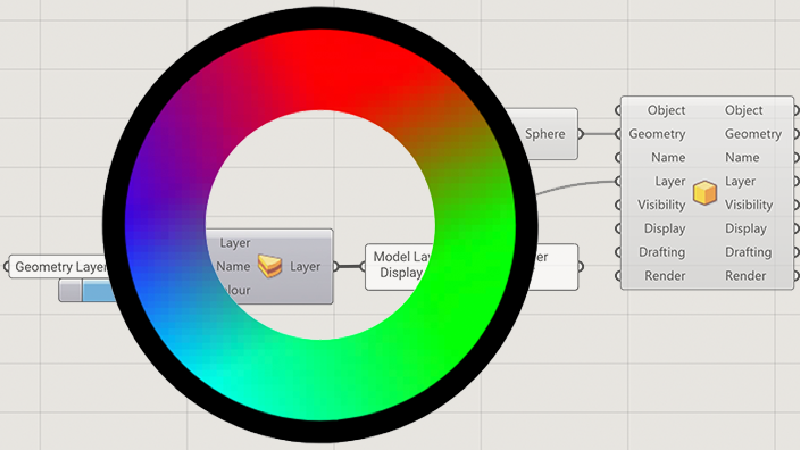
Manage Rhino object attributes directly from Grasshopper.
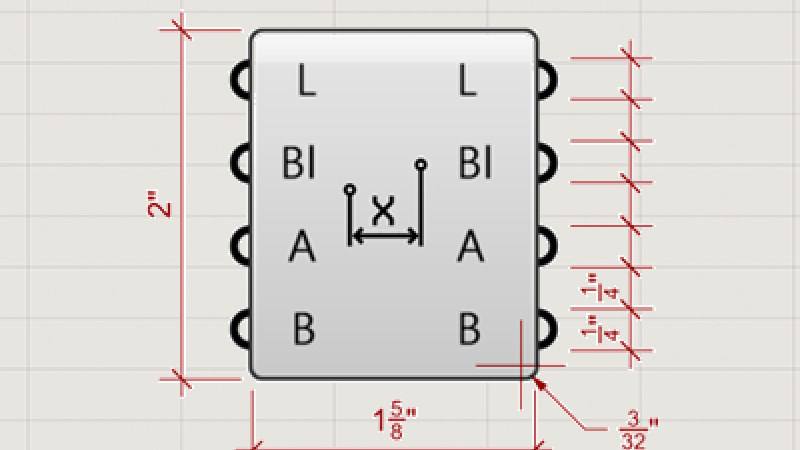
Define the look of annotations in Grasshopper.
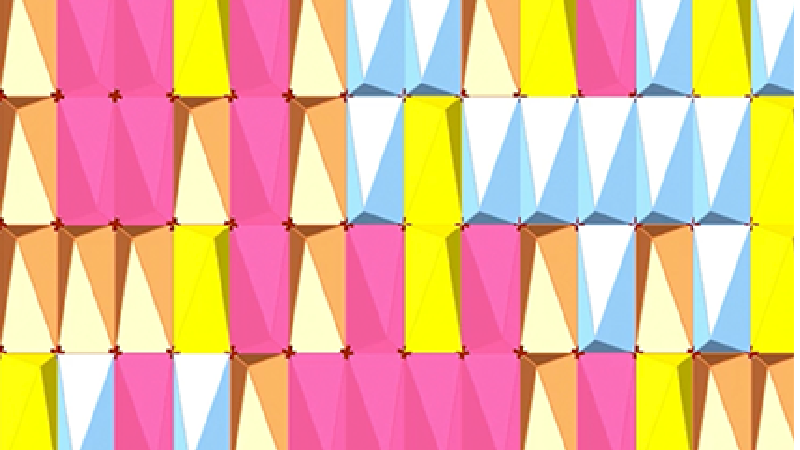
Create block definitions and instances in Grasshopper.
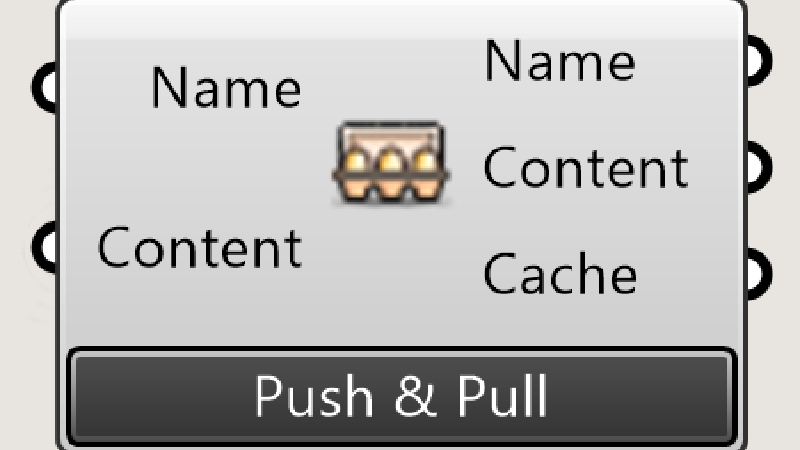
Update existing Rhino objects from Grasshopper.
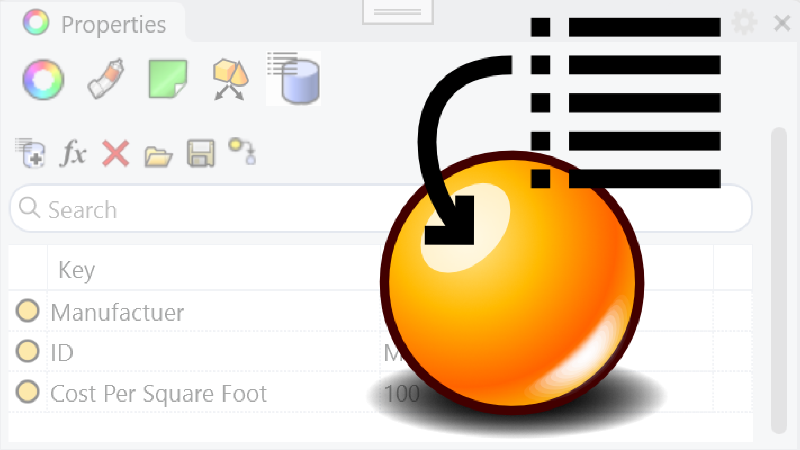
Add user text to Rhino objects.
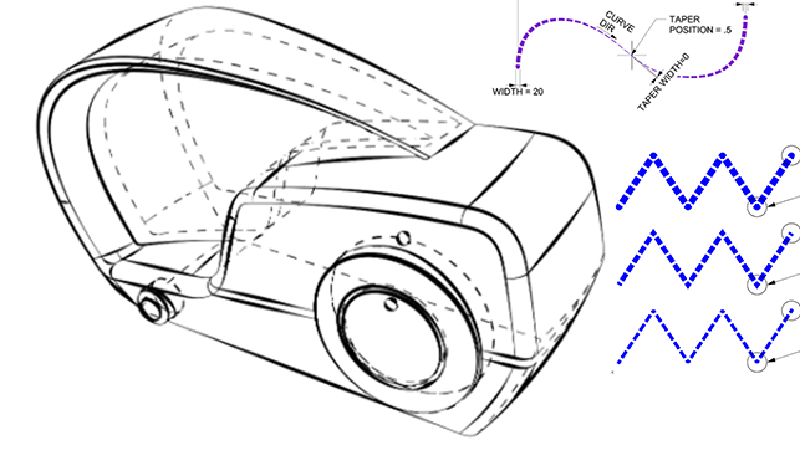
Linetypes in Rhino 8 can draw stylized curves with both width and taper.
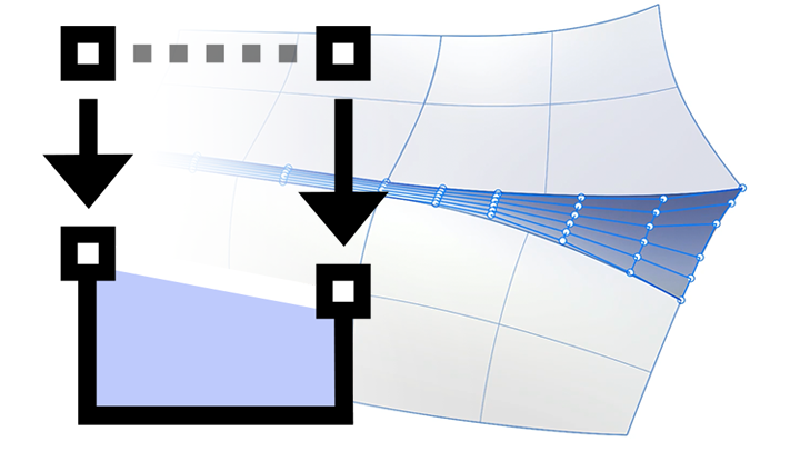
Take control of structure and continuity for well-made surface models.
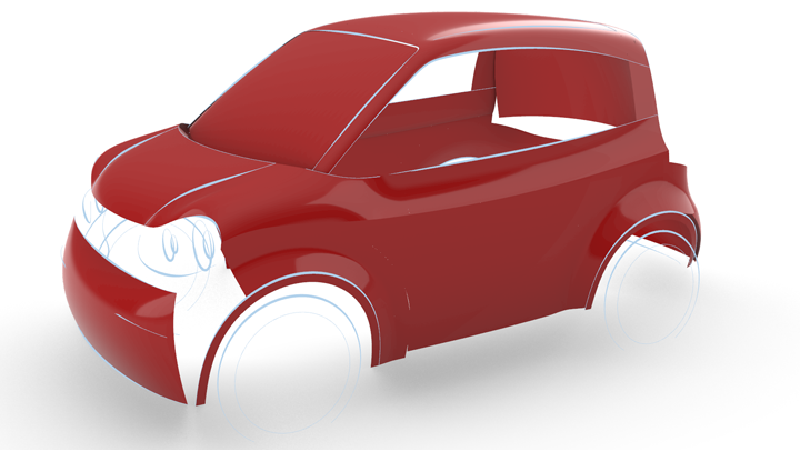
FilletSrf has a new UI with dynamic radius previews.
Customize, save, share, and restore your favorite interface layouts.
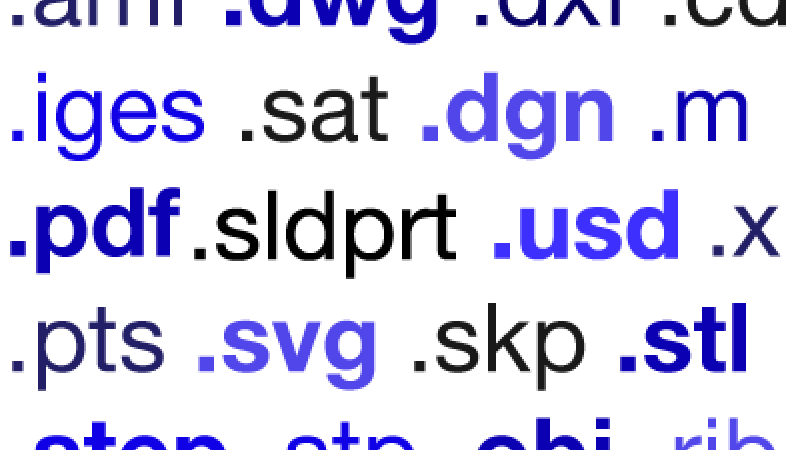
Now supporting USD export, glTF, E57 in Rhino for Mac, Dynamic Blocks in …
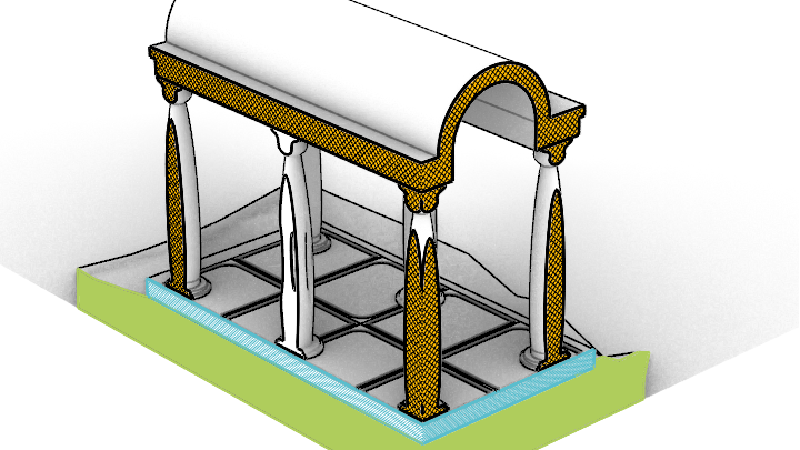
Dynamic 3D Sectioning and 2D Drawings.
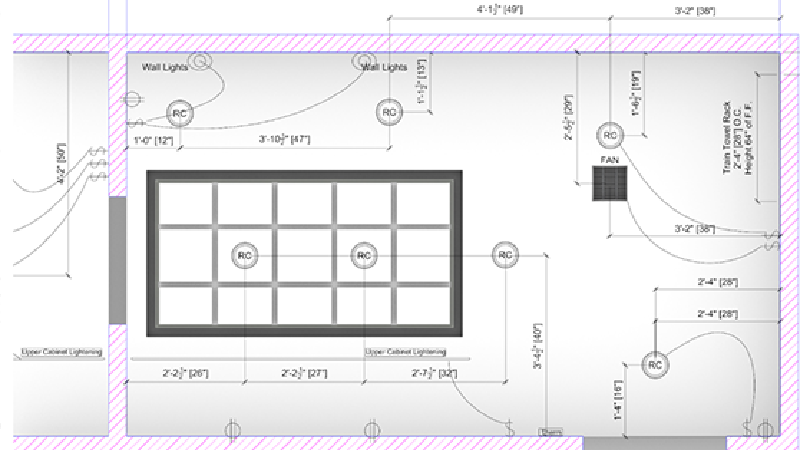
A reflected parallel projection viewport mode, perfect for RCPs.
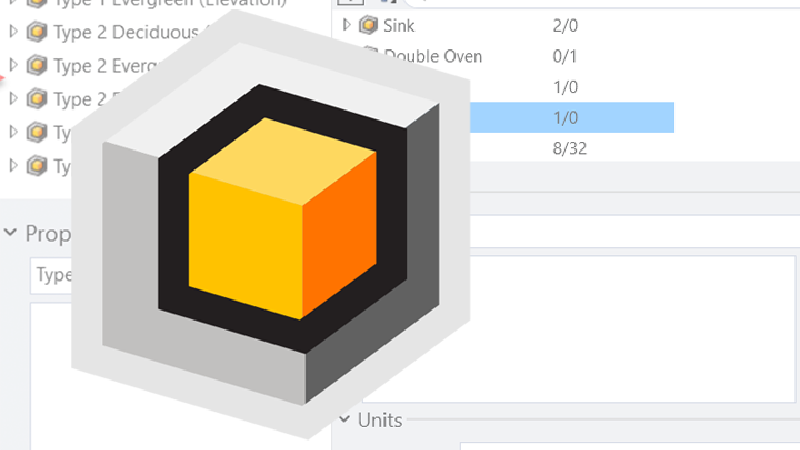
The Block Manager is now more flexible and powerful.
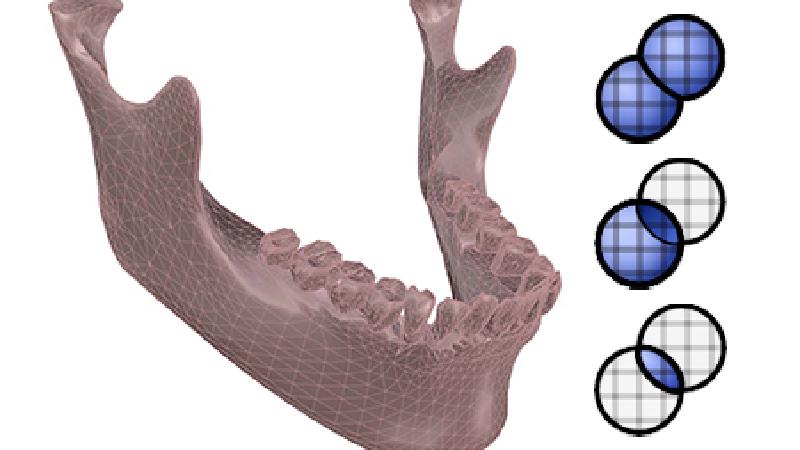
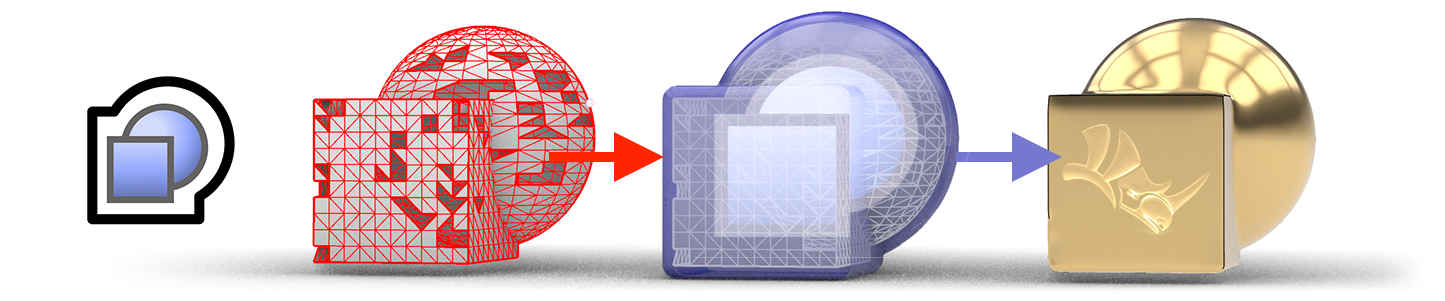
Completely rewritten and more reliable Mesh Booleans.
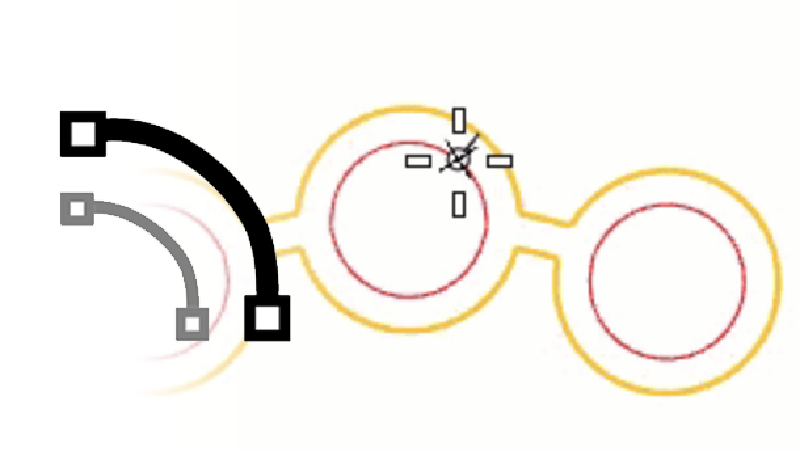
Offset can now create multiple closed regions.
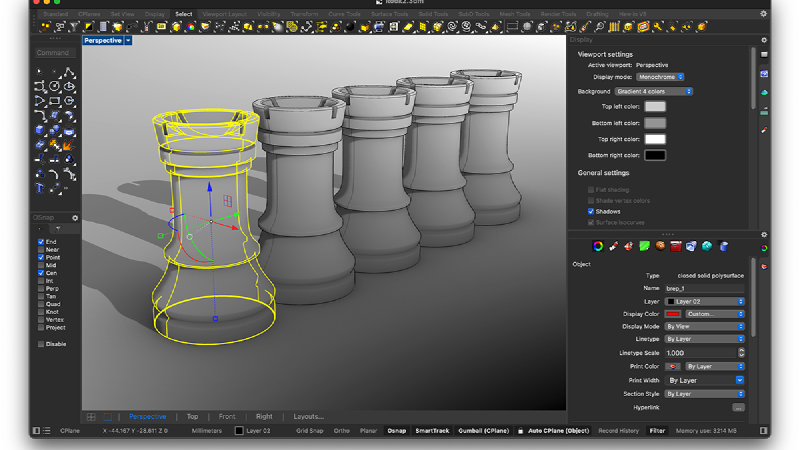
Switch the Rhino User Interface to the Dark Side.
Entirely new editor for Python 3 and C#, in Rhino and Grasshopper.
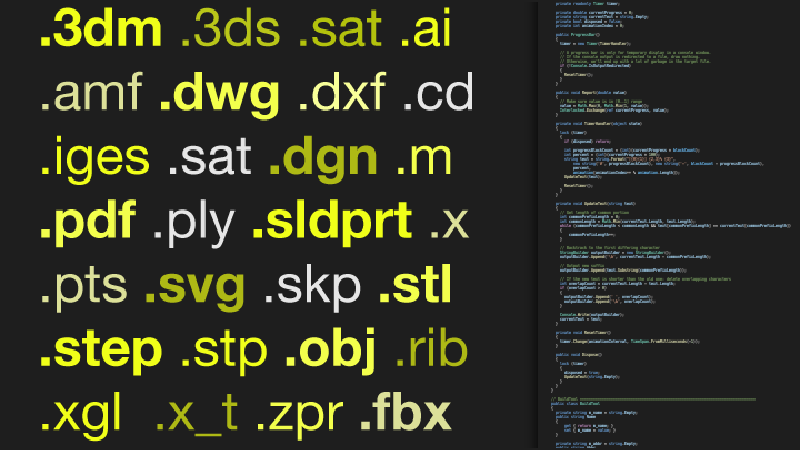
Read/write any format that Rhino supports entirely through code.
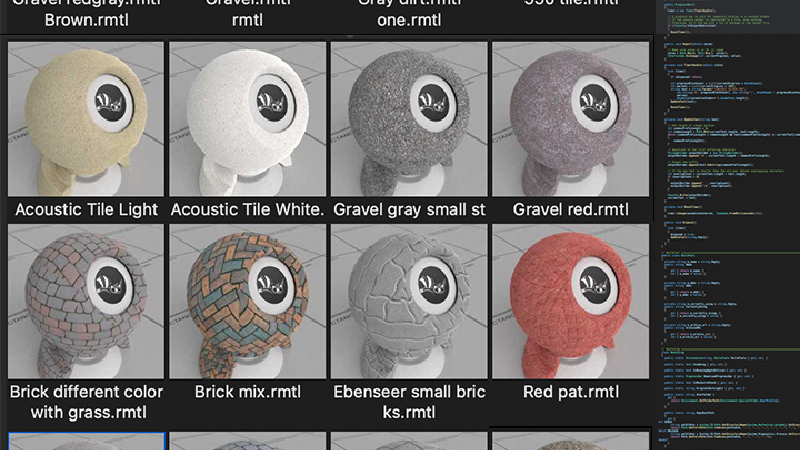
Read and write rendering assets from openNURBS or rhino3dm.

Target Microsoft .NET 7 on both Windows and Rhino for Mac.
New APIs for Shrinkwrap, Flair, Code-Driven File IO, and more...



